 flowmance
Premium Webflow Templates for Modern Websites
Launch faster with professionally designed Webflow templates for agencies, portfolios, SaaS products, startups, consulting firms and more. Every design is built to be customized visually and adapted to your brand.
Explore 400+ Webflow templates
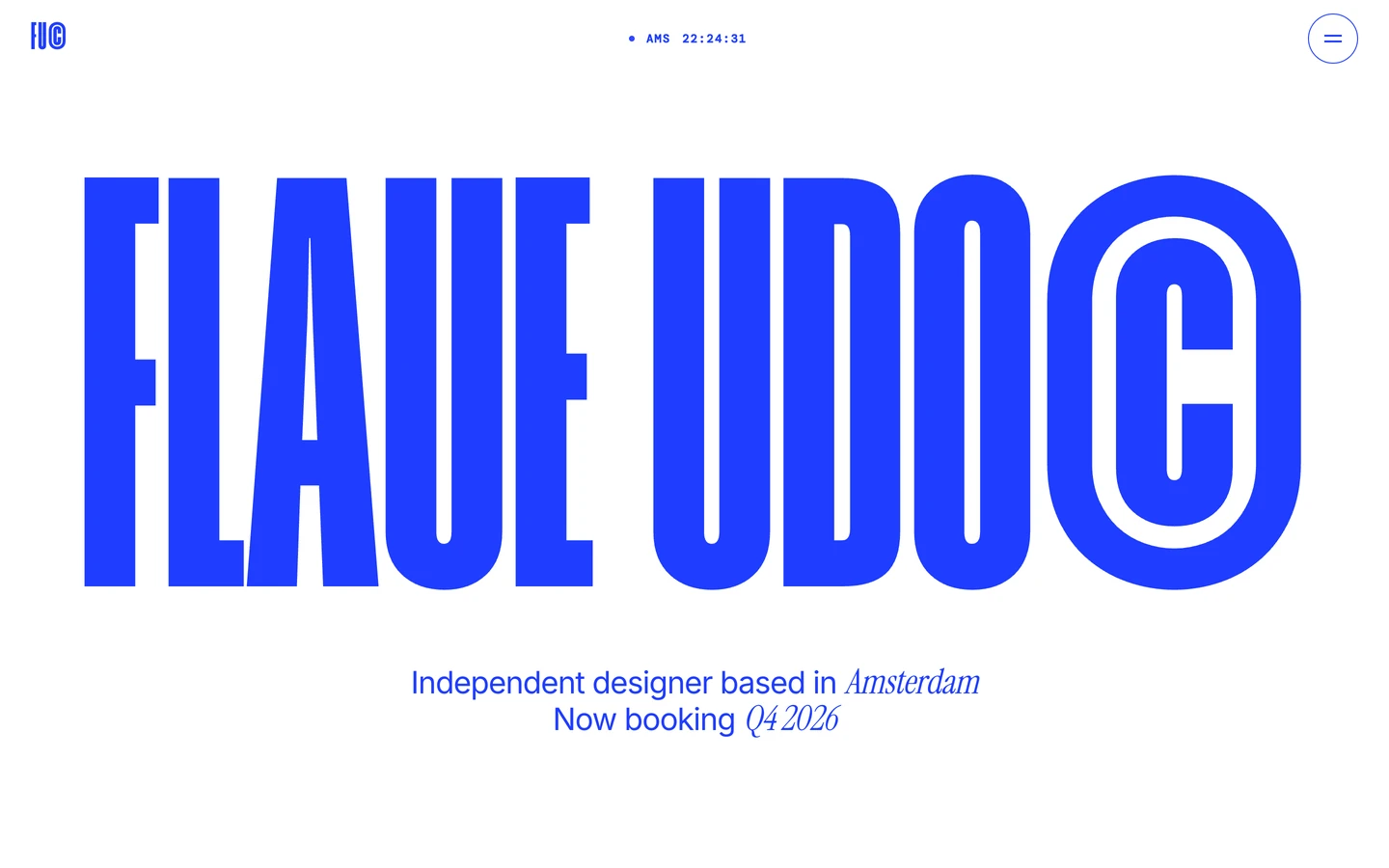
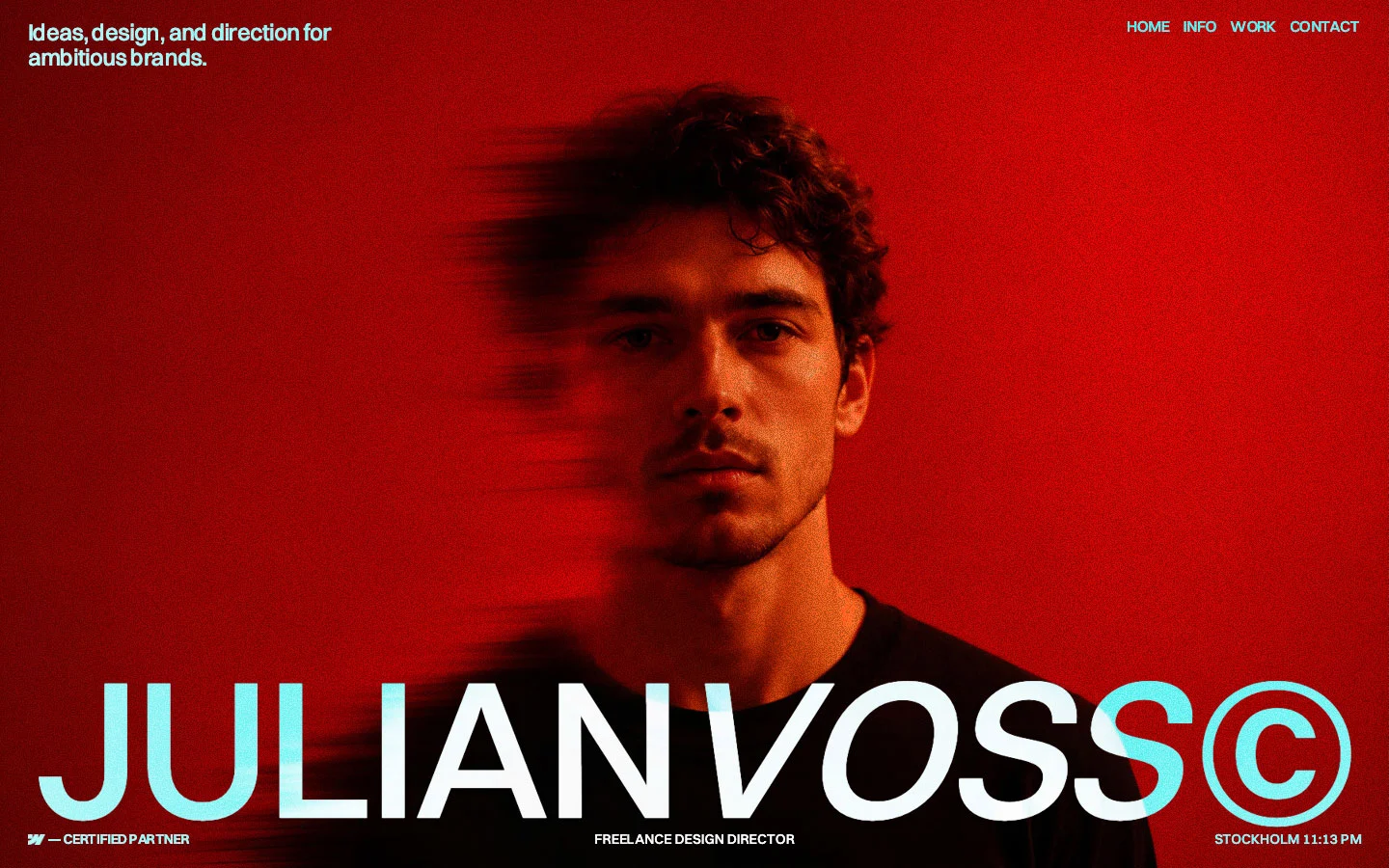
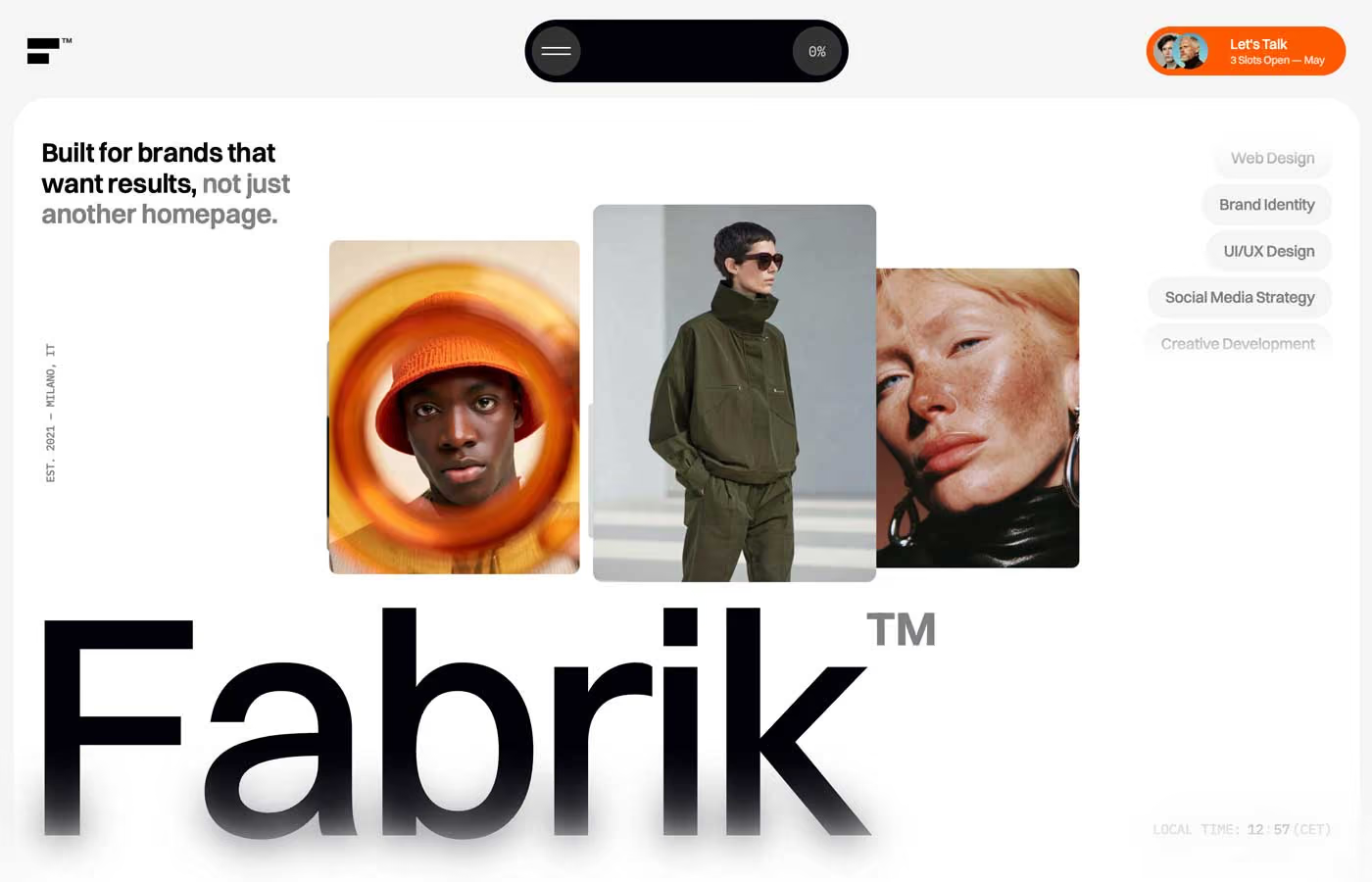
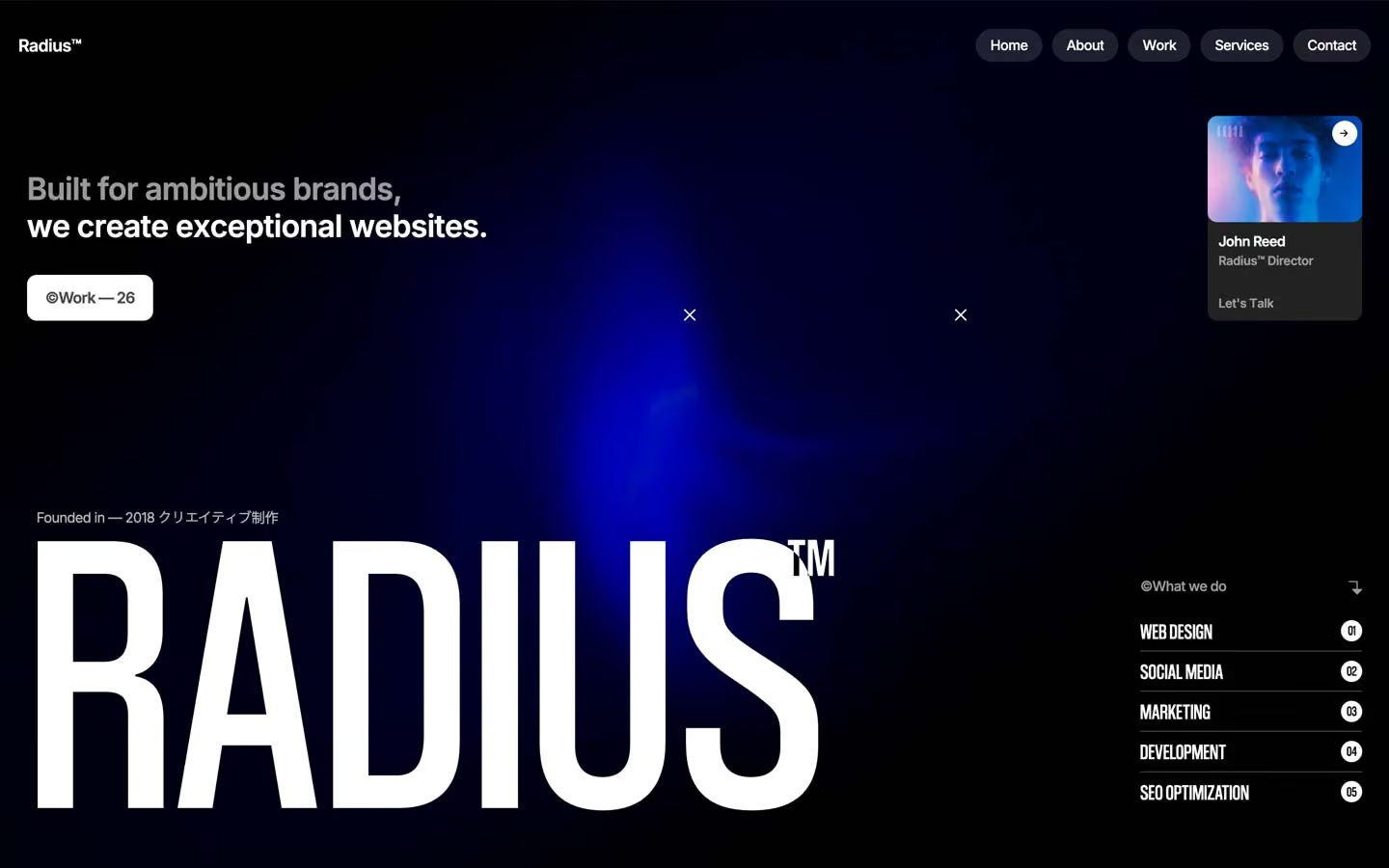
Browse Flowmance designs available in Webflow. The library covers creative, business and product-focused websites, with new releases and multi-platform versions added over time. From $29 to $169, a few free, all included in All Access.
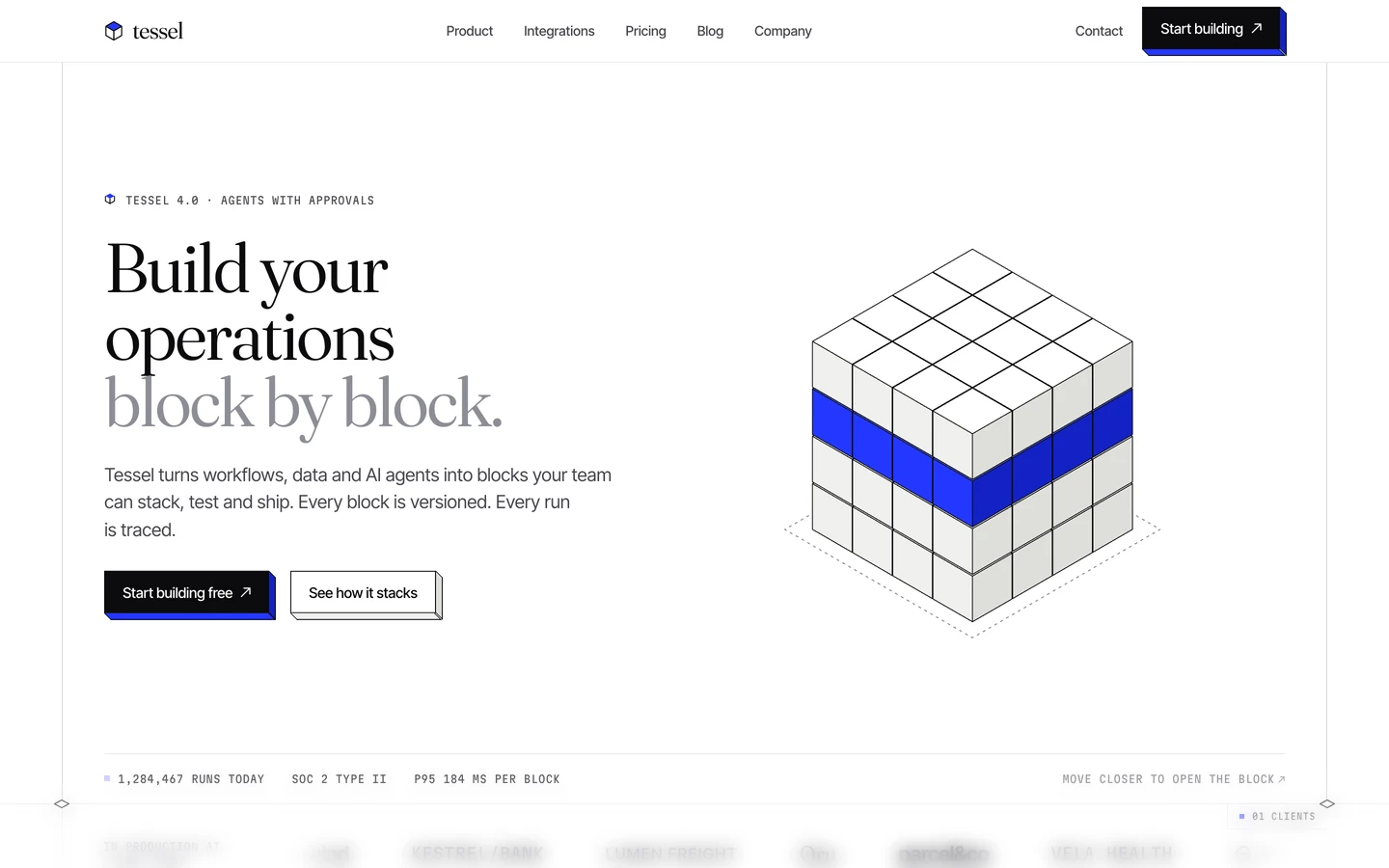
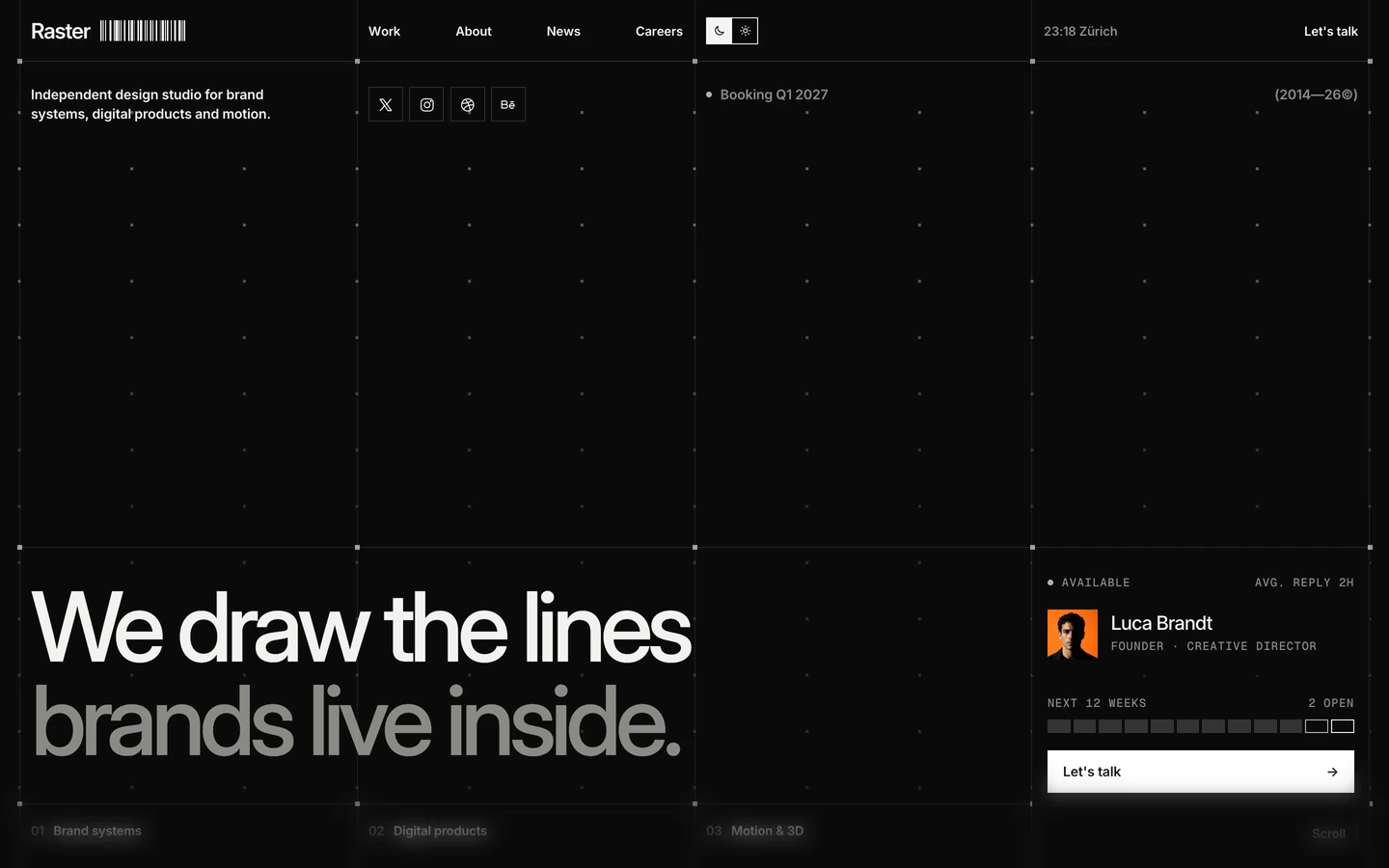
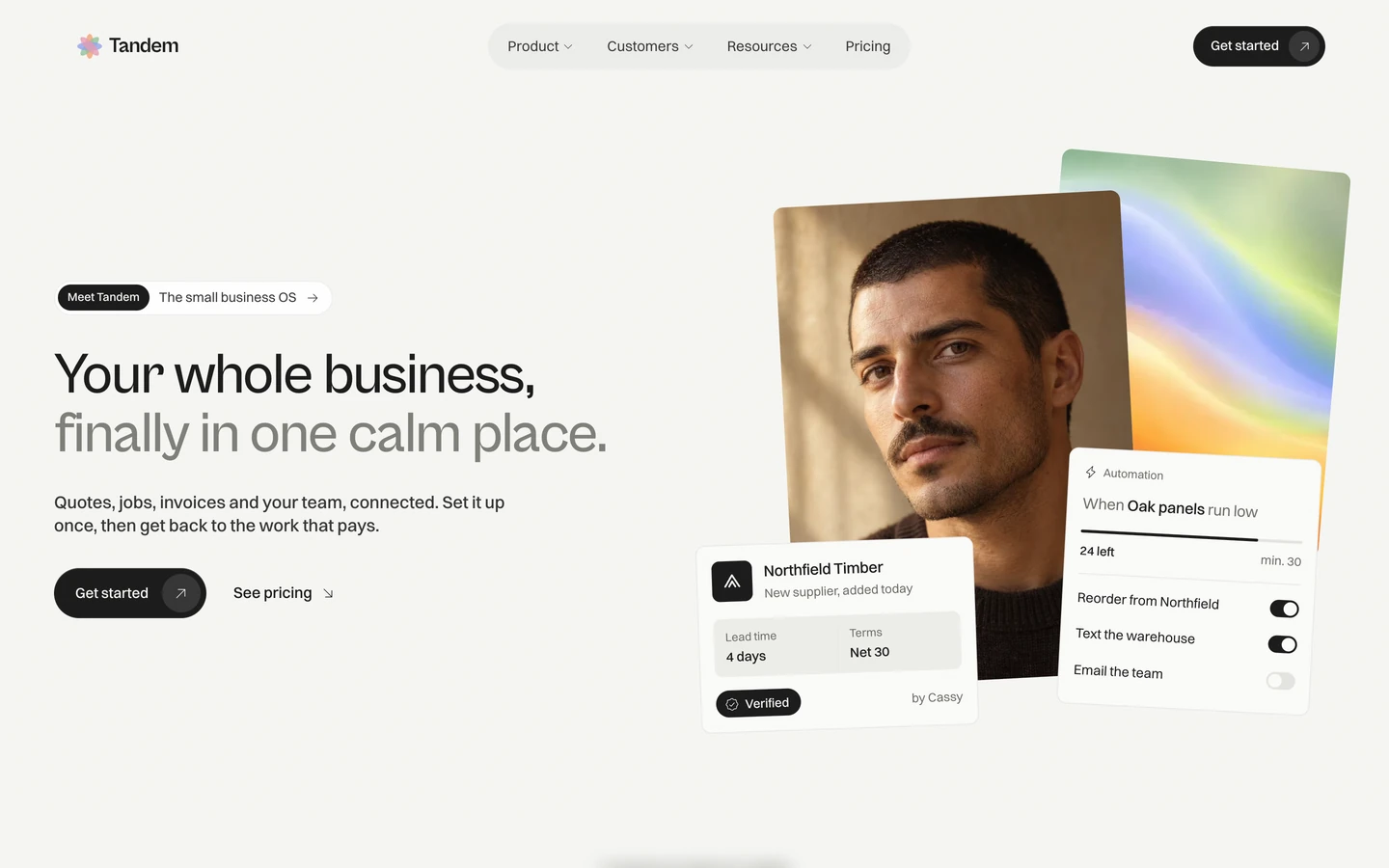
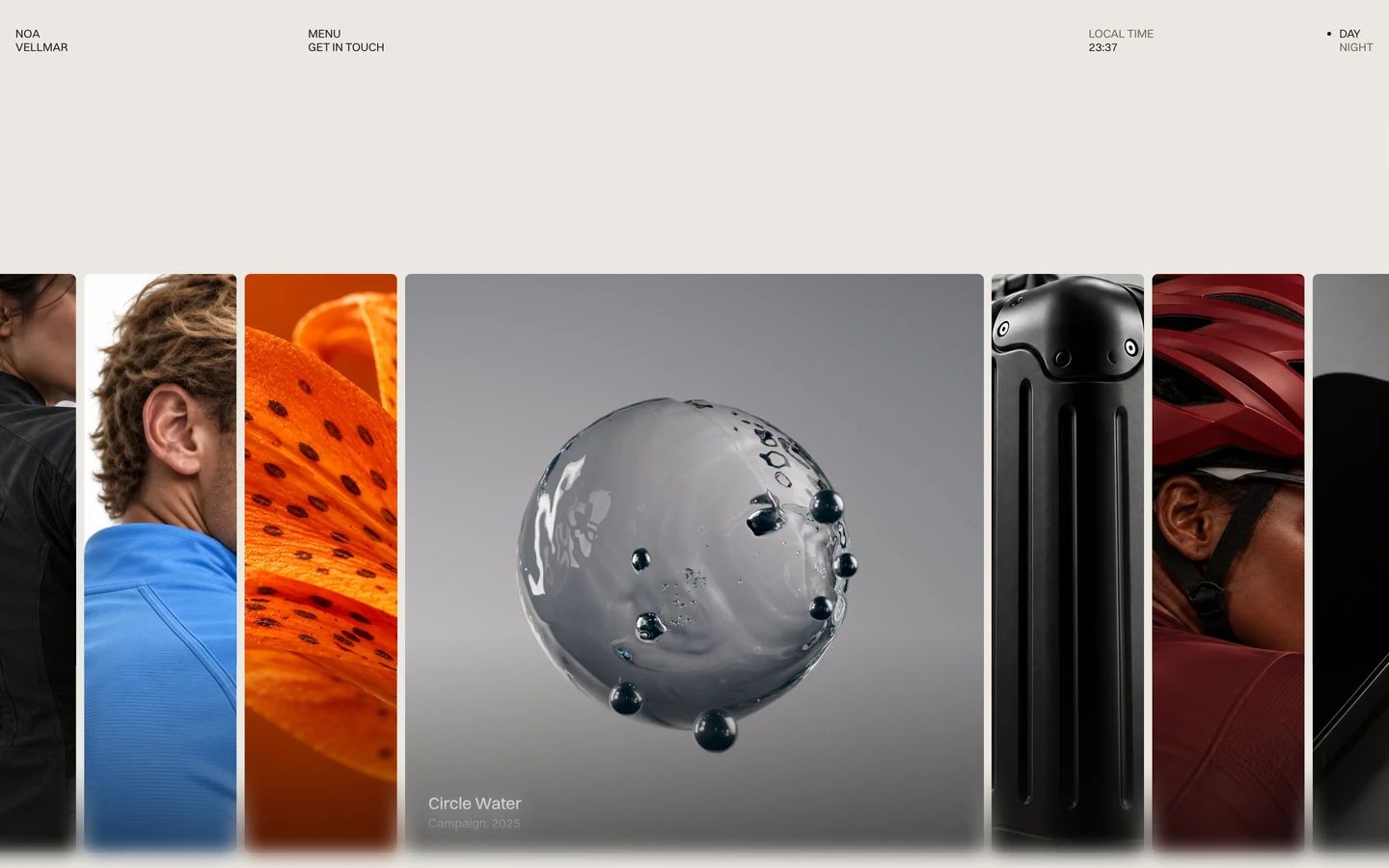
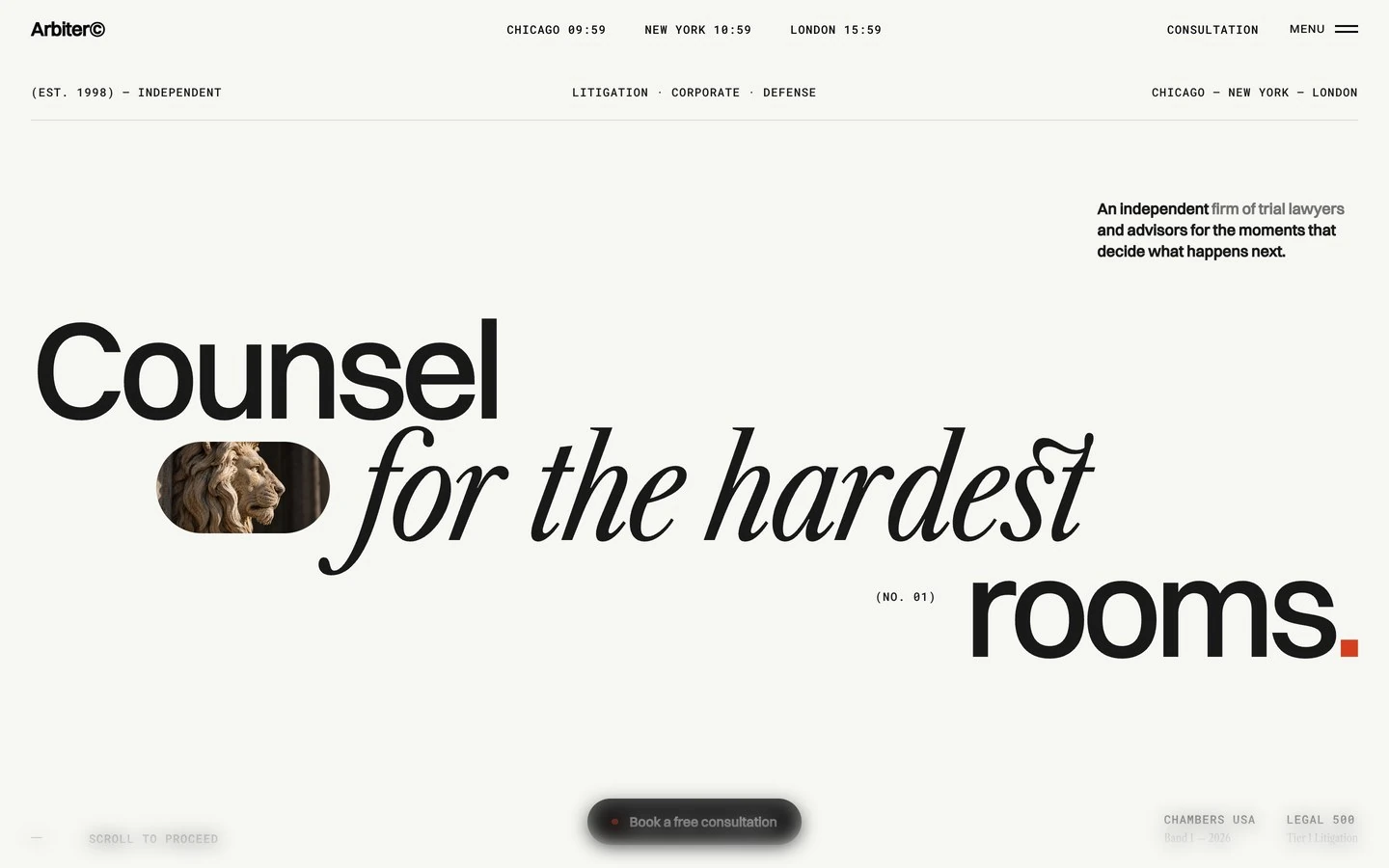
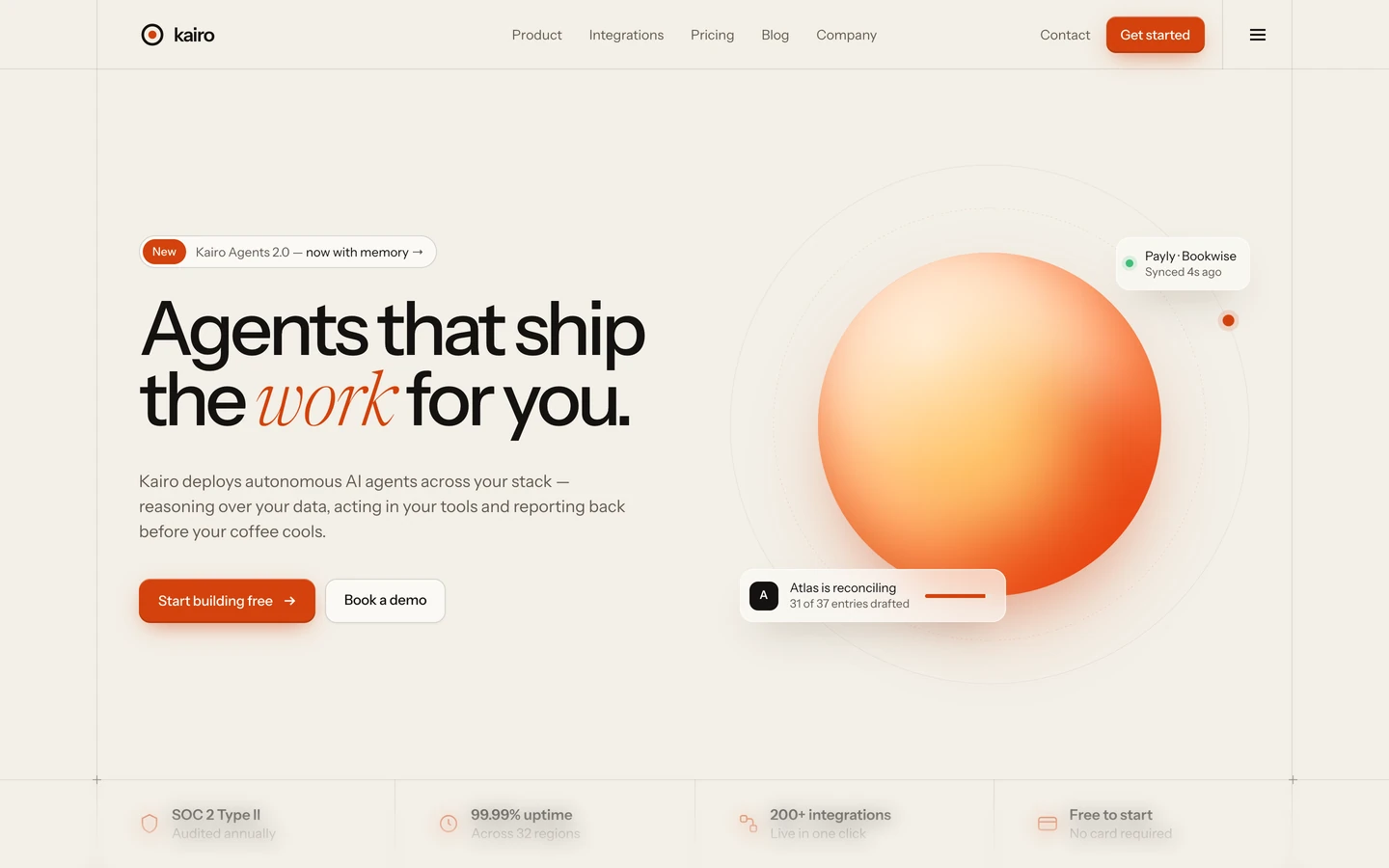
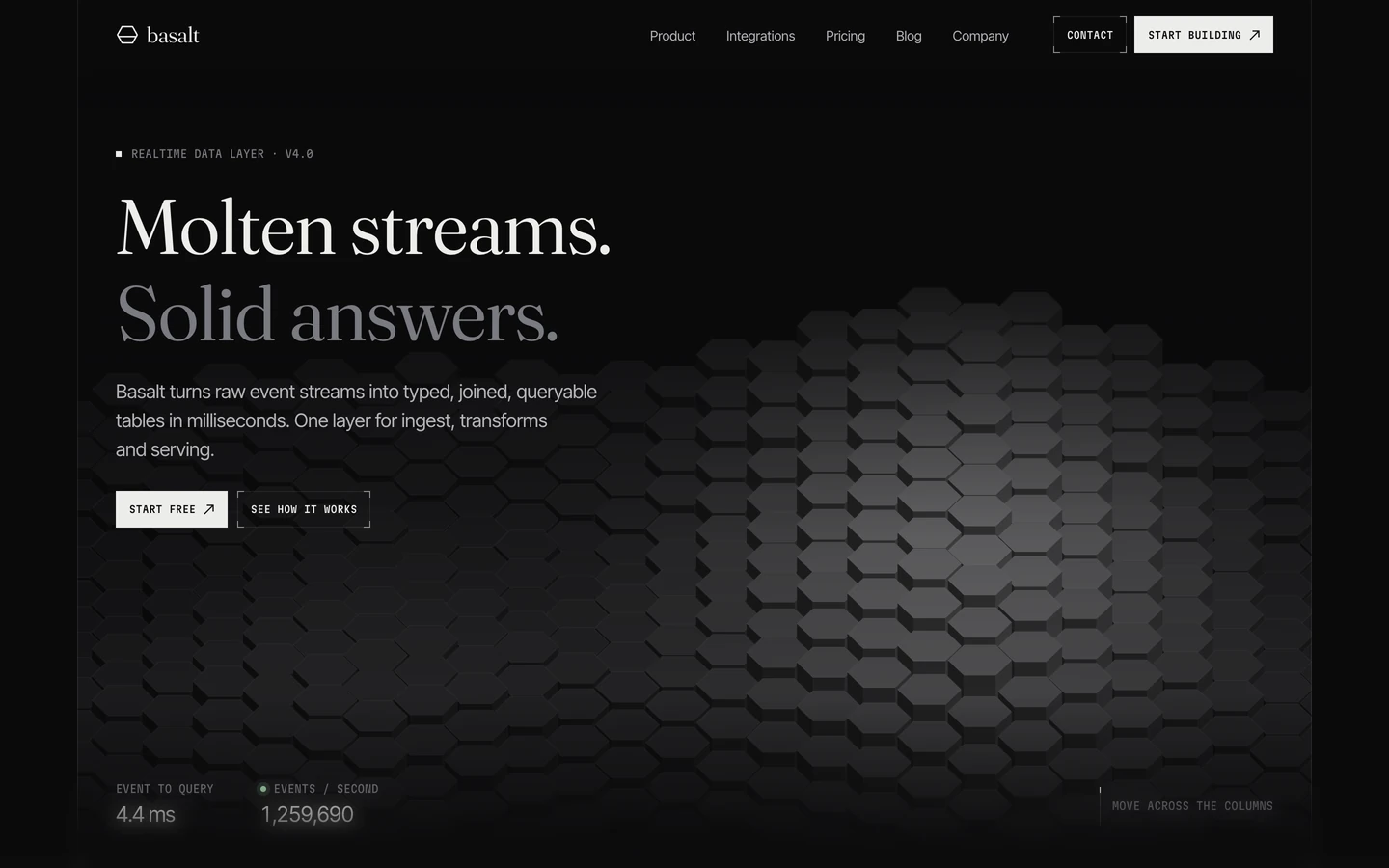
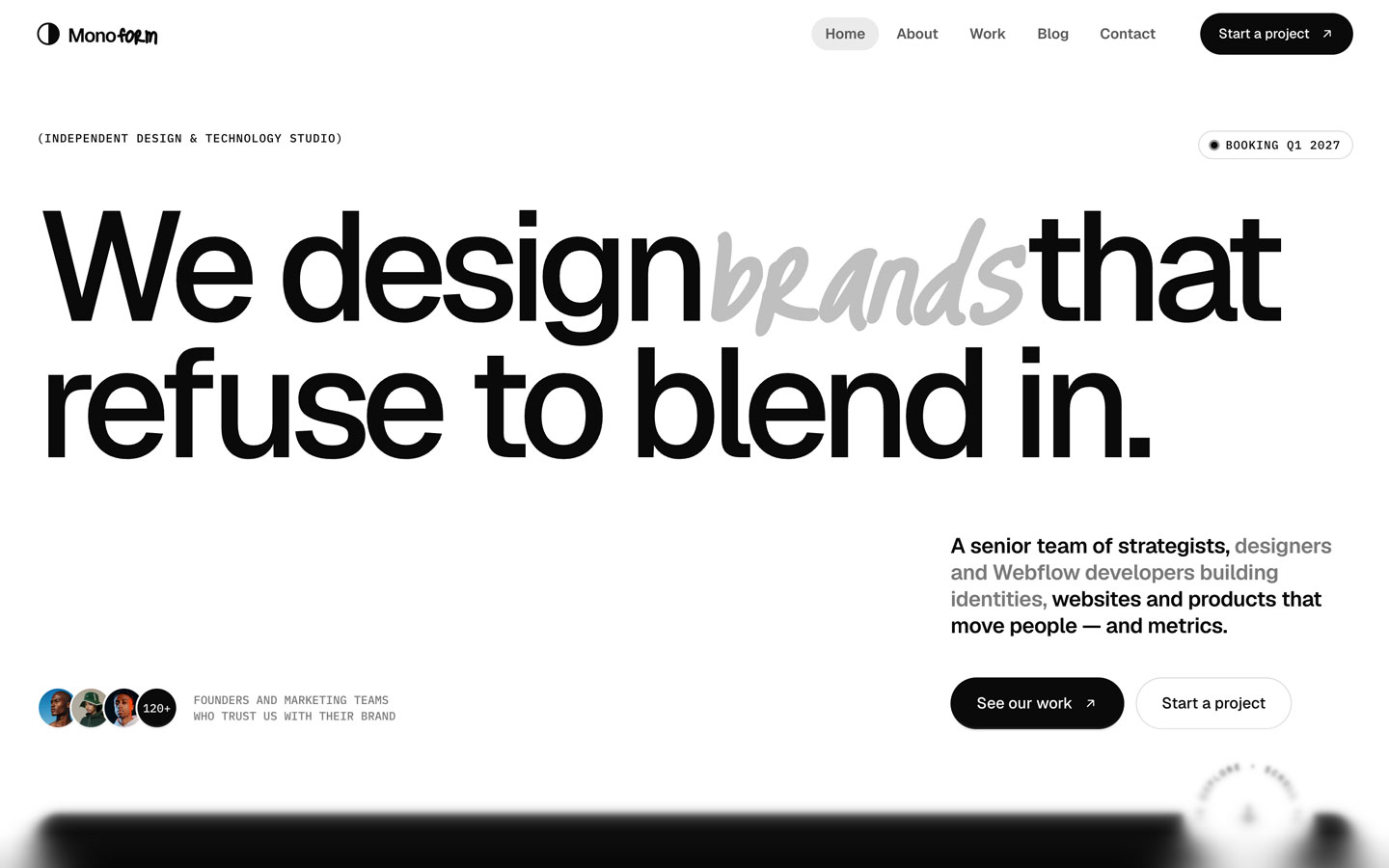


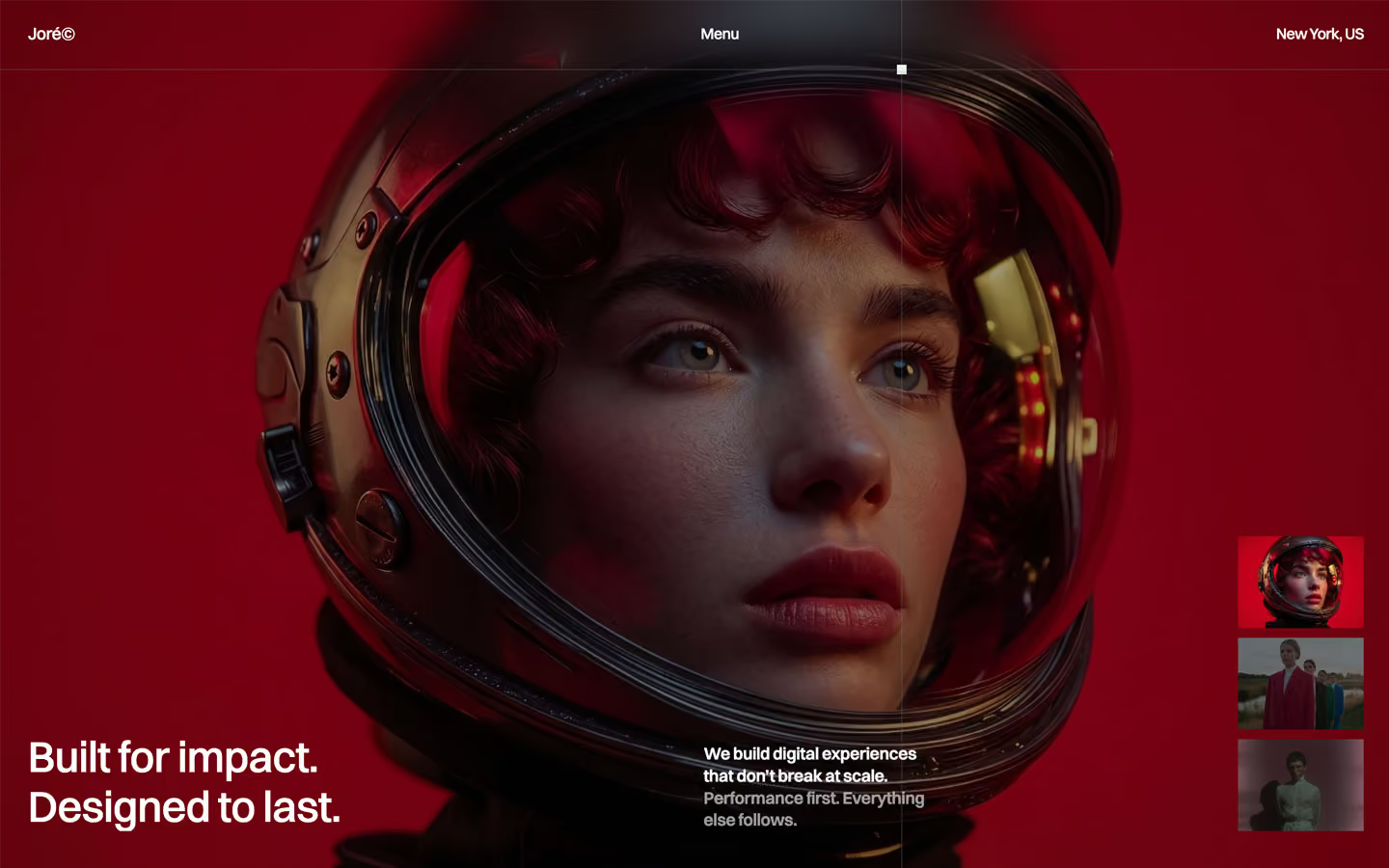
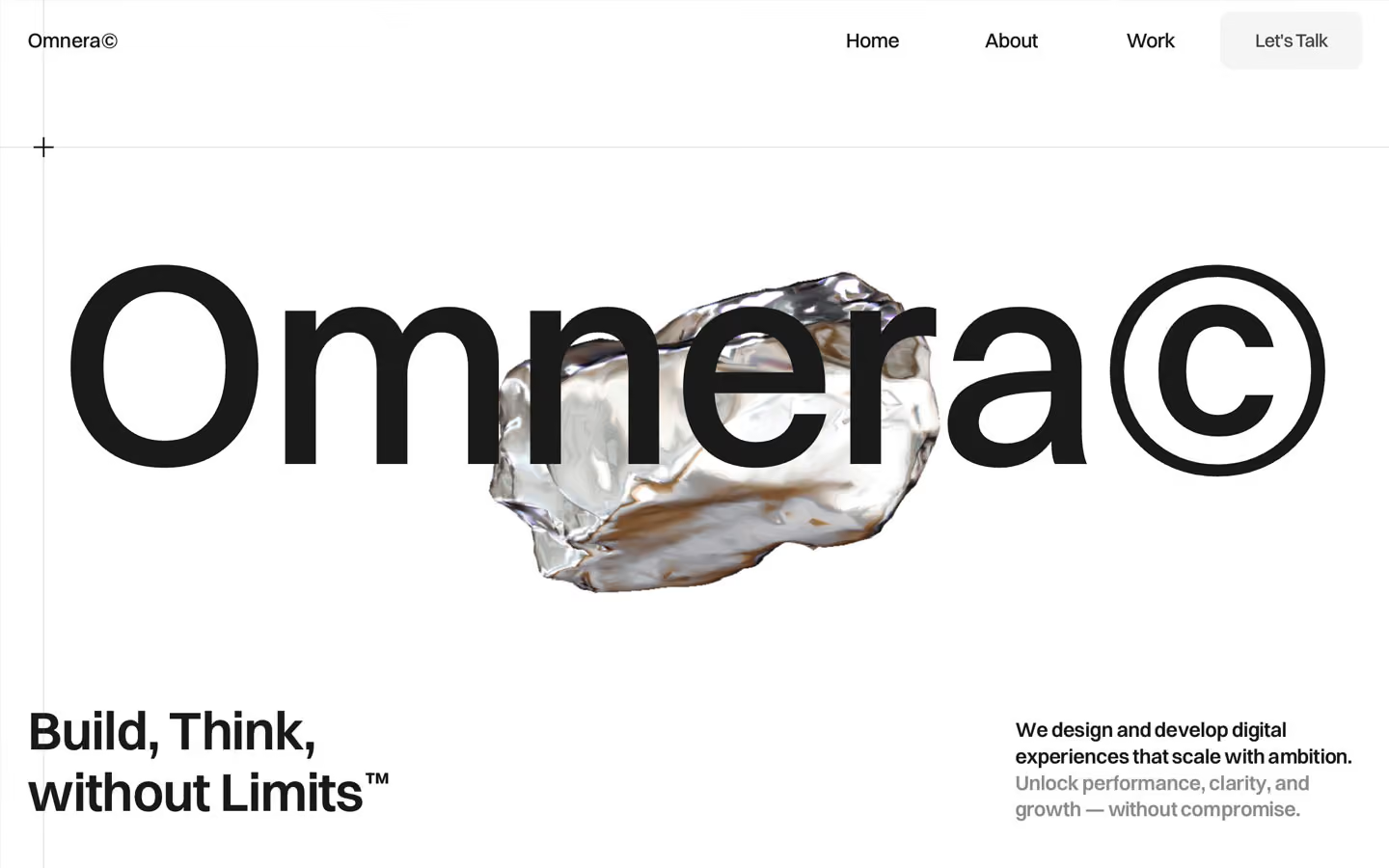
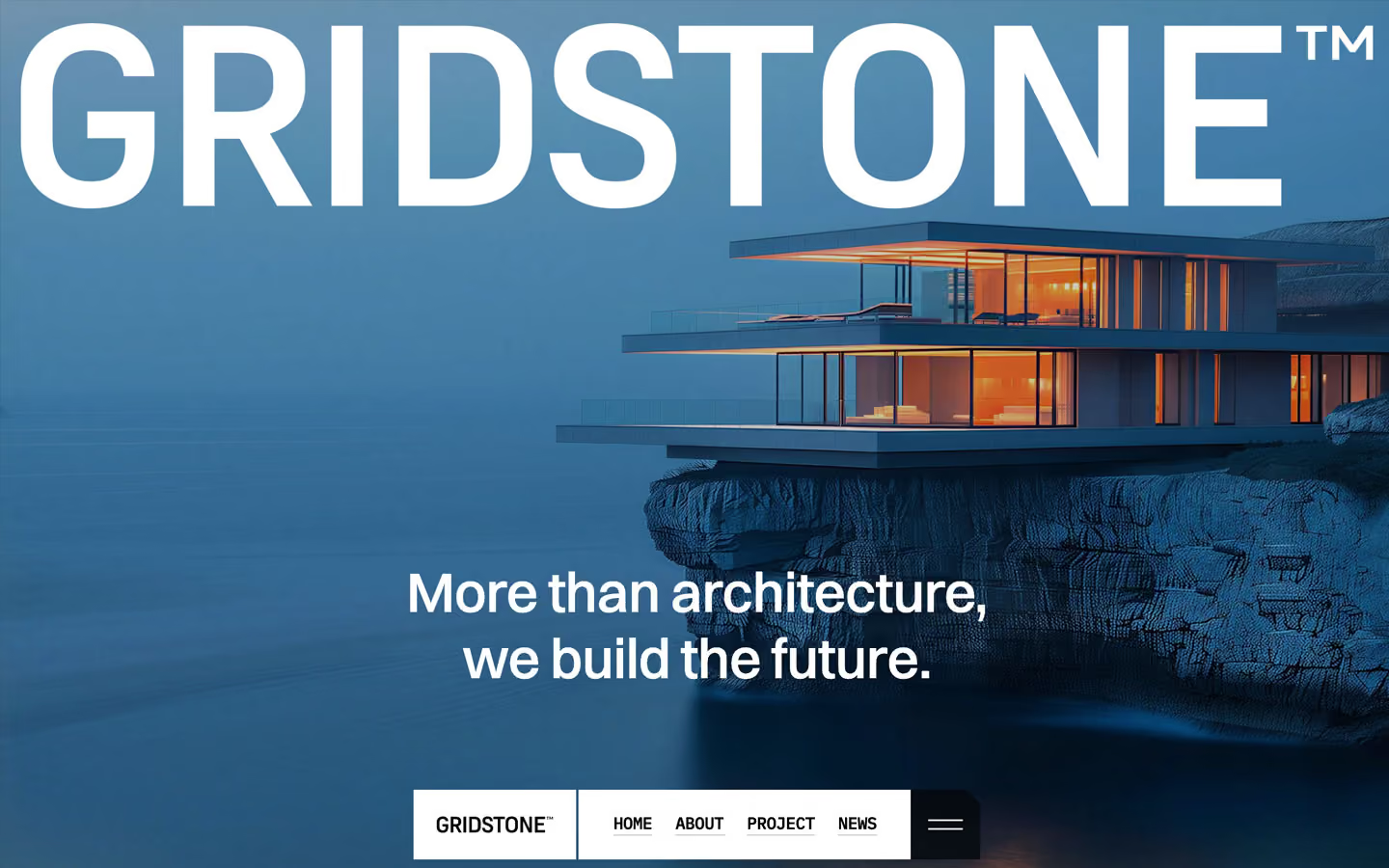
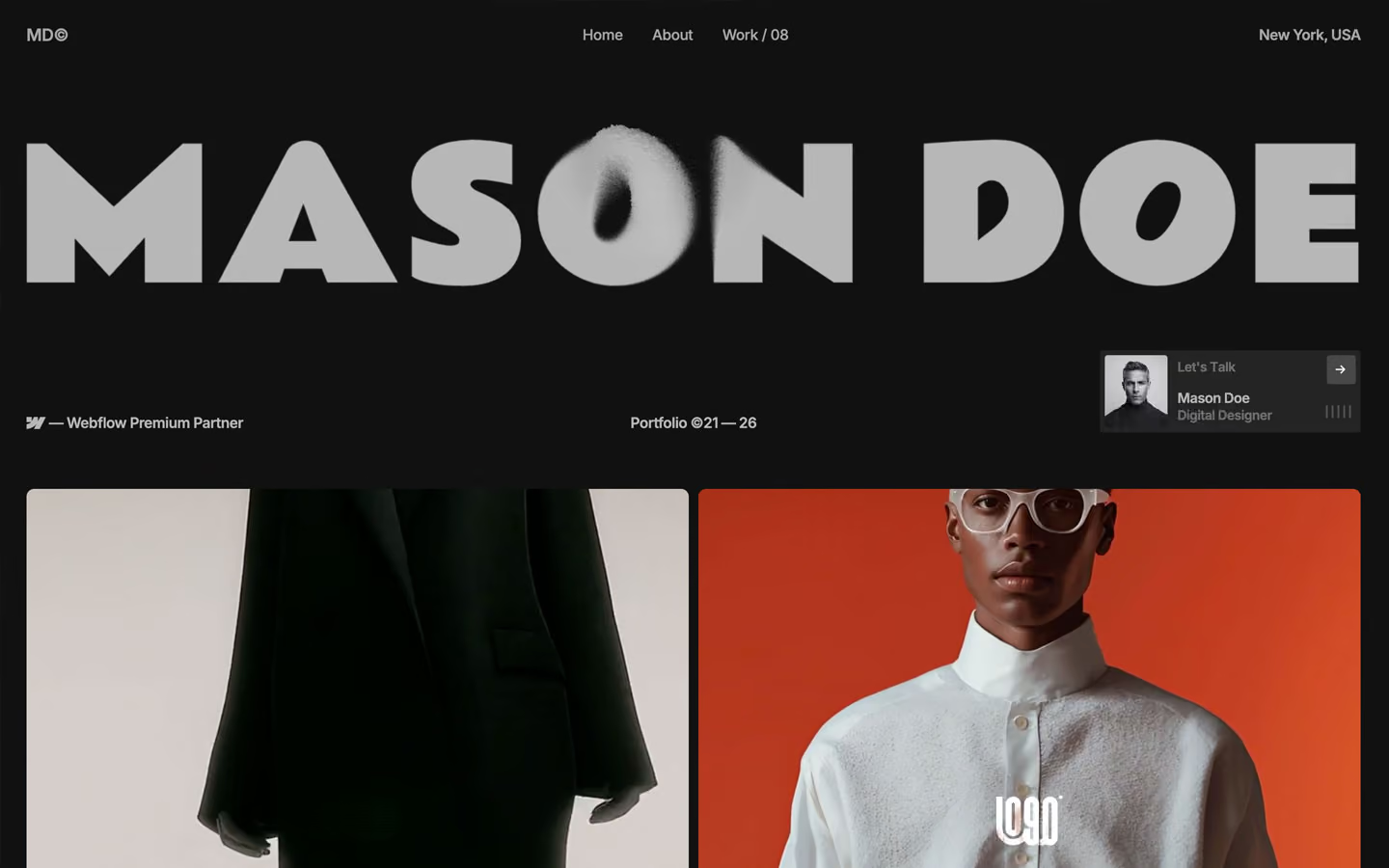

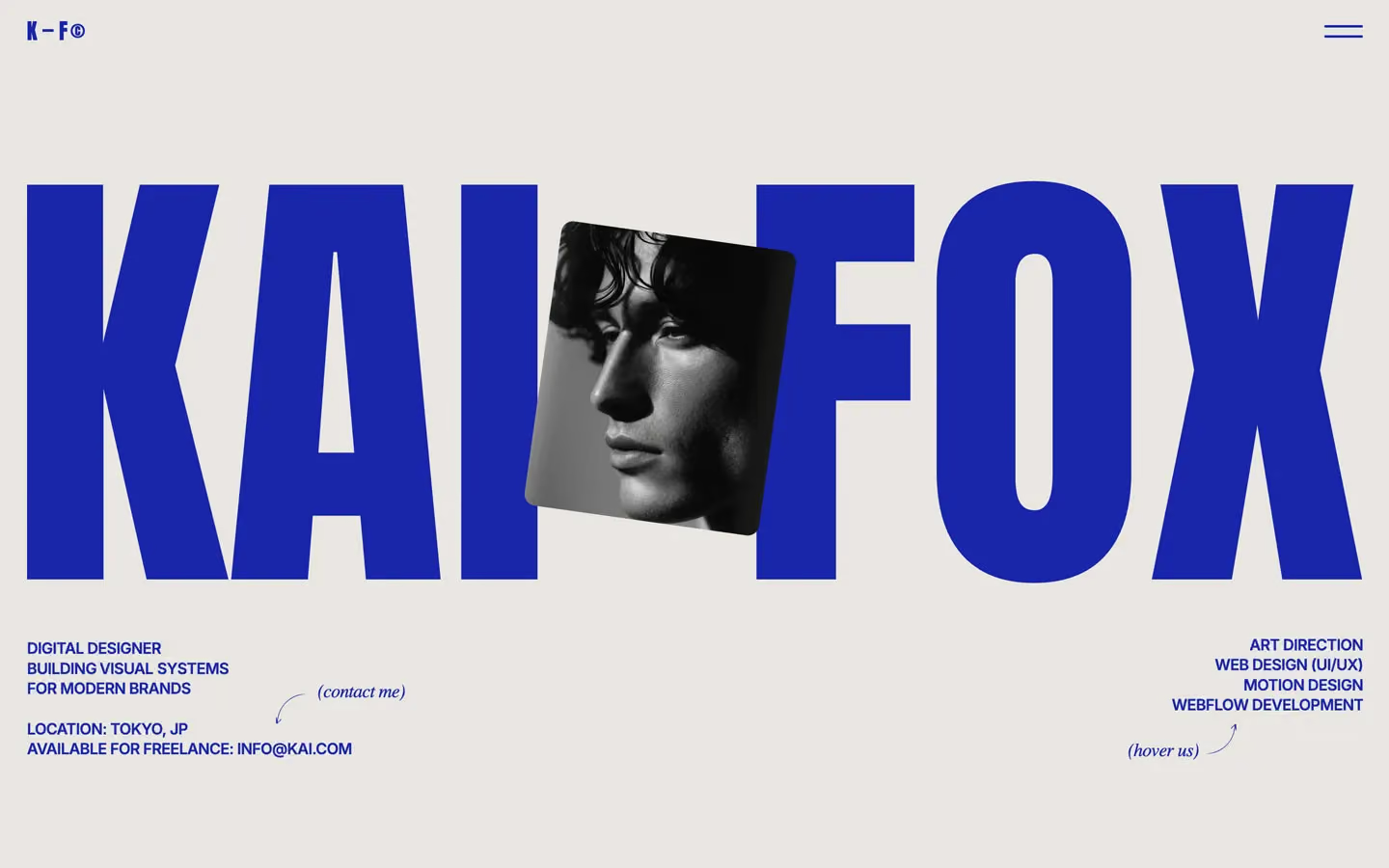
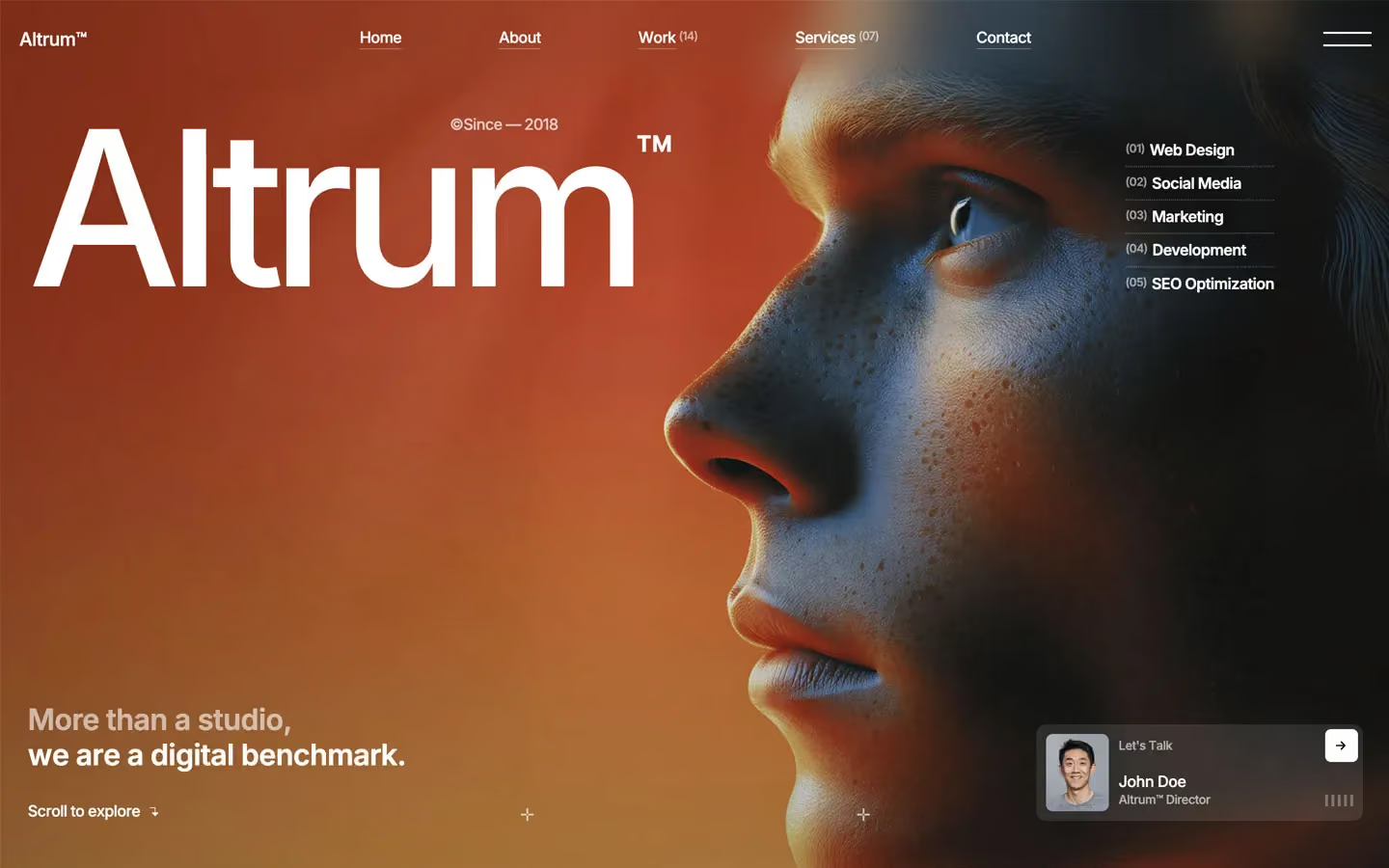
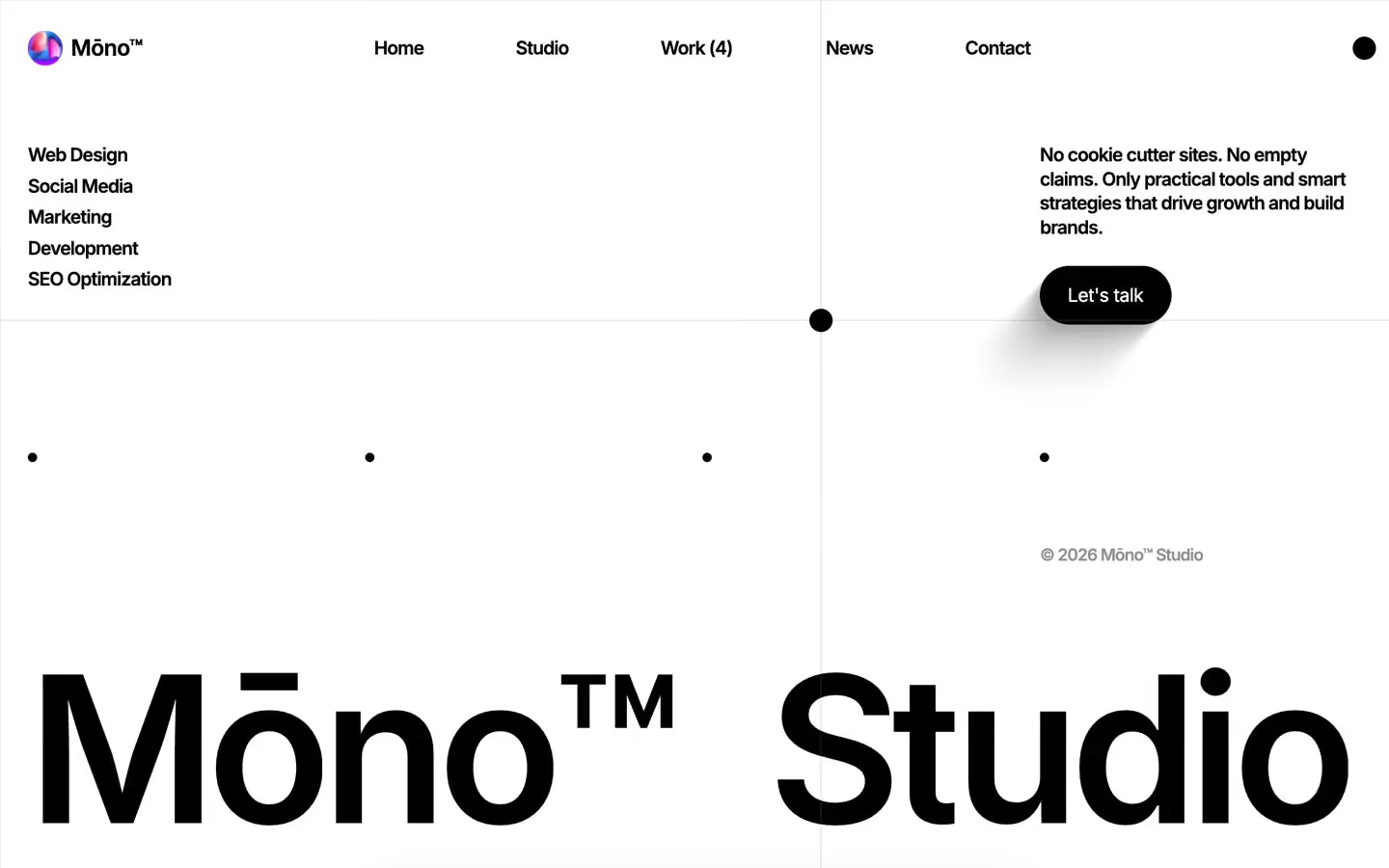
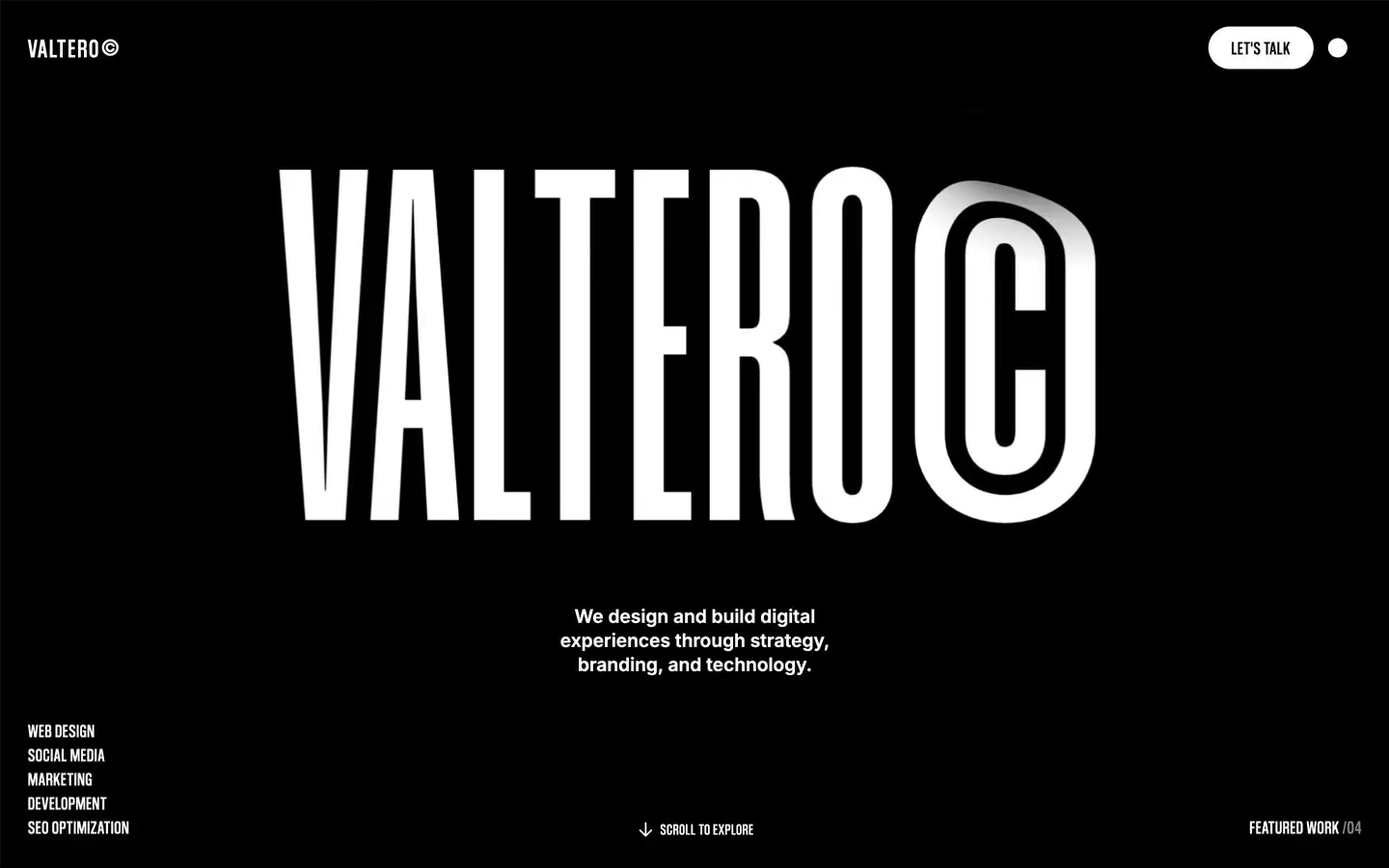
Try another category, or clear the filters.
Showing 24 of 401
Why Webflow
Design visually without giving up structure
Webflow combines a visual development workflow with responsive layout controls, reusable components, interactions and CMS content. A well-built template removes repetitive setup while leaving the design system open for customization.
For agencies and in-house teams, that means a faster path from concept to a production website without locking every content or layout change behind a traditional development workflow.
Choosing a template
How to choose a Webflow template
- 01
A foundation, not a finished brand
Skip rebuilding page structure, responsive behavior and visual systems from scratch. Then swap the content, typography, colors and sections to make it yours.
- 02
Choose the design, then the platform
Pick the design that fits your project first. Many Flowmance templates also come in Framer, Figma and HTML, so you can work where your team is fastest.
- 03
Look beyond the homepage
Check the inner pages, mobile navigation and CMS structure, not just the homepage. The best template matches the site you will maintain after launch.
WEBFLOW TEMPLATE LIBRARY
A faster way to build a professional Webflow website
Starting from a Webflow template can save the time normally spent recreating common page structures, responsive behavior and visual systems from scratch. Instead of treating the template as a finished brand, use it as a flexible foundation: replace the content, adjust typography and colors, reorder sections, refine interactions and connect the CMS to the content your website actually needs.
Flowmance templates span portfolios, creative studios, agencies, SaaS products, startups, professional services and other common website types. Many designs also have versions for Framer, Figma, HTML or other formats, so teams can choose a design first and then work in the platform that fits the project.
When evaluating a template, look beyond the homepage. Check the project or service pages, mobile navigation, CMS structure, interaction behavior and the amount of content you realistically have. The best template is the one whose underlying structure matches the website you need to maintain after launch.
FAQ
Webflow template questions
How much does a Webflow template cost?
Flowmance Webflow templates range from $29 to $169, most cost $79 and a few are free. All Access gives you every template on every platform in one plan.
Should I choose a Webflow or Framer template?
Choose Webflow if you need a CMS, structured content and fine control over layout and interactions. Framer suits fast, design-led sites with lighter content needs. Many Flowmance designs come in both, so you can pick the design first.
Can I move a Webflow template to another platform?
A Webflow template stays in Webflow, but many Flowmance designs are also available as Framer, Figma, HTML or Next.js versions. The template page lists which formats exist for that design.
Can I fully customize a Flowmance Webflow template?
Yes. Webflow templates can be adapted through the Designer, including typography, colors, spacing, layouts, imagery and supported interactions. The amount of work depends on how far your final direction moves from the original design.
Do I need to know how to code?
Most template customization can be handled visually in Webflow. Custom code may still be useful for advanced integrations or behavior that goes beyond the template's existing functionality.
Do all Webflow templates include CMS?
No. CMS needs vary by template. Check the individual template page and preview to confirm whether the design includes CMS collections and which content types are structured dynamically.
Can I use a template for a client website?
Flowmance templates can be used for client work under the applicable template license. Check the license terms for the exact usage rights attached to your purchase or subscription.
What if the same design is available on another platform?
Some Flowmance designs have Webflow, Framer, Figma, HTML or other versions. The product page shows the formats currently available so you can choose the workflow that suits the project.
Platforms
Choose the platform that fits your workflow
Most designs come in several formats. Pick one platform, or get every template on all of them with All Access.
Get All Access