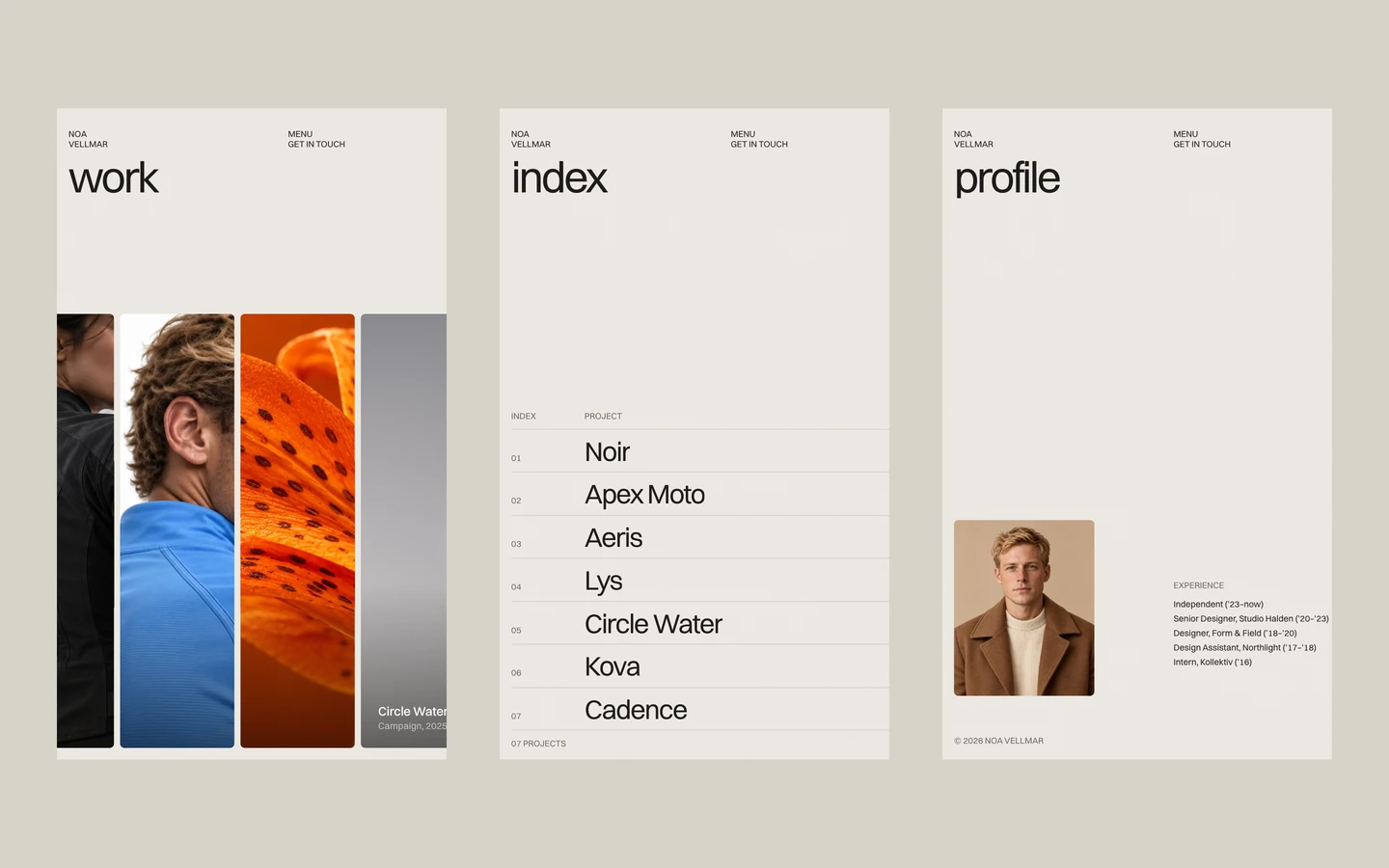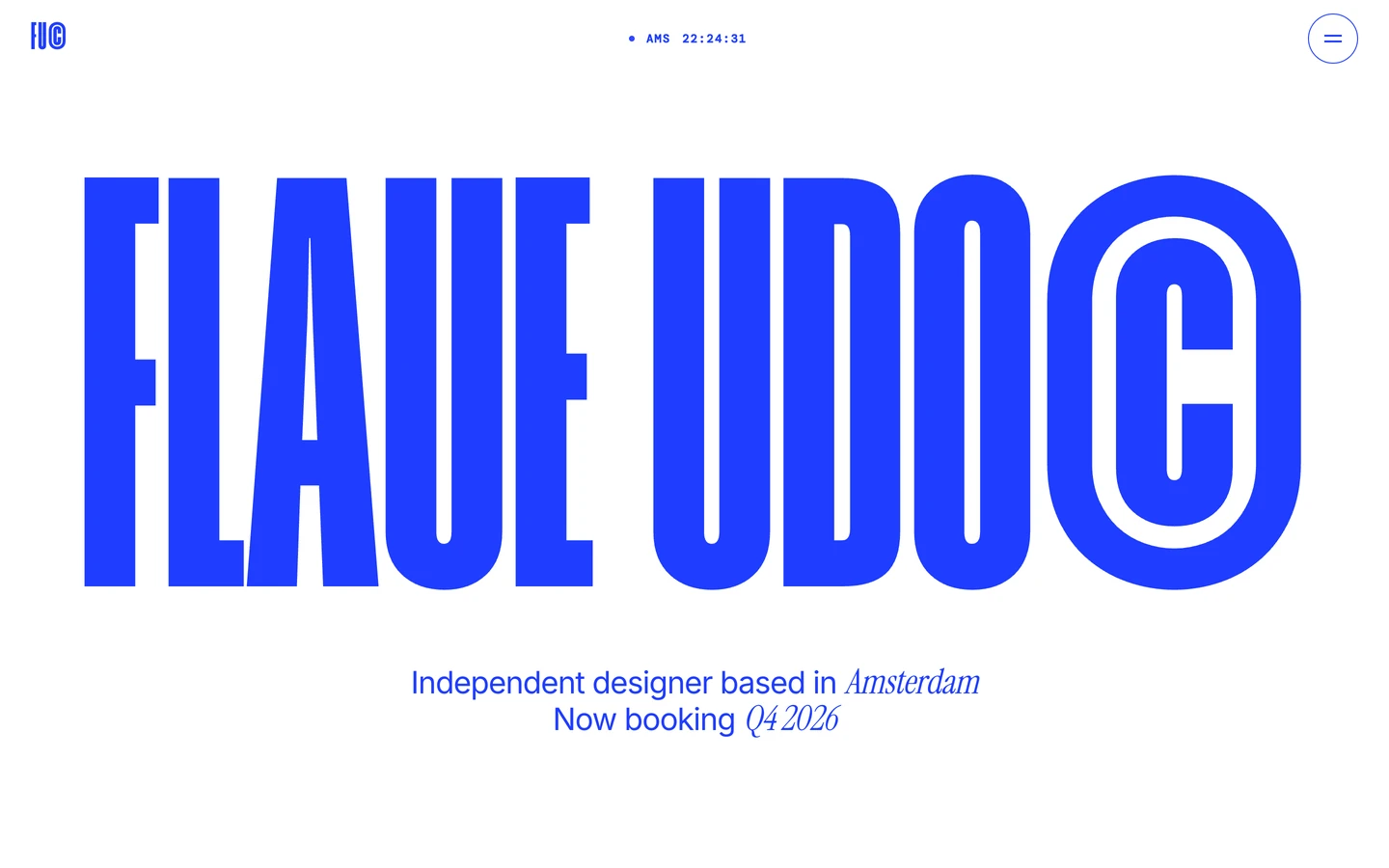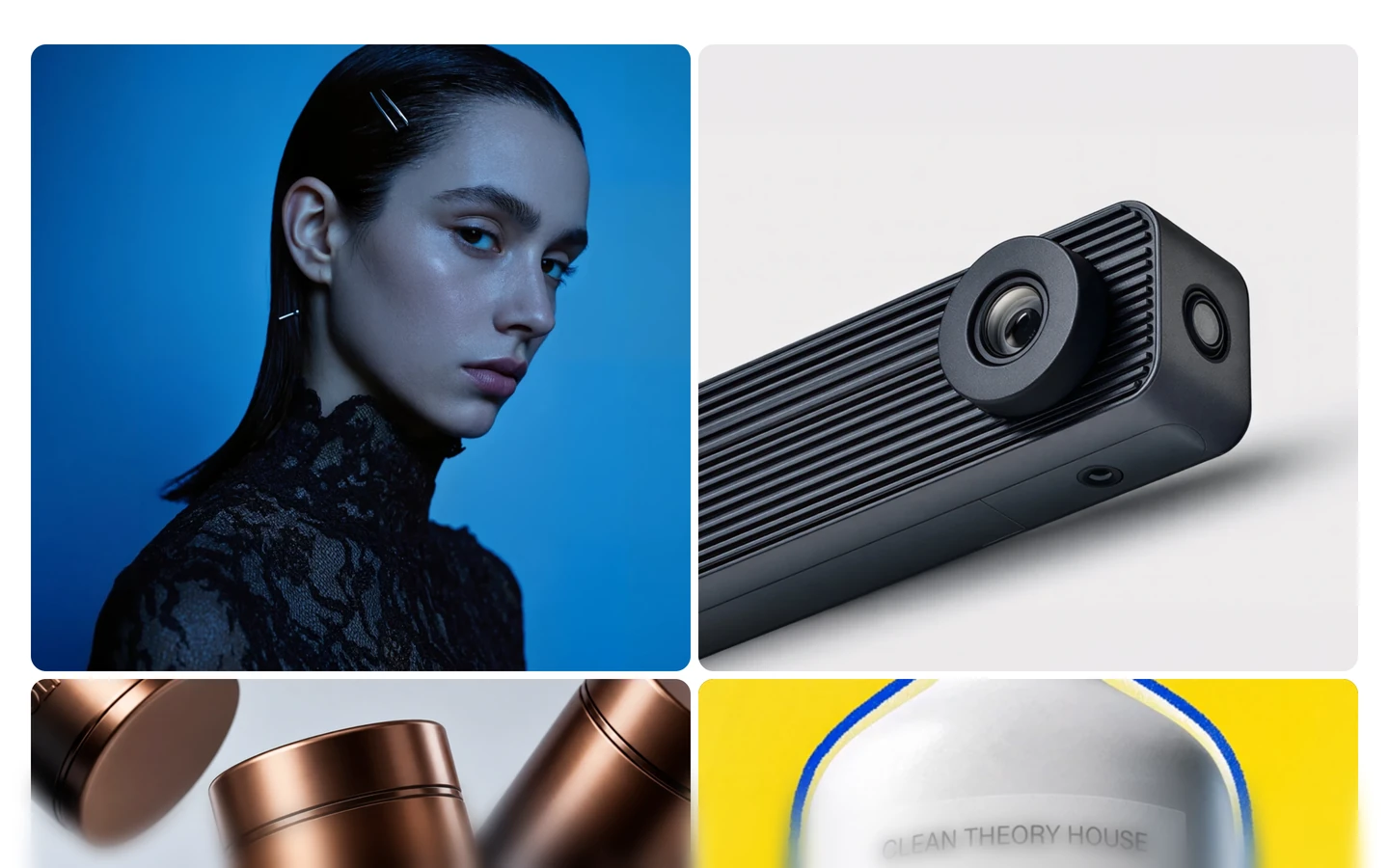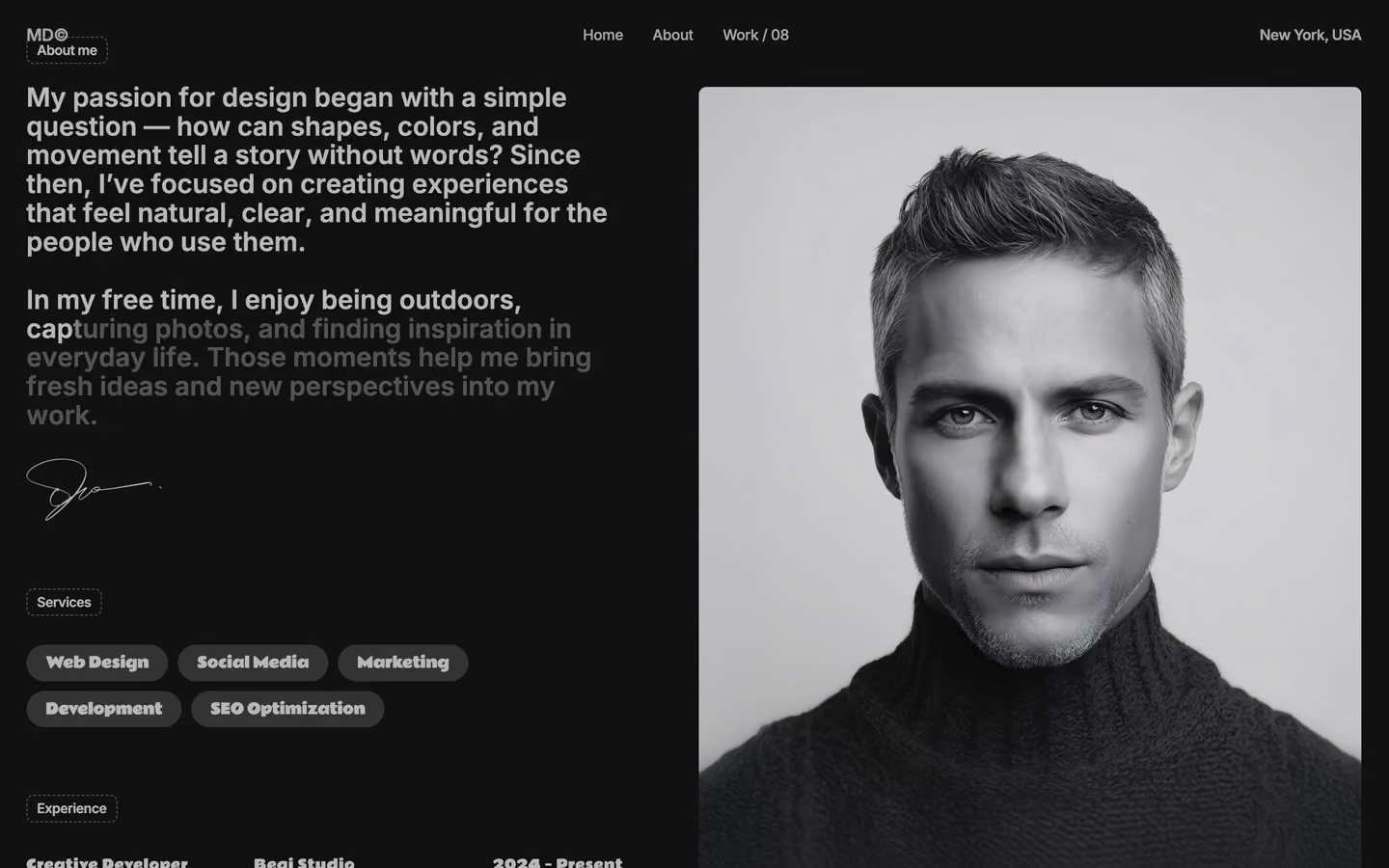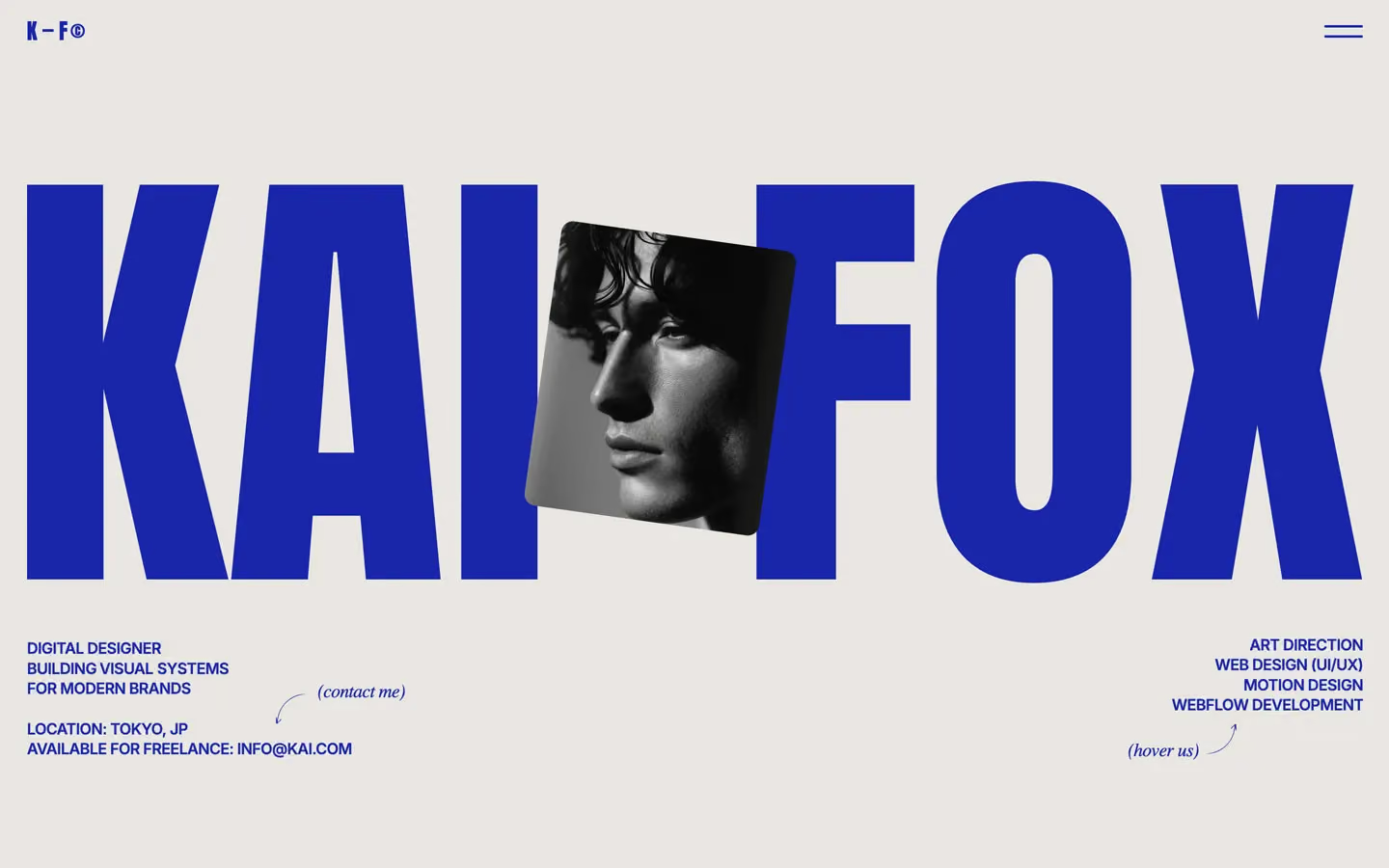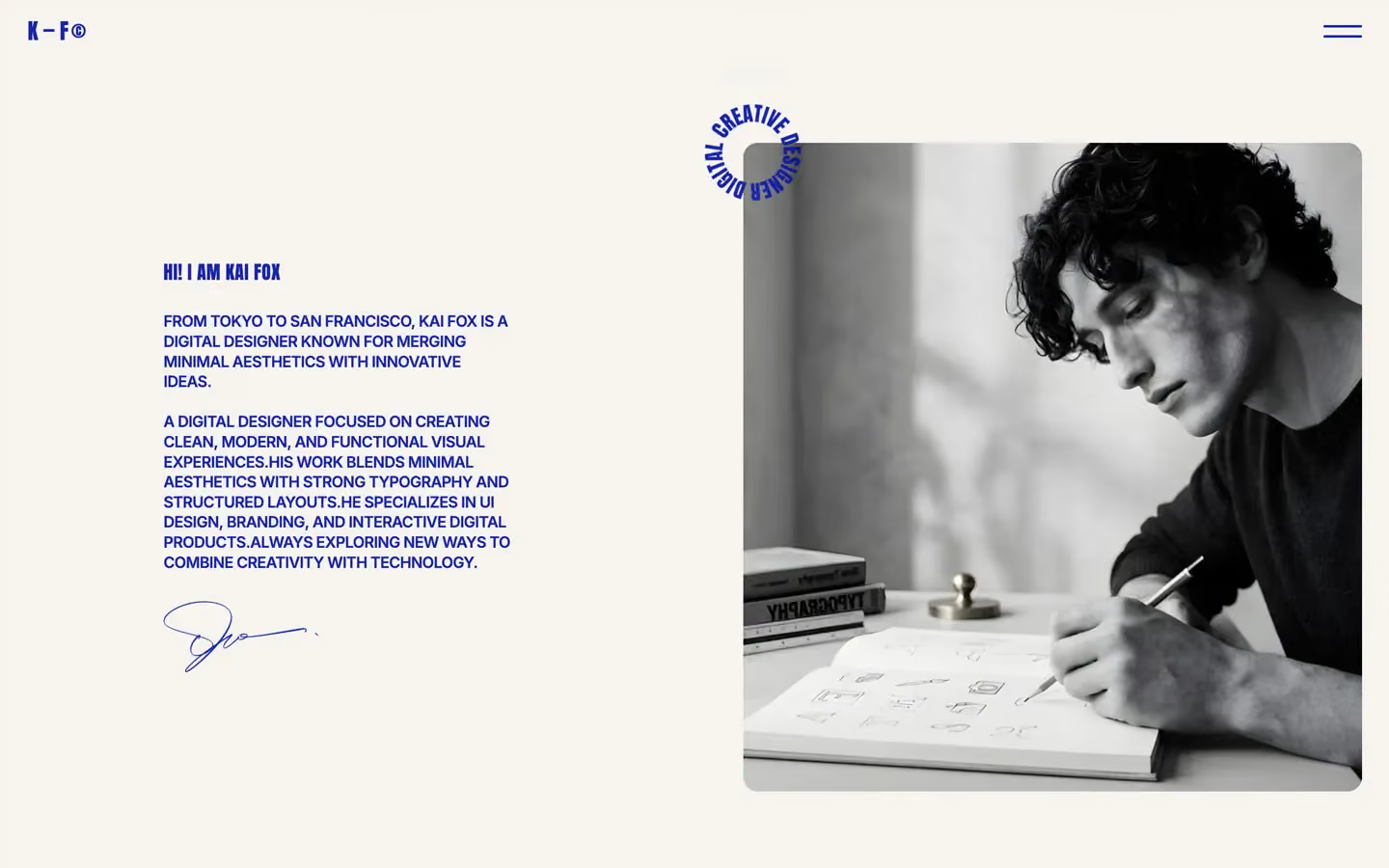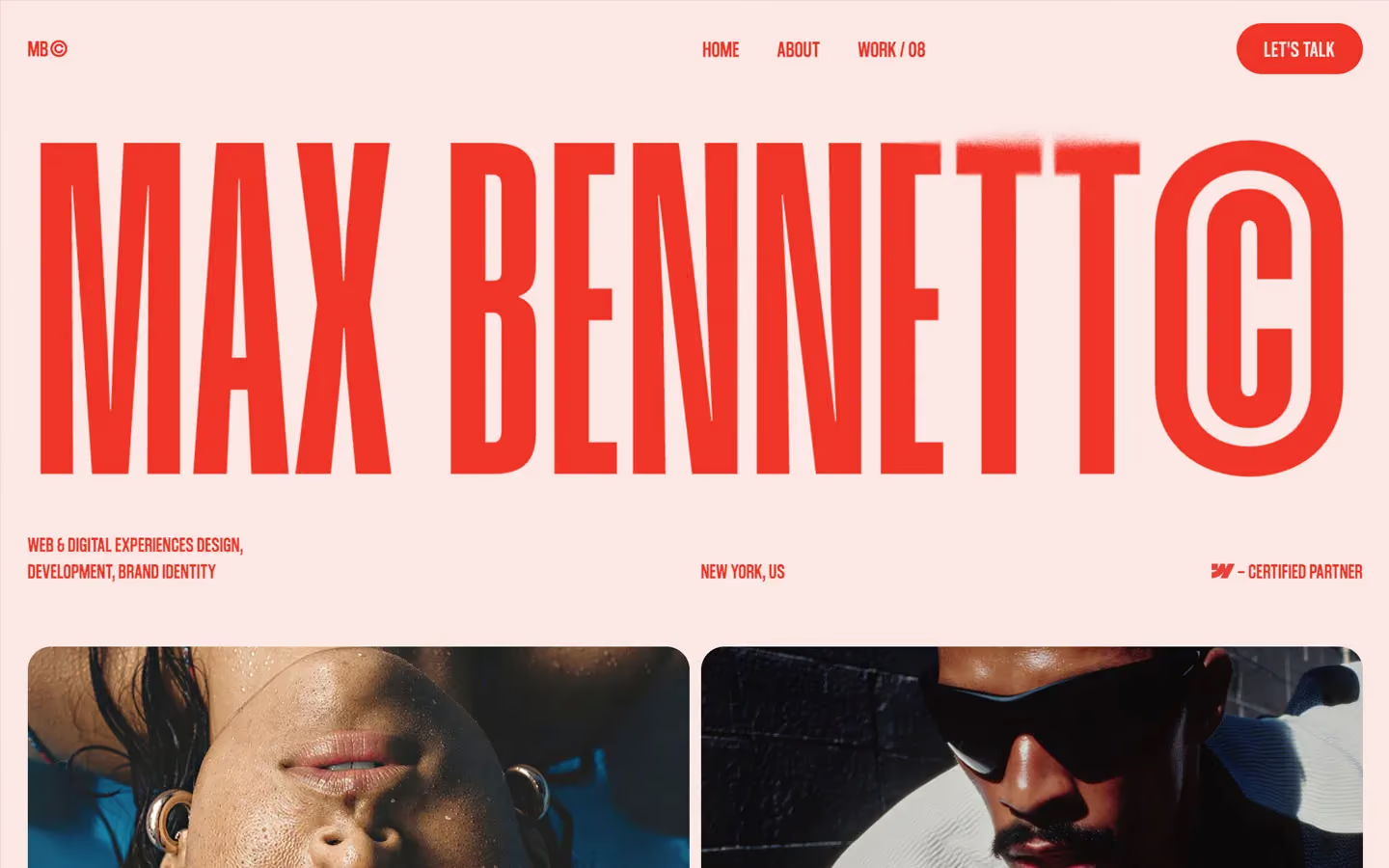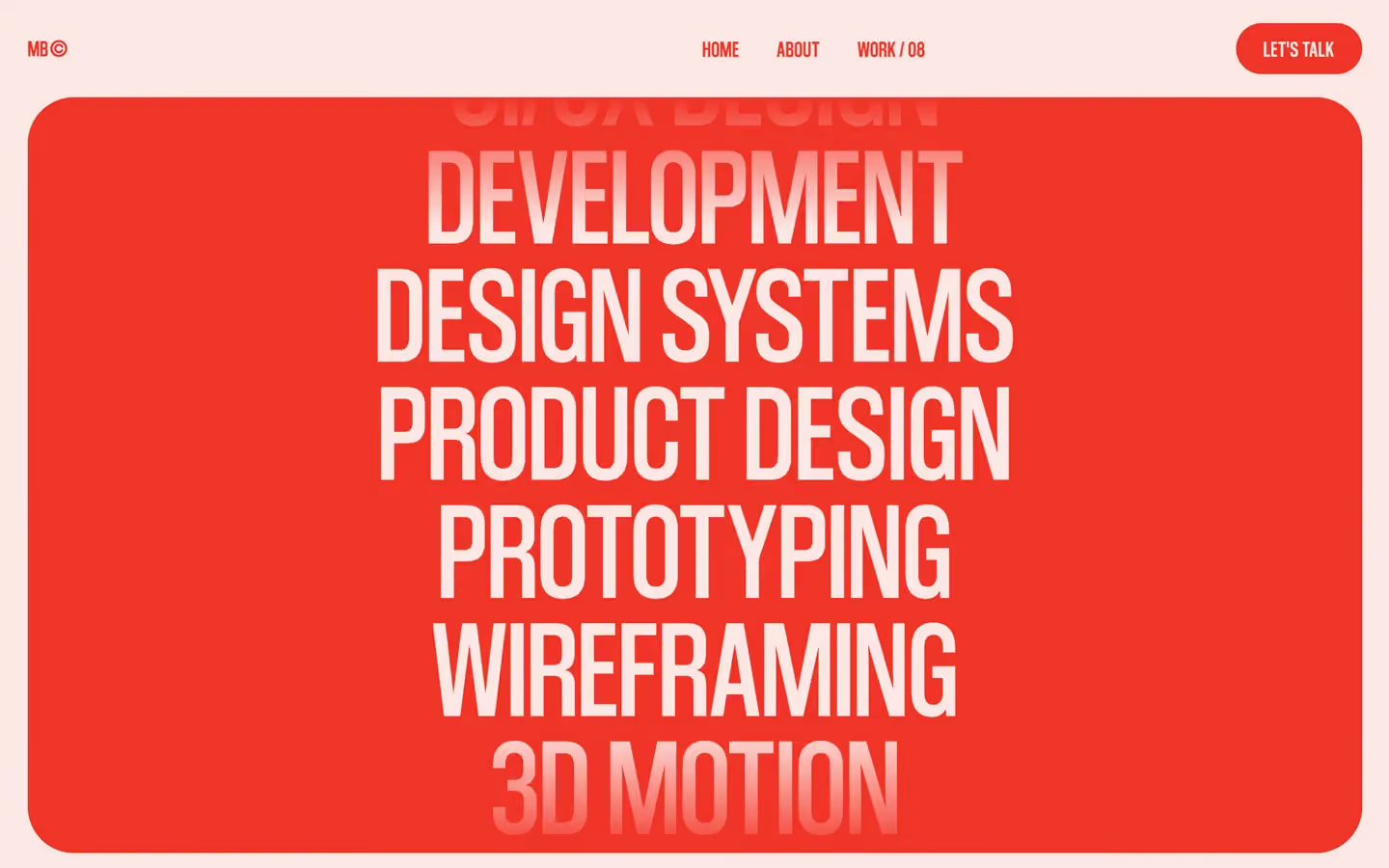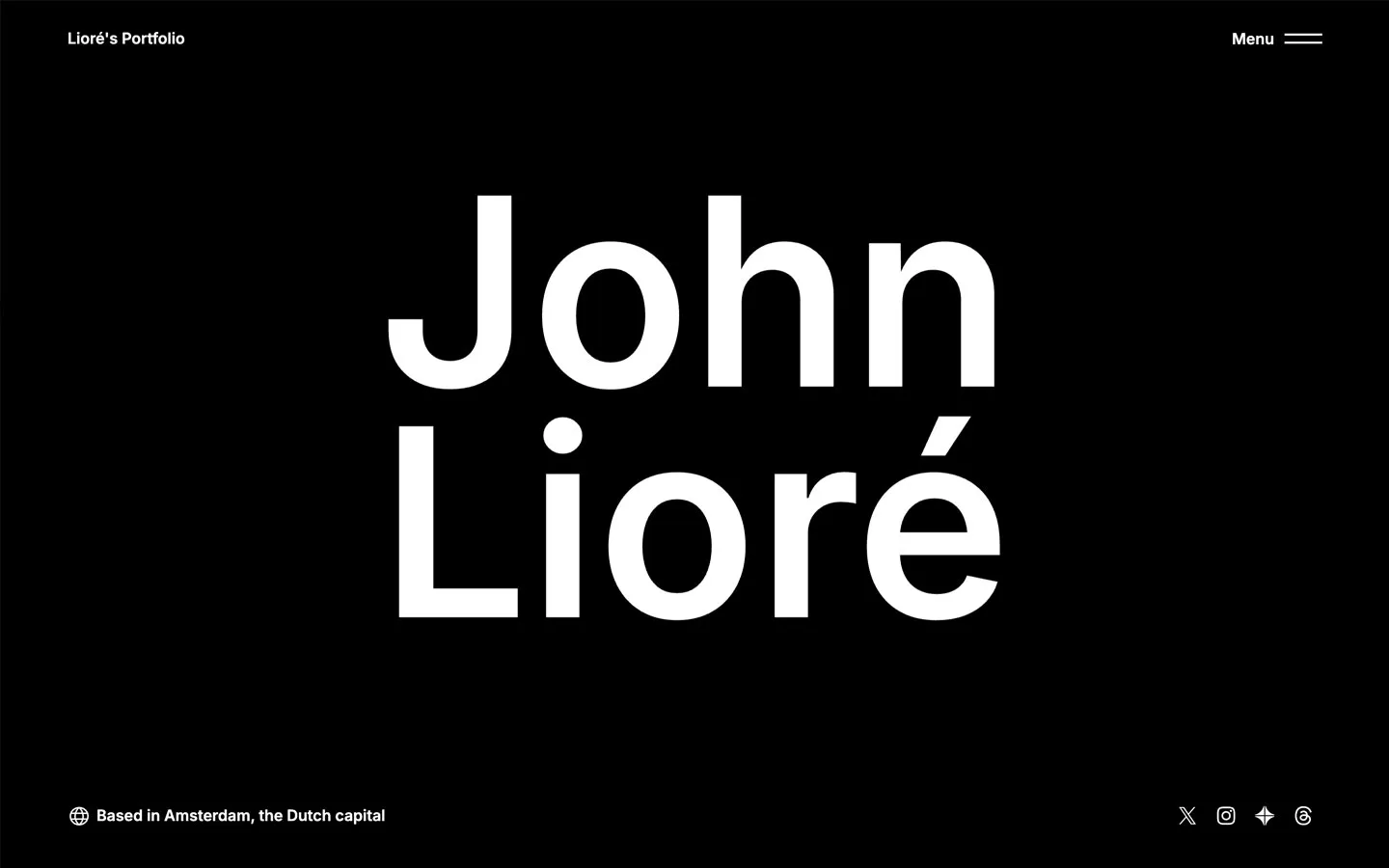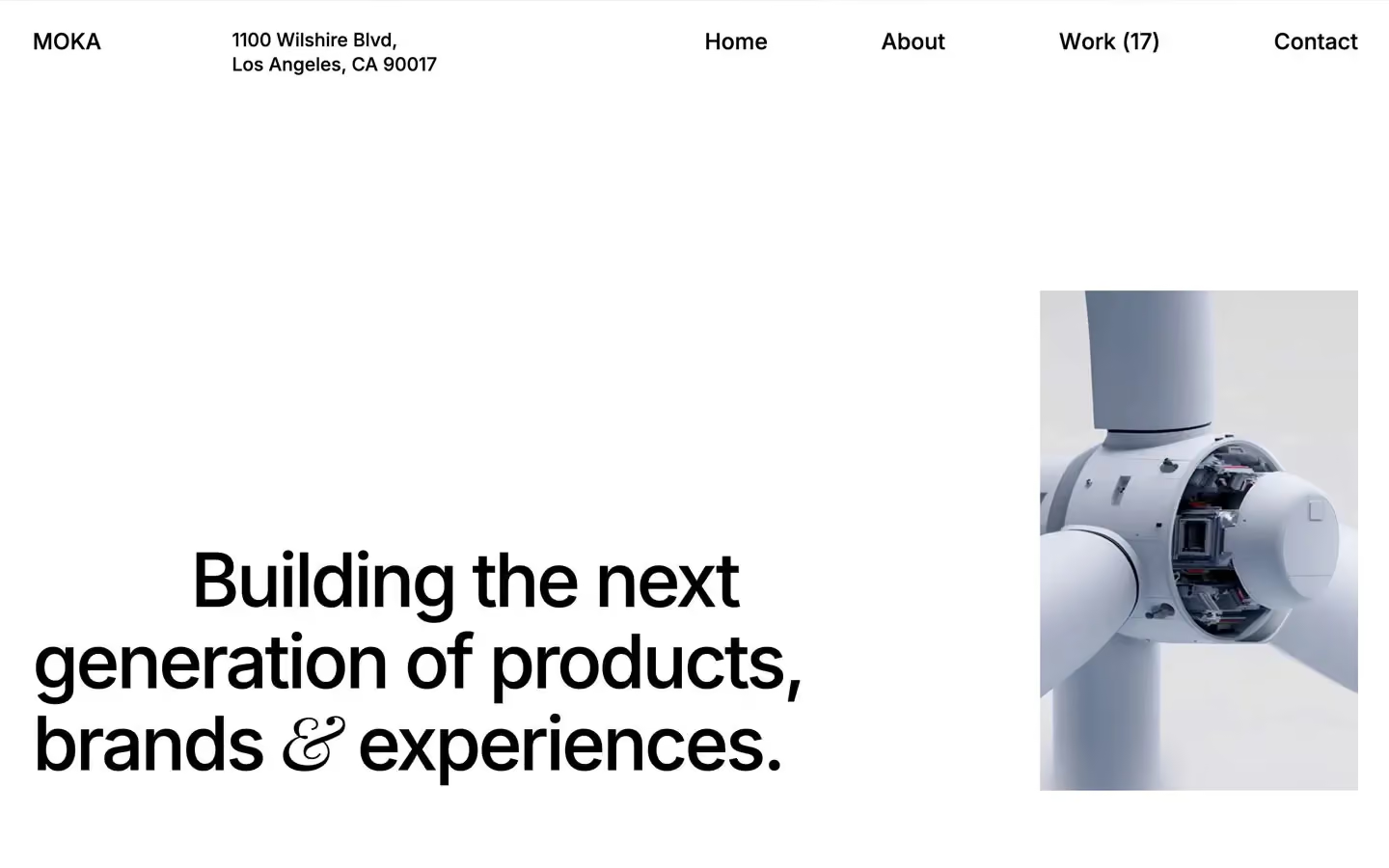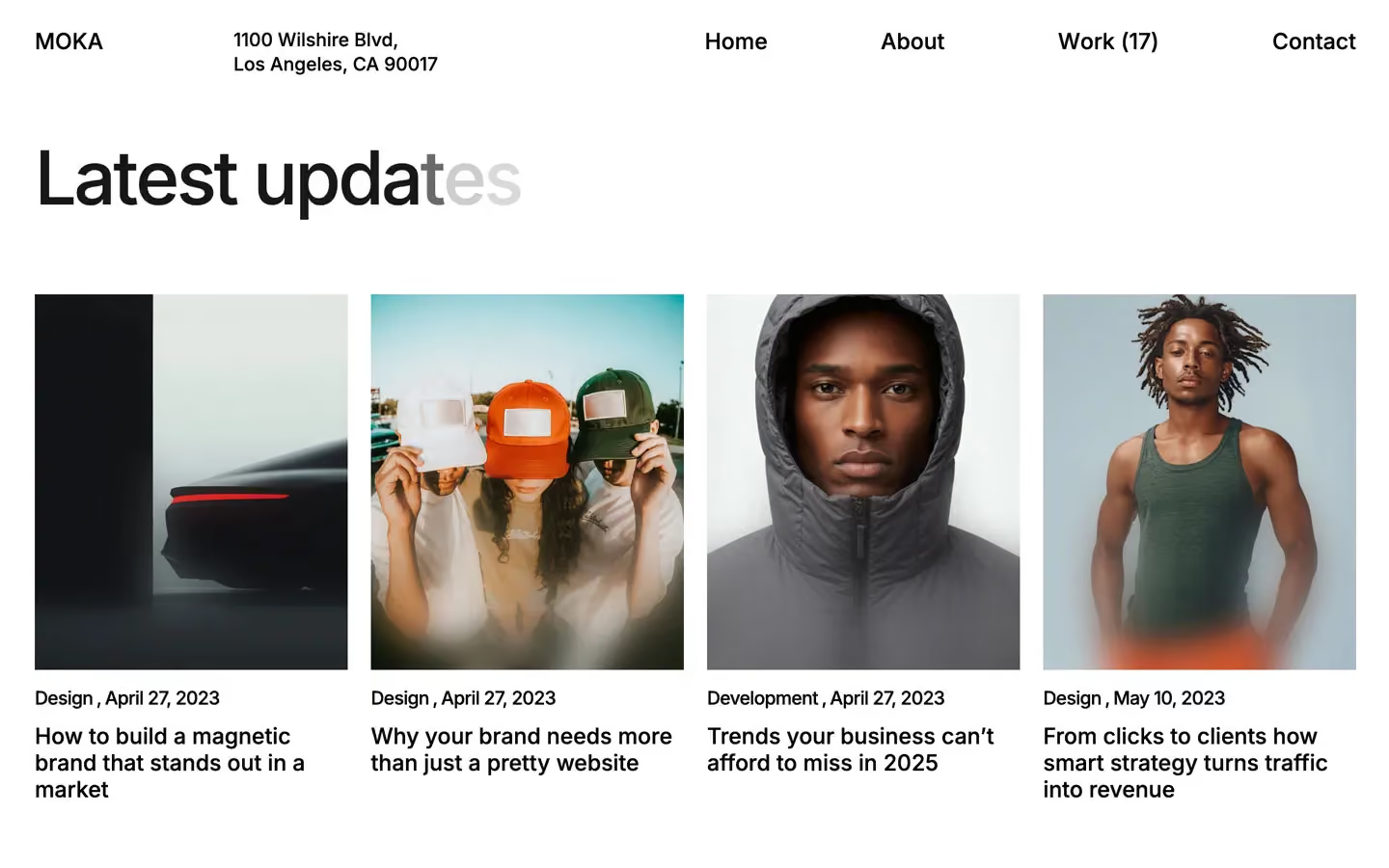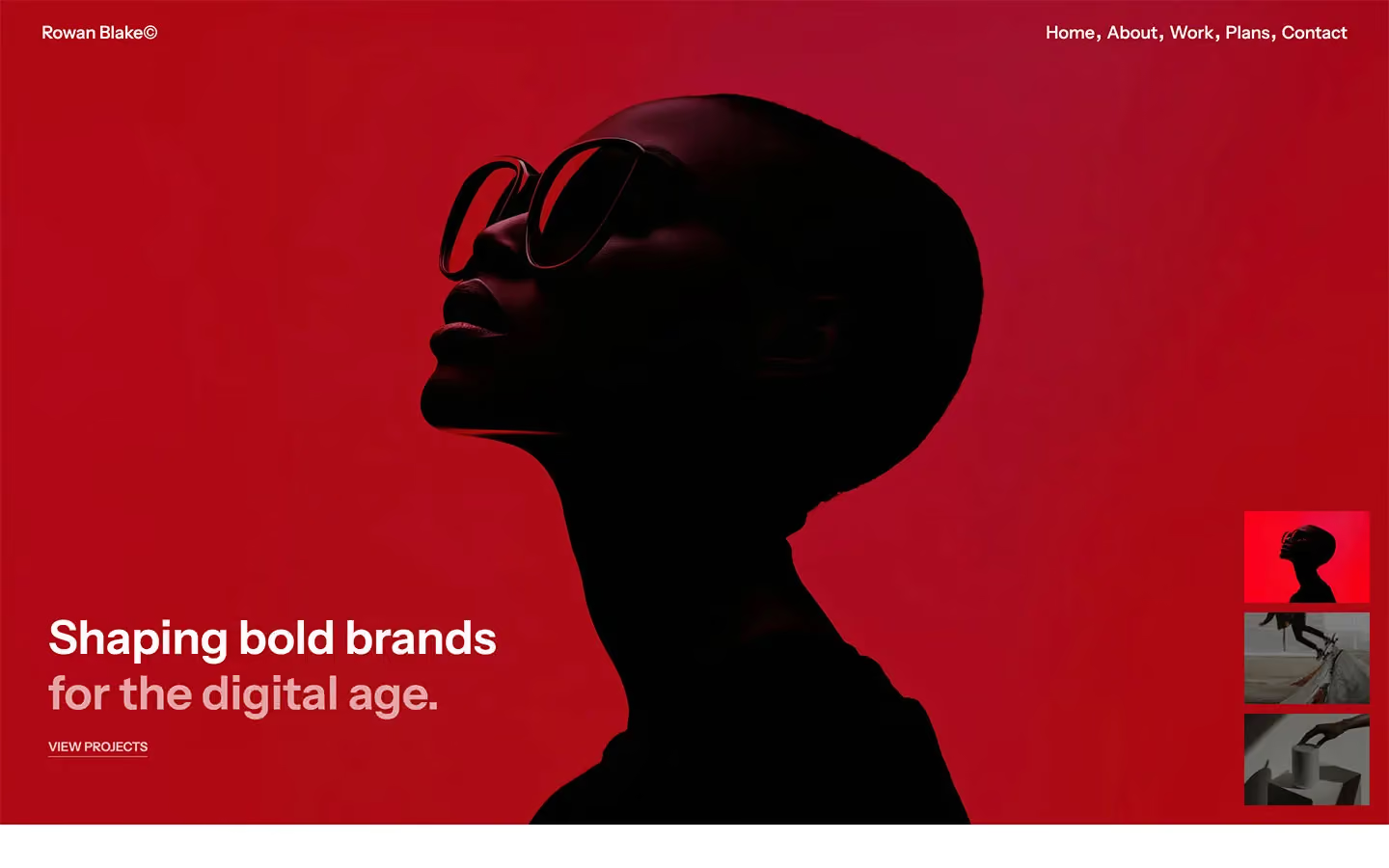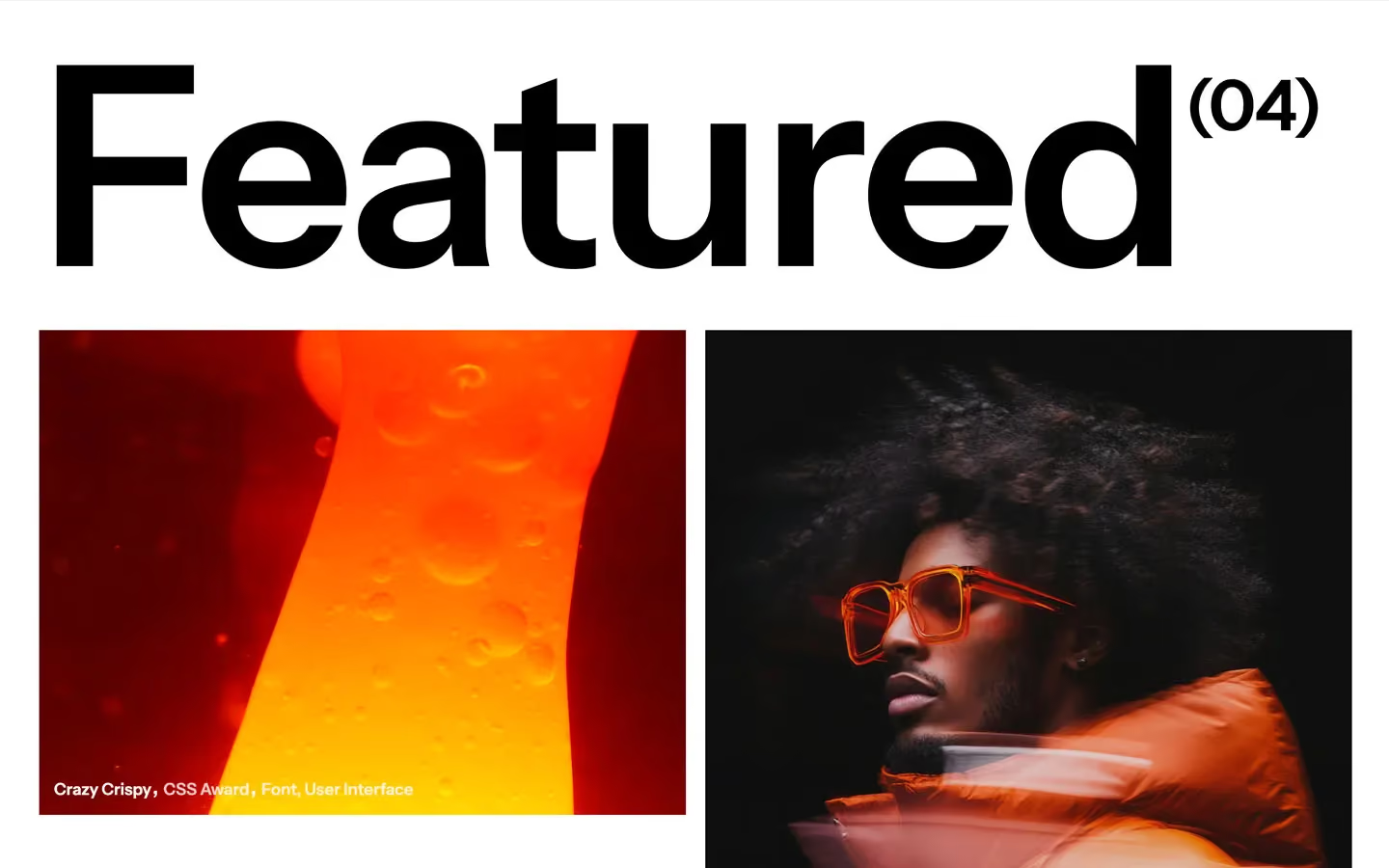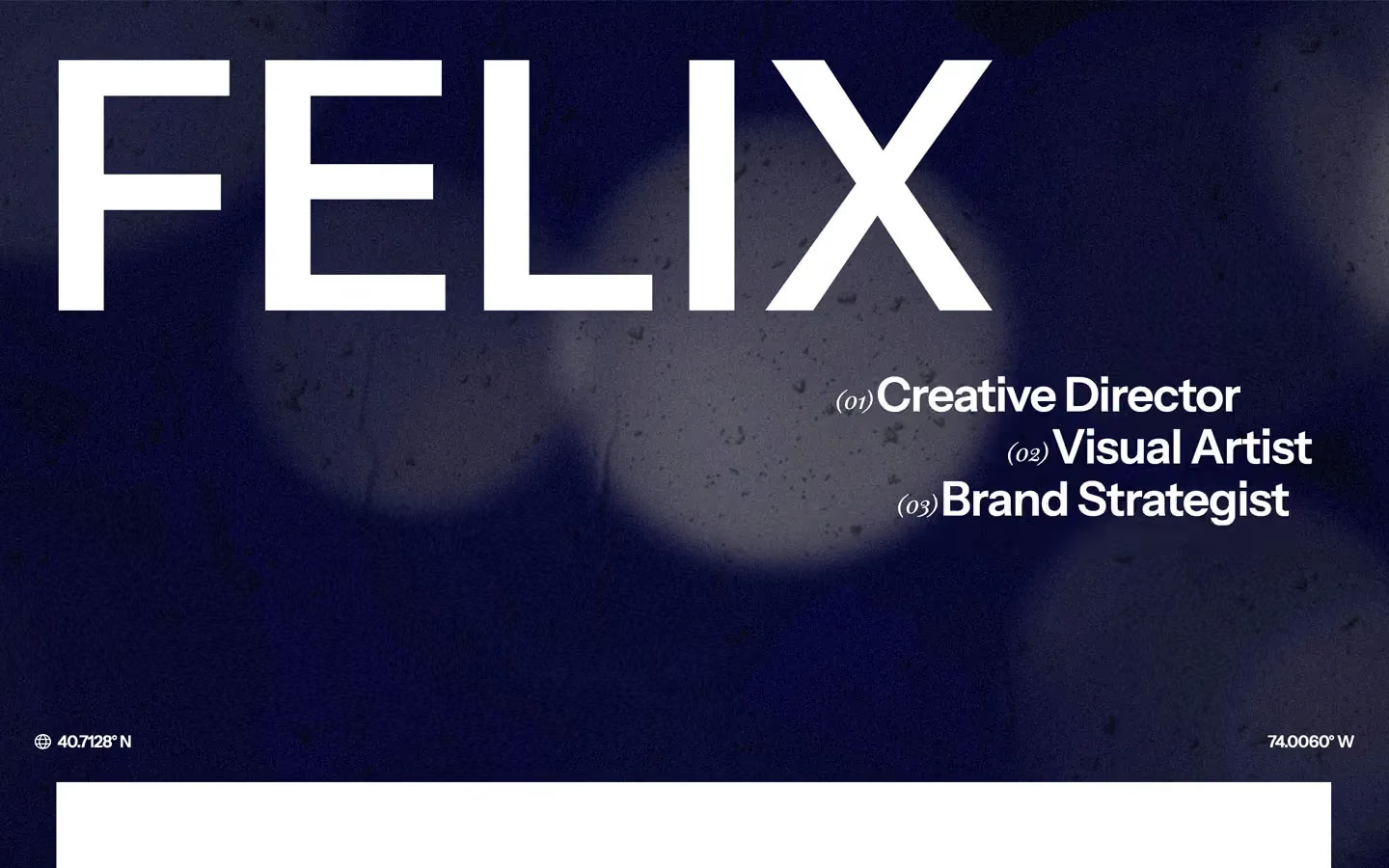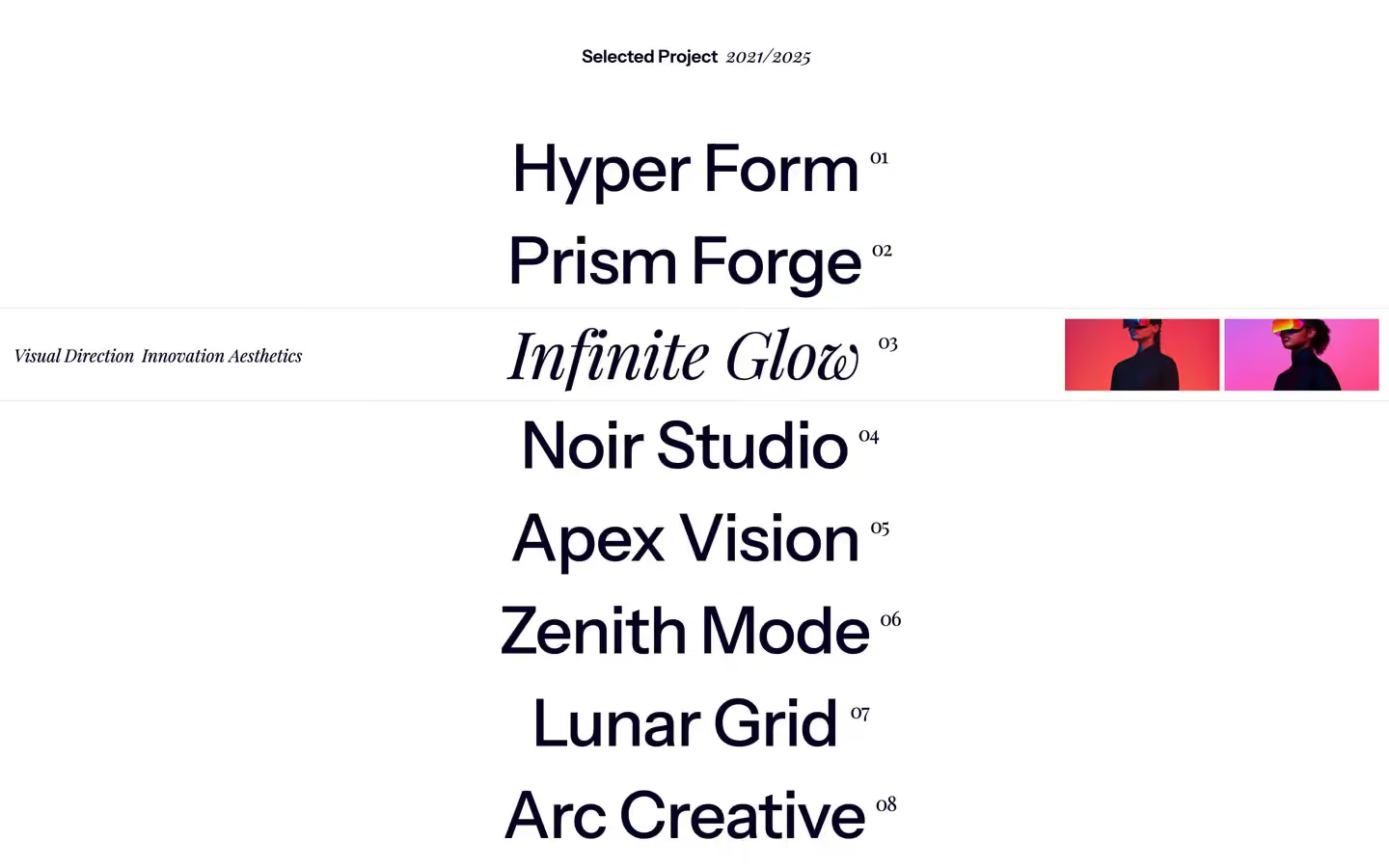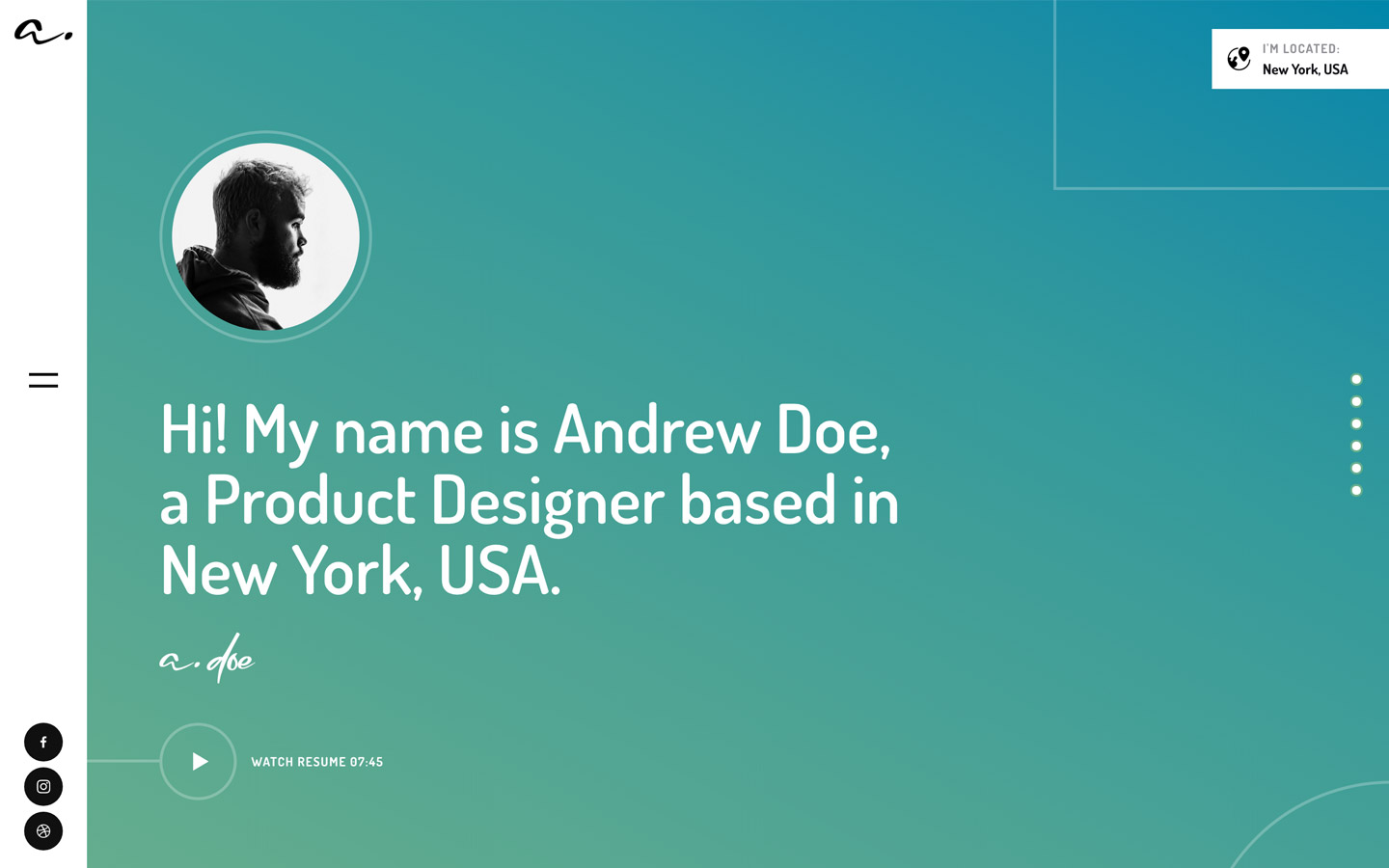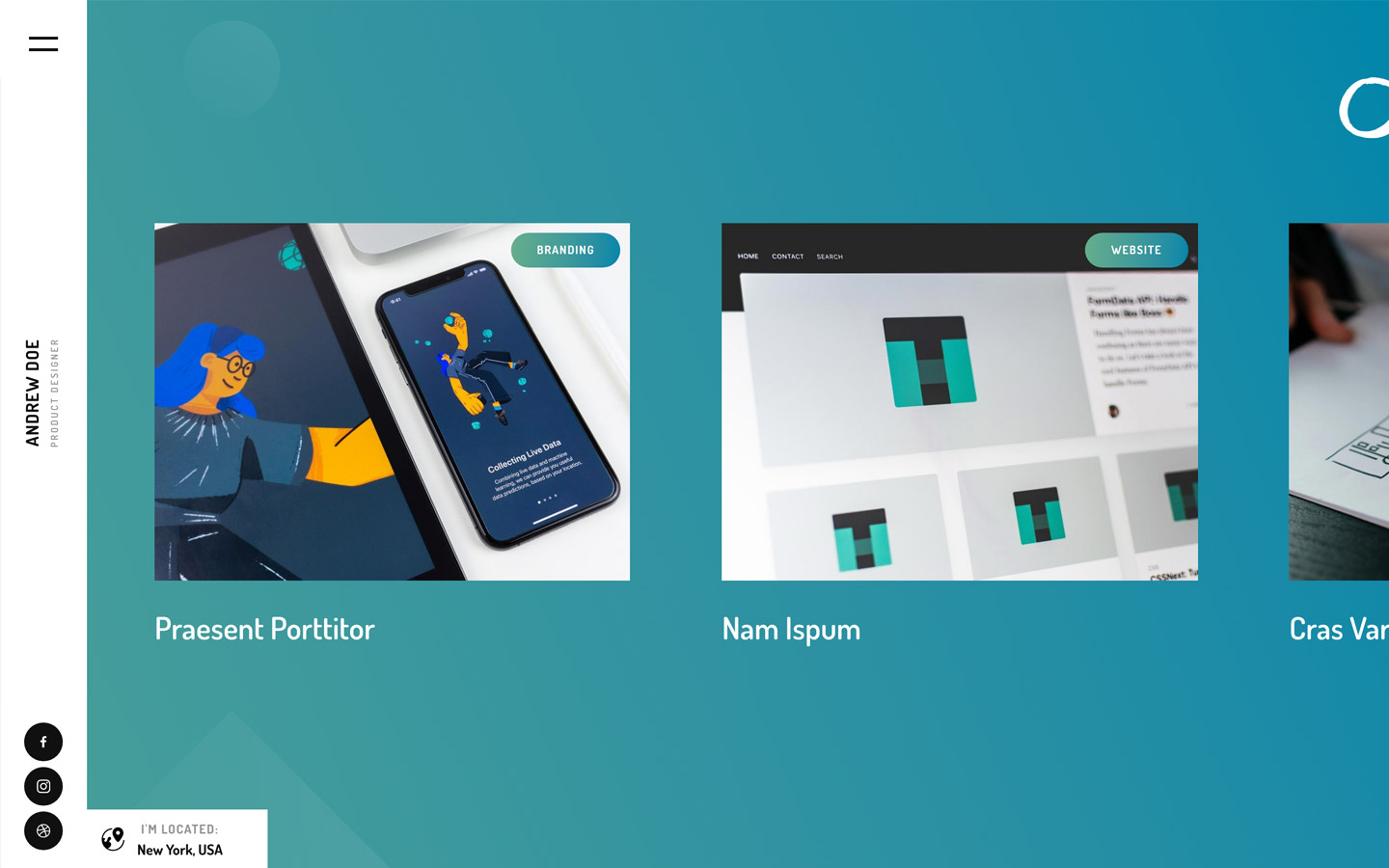
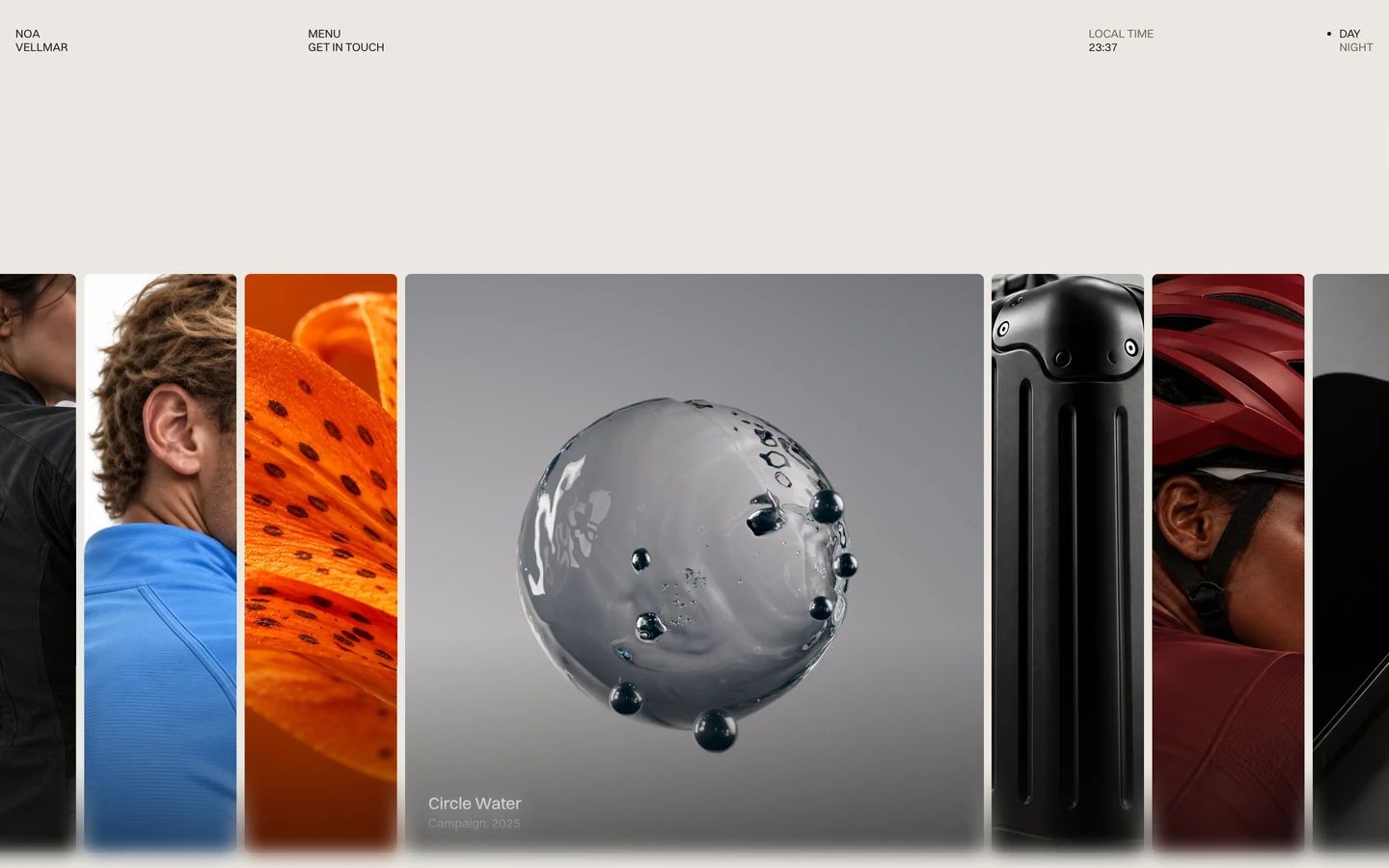
Portfolio website templates help designers, photographers, developers and other creatives present their best work without building a site from scratch. Flowmance portfolio templates focus on large visuals, clear project pages and an easy way to add new work over time, and most designs come in Webflow, Figma, HTML and Next.js, with Framer versions for selected templates.
Choose Webflow templates if your portfolio will grow into a larger site with many projects, articles and service pages. Choose Framer templates if you want to design and publish quickly on one visual canvas. For a hand-picked shortlist across both platforms, read our guide to the best portfolio website templates for designers in 2026.
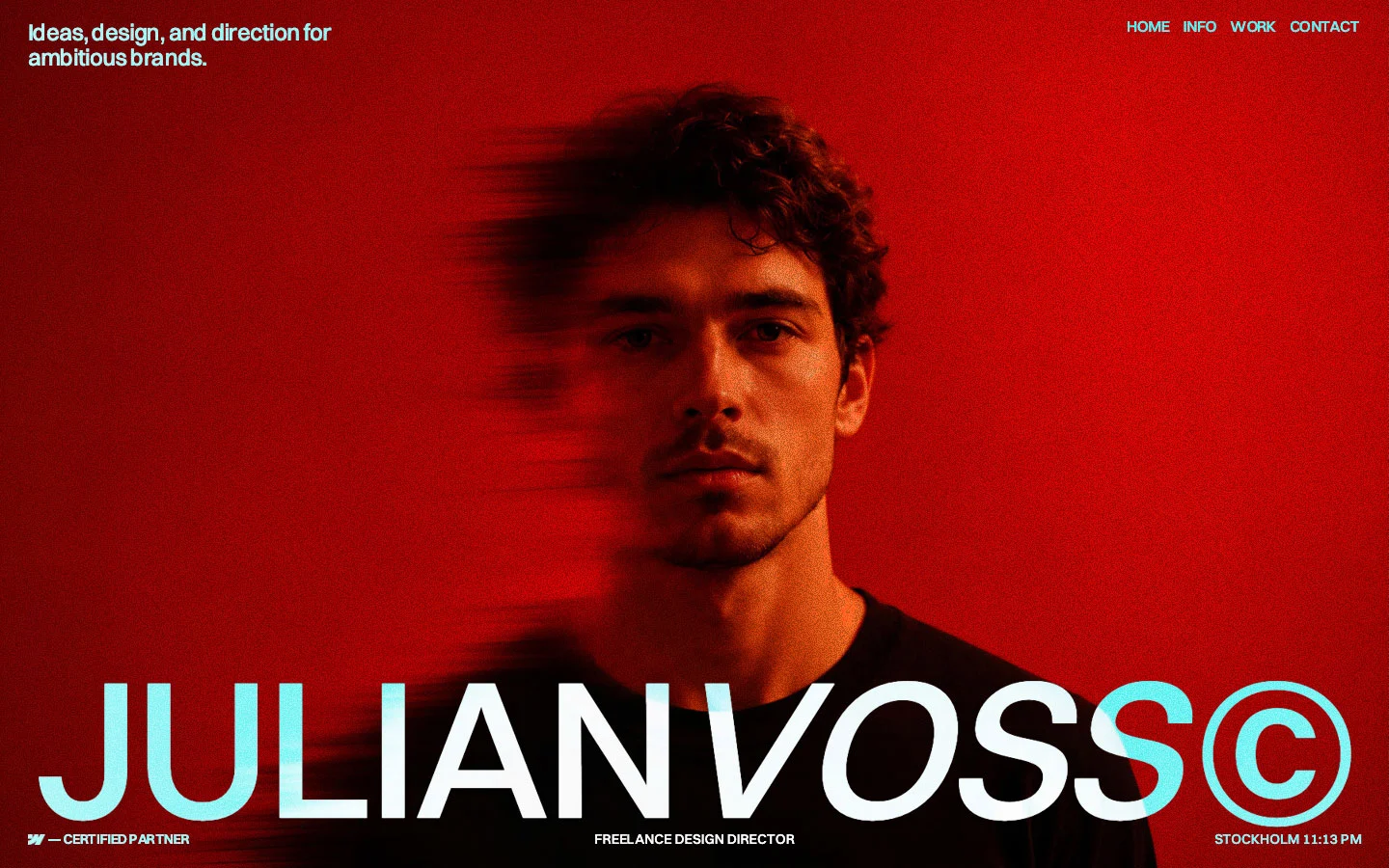
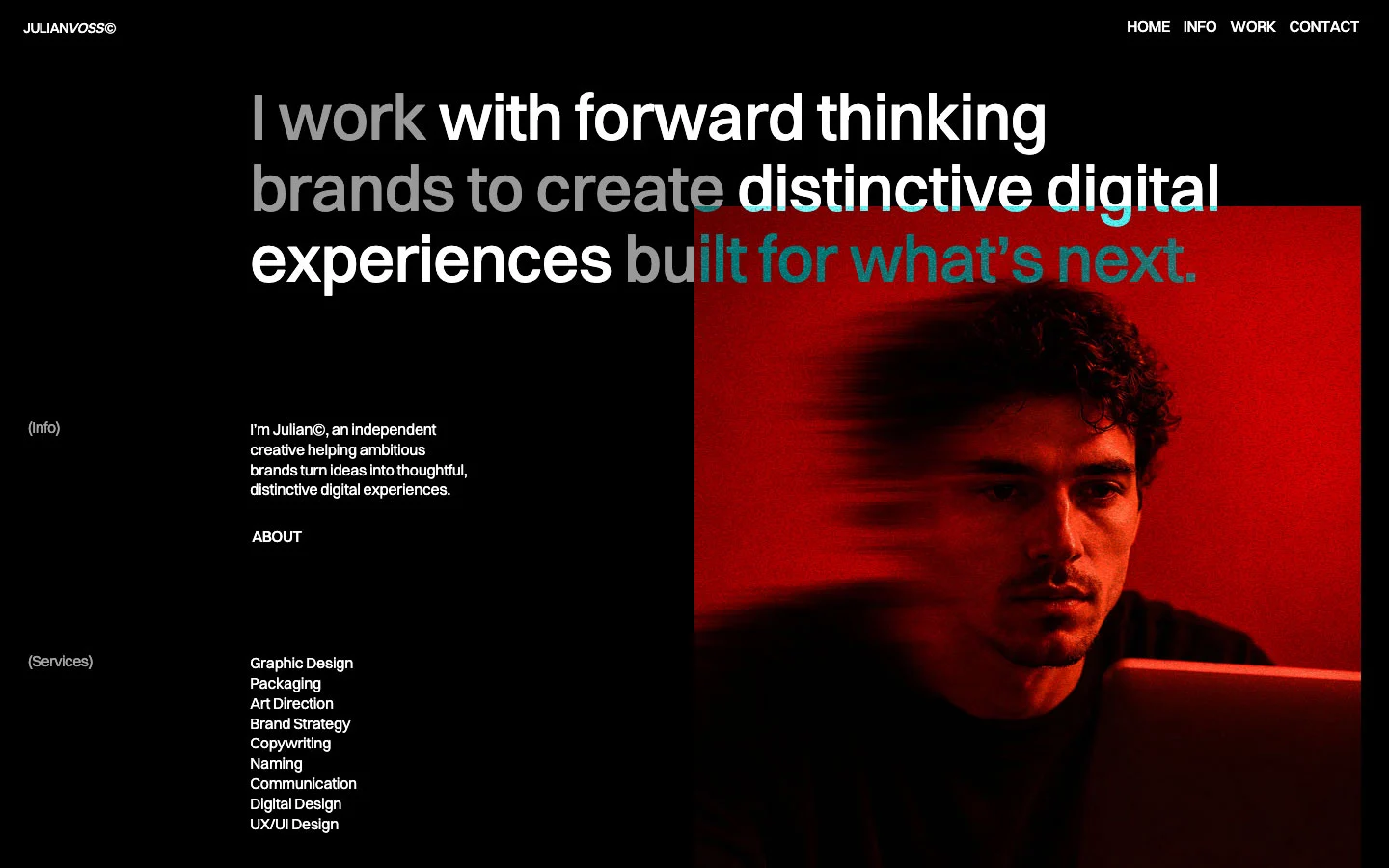
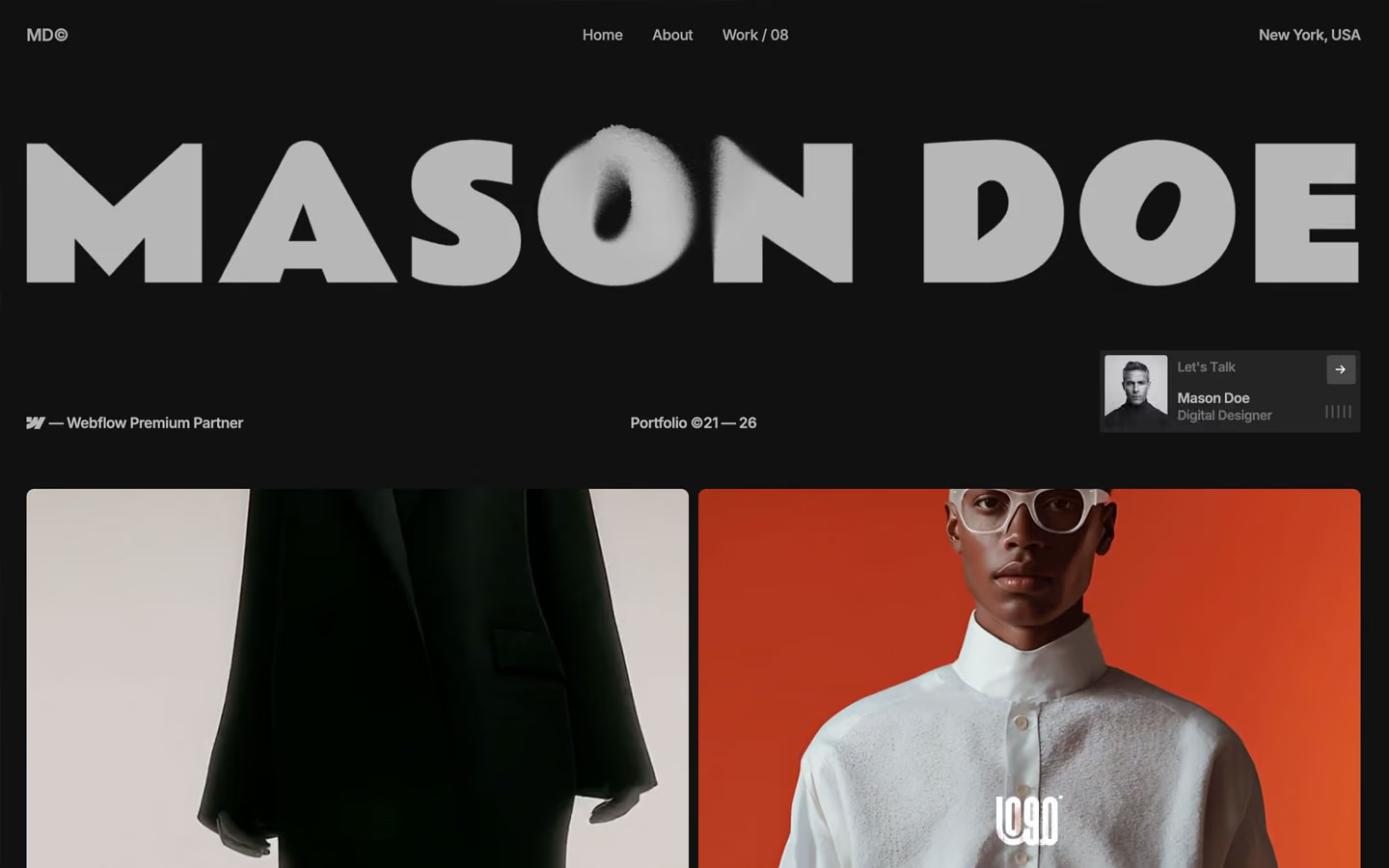
The best creative portfolio templates put the work first: large visuals, case-study pages with room for context, a CMS for adding projects, and a clear contact path. Flowmance portfolio templates such as Mason Doe, Max Bennet and JulianVoss follow this structure and come in Webflow, Framer, Figma, HTML and Next.js versions.
It depends on the work you show. Product and UX designers need detailed case-study pages, visual designers need flexible image layouts, and web designers benefit from interaction-led templates. Pick the structure that fits your projects, then customize typography and color so it feels like your own.
Yes. Webflow and Framer portfolio templates are edited visually, and CMS-based project collections let you publish new work once and have it appear across your project grids without touching code.


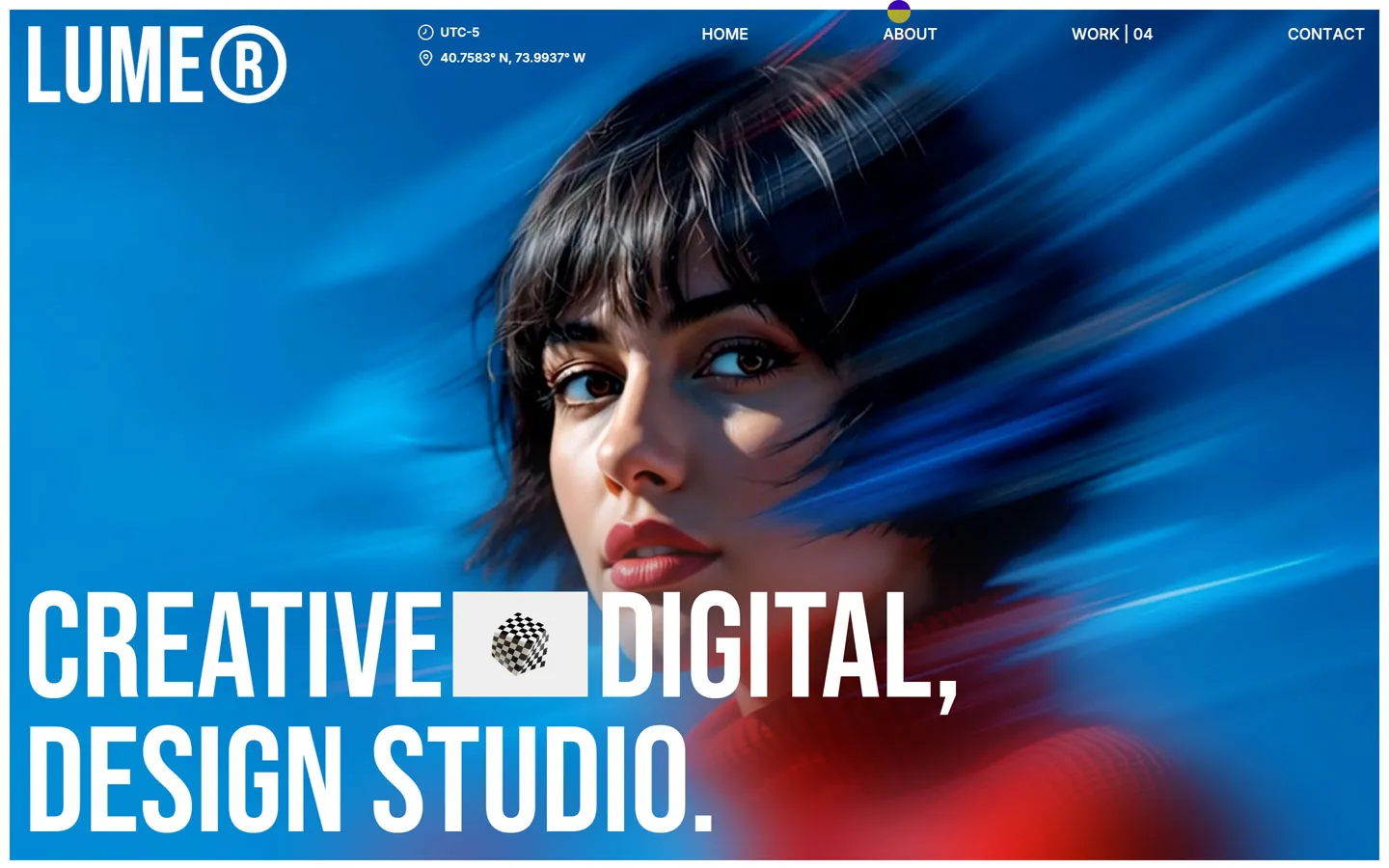
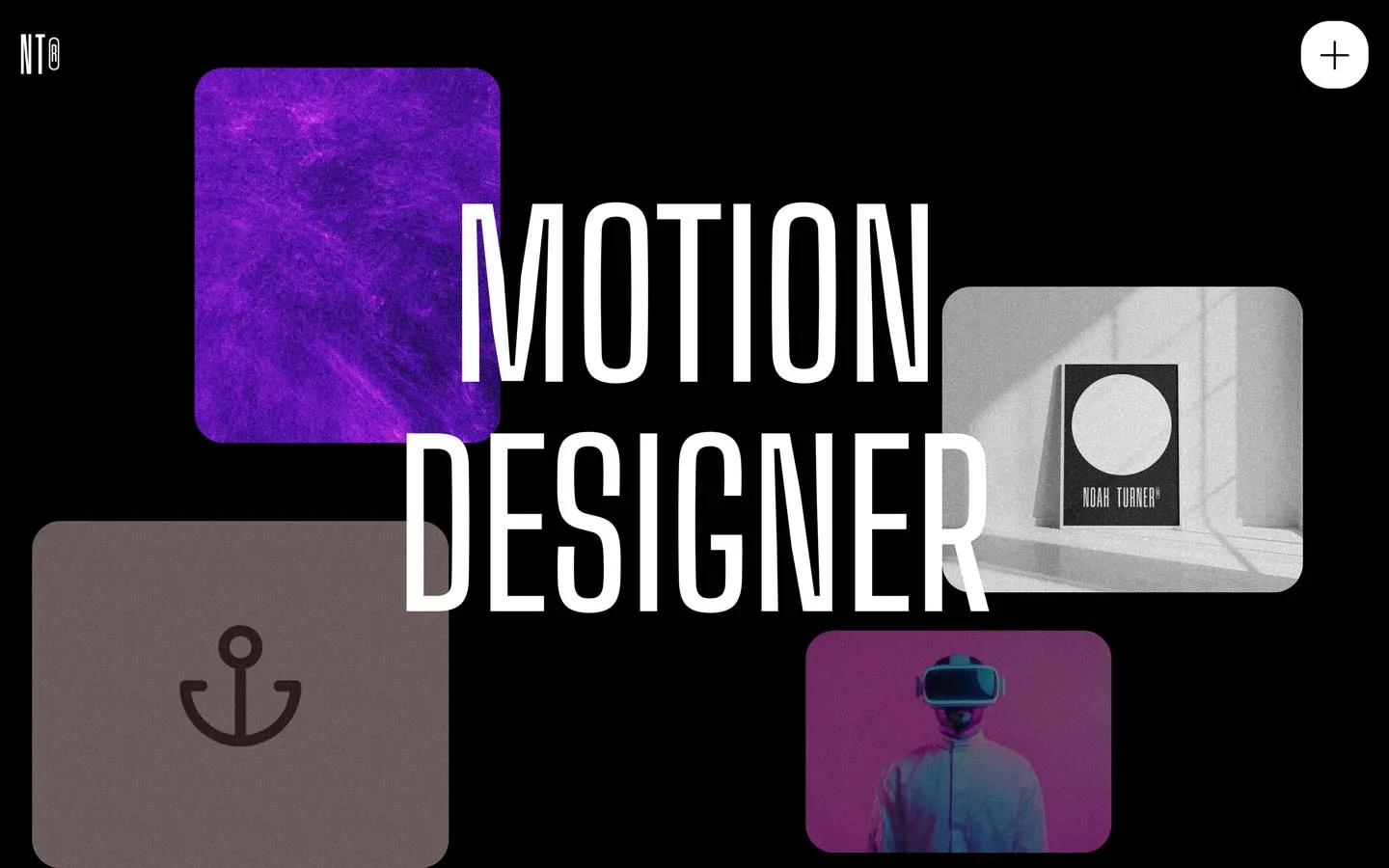
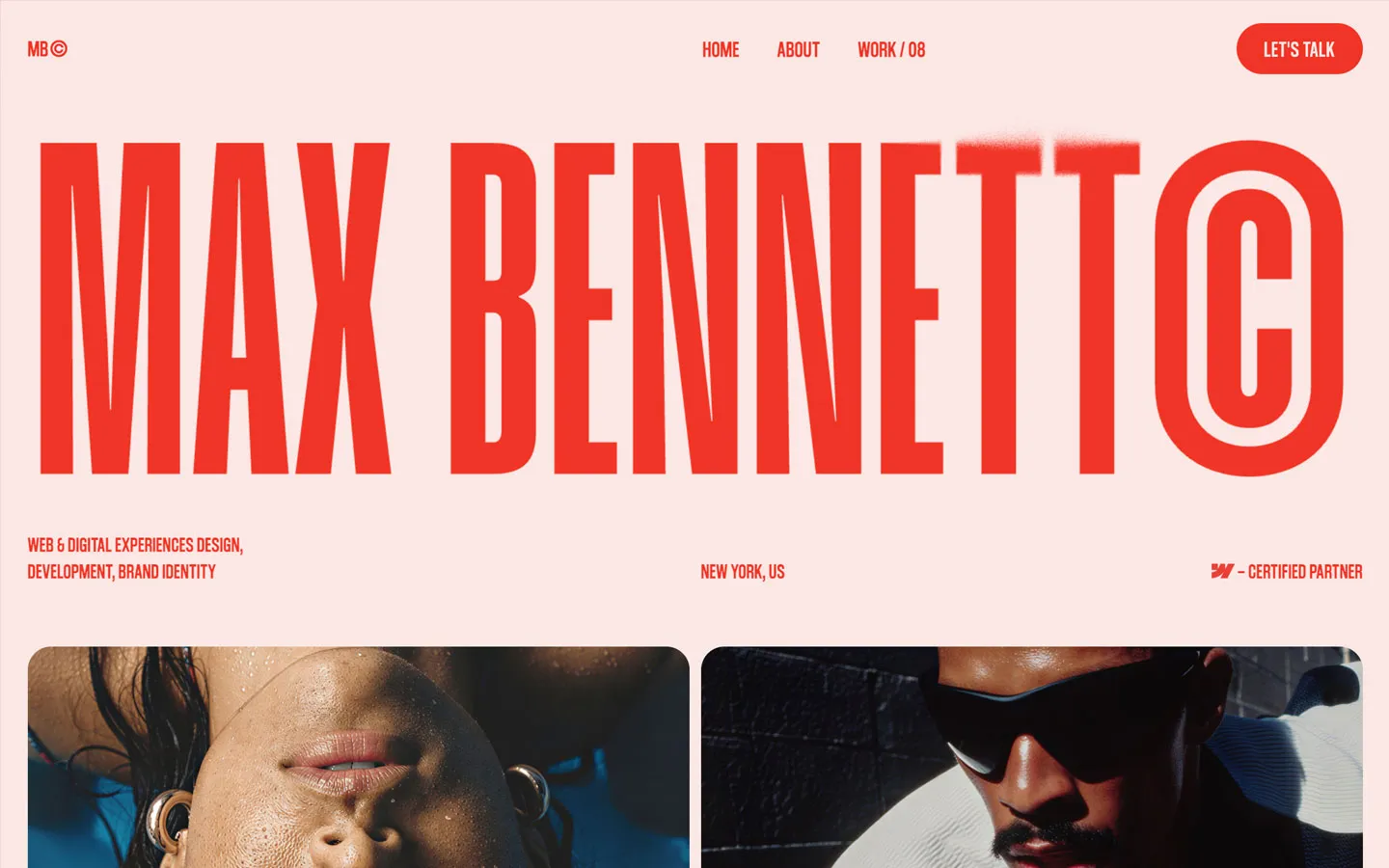


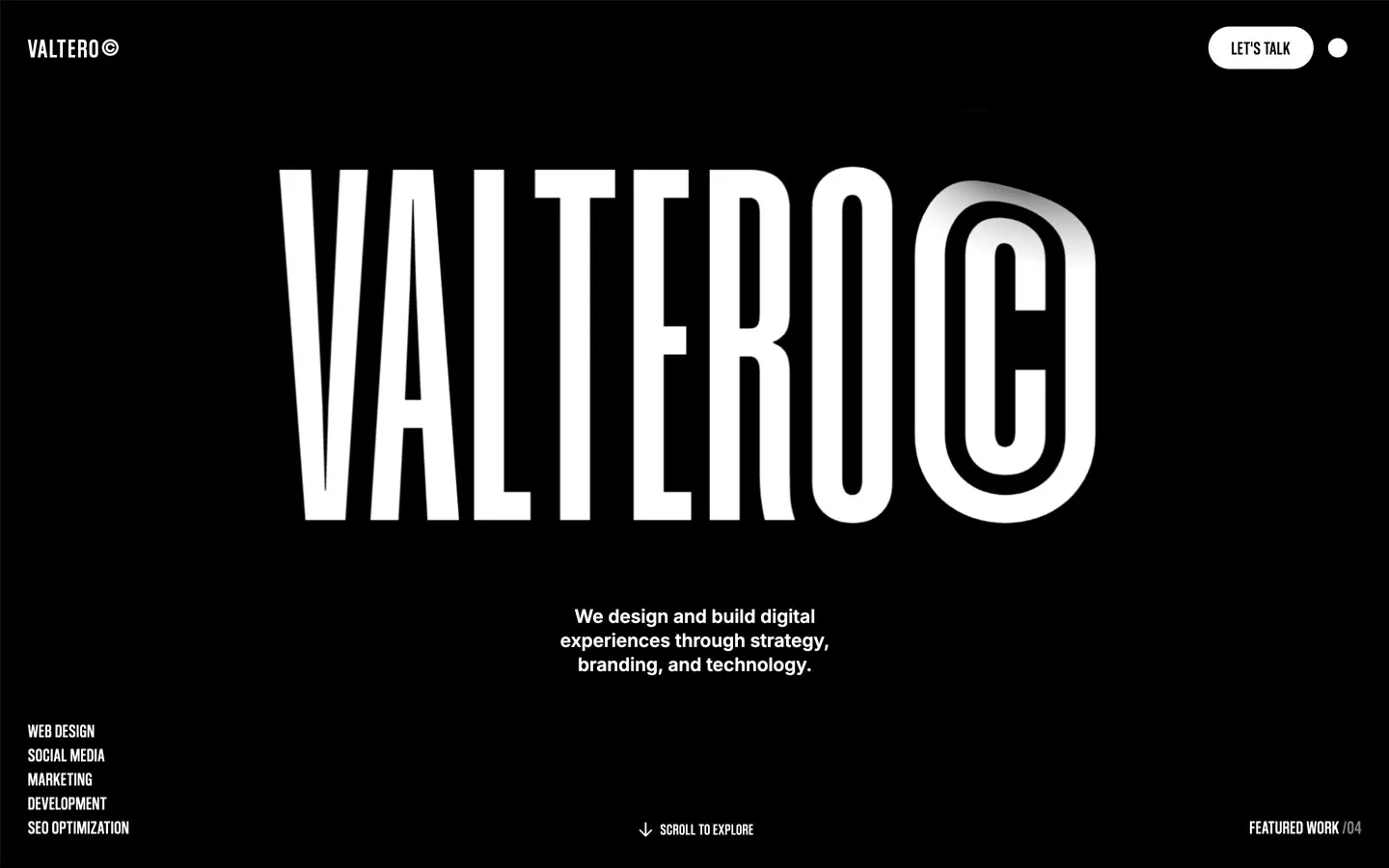



Don’t miss out on our superb, customizable templates designed to enhance your web design experience. We constantly add new templates and components.

Explore stunning Webflow, Framer, HTML5, Next.js and Figma templates designed to spark your next big idea.


*Rest assured that your data is safe with us, and you'll only hear from us 1 time per month.