 flowmance


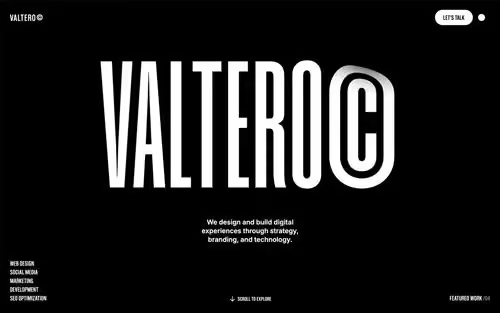
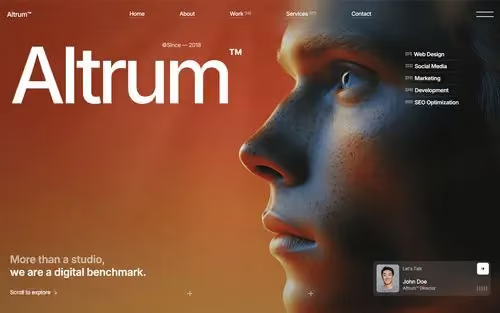
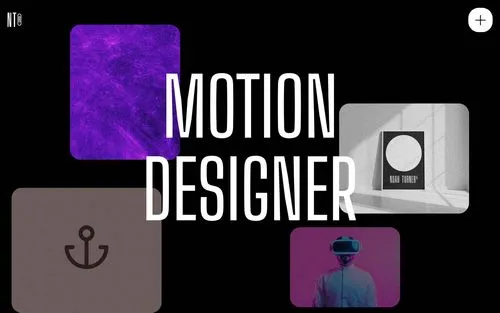

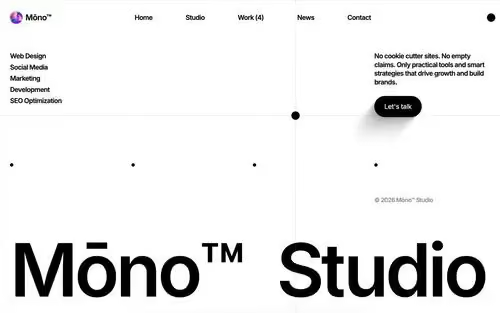

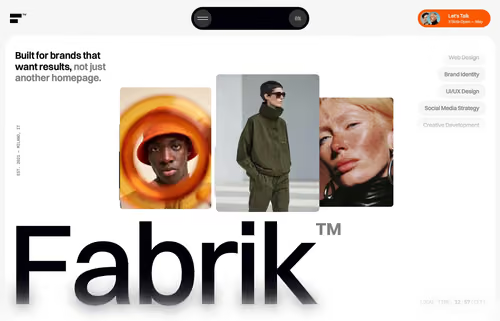
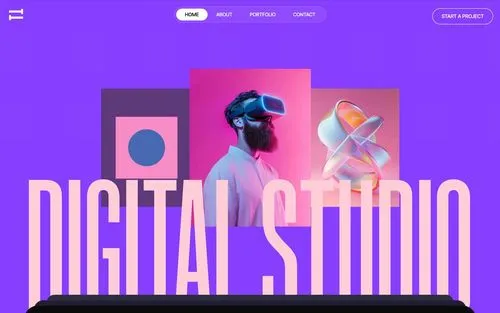
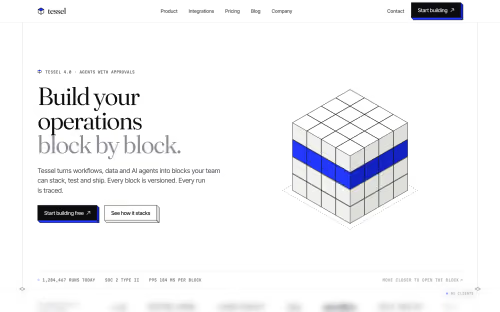

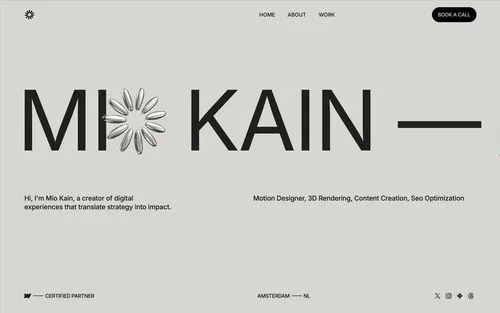
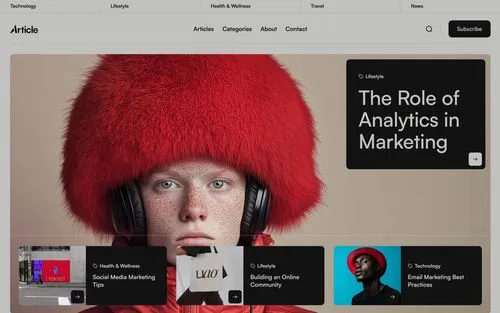
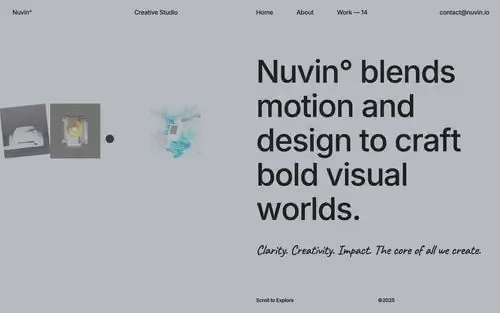
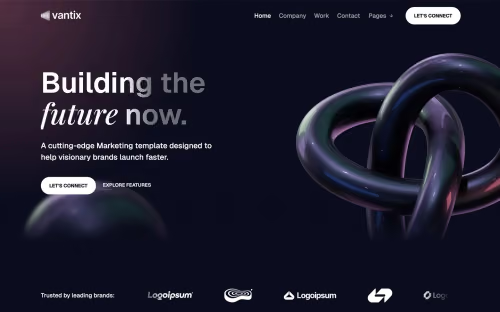
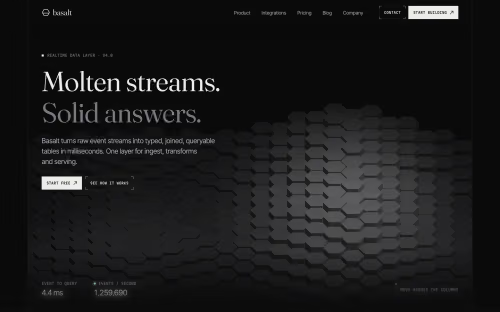
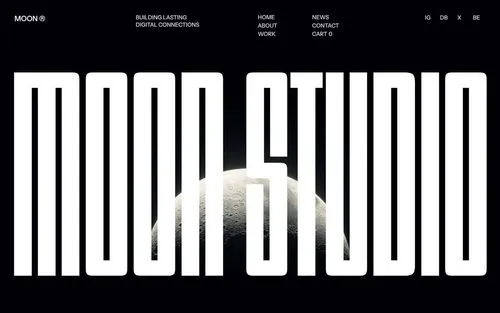
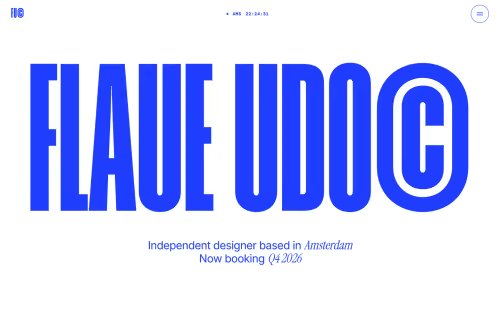
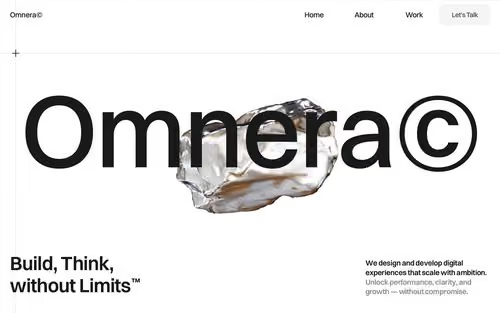
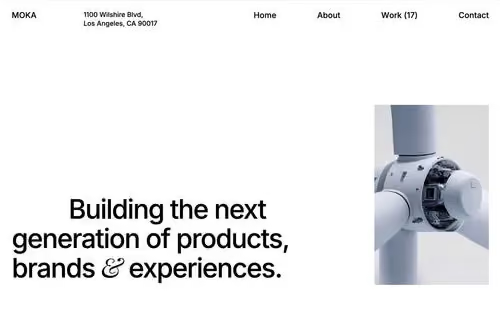

Unlock 400+ Templates
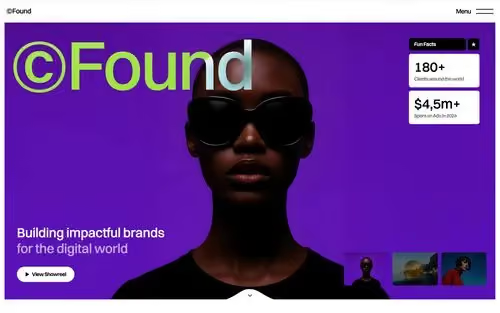
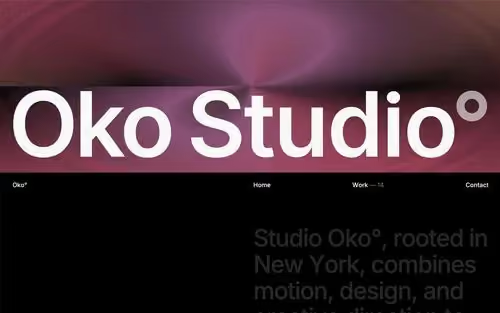
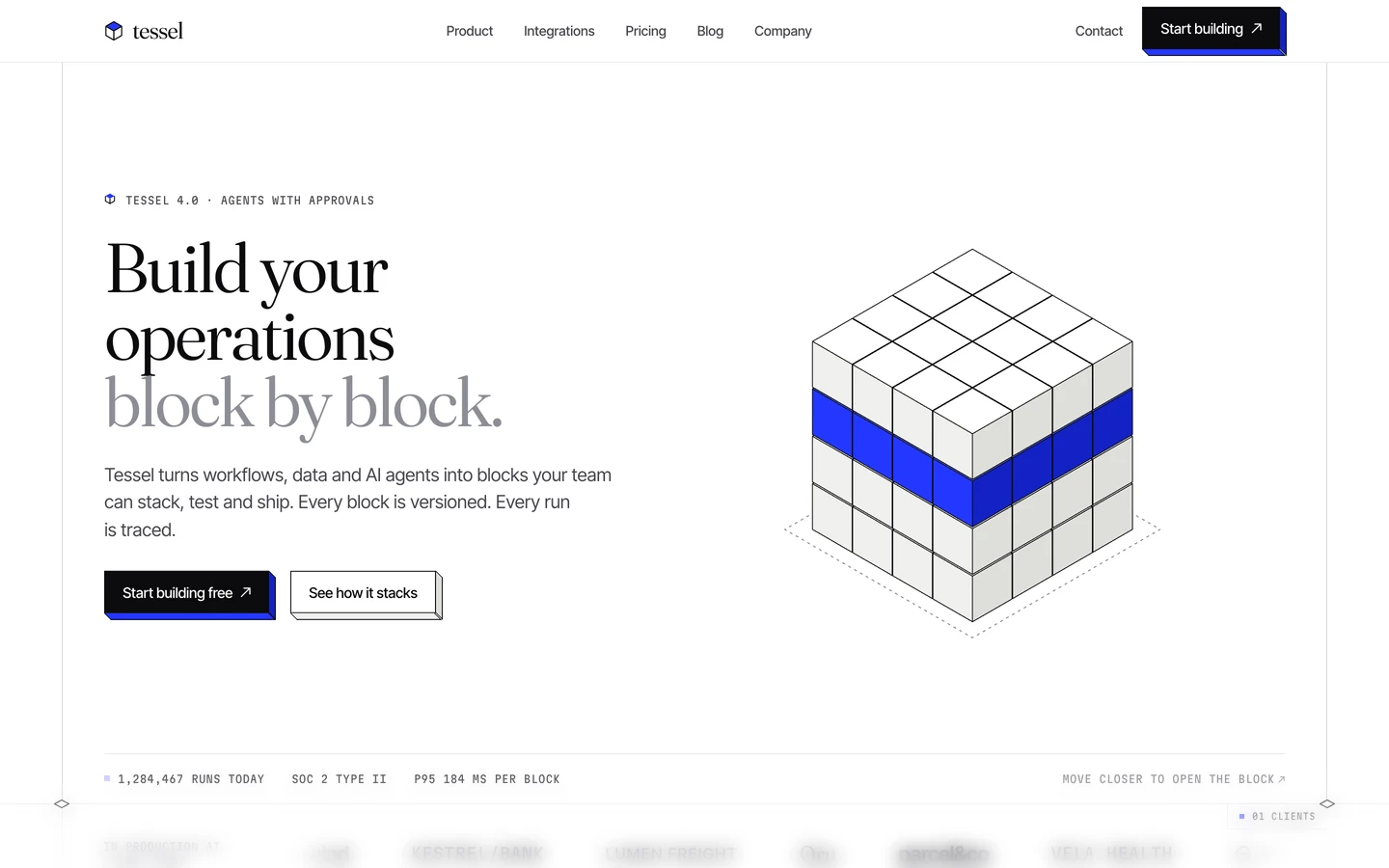
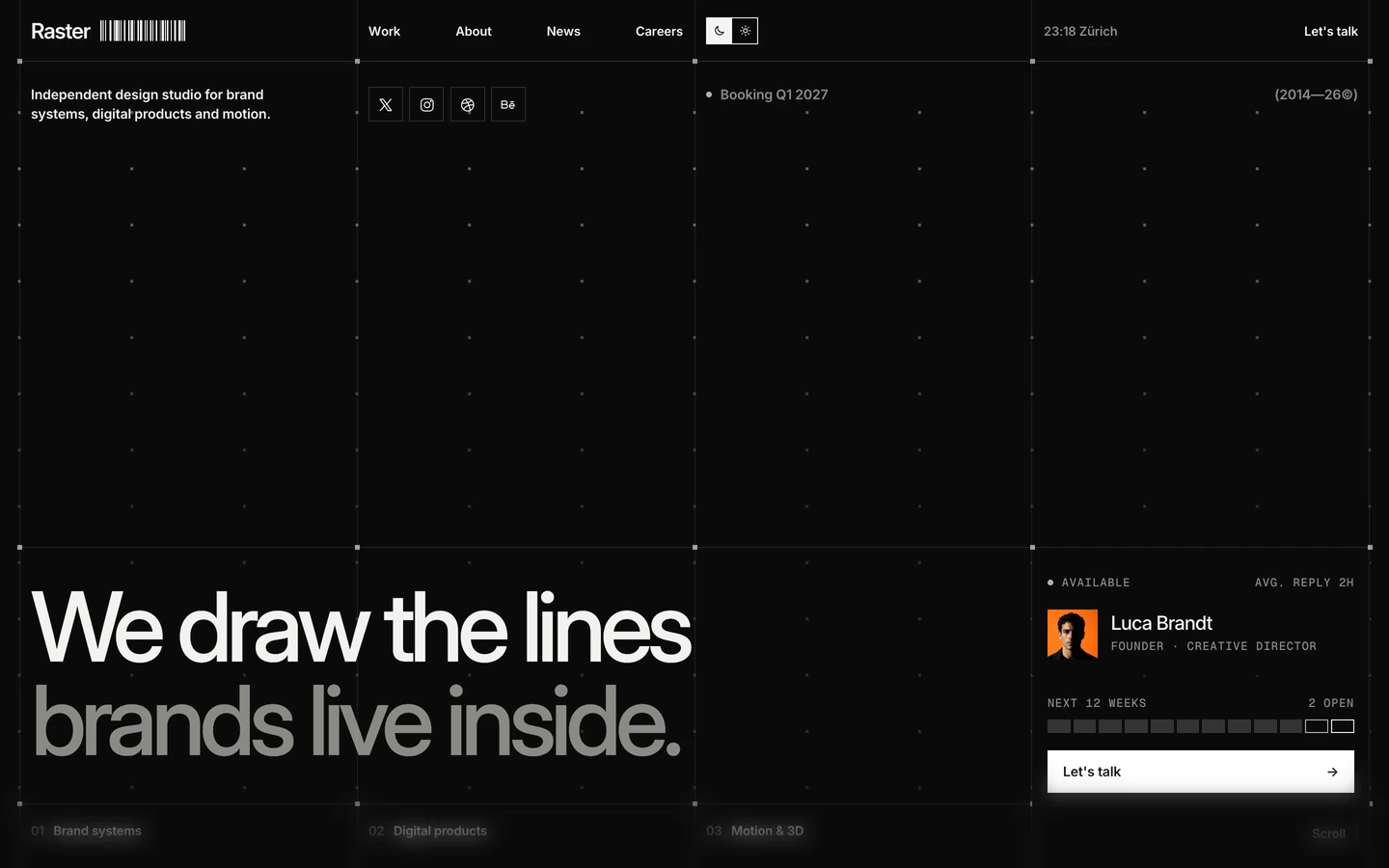
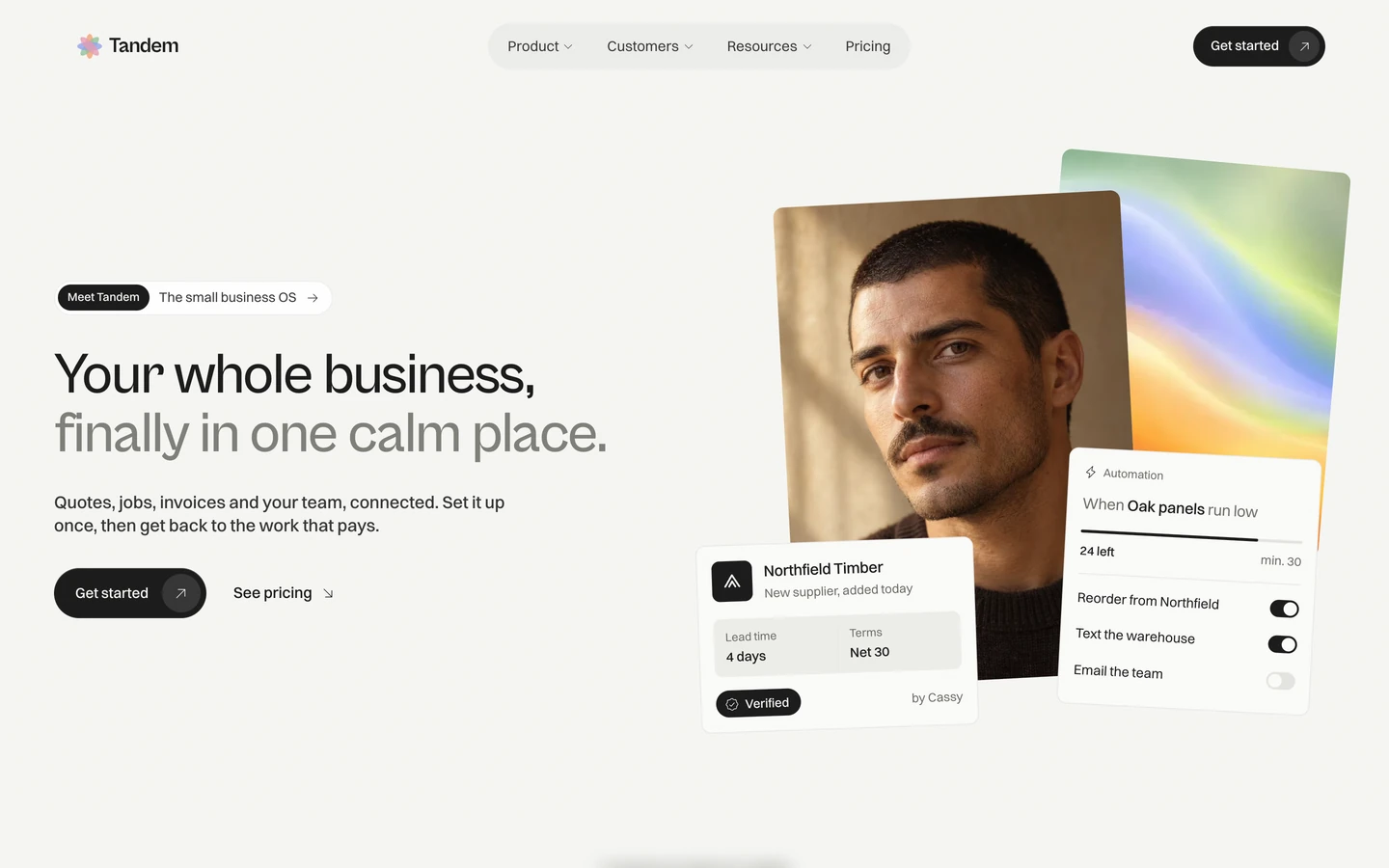
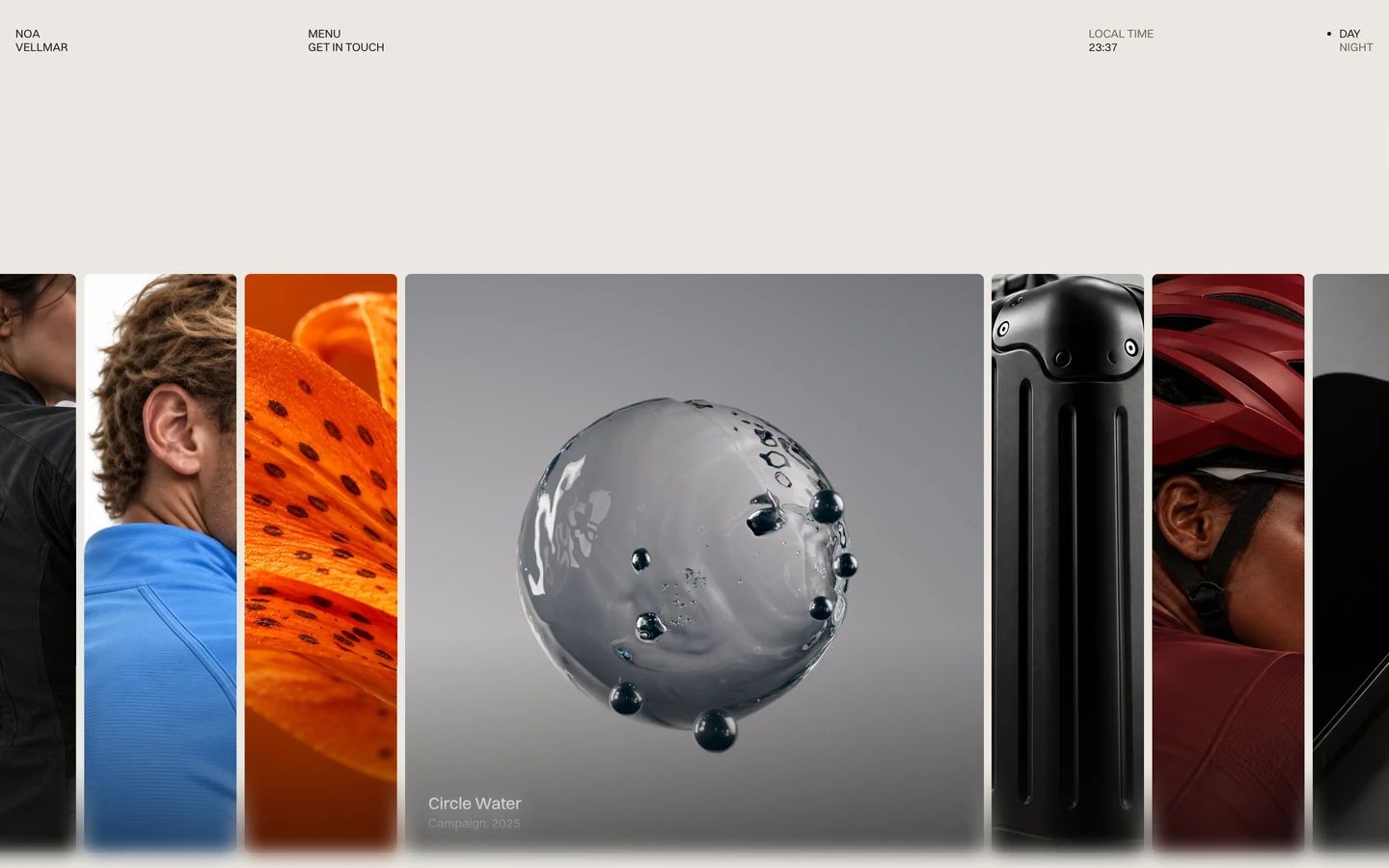
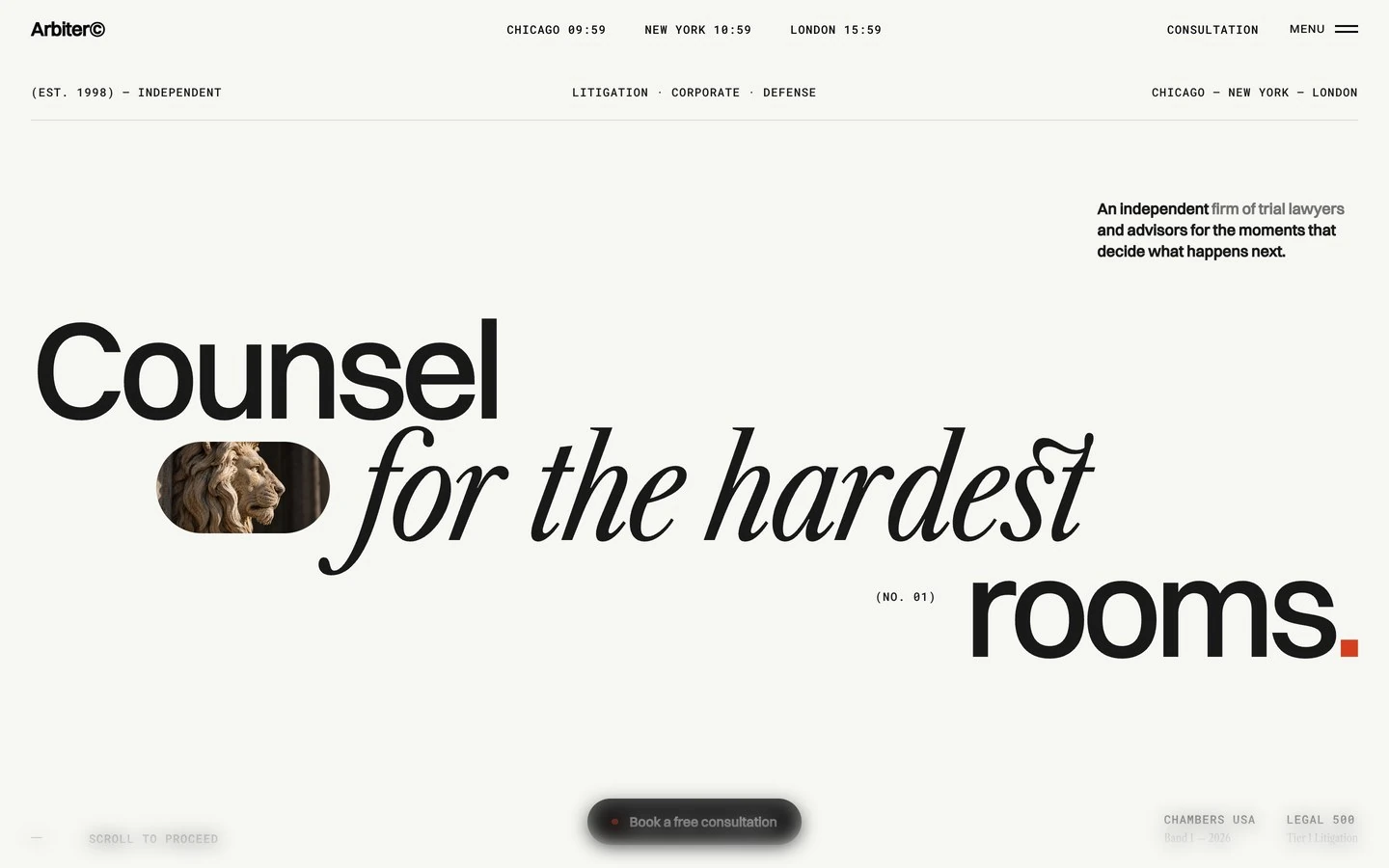
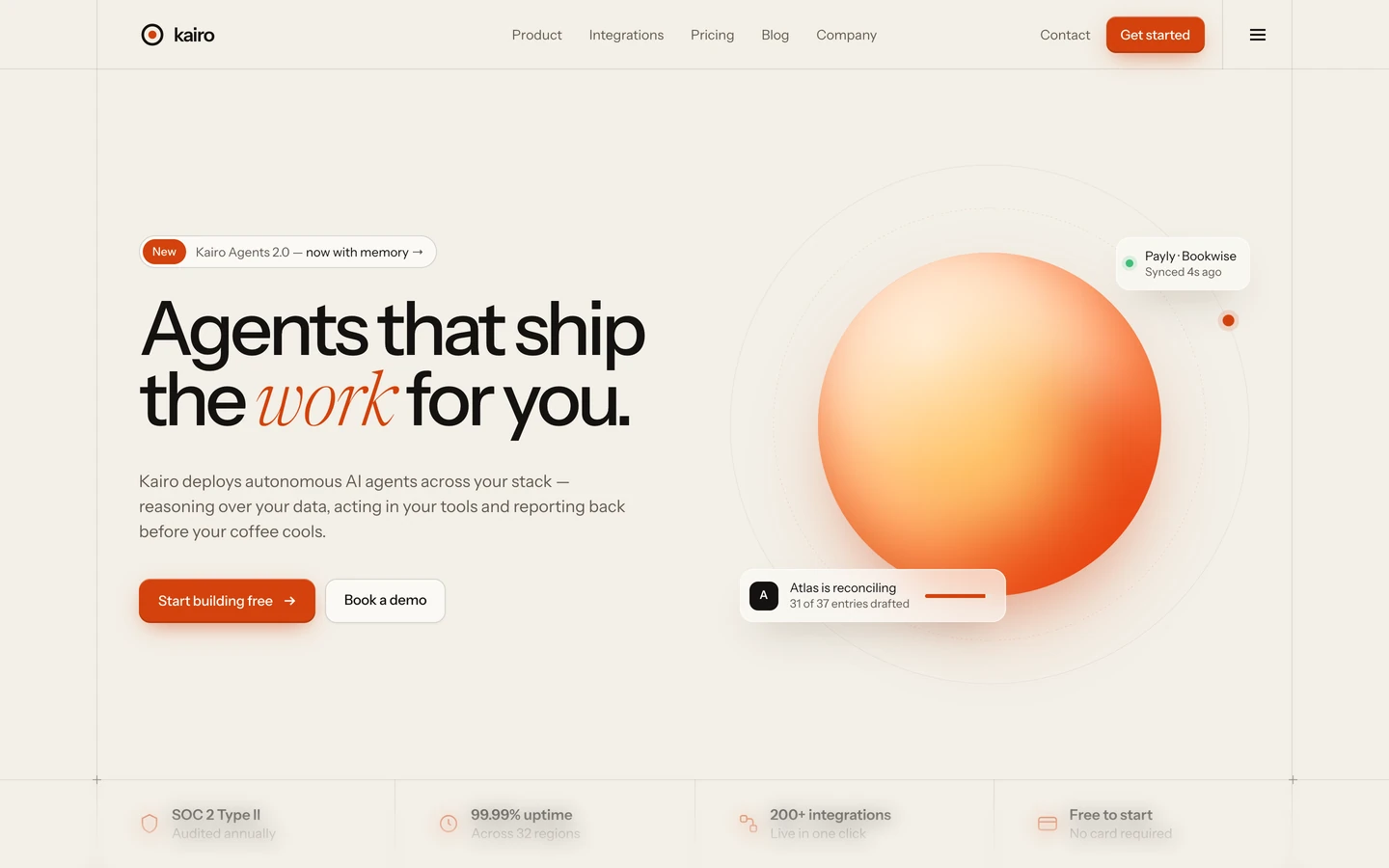
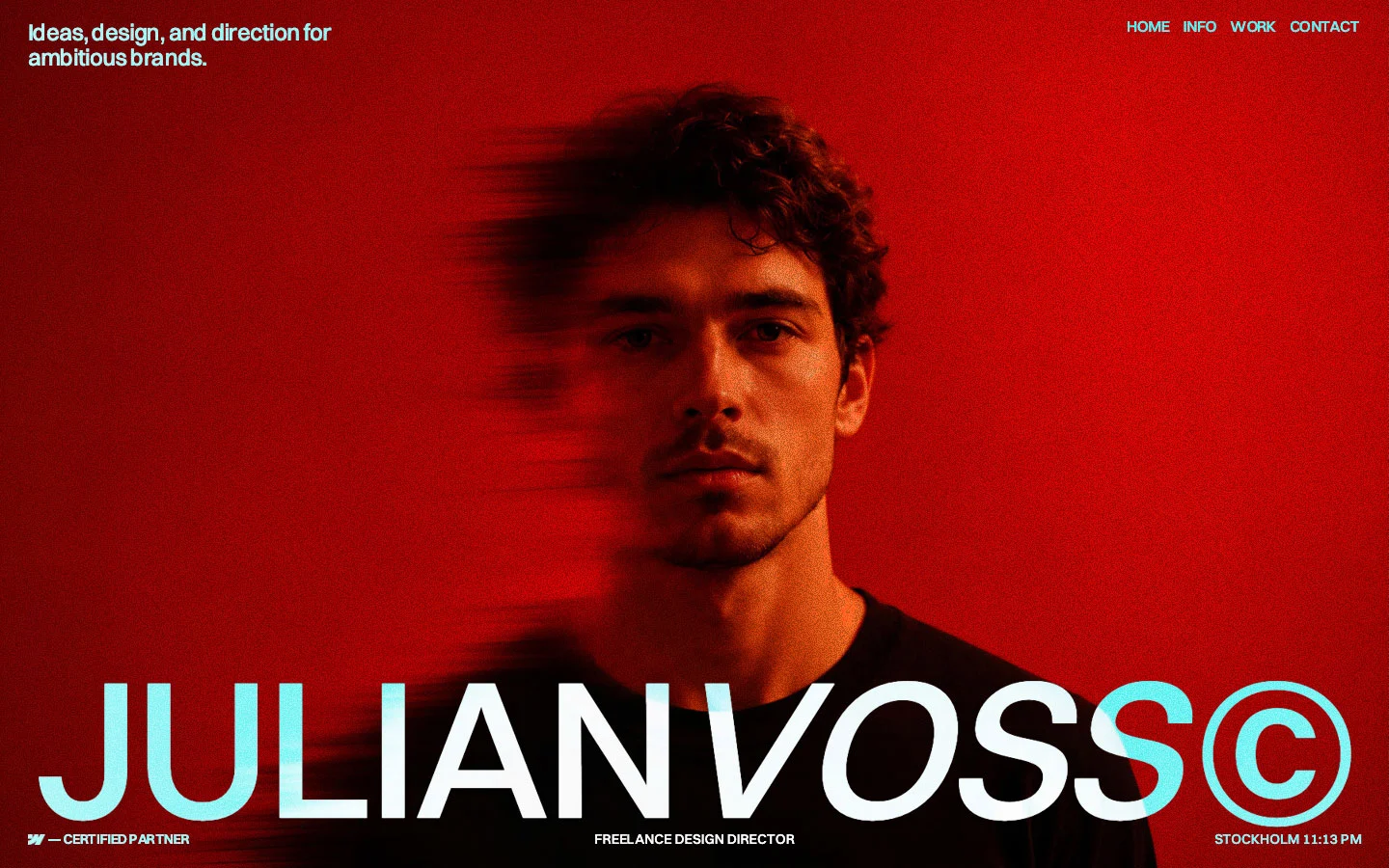
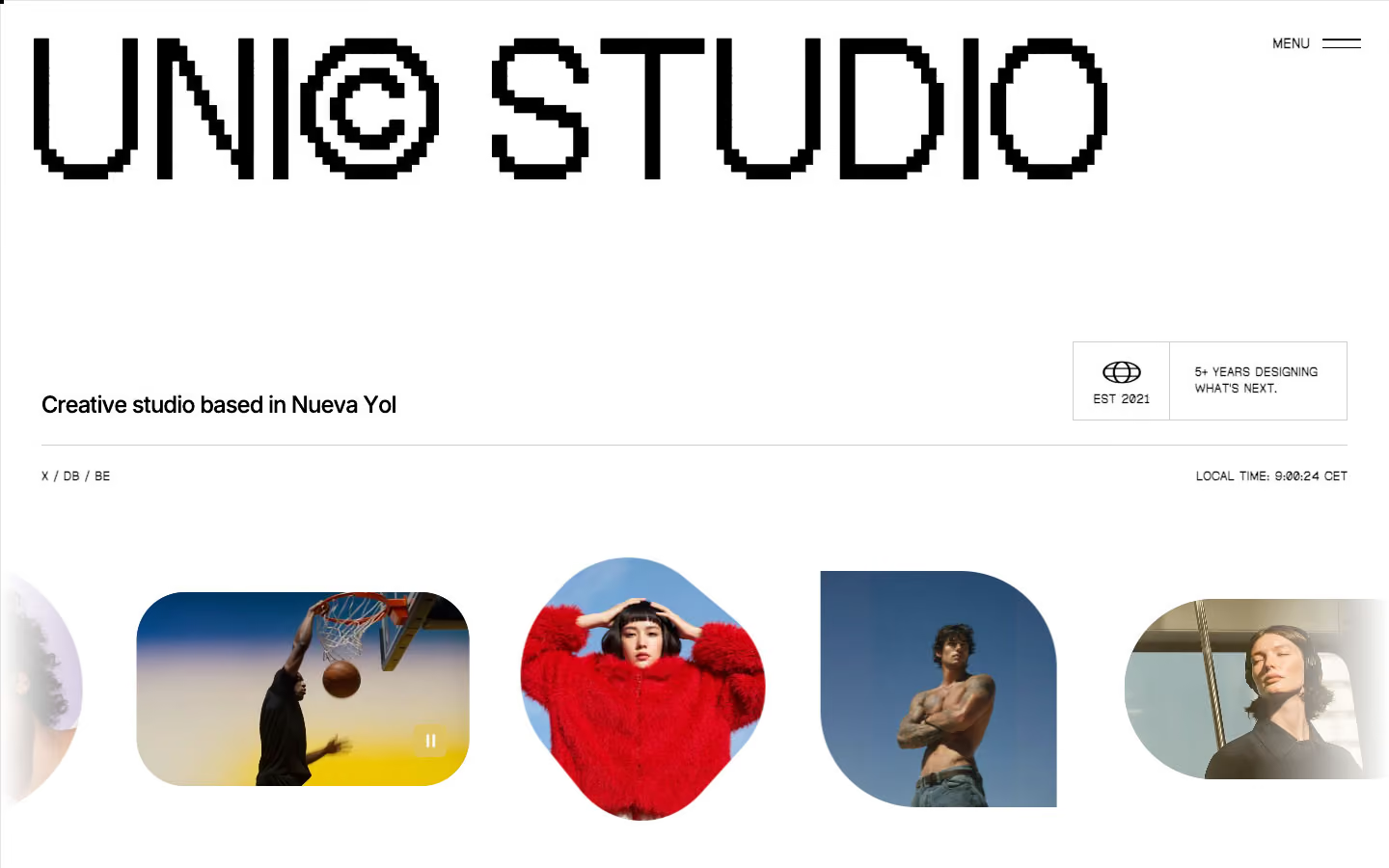
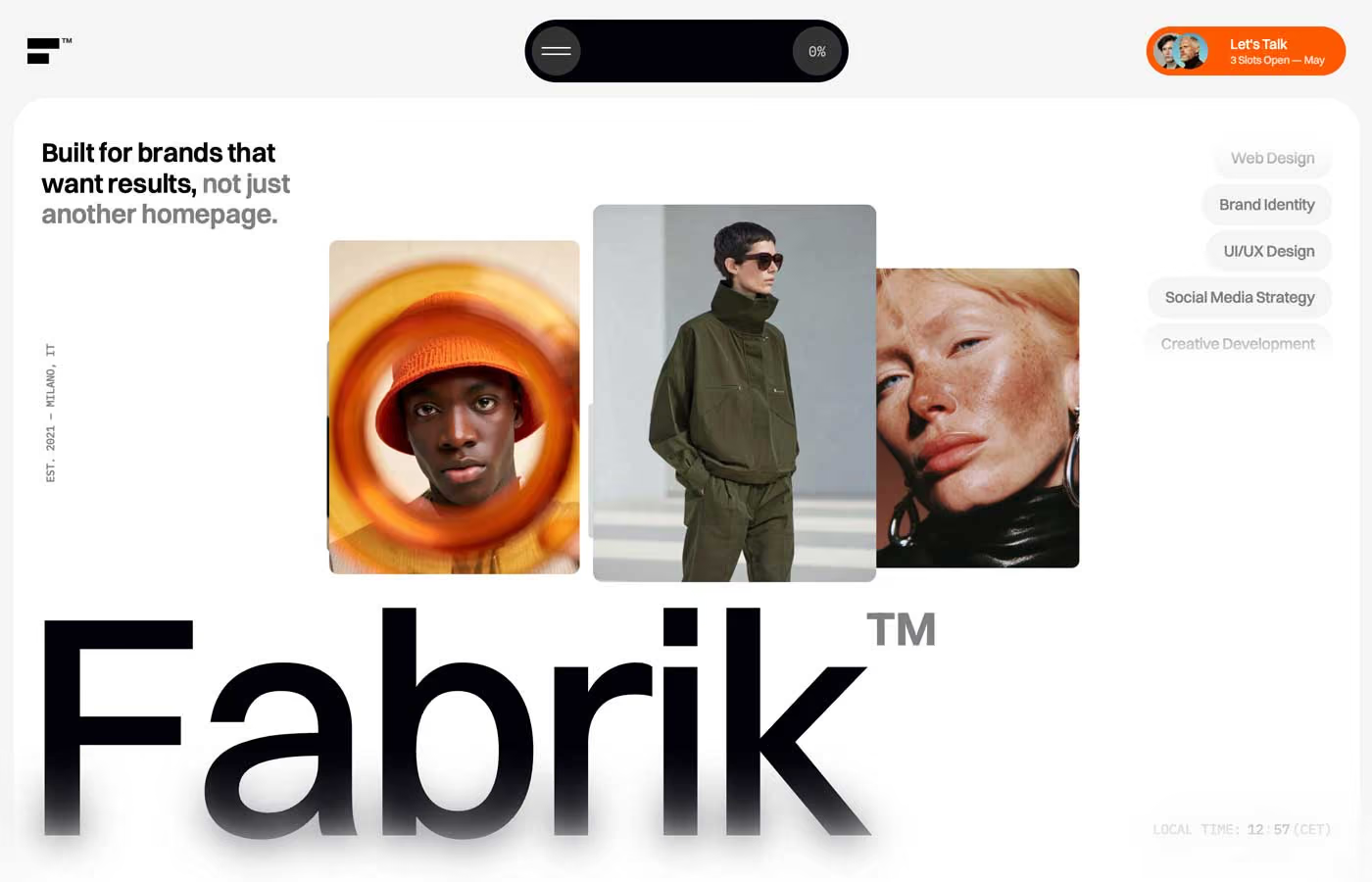
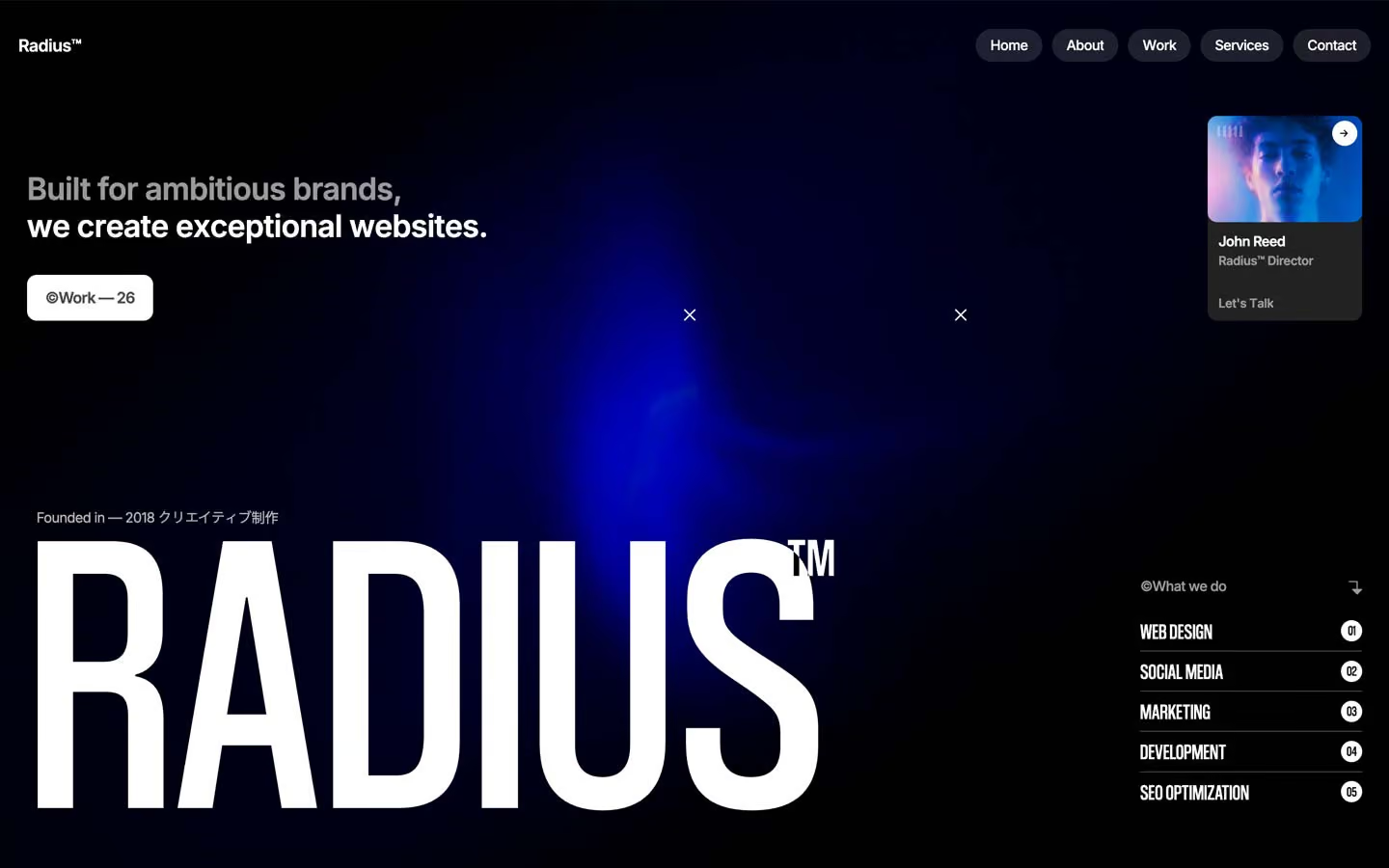
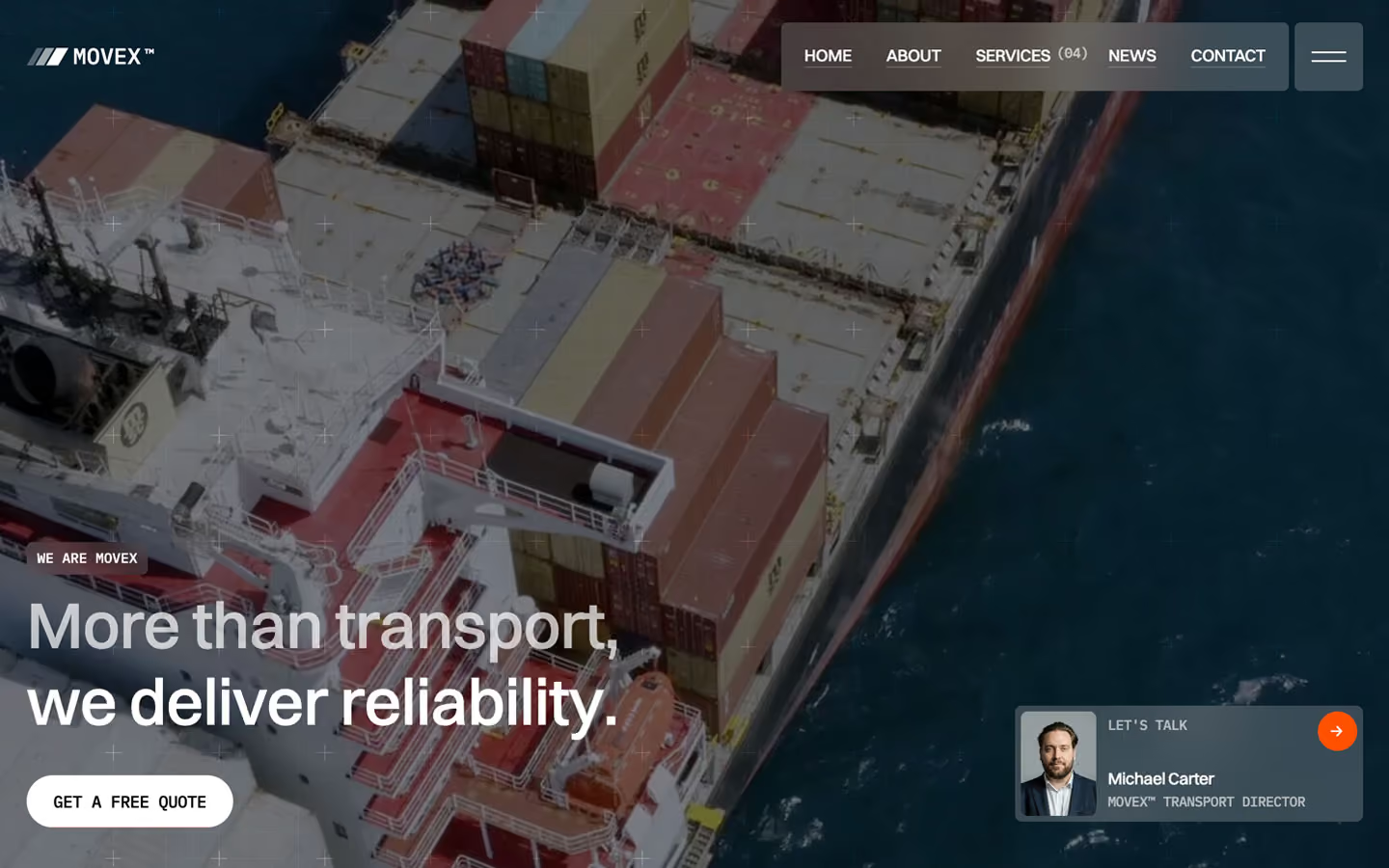
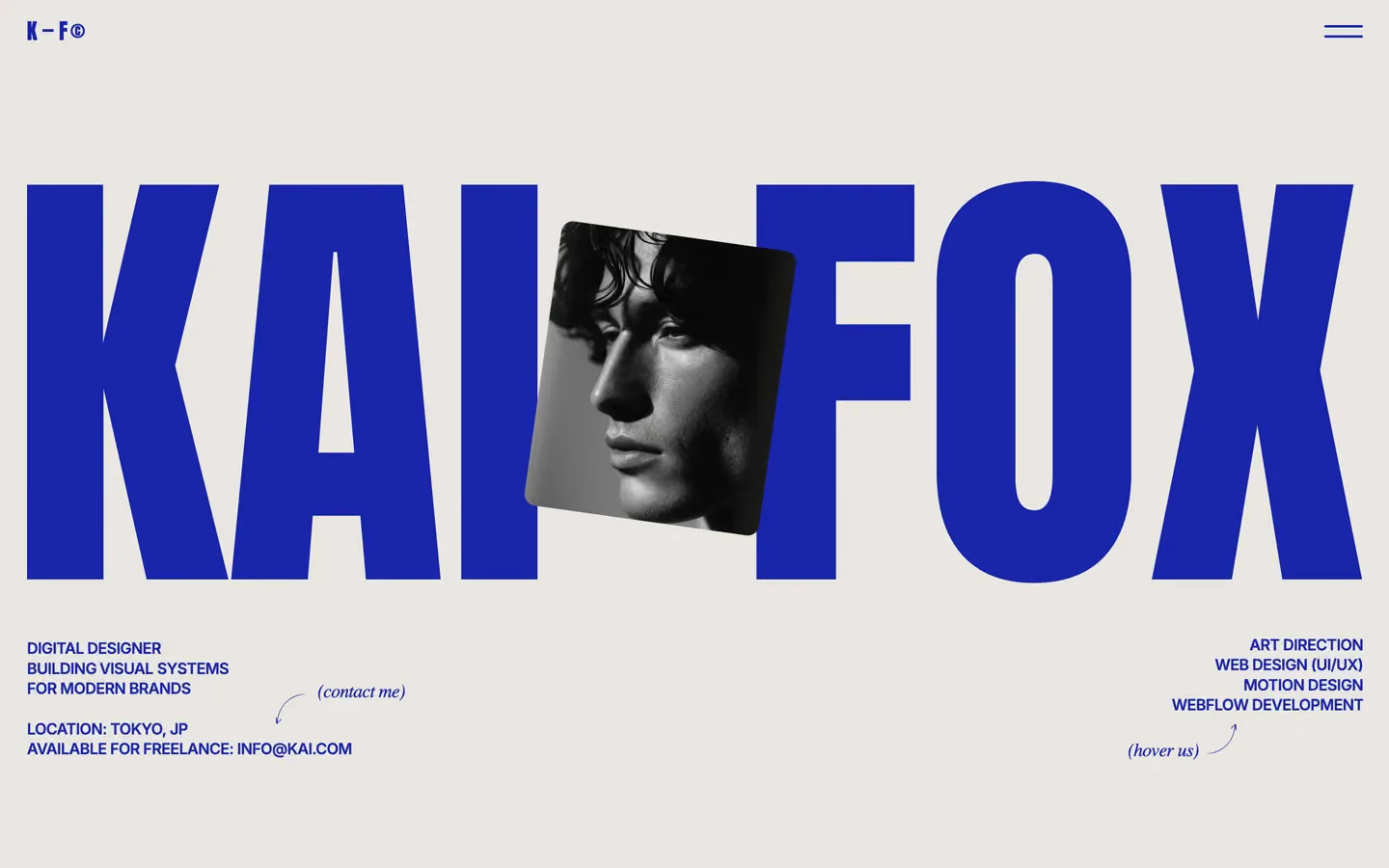
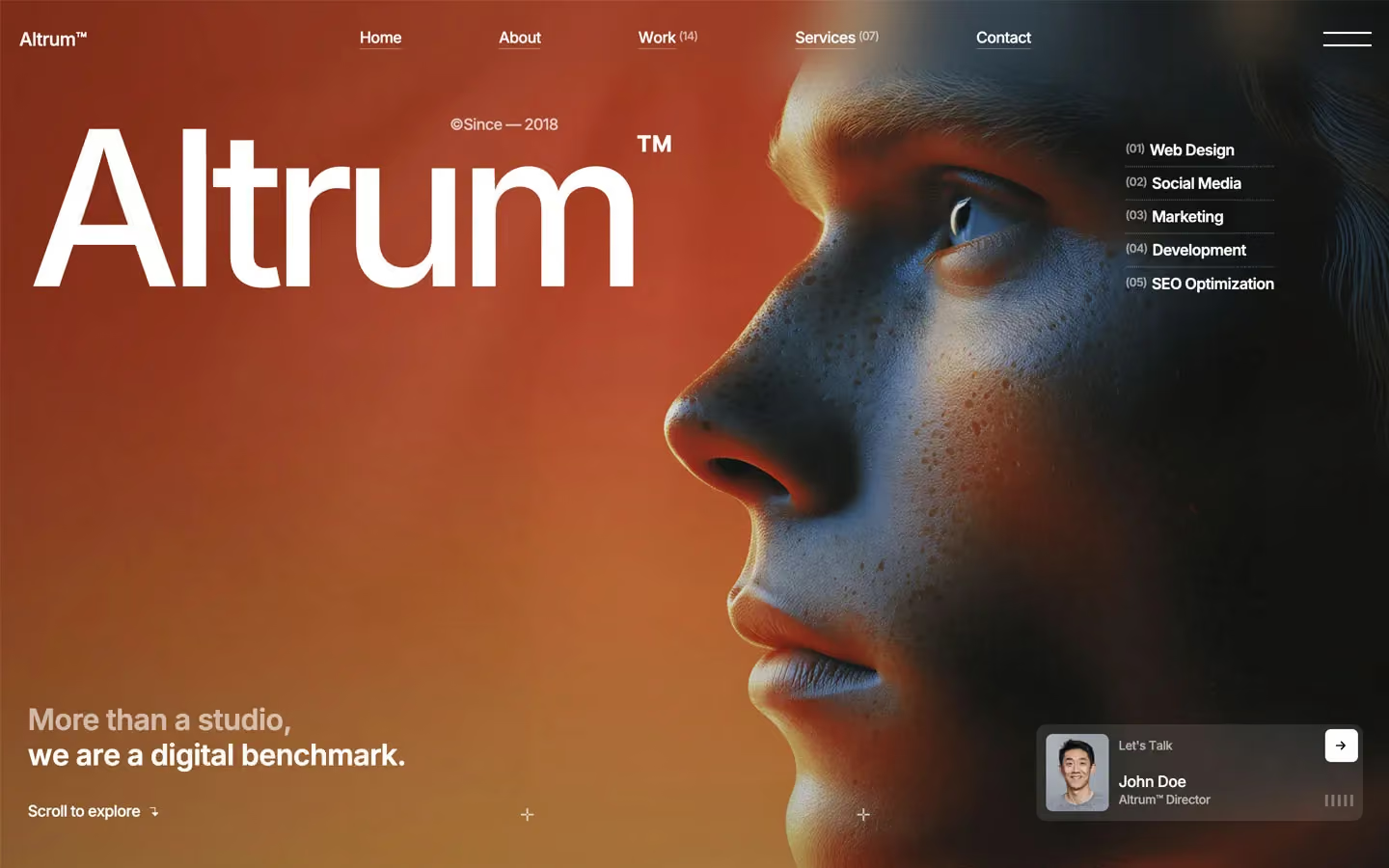
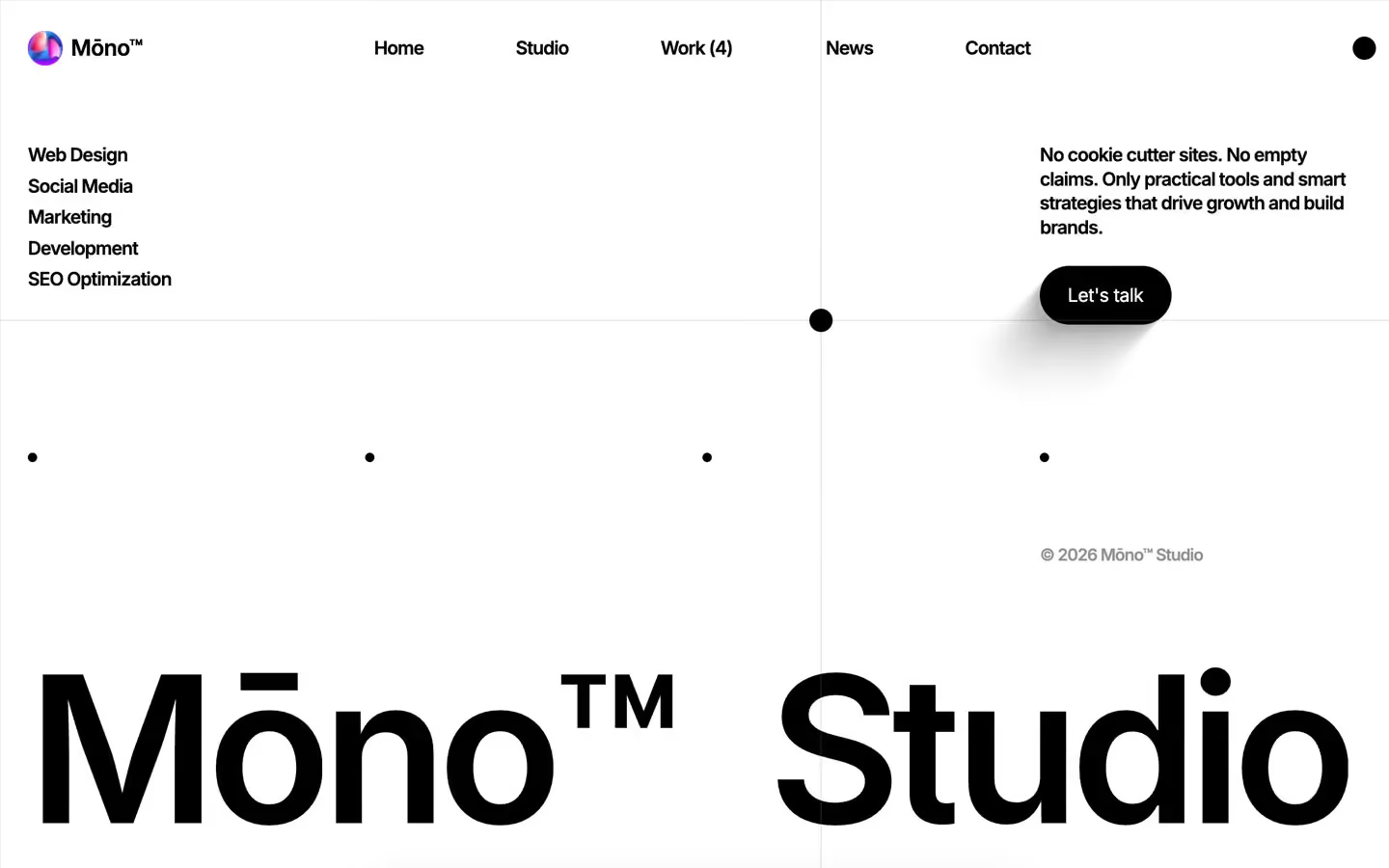
Browse 400+ premium templates for Webflow, Framer, HTML, Next.js and Figma. Filter by platform, category and price to find your starting point.
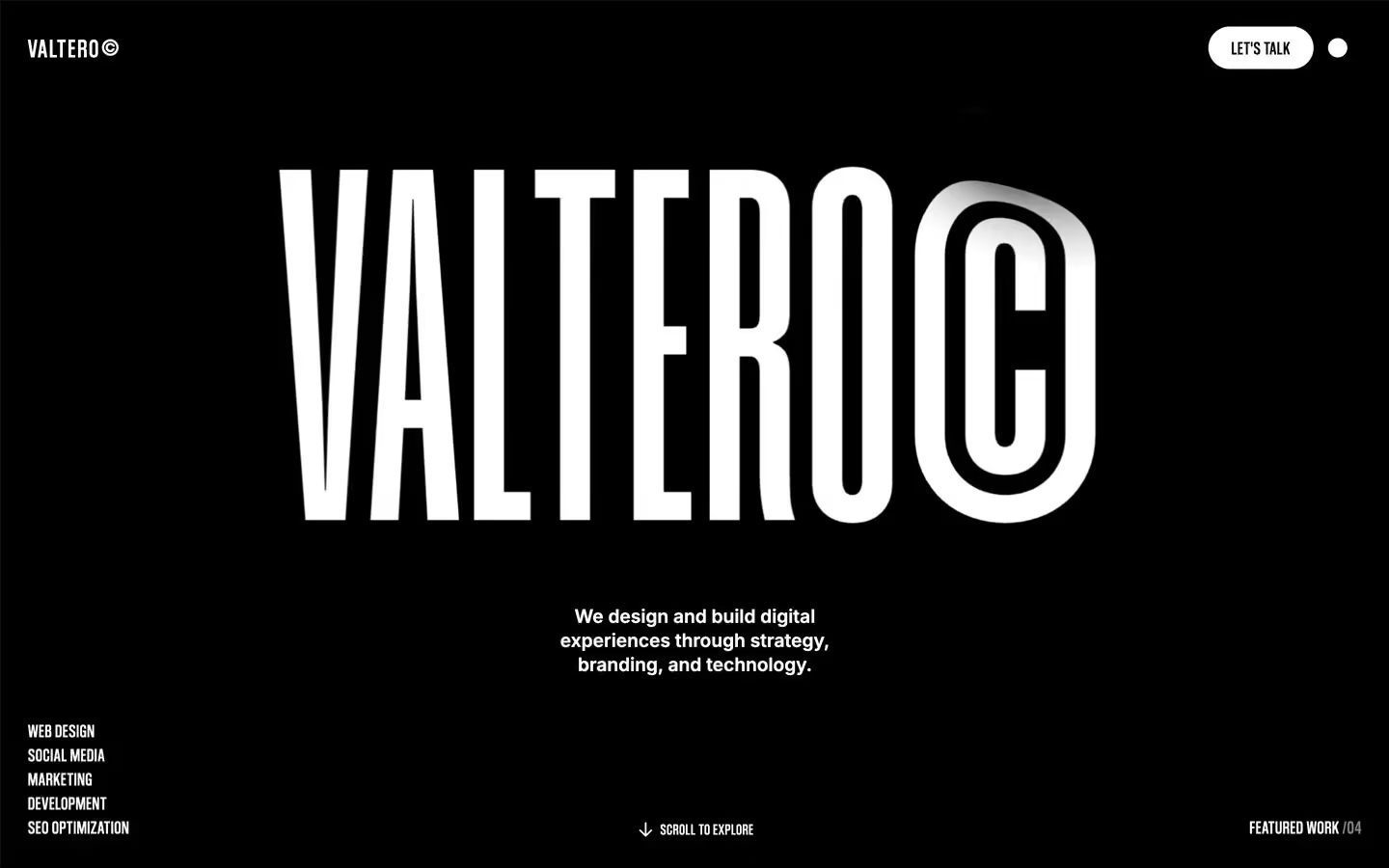
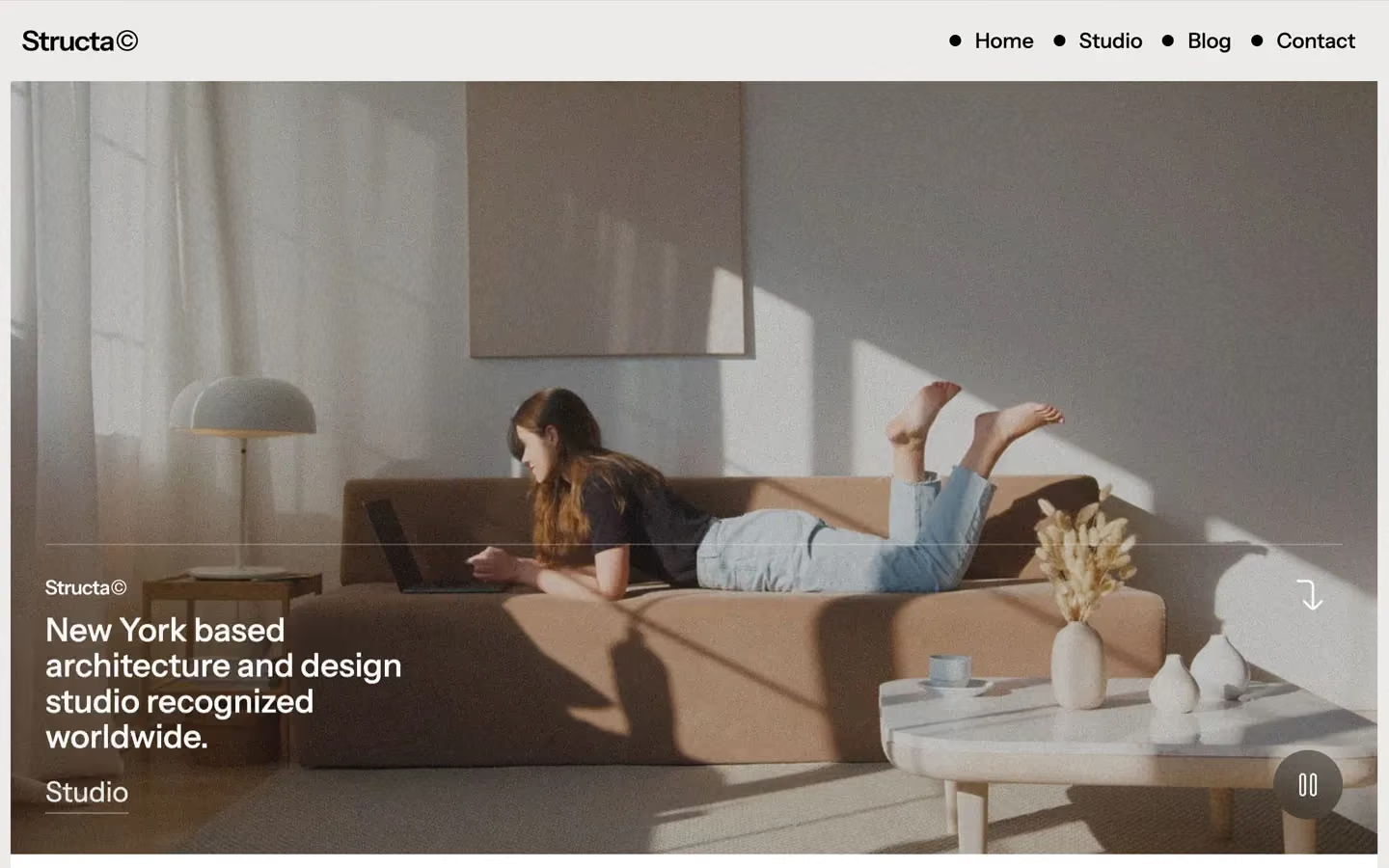
Try another category, or clear the filters.
Showing 24 of 401
Questions, answered.
See all answersOur team usually replies within a day.
01What is Flowmance?
Flowmance is a premium website template library and design studio. Templates are available across Webflow, Framer, Figma, HTML and Next.js, depending on the template, with both single purchases and full-library access.
Pick a template, make it yours and launch faster, without designing from scratch.
02What does All Access include?
All Access unlocks every template on all five platforms (Webflow, Framer, HTML, Next.js and Figma), with 400+ designs and every new release.
You can also choose 1 or 2 platforms; from three platforms on you get all five for the same price. See plans and pricing.
03What’s inside each template?
Each template includes:
- Full multi-page site design
- Conversion-focused responsive layouts
- Reusable sections + UI components
- Editable source files for Webflow, Framer, HTML, Next.js or Figma (depending on the template)
- Built clean, modular & easy to customize for any brand or industry
04Can I use the templates for client work?
Yes, you can use Flowmance templates for client work. You’re allowed to build unlimited personal and client projects using them.
What isn’t allowed: reselling, redistributing, or repackaging the templates in any form.
05Do you support template customization?
Yes. The Flowmance team can set up your template, add your brand and content, and design extra pages.
See customization for packages and prices.
06What forms of payment do you accept?
Visa, Mastercard, American Express and Apple Pay, processed securely through LemonSqueezy. You can pay quarterly, yearly or once for Lifetime access.
07What is your refund policy?
Since access is delivered immediately and includes the full library, purchases are non-refundable. We suggest trying our free templates and previews beforehand to make sure Flowmance aligns with your needs.
Free templates let you explore the experience, but premium unlocks the real value. With paid access you get full commercial usage, advanced features, all premium designs, future drops, and priority benefits.
01Are there free Webflow templates available?
Yes. We offer a selection of free Webflow templates so you can test the experience. Full-library access is available through Flowmance All Access.
02Are there free Framer templates available?
Yes. We offer a selection of free Framer templates so you can test the experience. Full-library access is available through Flowmance All Access.
03Are there free Figma templates available?
Yes. We offer a selection of free Figma templates so you can test the experience. Full-library access is available through Flowmance All Access.
Everything you need to know about using our templates in Webflow.
01How do I customize a Webflow Template?
Open the template in Webflow Designer and edit everything visually: text, colors, images, and layouts update live on screen. We use variables for spacing, fonts, and colors to make customization faster and consistent. You can also add custom code or tracking scripts in Webflow settings without breaking anything.
02Are Webflow templates flexible for different industries?
Yes. You can customize everything fast: colors, fonts, layouts, and sections. Templates work for SaaS, services, agencies, portfolios, and more. Basic Webflow skills help, but if you don’t have time, we offer customization support.
03Do Webflow templates support SEO?
Yes. They’re built with clean code, responsive structure, and fast load times, giving you a strong SEO base from day one.
04Can Webflow templates be used for e-commerce?
Yes. Many of our Webflow templates are compatible with Webflow Ecommerce. You can add products, set pricing, and start accepting payments immediately. You can also connect Webflow with Shopify if you prefer using Shopify’s checkout and commerce features.
05Do Webflow templates support CMS Collections?
Yes. You can use CMS Collections for blogs, portfolios, services, careers, case studies, and more. All Flowmance templates include CMS-ready sections you can populate instantly.
Your complete guide to working with Flowmance templates in Framer.
01How to modify your Framer Template?
Just open the template in Framer and edit visually on the canvas. Change text, images, styles, and sections in a few clicks. The templates are flexible for SaaS, services, startups, consulting, portfolios, and multiple design styles.
02Are animations editable in Framer templates?
Yes. Framer lets you edit or remove animations easily. You can change speed, style, timing, and movement without any coding.
03Are Framer templates responsive?
Yes. Every Framer template is crafted to be responsive from the start, delivering a polished experience across desktop, tablet, and mobile with zero extra effort.
04Can Framer templates be used for SaaS, agencies, and portfolios?
Yes. Framer templates work great for portfolios, agencies, and SaaS. They include modern layouts, sections for work and services, plus SaaS components like pricing, features, and dashboards.
How to open, edit, and personalize Flowmance templates inside Figma.
01Are Figma templates beginner friendly?
Yes. Figma templates are easy to open and customize. You can modify styles, colors, text, and layouts without needing advanced design skills.
02Do Figma templates come with styles and components?
Yes. Our Figma templates include color styles, typography systems, and reusable components, so you can design faster and stay consistent.