Webflow bundles managed hosting with its site platform, while WordPress hosting varies widely by provider. Compare operations, control, maintenance, plugins, and ownership.
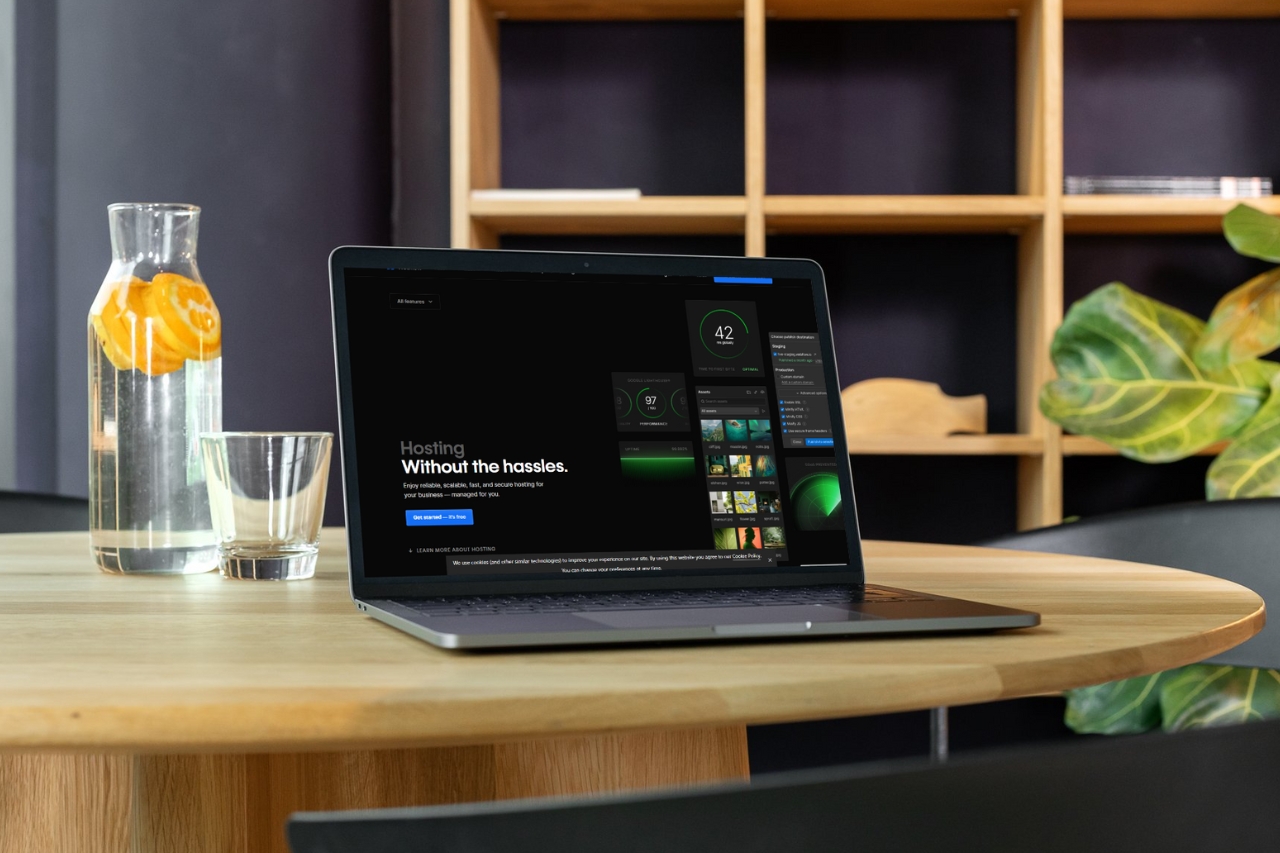
Webflow hosting and WordPress hosting are not direct equivalents. Webflow packages hosting into a managed website platform. WordPress is software that can run on many different hosting providers, each with different performance, security, support, and management layers.
With Webflow, publishing, hosting, SSL, CDN delivery, and much of the site infrastructure are managed within the same product. That reduces the number of separate services a marketing team needs to configure.
The trade-off is that you operate inside Webflow's platform model rather than choosing every server-level detail yourself.
A WordPress site can run on inexpensive shared hosting, managed WordPress infrastructure, a cloud server, or a custom enterprise stack. Performance and maintenance therefore depend heavily on the provider and configuration.
A fair comparison should use the actual WordPress host you are considering, not “WordPress hosting” as a single category.
WordPress projects often include core updates, plugin updates, theme updates, backups, security monitoring, and compatibility management. Managed hosts can reduce that workload, but the plugin ecosystem remains part of the operating model.
Webflow removes many of those maintenance tasks because the application and hosting platform are managed together.
Teams that need server access, specialized plugins, deep PHP customization, or a hosting architecture they fully control may prefer WordPress or another code-first stack.
For design-led marketing sites, portfolios, agencies, and CMS-driven business websites, having design, CMS, deployment, and hosting in one environment can reduce operational overhead.
Choose Webflow when a managed, integrated publishing stack is the priority. Choose WordPress when its ecosystem and infrastructure flexibility solve requirements the managed stack does not. Compare real providers and workflows rather than headline hosting prices alone.











Don’t miss out on our superb, customizable templates designed to enhance your web design experience. We constantly add new templates and components.

Explore stunning Webflow, Framer, HTML5, Next.js and Figma templates designed to spark your next big idea.


*Rest assured that your data is safe with us, and you'll only hear from us 1 time per month.
