Framer vs HTML in 2026: compare visual publishing, code ownership, hosting, CMS, SEO, portability and maintenance to choose the right website workflow.
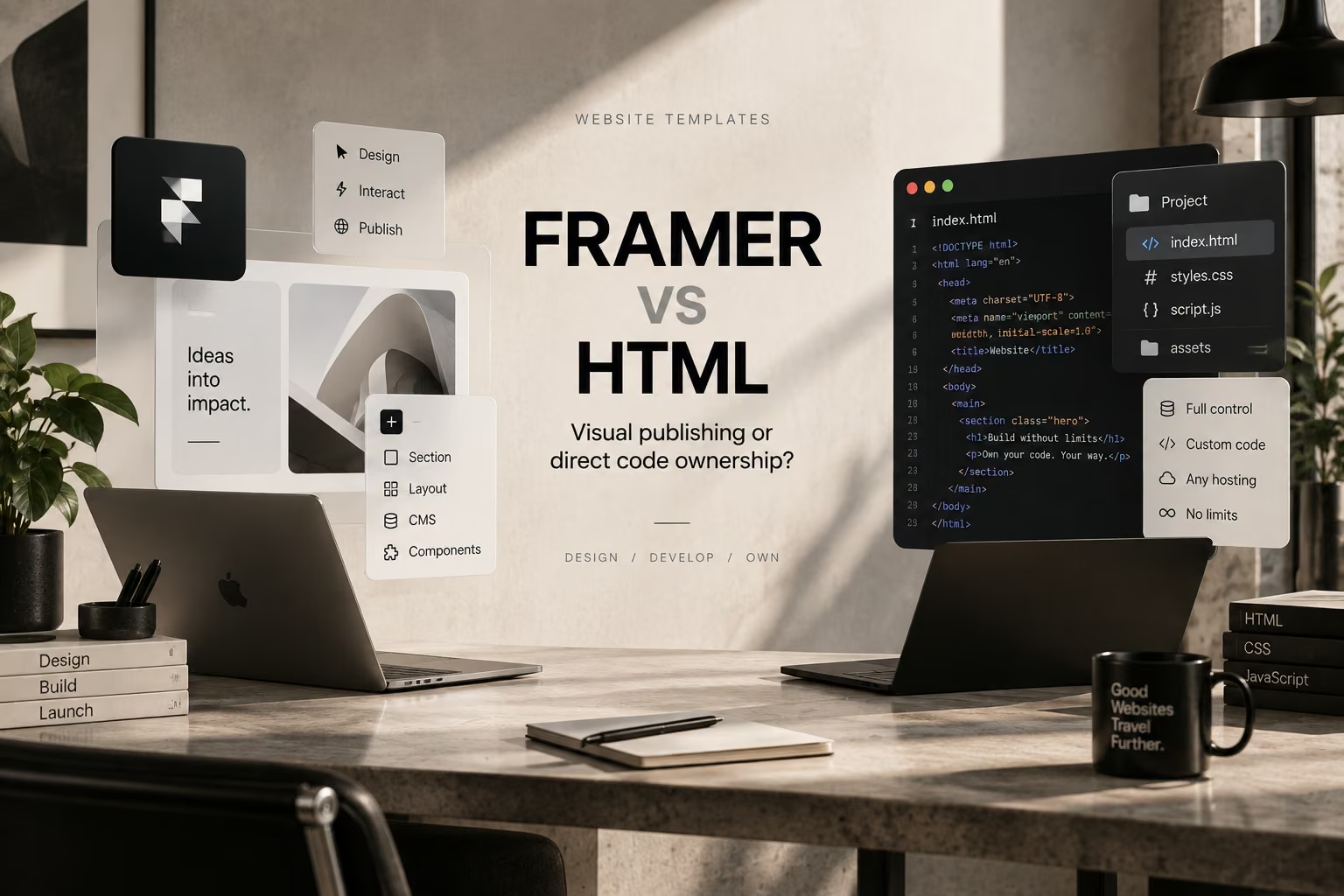
Short answer: choose Framer when the team wants a visual design-and-publishing workflow with managed hosting, CMS editing, responsive layout tools and motion in one product. Choose static HTML when direct source ownership, independent hosting, developer-led maintenance and infrastructure control matter more than visual editing. For SEO, neither approach is automatically superior: both can produce crawlable, semantic pages when implemented well.
The biggest practical difference in 2026 is ownership of the production workflow. Framer is a hosted website platform. Static HTML is a code artifact you can place inside your own repository, deployment pipeline and hosting stack.
| Area | Framer | Static HTML |
|---|---|---|
| Visual editing | Core strength | Usually developer-led |
| Hosting | Framer-managed publishing by default | Any compatible host or CDN |
| Source ownership | Platform workflow; verify current export options before relying on self-hosting | Direct HTML, CSS, JavaScript and asset files |
| CMS | Native visual CMS | Requires a CMS, static-site generator or custom backend if editors need one |
| Motion | Built into the visual workflow | Implemented in CSS/JavaScript or chosen libraries |
| SEO controls | Metadata, redirects, sitemap, robots controls, semantic tags and JSON-LD workflows | Full markup and infrastructure control; implementation is the team's responsibility |
| Best fit | Design-led marketing sites, portfolios, launches and smaller CMS sites | Developer-led projects, self-hosting, custom stacks and long-term code portability |
Framer combines design, responsive layout, publishing, CMS and interaction tooling in one environment. That reduces the handoff between design and production, which is valuable for creative teams, startups and portfolio-driven businesses that want to iterate quickly.
Framer's current SEO documentation says published sites include automatic sitemap and robots files, page-level metadata controls, semantic text elements, redirects, image SEO support and support for structured data such as JSON-LD. Framer also uses server-side rendering and platform-managed performance optimizations.
Browse Flowmance's Framer templates when the final site will remain in a Framer workflow.
A static HTML template gives a developer the actual front-end files. The project can live in source control, deploy through the team's preferred infrastructure and be integrated into a custom application or backend without depending on a visual website builder.
This is especially useful when a client contract requires source-code delivery, the organization has its own deployment standards, or the website must become part of a larger engineering system.
Explore Flowmance's HTML templates for code-first implementations.
Do not make a platform decision based on the assumption that Framer behaves exactly like a traditional static HTML project. Framer's current first-party documentation is not completely consistent on this point.
Its self-hosting FAQ, updated August 7, 2026, says Framer does not provide a native way to download published sites as HTML files or static website bundles and describes Framer as a hosted platform. A separate Framer data-portability article says published output uses standard HTML, CSS, JavaScript and static assets and states that these files can be moved to another hosting provider.
Because these two first-party pages describe portability differently, teams with contractual self-hosting or source-delivery requirements should verify Framer's current export behavior before purchase rather than relying on a generic “yes” or “no.” Static HTML remains the clearer option when source ownership is a hard requirement.
Neither format wins SEO simply because of the platform. Search visibility depends on crawlable content, page structure, metadata, internal links, performance, accessibility, canonicalization and content quality.
Framer gives non-developers visual access to many SEO controls and automatically handles several technical pieces. HTML gives developers direct control over the final markup and delivery stack. That freedom is powerful, but it also means the team must implement technical SEO correctly.
Semantic HTML matters in either workflow. MDN recommends using the correct HTML elements for their intended purpose because semantic structure improves accessibility and helps browsers and search engines understand the page.
Editors can work visually, publish changes without a traditional deployment cycle and manage content through Framer's CMS. That can reduce dependence on developers for routine marketing updates.
Developers can use familiar repositories, code review, automated deployments and existing libraries. There is no builder-specific editing model to preserve, but non-technical editors may need a separate CMS or publishing interface.
Framer is the more complete out-of-the-box choice when editors need a visual CMS and the content model fits Framer's workflow. Static HTML by itself does not provide content management; the team must add a headless CMS, static-site generator or other editorial system.
If content complexity becomes the deciding factor, compare the broader platform trade-offs in Flowmance's Webflow CMS vs Framer CMS guide.
For an agency, the better choice depends on the handoff. Framer is efficient when designers will continue to manage the live website. HTML is clearer when the deliverable must enter the client's engineering workflow or when source-code ownership is part of the agreement.
Agencies working across several production models can compare Framer, HTML and Webflow templates, or use Flowmance+ for broader library access.
The visual direction and the production format do not have to be the same decision. A design can start in Figma or one website builder and later be implemented in another stack. The important question is whether the conversion preserves responsive behavior, CMS structure, interactions and content rather than only reproducing the homepage visually.
For the broader comparison, see HTML Templates vs No-Code Builders and Webflow vs HTML.
Use Framer when speed of visual production and managed publishing are the priorities. Use HTML when code ownership, self-hosting and integration freedom are the priorities. Both can support strong SEO; the more important question is which workflow your team can maintain correctly after launch.











Don’t miss out on our superb, customizable templates designed to enhance your web design experience. We constantly add new templates and components.

Explore stunning Webflow, Framer, HTML5, Next.js and Figma templates designed to spark your next big idea.


*Rest assured that your data is safe with us, and you'll only hear from us 1 time per month.
