Webflow CMS vs Framer CMS in 2026: verified pricing, CMS limits, content modeling, dynamic rendering limits, editing, filters and scaling economics.
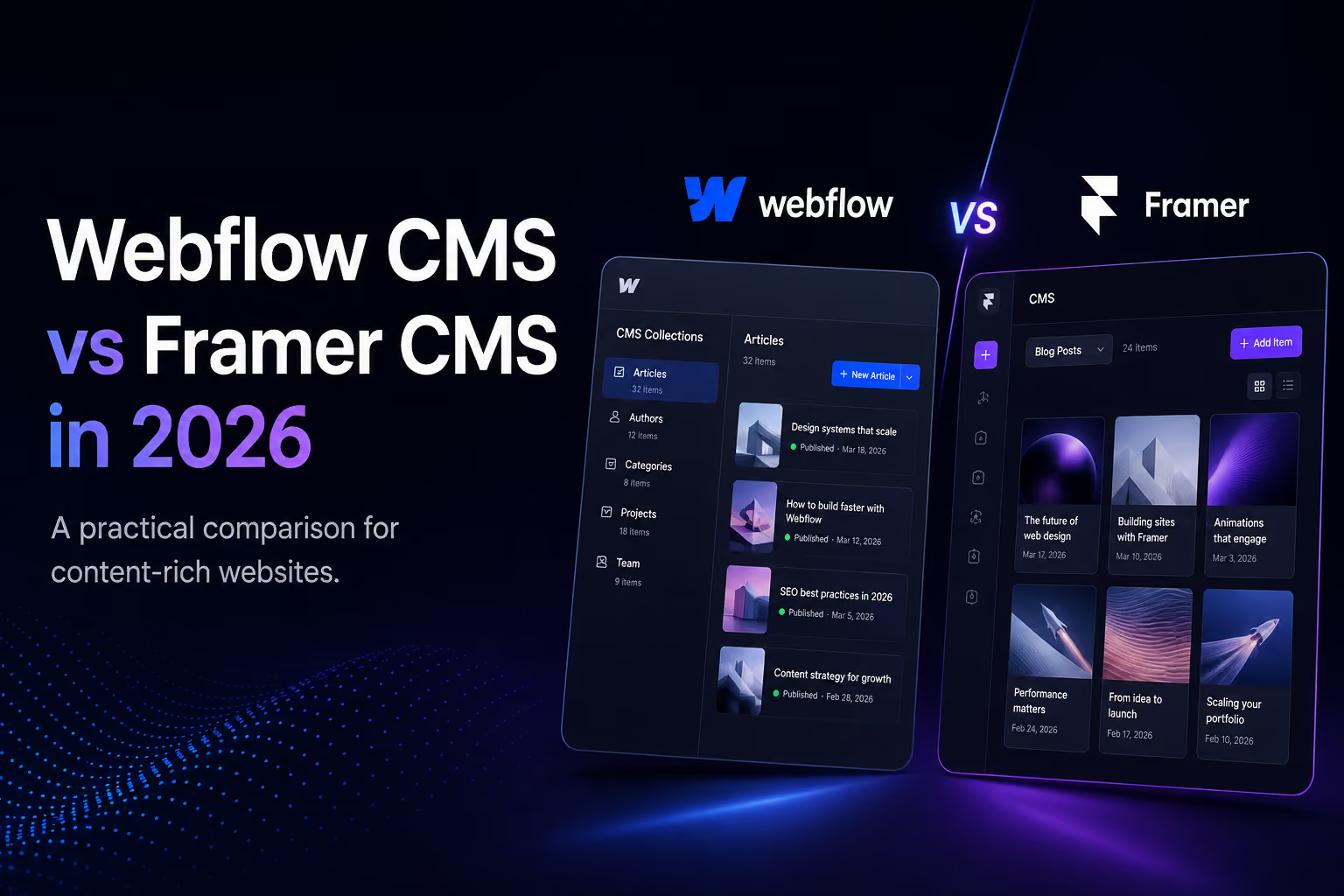
Webflow CMS is the stronger choice in 2026 for larger, relational and content-heavy websites; Framer CMS is usually the faster choice for portfolios, startup sites and design-led marketing teams. The most important difference is now measurable: Webflow’s new Premium Site plan includes 20,000 CMS items and 40 Collections, while Framer Basic includes 1,000 items and 2 Collections and Framer Pro starts with 2,500 items and 10 Collections, with paid scale add-ons available.
This comparison uses current first-party pricing and product documentation rather than judging the platforms only by how their editors feel.
| Metric | Webflow | Framer |
|---|---|---|
| CMS-focused entry plan | Premium: $25/mo billed yearly | Basic: $10/mo billed yearly |
| Included CMS items | 20,000 on Premium | 1,000 Basic; 2,500 Pro |
| Included CMS Collections | 40 on Premium | 2 Basic; 10 Pro |
| Higher self-serve CMS scale | 20,000 items included on Premium | Pro add-ons can scale to 40,000 items and 40 Collections |
| Best fit | Relational, content-heavy and larger editorial systems | Design-led sites with simpler content operations |
Pricing and limits checked September 10, 2026. Prices shown are yearly-billing monthly equivalents and can change.
Sources: Webflow pricing, Webflow 2026 pricing update, Framer pricing.
Webflow simplified its Site plans in May 2026 by combining the former CMS and Business plans into a new Premium plan. For new purchases, Premium is $25 per month when billed yearly and includes 20,000 CMS items and 40 CMS Collections. This materially changes older comparisons that still describe Webflow’s CMS tier as having 2,000 items and 20 Collections.
Framer’s current pricing takes a different approach. Basic is $10 per month billed yearly with 1,000 CMS items and 2 Collections. Pro is $30 per month billed yearly with 2,500 CMS items and 10 Collections; Framer says Pro add-ons can extend capacity up to 40,000 CMS items and 40 Collections.
That means raw CMS scale is no longer a simple Webflow-wins-every-limit story. Webflow includes substantially more CMS capacity in its standard content-focused plan, while Framer offers a lower entry price and a paid path to higher item counts.
Raw item count is only one part of CMS capability. Webflow is strongest when content is relational: services connected to industries, projects connected to clients, resources connected to authors, or directory entries connected to multiple categories. Its CMS supports custom field types, reference and multi-reference relationships, reusable Collection templates and more complex dynamic layouts.
Webflow’s next-generation CMS also expanded what can be rendered on one page, including more Collection Lists and deeper nesting. That matters for directories, resource hubs, product ecosystems and large case-study systems where related entities need to appear together.
Source: Webflow next-gen CMS.
Framer’s CMS has evolved rapidly. Its current workflow emphasizes inline table editing, bulk actions, filtering and an editing experience that stays close to the visual canvas. For a designer who also owns content, this can remove a meaningful amount of operational friction.
That makes Framer especially compelling for portfolios, startup marketing sites, blogs and smaller resource centers where the content model is useful but not deeply relational.
Framer’s Dynamic Filters can connect search fields, tabs, toggles, dropdowns and checkboxes to CMS lists while keeping the controls visually editable. For filterable portfolios, directories and resource libraries, this is a strong design-first workflow.
Webflow can create sophisticated filtered CMS experiences too, but implementation depends more on the project architecture and may involve native filters plus additional logic.
Source: Framer Dynamic Filters.
For a large content strategy, Webflow has the structural advantage. Deeper relationships can make it easier to build clear clusters around services, industries, case studies and resources. That structure helps users and machines understand how topics and entities connect.
For a focused marketing site, Framer can be equally effective. A smaller CMS with useful original content, descriptive headings and strong internal links can outperform a complex architecture that adds no user value.
For the broader search differences, read Flowmance’s Webflow vs Framer SEO comparison.
Webflow supports native CSV import and export for CMS Collections and exposes CMS management through its APIs. Framer’s CMS ecosystem supports CSV and plugin-based workflows. For either platform, test a representative migration before committing: relationships, rich text, media, redirects and URL preservation matter more than the number of rows alone.
| If your priority is… | Better starting point | Why |
|---|---|---|
| Large editorial library | Webflow | 20,000 included CMS items on Premium and deeper relational modeling |
| Lowest-cost CMS website | Framer | Basic starts at $10/mo billed yearly |
| Portfolio or startup marketing site | Framer | Fast visual editing and simpler content operations |
| Directory or relational resource hub | Webflow | References, nested dynamic content and stronger structured modeling |
| More than 20,000 CMS items on self-serve pricing | Framer Pro + add-ons | Framer advertises scaling up to 40,000 CMS items |
| 40 Collections without CMS add-ons | Webflow Premium | 40 Collections are included |
Choose Webflow CMS when content architecture, relationships and included CMS scale matter most. Choose Framer CMS when visual editing speed, lower entry cost and a simpler designer-to-publisher workflow matter most.
The 2026 pricing changes make this distinction clearer. Webflow now bundles 20,000 items and 40 Collections into its $25 yearly-billed Premium plan. Framer starts much cheaper, while Pro can be expanded beyond Webflow Premium’s included item count through paid add-ons. Neither platform is universally “better”; the right choice depends on the shape of the content system you will operate after launch.
Browse Flowmance’s Webflow templates for structured CMS-heavy starting points or Framer templates for design-led builds. Teams working from design files can also explore Figma templates, while Flowmance+ provides broader access across the library.











Don’t miss out on our superb, customizable templates designed to enhance your web design experience. We constantly add new templates and components.

Explore stunning Webflow, Framer, HTML5, Next.js and Figma templates designed to spark your next big idea.


*Rest assured that your data is safe with us, and you'll only hear from us 1 time per month.
