Compare static HTML templates with Webflow and Framer in 2026 across code ownership, hosting, CMS, SEO, portability, maintenance and launch speed.
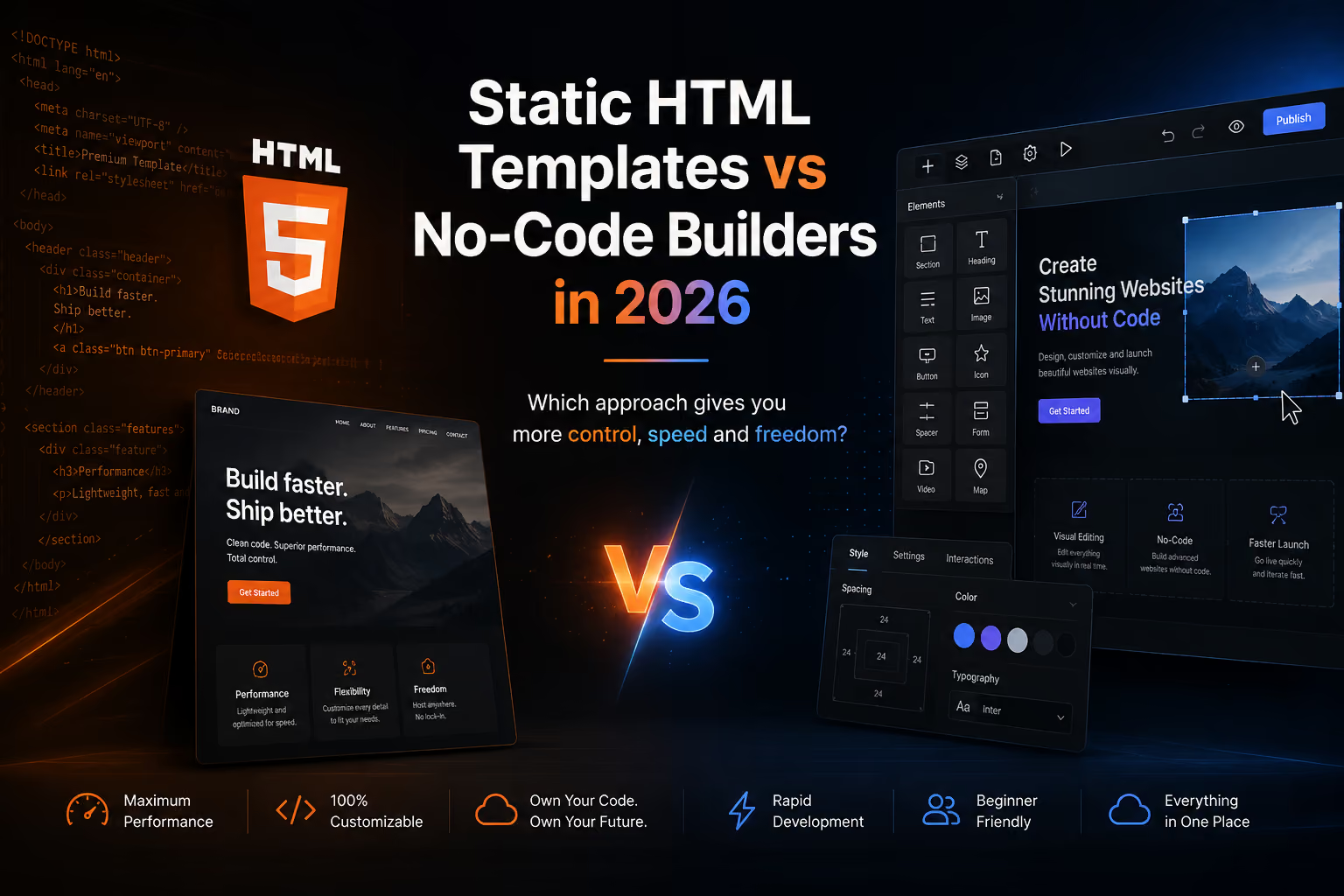
Short answer: choose a static HTML template when code ownership, self-hosting and developer control matter most. Choose Webflow when you need a visual workflow plus a powerful hosted CMS. Choose Framer when design speed, motion and managed publishing matter more than source-code ownership. For many agencies, the best choice is not “code versus no-code” but which workflow should own the site after launch.
A static HTML template is a pre-built front-end made primarily from HTML, CSS, JavaScript and assets. It can be hosted independently and modified directly by a developer. The important distinction is ownership: the template is the starting codebase rather than a project that must continue living inside a visual builder.
If that workflow matches your project, browse Flowmance’s HTML templates.
HTML is the clearest option when the website must become part of an existing engineering workflow. Developers can edit the source, choose deployment infrastructure, connect a custom backend and integrate the front end into a larger application without rebuilding a builder-specific project.
A static site can be deployed to many hosting environments because the output is standard web files. That is useful for teams with infrastructure, compliance, client-hosting or deployment requirements that make a hosted builder less suitable.
For a brochure site, documentation site, campaign page or developer-maintained marketing site, adding a full visual CMS may create more system than the project needs. Static HTML can be a simpler architecture when content changes are infrequent.
Webflow is stronger when non-developers need to keep publishing and designing after launch. Its visual development model combines responsive layout, reusable components, interactions and CMS content in one workflow.
Webflow's current code-export documentation says eligible paid Workspace plans can export HTML, CSS, JavaScript and assets. However, Webflow explicitly says CMS databases and functionality, Ecommerce, User Accounts, site search, native form processing, localized content and code components are not included as working functionality in that static export. Webflow also now documents a separate Custom Hosting option that preserves CMS support for eligible deployments, so “Webflow can be self-hosted” needs this distinction rather than a simple yes/no answer.
For CMS-heavy sites, browse Flowmance’s Webflow templates.
Framer is especially effective when the team values visual iteration, responsive design, motion and a short path from design to published marketing site. Product designers and creative teams can stay inside a visual workflow rather than handing every page to a developer.
Portability requires careful wording in 2026 because Framer currently has conflicting first-party help pages. Its native self-hosting FAQ says Framer does not offer HTML export for self-hosting because published sites rely on platform-managed services such as prerendering, image optimization, font subsetting, SSR and caching. A separate Framer portability article says published output uses standard web technologies and describes data portability more broadly. For buyers, the safest practical conclusion is: do not assume a native one-click standalone HTML export workflow without checking Framer's current product behavior and documentation at purchase time.
Framer's Marketplace also now lists third-party utilities such as Framer to Code and Full Site Export that advertise downloadable site/code workflows. These are independent plugins, not the same thing as a native Framer export guarantee.
For design-led launches, explore Flowmance’s Framer templates.
Not automatically. Static HTML can be fast and technically simple, but SEO depends on crawlable content, metadata, semantic structure, internal links, accessibility, image optimization, structured data, performance and content quality. Webflow and Framer both generate indexable websites and provide SEO tooling. Static HTML’s advantage is control: developers can directly inspect and modify the final markup and delivery stack.
For a marketing team, Webflow or Framer is usually easier because editors can make many changes visually. For a development team, static HTML can be easier because the site fits familiar source-control, deployment and code-review workflows. “Easy” depends on who owns the website after launch.
Yes, for eligible Workspace plans, with important limitations. Webflow officially exports static pages, styles, scripts and assets. CMS content can be exported separately as CSV, but CMS behavior and other hosted functionality do not become a working static system in the code ZIP. Webflow's CMS CSV export is useful for migration because Collection items can be moved separately from the front-end export.
Do not treat native standalone HTML self-hosting as a guaranteed Framer workflow. Framer's current self-hosting FAQ says it is not supported, while a separate portability article uses broader language about standard web output. Third-party Marketplace plugins now offer export approaches, but they have their own implementation, support and licensing considerations.
“Exportable” can refer to several different things: downloading rendered front-end files, exporting CMS data, moving assets, preserving dynamic functionality, or retaining an editable source project. Buyers should ask which of these they actually need.
| Portability question | Why it matters |
|---|---|
| Can I download the front end? | Determines whether static hosting or developer handoff is possible. |
| Can I export CMS data? | Protects articles, projects and structured content during migration. |
| Will forms/search/CMS still work? | Rendered files alone may not reproduce hosted backend features. |
| Can I keep editing visually? | A static export may end the original builder workflow. |
| Can I reuse the template legally? | Technical portability does not override the product license. |
That last point is especially important for purchased templates. Webflow's current Marketplace license is single-use for paid templates: one paid template can create one end product for you or one client, and exporting it does not turn it into a reusable multi-client asset. See Flowmance's Webflow template licensing guide for the detailed client-use rules.
A template does not determine how customized the final site can become. Its main value is removing repetitive setup. With HTML, the developer starts from an existing front end. With Webflow, the team starts from a working visual system and CMS structure. With Framer, the team starts from a polished responsive design and interaction system.
Flowmance supports this multi-format approach: choose a design direction first, then use the implementation format that matches the project. The broader Flowmance library lets teams compare available formats, while Flowmance+ is the all-access route for teams working across multiple projects.
Static HTML gives you the most direct ownership; Webflow gives you a strong balance of visual development, CMS and documented static export options; Framer gives design-led teams a fast managed path from canvas to live site, but buyers should verify current portability options rather than assuming native standalone HTML export. The right choice is the one that matches who will maintain the website, where it must be hosted, and how much structured content it needs.
Explore HTML templates, Webflow templates, and Framer templates to compare the same decision from the template side.











Don’t miss out on our superb, customizable templates designed to enhance your web design experience. We constantly add new templates and components.

Explore stunning Webflow, Framer, HTML5, Next.js and Figma templates designed to spark your next big idea.


*Rest assured that your data is safe with us, and you'll only hear from us 1 time per month.
