Website templates can save time on structure, responsive patterns, CMS, and repeated UI, but they can also slow a project down when the fit is poor. Here is where the real savings are.
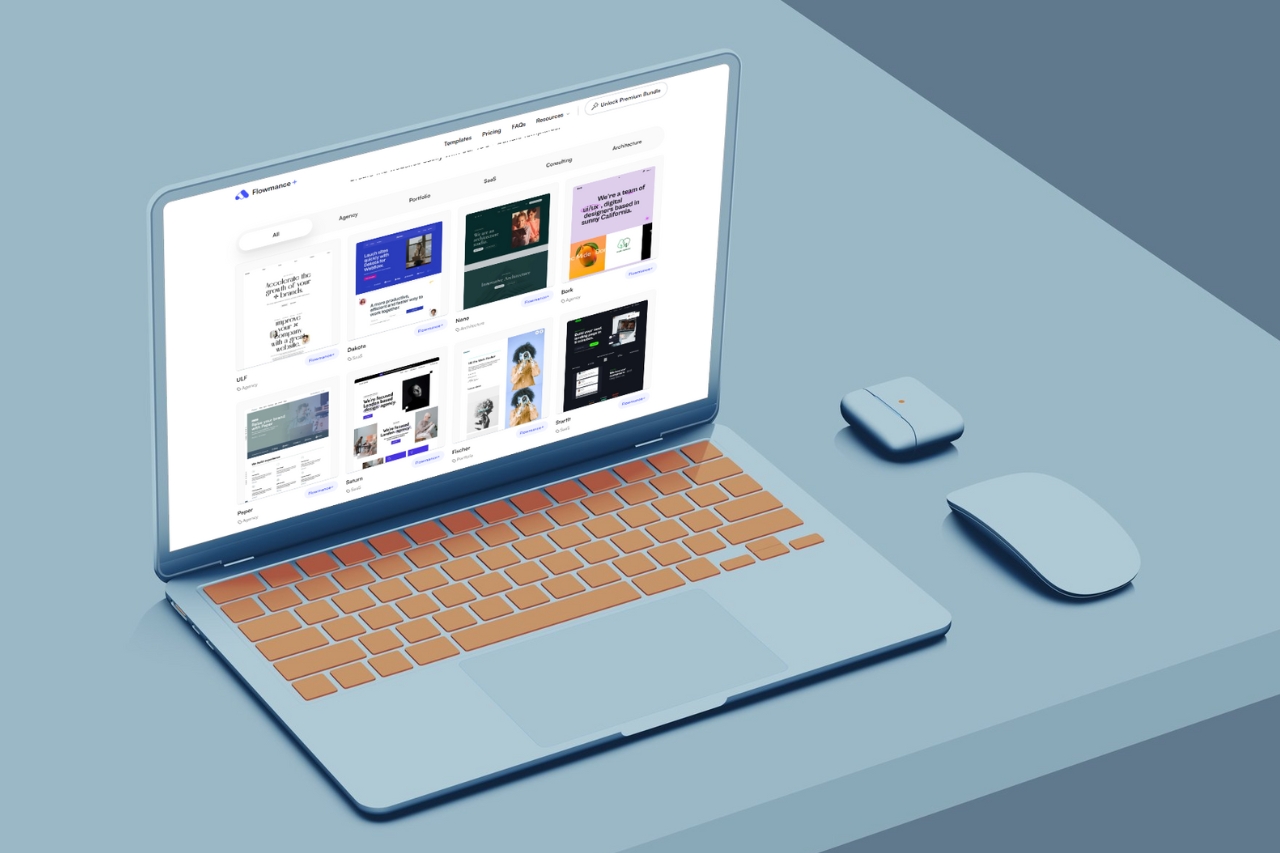
Website templates save time when they remove work you would otherwise repeat. They do not automatically make every project faster, and a poor starting point can create more cleanup than building the structure yourself.
The useful question is not “how many hours does a template save?” There is no honest universal number. It is which parts of this project already exist in a form we can confidently reuse?
Common marketing-site patterns do not need to be reinvented on every project. Navigation, service pages, project pages, contact layouts, footers, article templates, and utility pages can provide a strong starting structure.
This is especially useful when the project has a familiar shape and the team already understands what needs to change.
A well-built template has already made decisions about stacking, grid changes, type scaling, mobile navigation, and image behavior.
You still need to test the customized version, but starting with thoughtful responsive patterns is faster than solving every screen width from scratch.
Projects, articles, team members, jobs, and other repeated content often follow predictable structures. A useful CMS setup can save time if its fields match the new project closely enough.
If they do not, redesign the content model rather than forcing the client into the template's original structure.
Buttons, cards, CTAs, navigation, pricing sections, and other repeated UI can be adapted as systems instead of rebuilt one by one.
In Webflow, components, properties, variants, and variables make this especially useful when the template itself is well organized.
Templates can also shorten the early design conversation. It is often easier for a client to react to a working direction than to discuss abstract preferences.
That does not mean the demo becomes the final design. It gives the team something concrete to accept, reject, or transform.
A template cannot decide what the company should say, which proof matters, or how the offer should be positioned. Those decisions still require client input and editorial work.
Member portals, unusual product logic, advanced calculators, custom search, large ecommerce requirements, and deep third-party integrations may sit far outside what a standard marketing template provides.
In those projects, the template may help with public-facing pages while doing little for the difficult engineering work.
If the chosen design is visually far from the intended result, the team can end up undoing more than it reuses. Replacing every layout, type rule, interaction, and image treatment defeats the point of starting with the template.
A messy class system, inconsistent spacing, duplicated components, or weak CMS setup creates technical debt immediately. Cheap starting code is not a saving if the team has to clean it before doing real work.
Pick a template based on structural overlap, not visual excitement alone.
For example, if the client needs fifteen case studies, a strong case-study CMS matters more than the exact hero design. If the project is a one-page launch, a huge editorial template may create unnecessary work.
A short discovery phase still prevents expensive mistakes. Confirm the page list, content types, conversion goals, integrations, and ownership of content before customization begins.
Templates accelerate execution. They do not make planning optional.
Before committing to a template, look at the project and mark each major system as one of three things:
If most of the important systems are “replace,” choose another starting point.
The fastest build is not useful if the client cannot maintain it, the mobile experience is weak, or the site looks exactly like the demo.
A good template workflow saves time on repeated production work and gives that time back to content, art direction, testing, and the details that make the finished project specific.
Browse the current Webflow, Framer, and HTML libraries if you want to compare different starting points.











Don’t miss out on our superb, customizable templates designed to enhance your web design experience. We constantly add new templates and components.

Explore stunning Webflow, Framer, HTML5, Next.js and Figma templates designed to spark your next big idea.


*Rest assured that your data is safe with us, and you'll only hear from us 1 time per month.
