A full website template is faster when page architecture is already close to the brief; a section library is better when you want to assemble a more custom structure from reusable blocks.
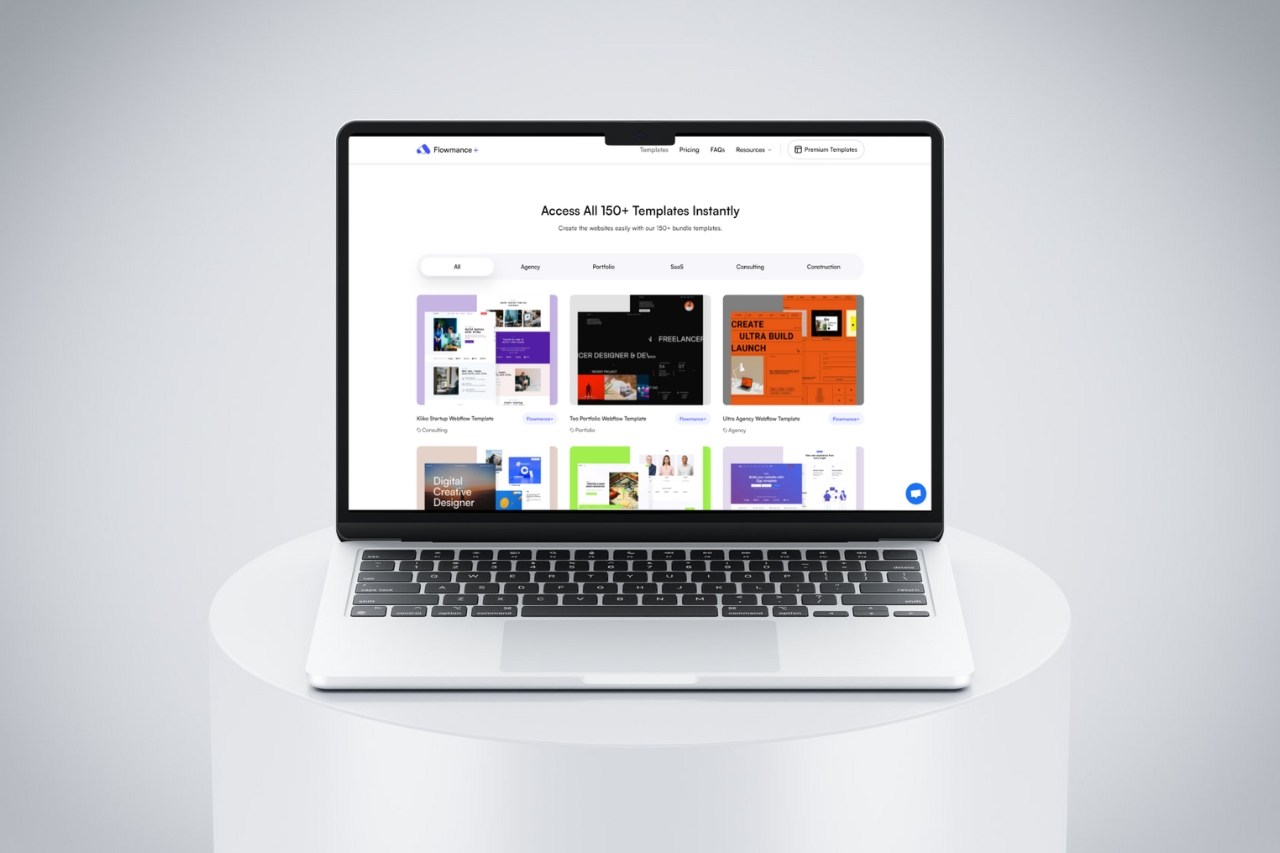
Use a full website template when the project already resembles a proven site structure. Use a section library when the page architecture is more custom but you still want reusable building blocks. Both can save time, but they remove different kinds of work.
A full template can provide navigation, footer, page hierarchy, responsive behavior, CMS Collections, case-study or article templates, contact flows, and utility pages. It is most efficient when most of that structure already matches the brief.
A section library is useful when the site needs a custom sequence of heroes, features, proof, pricing, FAQs, CTAs, galleries, or other blocks but does not need a pre-defined full-site architecture.
You keep more freedom over information architecture while avoiding repeated low-level layout work.
Combining many unrelated sections can create inconsistent spacing, typography, interactions, and responsive behavior. Normalize the section library around shared variables, classes, and components before scaling it across the site.
A library with hundreds of blocks is not automatically faster. The useful measure is how many production decisions it removes without creating cleanup work later.
A full template saves architecture work; a section library saves section-building work. Choose the one that matches where your project's uncertainty actually lives.
For current production starting points, compare Flowmance's Webflow templates and broader All Access library.











Don’t miss out on our superb, customizable templates designed to enhance your web design experience. We constantly add new templates and components.

Explore stunning Webflow, Framer, HTML5, Next.js and Figma templates designed to spark your next big idea.


*Rest assured that your data is safe with us, and you'll only hear from us 1 time per month.
