Healthcare Website Template Checklist: Clinics, Dentists & Wellness
Evaluate healthcare website templates by services, practitioner profiles, booking, location details, trust, accessibility, privacy, mobile usability, and maintainability.
A healthcare website template should make essential information easy to find and the next step easy to take. Visual style matters, but patients usually care first about services, practitioners, location, credibility, and how to book or contact the clinic.
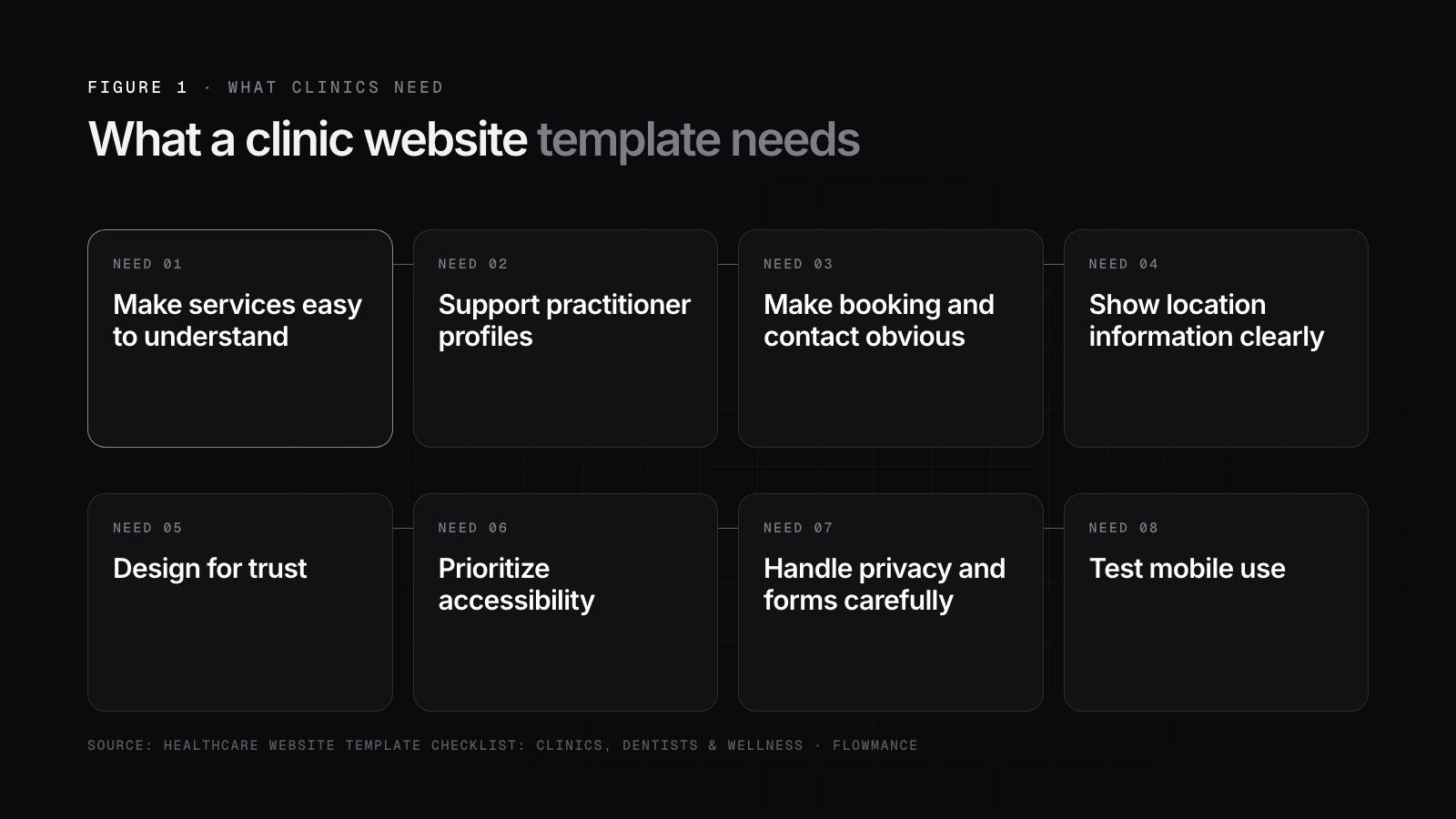
Make services easy to understand
Service pages should explain what is offered, who it is for, what a patient can expect, and the appropriate next step. Avoid relying only on abstract marketing language.
Support practitioner profiles
Many clinics need structured profiles for doctors, dentists, therapists, or specialists. Check that the template can handle credentials, specialties, biographies, locations, languages, and booking links without creating inconsistent manual pages.
Make booking and contact obvious
The primary action may be book an appointment, call, request a consultation, or contact reception. That action should remain clear on mobile and should not be buried at the bottom of long pages.
Show location information clearly
Address, opening hours, phone, parking or transport details, and map context are practical information. Multi-location clinics should consider a structured location system rather than duplicating static pages.
Design for trust
Use real practitioner information, legitimate accreditations, patient guidance, clear policies, and evidence-based claims. Avoid invented metrics or generic badges simply because the demo includes them.
Prioritize accessibility
Readable typography, sufficient contrast, keyboard navigation, clear form labels, descriptive links, and meaningful alt text are especially important on health-related sites.
Handle privacy and forms carefully
Do not collect sensitive health information through a generic marketing form unless the workflow and legal requirements have been reviewed appropriately. Keep ordinary lead forms limited to the information needed for the initial contact.
Test mobile use
Patients may be looking for a phone number, address, booking action, or urgent service information from a phone. Those tasks should be easy without zooming or navigating complex effects.
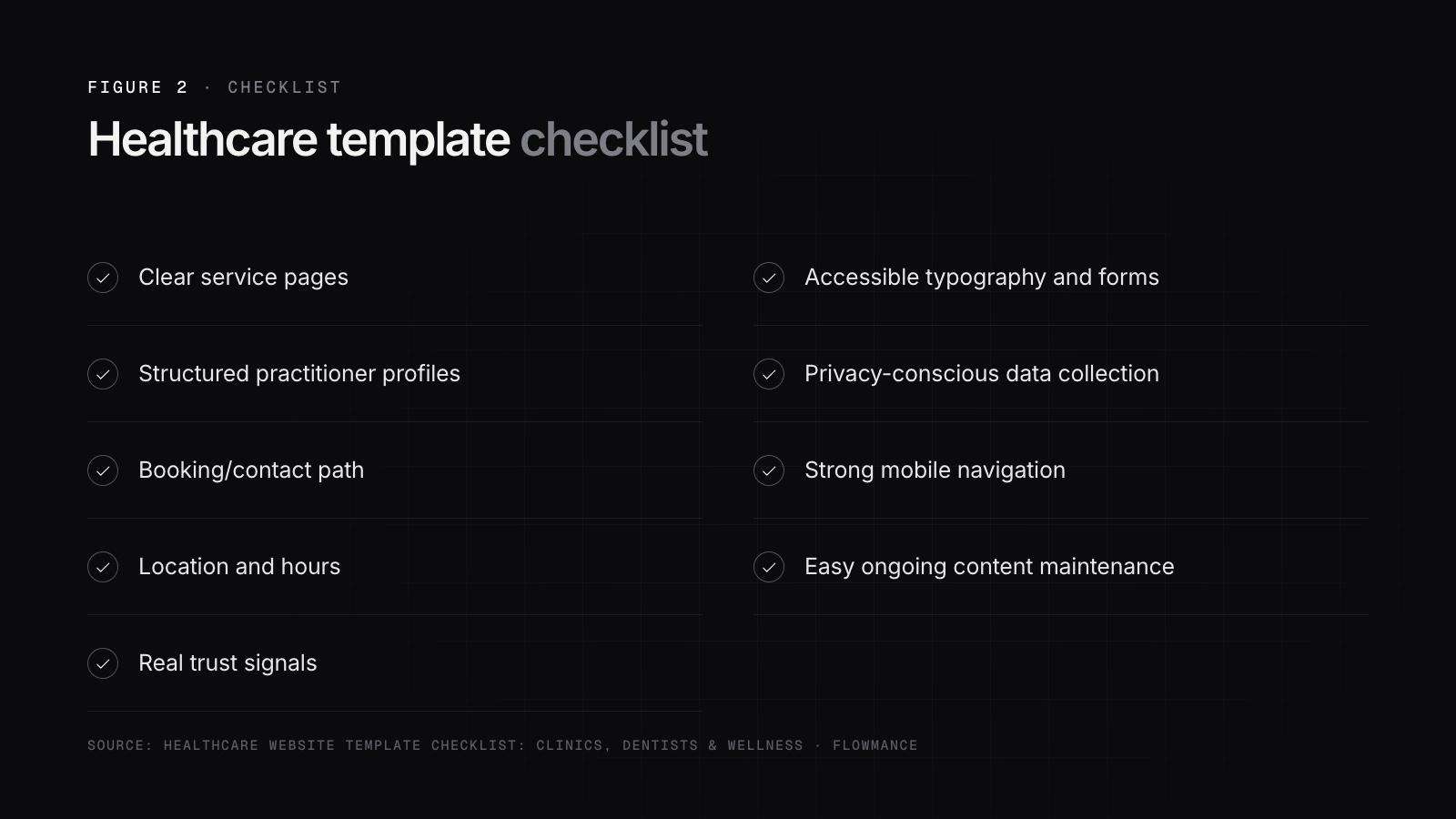
Healthcare template checklist
- clear service pages
- structured practitioner profiles
- booking/contact path
- location and hours
- real trust signals
- accessible typography and forms
- privacy-conscious data collection
- strong mobile navigation
- easy ongoing content maintenance
Choose a template that supports the clinic's real information and operational workflow rather than one that only looks appropriate for the industry.
Frequently asked questions
01What should a medical or clinic website template include?
A clinic website template should include clear service pages, structured practitioner profiles, an obvious booking or contact path, location details with opening hours, genuine trust signals, accessible typography and forms, privacy-conscious data collection and strong mobile navigation. It should also be easy to maintain, so staff can update services, practitioners and hours without rebuilding pages.
02How should doctor and practitioner profiles be set up on a clinic website?
Use a structured system, ideally a CMS collection, rather than separate hand-built pages. Each profile should hold credentials, specialties, biography, locations, languages spoken and a booking link in consistent fields. That keeps profiles uniform, makes it simple to add or remove staff, and lets the same information appear on service pages, location pages and team listings.
03Can a clinic collect patient health information through a website contact form?
Be careful. Do not collect sensitive health information through a generic marketing form unless the workflow and the legal requirements that apply to your practice have been reviewed properly. Keep ordinary inquiry forms limited to what the first contact needs, such as name, contact details and preferred appointment time, and handle clinical details through a system built for them.
04Why is mobile usability important for a medical practice website?
Patients often open a clinic website on a phone to find a phone number, address, opening hours, a booking button or urgent service information. Those tasks should take a tap or two, without zooming or fighting heavy animations. Keep the primary action visible on small screens, use readable type with good contrast, and make phone numbers tappable.
Newsletter
New templates, straight to your inbox
One short email when a new template launches, plus the occasional tip. No spam.
Unsubscribe anytime with one click.