 Figma Templates
Premium Figma Website Templates for Modern Projects
Start with polished Figma website templates for agencies, portfolios, SaaS products, startups and creative teams. Customize layouts, components and visual systems before handing the design into development.
Explore 264+ Figma website templates
Browse Flowmance designs available as editable Figma files. Use them for exploration, client approval, design customization and smoother handoff into Webflow, Framer, HTML or custom development.



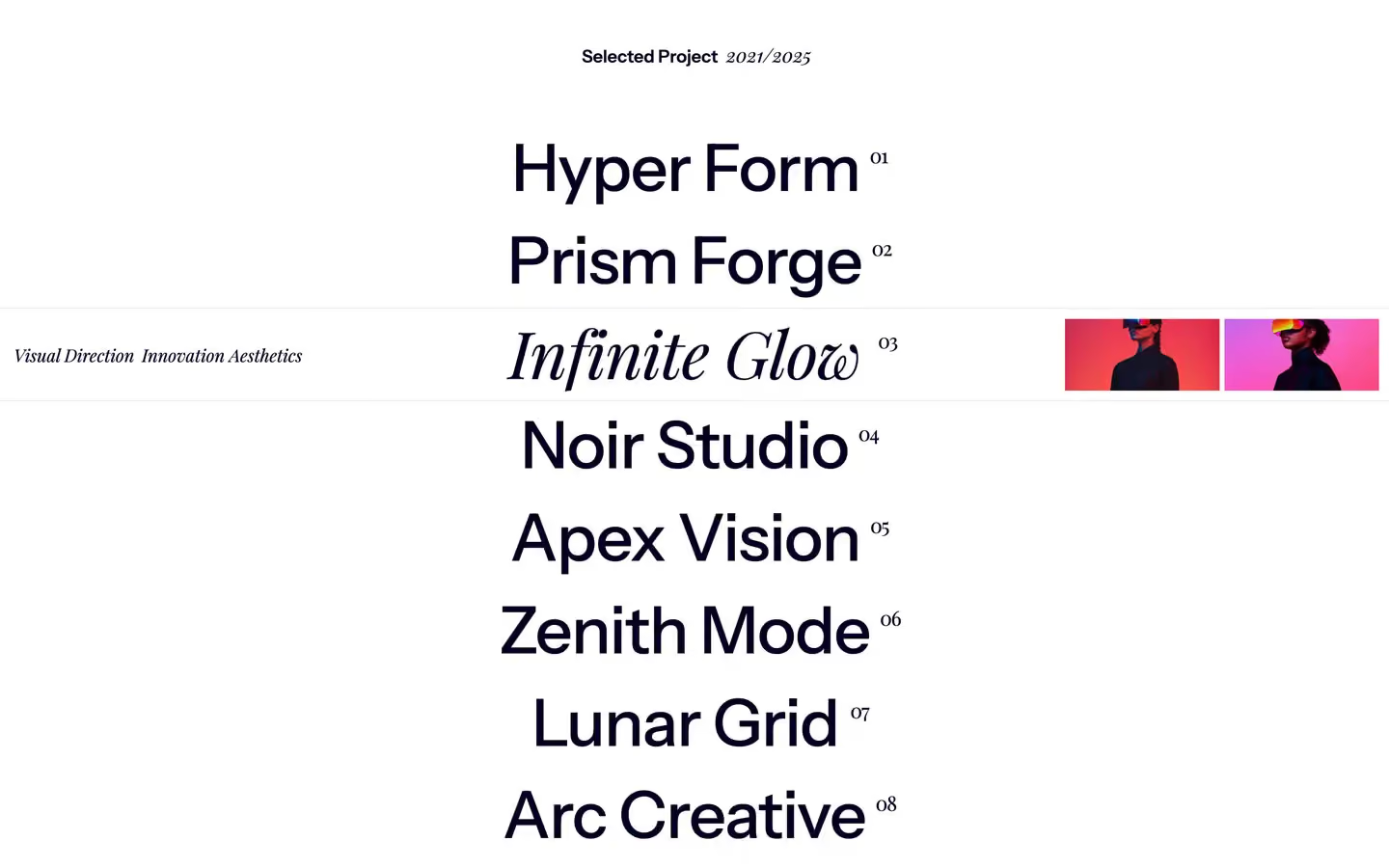



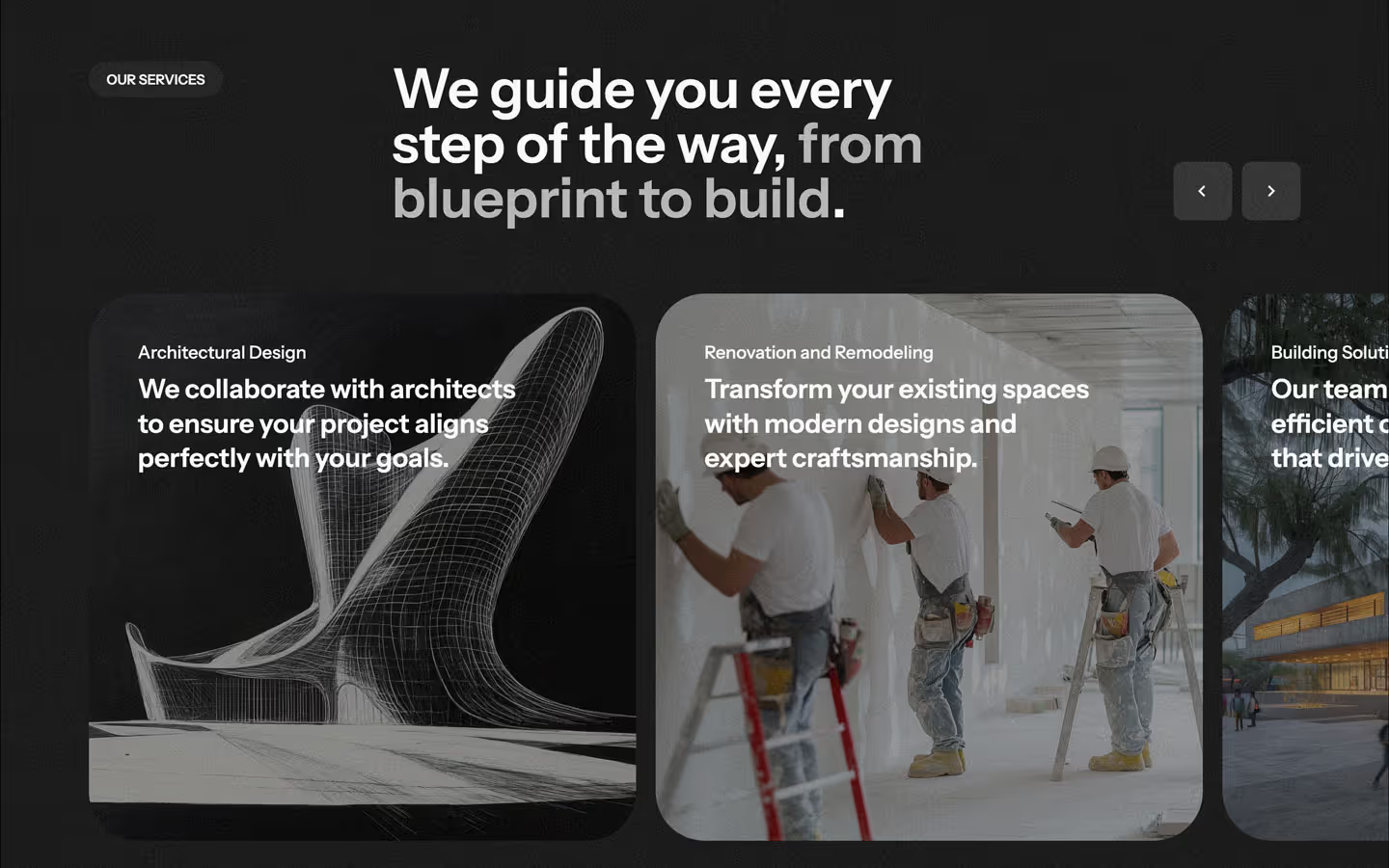
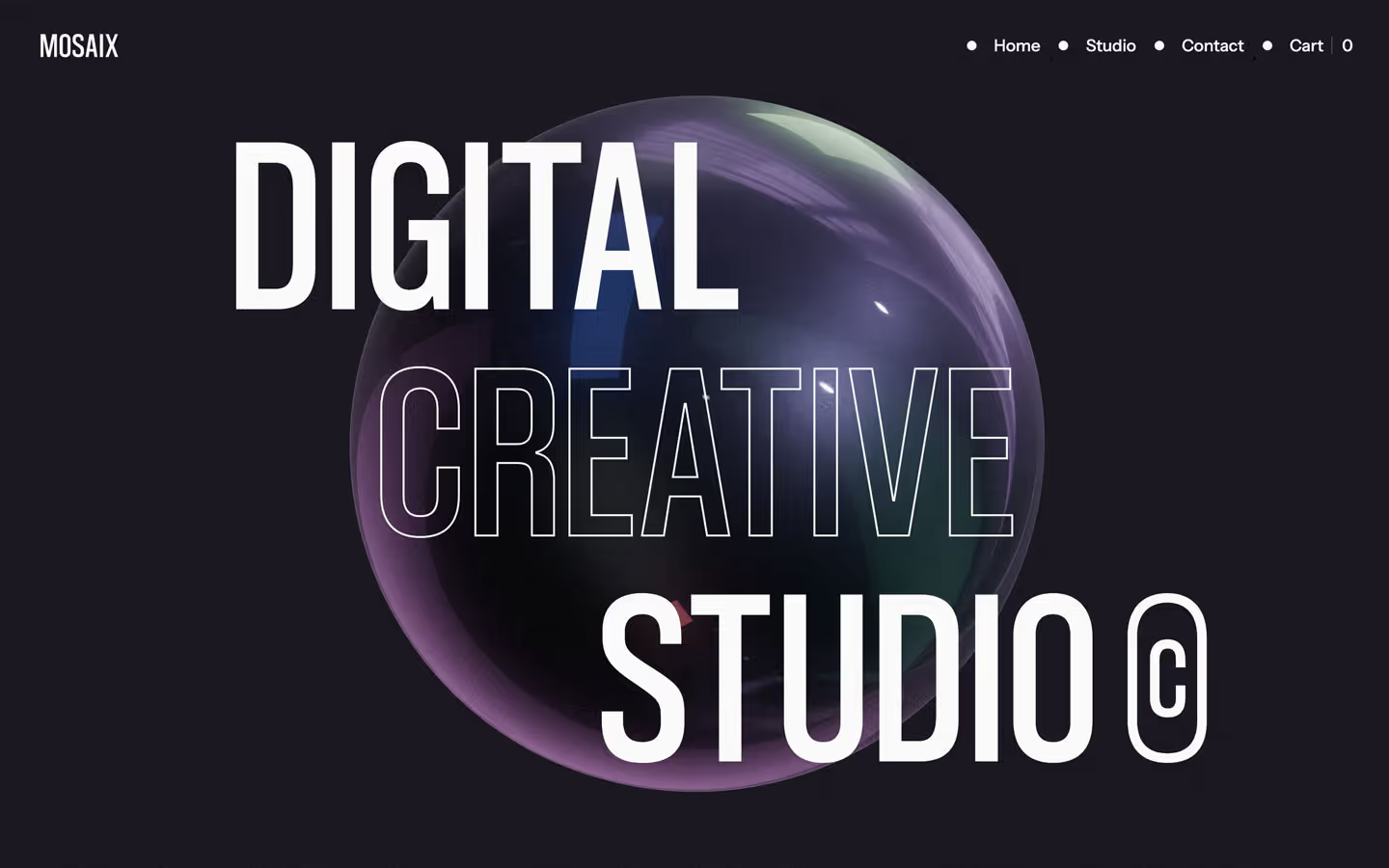









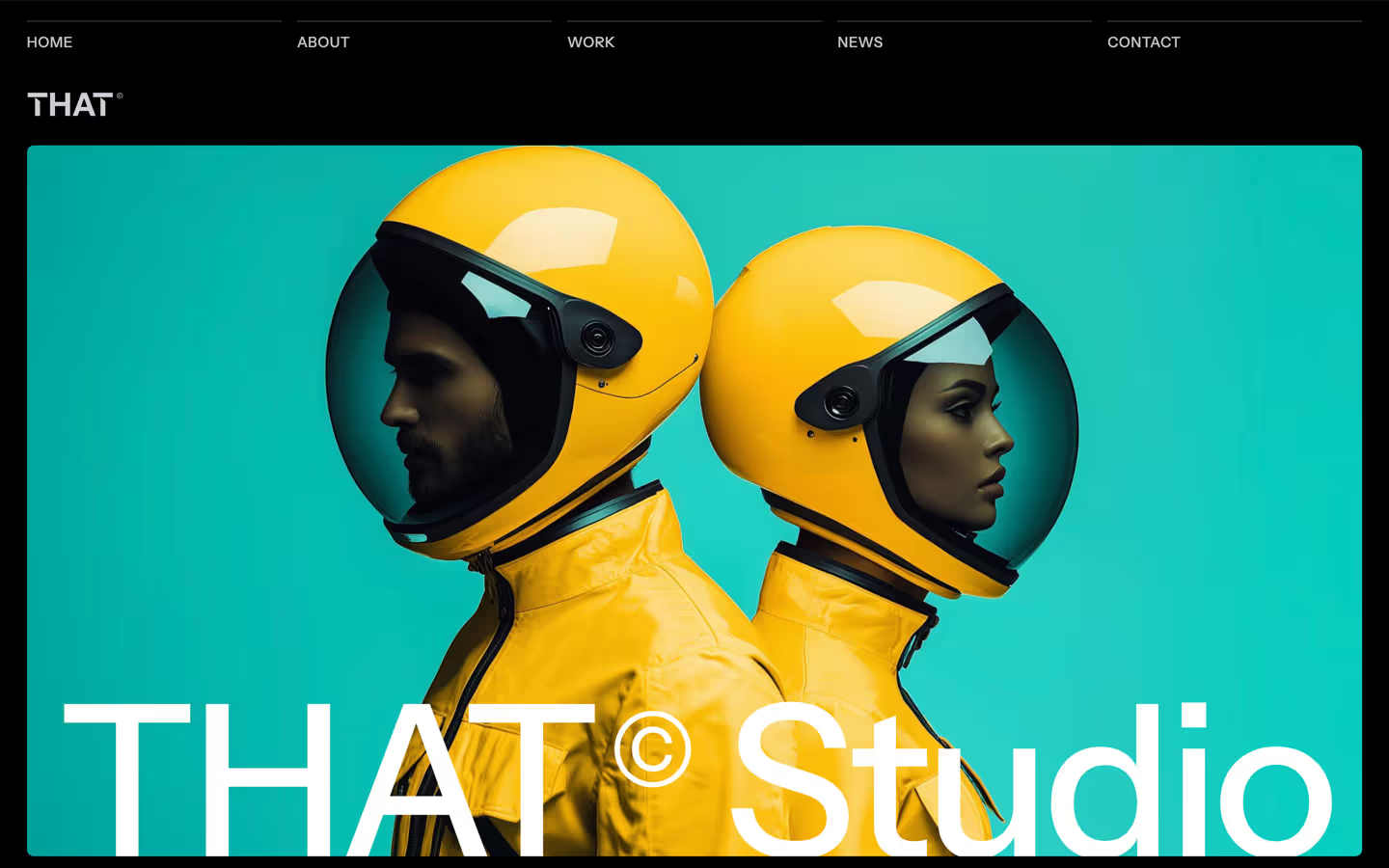





No Template Found
We don't have any available template with this criteria at the moment.
Shape the full design before development starts
Figma gives teams a shared space for layout, components, visual systems and feedback before a website moves into production. A complete template reduces repetitive design work while keeping the source file open for deeper customization.
For agencies, designers and product teams, that means a faster route from direction to approved screens, with clearer handoff and fewer layout decisions left until development.
Change typography, spacing, grids, colors, imagery and components directly in Figma.
Work from repeatable UI patterns instead of redesigning common sections on every page.
Give developers or no-code builders a clearer reference for page structure and visual behavior.
Explore new brand directions without being locked into the implementation layer too early.
A faster starting point for website design in Figma
Starting from a Figma website template can remove hours of early layout and system work. Instead of designing every page from a blank canvas, use the file as a flexible foundation: replace content, adjust typography and color, reorganize sections, refine components and build the visual direction around the project.
Flowmance Figma files cover portfolios, creative studios, agencies, startups, SaaS products, professional services and other common website types. Many designs also exist in Webflow or Framer, making it easier to move from design approval into a matching implementation.
When evaluating a Figma template, review the page coverage, component consistency, mobile screens, naming structure and whether the design matches the amount of content the final website will need. The strongest template is the one that reduces decisions without limiting the final direction.
Figma template questions
Yes. Figma files are editable, so you can change typography, colors, spacing, layouts, imagery, components and other visual details before development.
Basic Figma knowledge is enough for straightforward content and style changes. More advanced component or system edits are easier if you are comfortable with Figma's layout and component tools.
Figma is the design source, not the live website. The design still needs to be implemented in Webflow, Framer, HTML or another development workflow unless a matching built version is available.
Flowmance templates can be used for client work under the applicable template license. Check the license terms for the exact usage rights attached to your purchase or subscription.
Some Flowmance designs are available in multiple formats, including Figma, Webflow and Framer. The product page shows the versions currently available so you can choose the workflow that fits the project.
Choose the platform that fits your workflow















Sign up for Flowmance+ to access over 390+ Webflow, Framer, HTML, Next.js and Figma templates
Don’t miss out on our superb, customizable templates designed to enhance your web design experience. We constantly add new templates and components.

Explore stunning Webflow, Framer, HTML5, Next.js and Figma templates designed to spark your next big idea.


Menu
Subscribe to newsletter
*Rest assured that your data is safe with us, and you'll only hear from us 1 time per month.