Compare 8 of the best AI startup website templates in 2026 across Webflow and Framer, with practical picks for AI agents, SaaS, automation and B2B products.
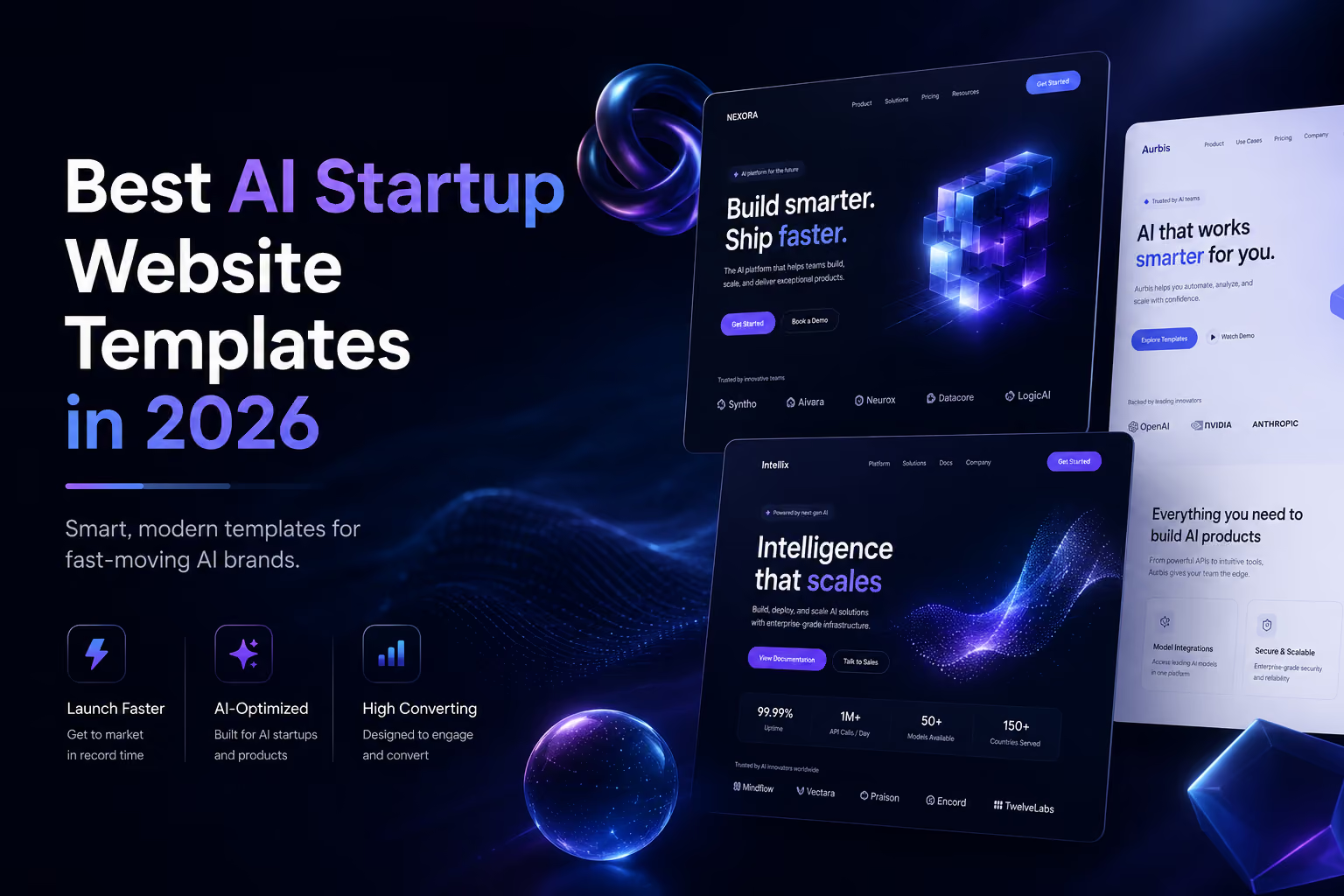
The best AI startup website template is the one that makes a technical product understandable fast. In 2026, that usually means a sharp value proposition, real product UI, clear use cases, social proof, pricing or demo paths, and enough CMS structure to keep publishing after launch. We reviewed current Webflow and Framer marketplace options and selected eight useful examples rather than ranking by visual style alone.
NexAI is a strong choice for AI-agent and automation startups that need more than a landing page. Its current Webflow Marketplace listing includes 17 pages, 56+ sections, CMS support and layouts for services, teams and conversion-focused contact flows. That breadth makes it particularly useful for a startup expecting its marketing site to grow alongside the product.
Dawning by Raphael Oshituga is one of the more distinctive recent Framer options. Published in August 2026, it uses a dark art-directed system, coral accents, bold typography and dithered illustration instead of the interchangeable gradient-heavy look common in AI SaaS sites. It also includes an editable Figma file and a pre-launch checklist.
Topia by Jasper at Vibrant is designed for AI, SaaS and technology companies. The marketplace listing includes nine editable pages, mobile-friendly layouts, a Figma file with editable dashboards and a set of AI imagery with prompt guidance. It is a useful option when product visuals need to carry a large part of the story.
AI X+ by BRIX Templates is built for teams that need a larger marketing architecture. Its Webflow Marketplace listing currently describes more than 29 pages and includes an editable Figma source file on request after purchase. It fits AI labs, machine-learning companies and established AI products that need several supporting pages rather than a single launch page.
VectorAI by Nakul is a free Framer option for AI workflow and automation products. Its structure includes workflow explanations, integrations, pricing, testimonials, FAQs and comparison sections. That makes it a practical starting point for founders who need to explain how an AI product fits into an existing workflow.
AI Flow takes a simpler approach. Its current marketplace listing includes core product pages, pricing, a CMS blog, contact, sign-up and sign-in layouts. The restrained interaction model can be an advantage for startups that want the product message to do more work than the animation.
Stellr by Wize is aimed at AI startups, SaaS platforms and B2B software. It is particularly relevant for technical products that need to turn workflows, infrastructure and capabilities into a structured sales narrative. That makes it a good reference for enterprise-facing AI products where credibility matters more than novelty.
Ailoom is designed around AI SaaS growth patterns: features, integrations, pricing, blog content and demo flows. It is a useful benchmark for startups that want a conversion-focused dark visual system without sacrificing the supporting pages needed for content and demand generation.
Choose Webflow when the marketing site is becoming a larger content system; choose Framer when fast visual iteration and product storytelling are the priority. This is not a hard platform limit. Both can support polished startup sites, but the current templates above illustrate the difference well: Webflow examples such as NexAI and AI X+ lean toward larger page architectures, while Framer examples such as Dawning and Topia emphasize rapid visual presentation and editable product storytelling.
For a deeper platform decision, see our Webflow vs Framer SEO comparison and the Figma to Webflow vs Framer workflow guide.
Avoid a hero that only says the company is “revolutionizing AI.” State what the product does, who it is for and what outcome it creates. If the interface is important to understanding the product, show it early.
AI products are often abstract until visitors see the workflow. Good templates create room for inputs, steps, outputs, integrations and role-specific use cases rather than relying on generic feature cards.
Customer logos, measurable outcomes, security information, testimonials, case studies and clear documentation can matter more than futuristic visual effects. Enterprise AI buyers especially need evidence that the product is credible and operational.
If organic search, documentation, changelogs, customer stories or research are part of the growth strategy, choose a template with a maintainable publishing system. The website should still work after the launch campaign ends.
The fastest way to make an AI template feel interchangeable is to keep its demo gradients, abstract spheres and placeholder dashboards. Replace them with your real interface, actual workflow diagrams, customer evidence, a distinct type system and copy based on the language buyers use. Motion should demonstrate the product or hierarchy, not simply signal “technology.”
Flowmance also offers startup, SaaS and technology-friendly designs that can be adapted for AI products. Browse the Webflow template hub, Framer template hub, or the full Flowmance template library. For broader library access, see Flowmance+.
For a content-heavy AI company, start with NexAI or AI X+. For a design-led launch, Dawning and Topia are stronger references. For a free MVP starting point, VectorAI is worth testing. For B2B AI products that need a clearer sales narrative, Stellr and Ailoom are particularly relevant.
Do not choose by screenshot alone. Open the live preview, test mobile behavior, inspect the CMS and page structure, check the license, and map the template against the pages your startup will need six months from now—not just on launch day.











Don’t miss out on our superb, customizable templates designed to enhance your web design experience. We constantly add new templates and components.

Explore stunning Webflow, Framer, HTML5, Next.js and Figma templates designed to spark your next big idea.


*Rest assured that your data is safe with us, and you'll only hear from us 1 time per month.
