 flowmance
Resumely Design System
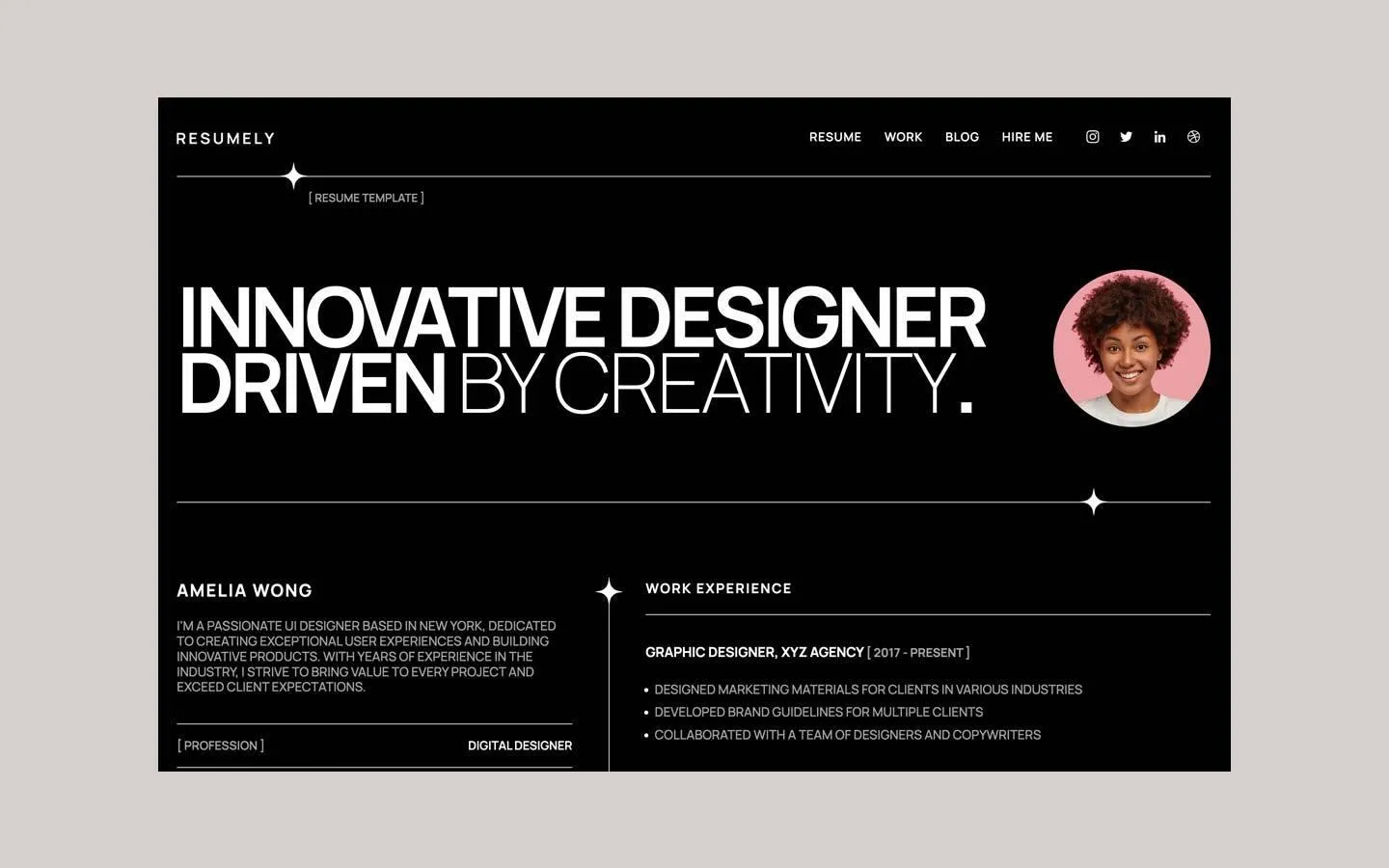
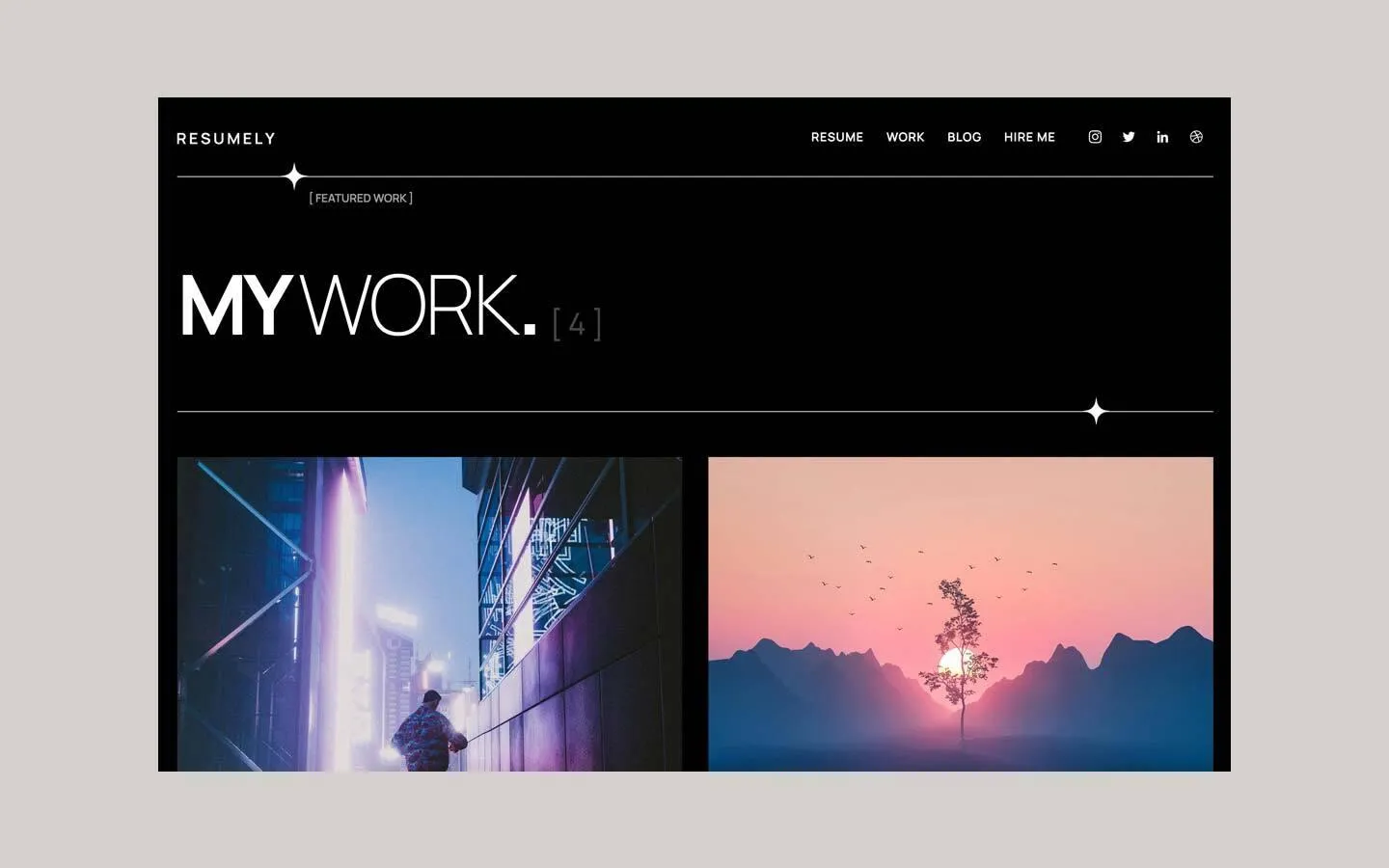
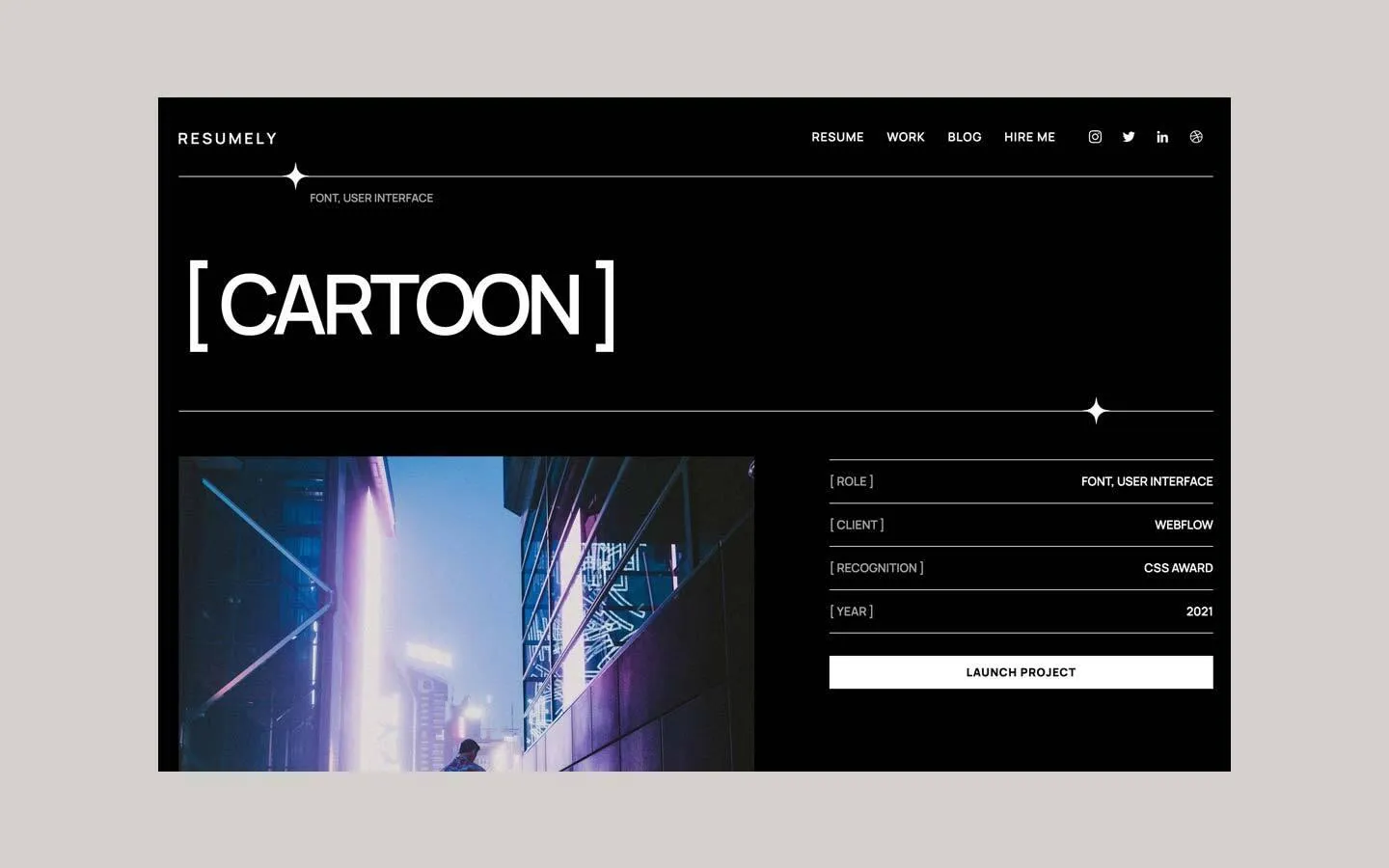
Resumely is a one-page personal resume on pure black. It reads like a printed CV set in a modern grotesk: every word is uppercase Manrope, information sits in tidy two-column rows between white hairlines, and labels are wrapped in square brackets. The only drama is the hero, a 110px statement that switches from heavy to hairline weight mid-sentence, next to a round portrait.
Four signatures make it recognisable:
- Weight switch in the hero. INNOVATIVE DESIGNER DRIVEN in Manrope 700 at −6px tracking, then BY CREATIVITY. in Manrope 200 at −3px, same size, same line.
- Star-marked rules. Full-width 1px white rules carry a small four-point star (sparkle) where they cross: under the nav, under the hero, and at the top of the vertical divider between the two columns.
- Bracketed labels. Labels and meta sit in square brackets with spaces: [ RESUME TEMPLATE ], [ PROFESSION ], [ 2017 - PRESENT ], counts [ 14 ], percentages [80%].
- All caps, everywhere. Body copy, list items, nav and button are uppercase; section labels add 2px tracking.
Resumely is a dark-only design.
Colors
Surfaces
#000000Page background (pure black)
#000000Same as canvas
Ink
#000000Text on primary
#FFFFFFHero, names, section labels, job titles, values, nav, skill names
#A1A1A1Body copy, bullet items, bracketed labels and dates (31 text elements)
#FFFFFF · 60%Two small secondary lines
#FFFFFF · 55%Two small secondary lines
#FFFFFFAction
#FFFFFFThe one button, DOWNLOAD MY RESUME
#FFFFFFLines & effects
#FFFFFFEvery rule, the vertical column divider, the skill bars
Typography
Manrope · display-hero
The quick brown fox jumpsINNOVATIVE DESIGNER DRIVEN. 110px · 700 · 0.8 · -6px
Manrope · title-name
The quick brown fox jumpsAMELIA WONG. 23px · 700 · 1.05 · 2px
Manrope · label-section
The quick brown fox jumpsWORK EXPERIENCE, AWWARDS, EDUCATION, SKILLS. 18px · 700 · 1.05 · 2px
Manrope · body
The quick brown fox jumpsBio, bullet items, award rows, in ink-muted. 17px · 500 · 1.2
Manrope · caption
The quick brown fox jumpsPage default. 14px · 400 · 1.43
Spacing & shape
| Purpose | Value |
|---|---|
| Container | 1380px wide inside 30px side gutters at 1440px (max 1400px) |
| Breakpoints | Webflow's 991, 767 and 479px; the two columns stack at 991px |
Spacing scale
| Token | Value | Preview |
|---|---|---|
xs | 16px | |
sm | 30px | |
md | 50px |
Layout spacing
| Token | Value | Preview |
|---|---|---|
gutter | 30px | |
column-gap | 50px | |
nav-height | 106px |
Border radius
Motion
| Skill bars and rules | Width grows over 500ms ease as they scroll into view |
| Fade in | opacity 0 → 1 over 800ms ease |
| Borders | Border changes over 200ms outSine / 300ms ease |
| Image hover | A filter change over 300–400ms ease |
Do’s and don’ts
- Use pure black #000000, white #FFFFFF and grey #A1A1A1 only.
- Set everything in uppercase Manrope; 700 for names and labels, 500 for content.
- Build the hero with the weight switch: 110px Manrope 700 at −6px, then 200 at −3px, line height 0.8.
- Separate information with 1px white rules and mark one crossing per rule with the four-point star.
- Wrap labels, dates and counts in brackets with inner spaces: [ 2017 - PRESENT ].
- Keep the profile column sticky beside a scrolling right column.
- Add cards, panels, shadows or rounded corners; only the portrait is round.
- Use Playfair Display, even though it is loaded.
- Add a second button style or a coloured accent.
- Use ink-muted grey for titles or values; those are white.
- Use sentence case; the template is all caps.
- Let long content sit under the transparent nav without checking legibility; give new pages enough top padding (about 130px).
Example prompt
Any page in the Resumely style
More design systems like this
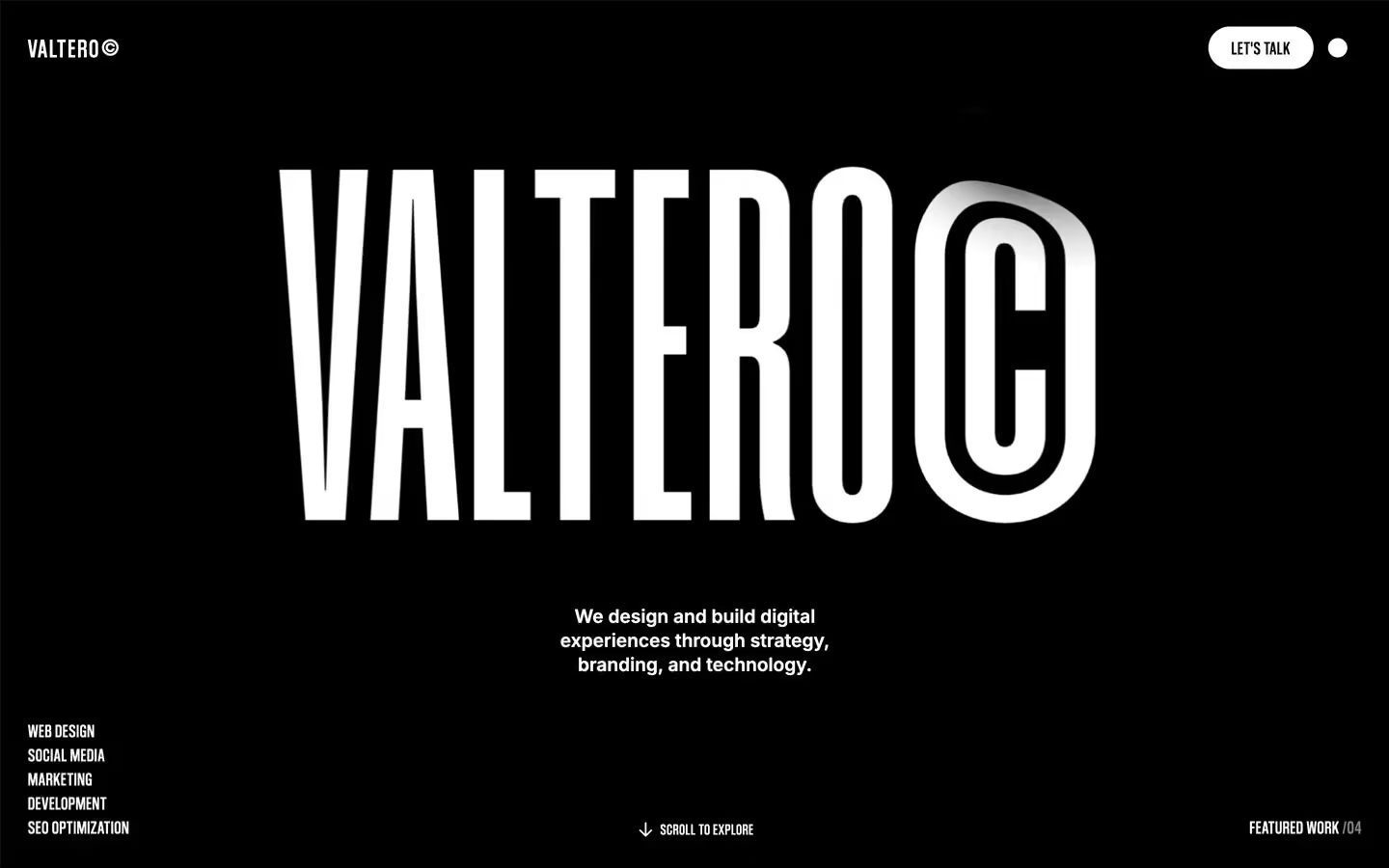
Design systems in the same colors.

Bring any of them to your AI tool
All Access unlocks all 398 design systems, ready for Claude, ChatGPT, Gemini, Cursor, v0 and Lovable, plus 400+ templates on all 5 platforms.
Get All AccessUpgrade to All AccessHow to use the Resumely design system
Pick a file to see what it’s for and where it goes.
What it is
The whole design system in one markdown file, written for AI: every color, type style, spacing value, component and motion rule, plus do's, don'ts and a ready prompt.
Best for
Claude, ChatGPT, Gemini, Cursor and v0, or any other AI tool that builds pages or code.
How to use it
- Put
DESIGN.mdin your project and mention it in your request, or save it as.cursor/rules/resumely.mdc - For the rule file, start it with a front-matter block that sets
alwaysApply: true, so every chat uses it - Ask: “Build a pricing page using DESIGN.md.” Cursor follows the colors, fonts, spacing and rules
- Put
DESIGN.mdin the project root - Add one line to
CLAUDE.md: “Follow DESIGN.md for all UI.” - Ask for any page or component; Claude reads the file first
- Attach
DESIGN.mdto the chat (or paste it in) - Ask: “Build a landing page in this design system.”
- Keep the file in the chat or project knowledge, so follow-up pages stay on style
What it is
Every token as data, in the W3C Design Tokens format: colors with their roles, type styles, radius, spacing, and component tokens that point at them.
Best for
Figma (Tokens Studio), Style Dictionary and other design-token tools, and build scripts.
How to use it
- In Figma, open Tokens Studio, choose Import, and pick
tokens.json - Or point Style Dictionary’s
sourceat it to generate tokens for any platform - In code, import it like any JSON file
What it is
A Tailwind CSS v4 theme: every color, font, type style, radius and spacing value becomes a Tailwind utility, like bg-canvas, text-headline-lg or rounded-md.
Best for
Tailwind v4 projects, and AI builders that write Tailwind (v0, Lovable, Bolt).
How to use it
- Save
theme.cssnext to your main CSS file - Import it after Tailwind:
@import "tailwindcss"; @import "./theme.css"; - Use the classes:
bg-canvas text-ink rounded-md p-lg
What it is
The same tokens as plain CSS variables on :root. Component values point at the color variables, so changing one color updates everything that uses it.
Best for
Any website: plain CSS, Webflow custom code, Framer, WordPress.
How to use it
- Add it to your stylesheet, or in Webflow paste it into Site settings → Custom code inside a
<style>tag - Use the variables anywhere:
color: var(--color-ink) - Change a token once and every place that uses it follows