 flowmance
Logan Mann Design System


Logan Mann is a stripped-back, Swiss-style portfolio on a warm linen page. Everything is set in one wide, bold grotesk in capitals, in pure black, and organised by thin black rules that run edge to edge. There are no fills, no shadows and almost no colour: the only accent is a burnt-sienna #E2815D used for small details and the button hover.
Three signatures make it recognisable:
- Ruled hero words. The hero is a stack of giant capital words (UI KIT, PORTFOLIO) at 120px, each in its own full-width row with a 1px black rule under it, and each row offset sideways by a different amount so the words stagger across the page.
- Uppercase everything. Every heading and text tag (h1–h6, p, li, blockquote) plus the nav, logo and button links is text-transform: uppercase in Sporting Grotesque bold, from 120px down to the 10px footer.
- The transparent ruled nav. A fixed nav with no background: LOGAN MANN left, TEMPORARY FOLIO centred, ABOUT BLOG WORK right, and a 1px black rule under all three. Content scrolls visibly underneath it.
Logan Mann is a light-only design.
Colors
Surfaces
#EDE5E0Page background (linen)
#EDE5E0Same as canvas
#FFFFFFButton and input fill
Ink
#000000Text on primary
#FFFFFFText on primary-hover
#000000All text, rules and card borders
#000000Body copy
Action
#FFFFFFThe pill button (white with a 1px black border)
#E2815DButton hover: fill and border go burnt sienna, text white
#E2815DButton hover, the 4px blockquote rule, the 1px line under text links, a small dot under the nav
Lines & effects
#0000001px rules under the nav, under hero rows, and around cards
#E2815DThe 1px underline of link-line and one outlined element
#EDE5E0The nav link hover line (linen, drawn over the black rule)
#FFFFFF · 35%A divider used on top of images
Typography
Sporting Grotesque · display-hero · shown in Space Grotesk (fallback)
The quick brown fox jumpsHero rows UI KIT, PORTFOLIO. 120px · 700 · 1.1
Sporting Grotesque · headline-lg · shown in Space Grotesk (fallback)
The quick brown fox jumpsh2 page headings on inner pages. 32px · 700 · 1.13
Sporting Grotesque · title-price · shown in Space Grotesk (fallback)
The quick brown fox jumpsProduct prices (.product-price-1). 19px · 400 · 1.4
Sporting Grotesque · quote · shown in Space Grotesk (fallback)
The quick brown fox jumpsBlockquotes with a 4px #E2815D left bar. 17px · 700 · 1.4
Sporting Grotesque · body · shown in Space Grotesk (fallback)
The quick brown fox jumpsParagraphs. 14px · 700 · 1.4
Sporting Grotesque · label-nav · shown in Space Grotesk (fallback)
The quick brown fox jumpsNav links. 13px · 700 · 1.54
Spacing & shape
| Purpose | Value |
|---|---|
| Container | full width with 2% side padding (about 29px at 1440px), so content runs nearly edge to edge |
| Breakpoints | 991px, 767px and 479px |
Spacing scale
| Token | Value | Preview |
|---|---|---|
hair | 5px | |
xs | 10px | |
sm | 16px | |
md | 20px | |
lg | 30px | |
xl | 40px |
Layout spacing
| Token | Value | Preview |
|---|---|---|
gutter | 29px | |
nav-height | 73px | |
section | 100px | |
hero | 110px |
Border radius
Surfaces
How the surfaces stack, from the page background up. Hex codes and roles are in Colors above.
Motion
| Scroll reveal | opacity 0 → 1 and move to y 0, 1000ms outQuart |
| Hero word drift | Rows move horizontally on mouse move, between about x −150px and x 450px, 500ms |
| Nav link hover | A 1px linen line grows in width over 500ms ease |
| Hover pop | scale 1 → 1.1 in 100ms ease and back, with a quick 100ms rotate |
| Button hover | transition: all 0.2s to the sienna fill |
| Panels | Size changes of 300–500ms ease for opening and closing |
Do’s and don’ts
- Use #EDE5E0 for the page and #000000 for all text, rules and borders.
- Set every heading, paragraph and link in Sporting Grotesque bold, uppercase.
- Separate content with 1px black rules that run the full width.
- Stagger the giant hero words with different left offsets, one per ruled row.
- Use white pill buttons with a 1px black border that fill #E2815D on hover.
- Keep gutters at 2% so the layout runs nearly edge to edge.
- Use grey text or a second text colour.
- Use #E2815D for text or large areas. White text on it is only about 2.8:1, so keep the hover label at 12px bold capitals on a short button and never put body text on it.
- Add shadows, rounded cards or background fills to cards.
- Give the nav a background; it stays transparent over its black rule.
- Use sentence case or a second typeface (Inter is declared but not loaded).
- Use sizes between 32px and 120px; the contrast between huge and tiny is the point.
Example prompt
Any page in the Logan Mann style
More design systems like this
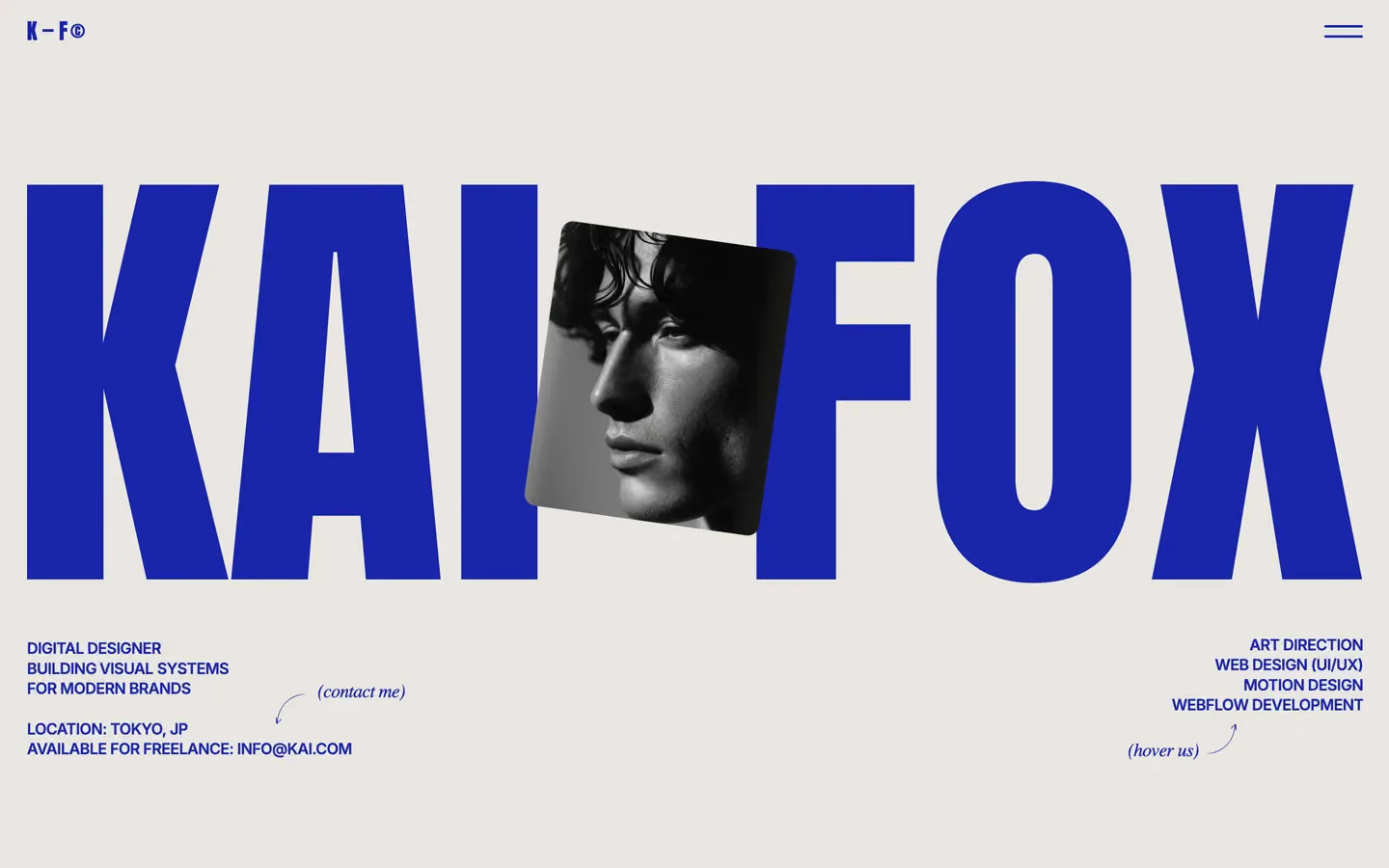
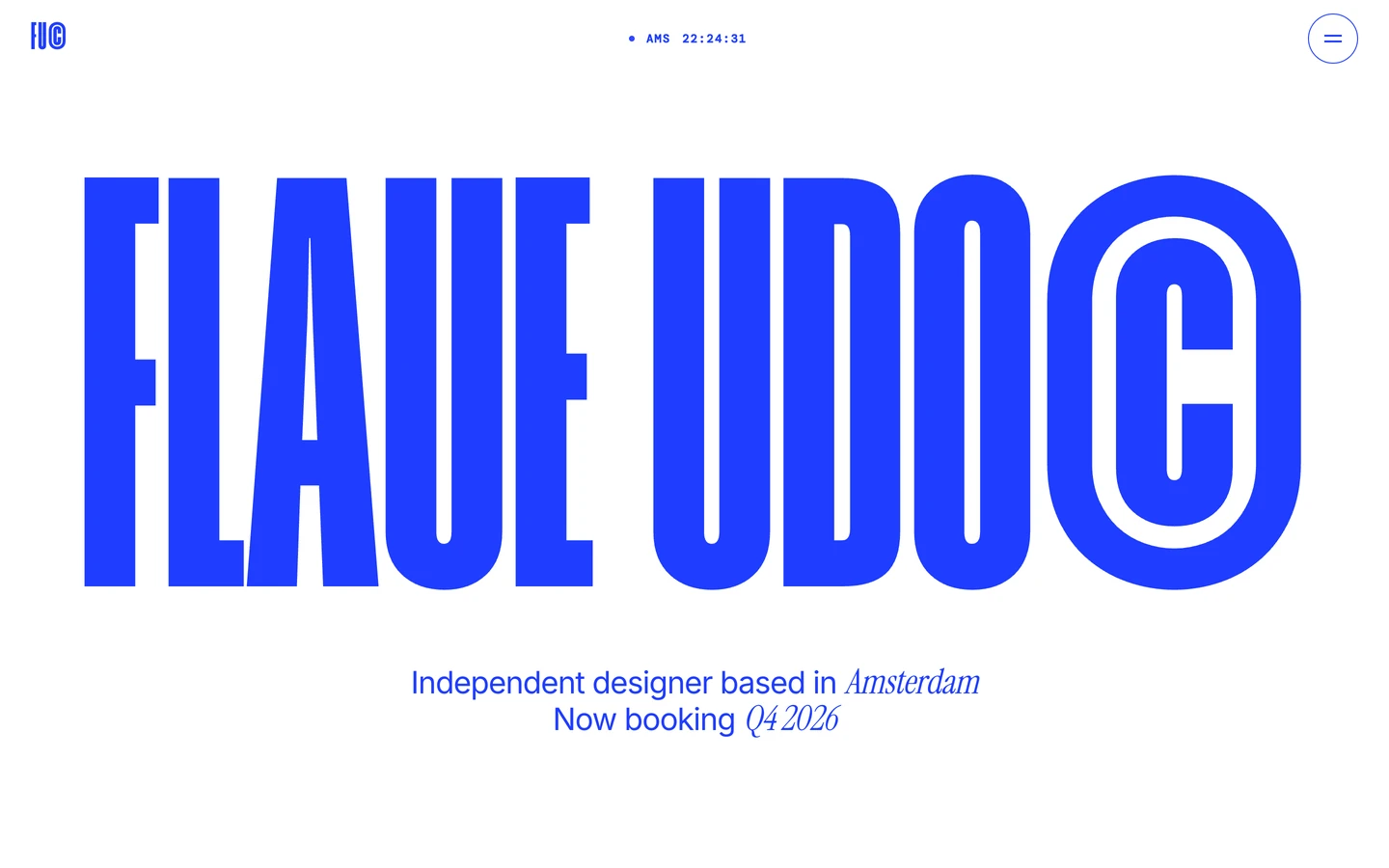
Portfolio design systems, the same colors first.


Bring any of them to your AI tool
All Access unlocks all 398 design systems, ready for Claude, ChatGPT, Gemini, Cursor, v0 and Lovable, plus 400+ templates on all 5 platforms.
Get All AccessUpgrade to All AccessHow to use the Logan Mann design system
Pick a file to see what it’s for and where it goes.
What it is
The whole design system in one markdown file, written for AI: every color, type style, spacing value, component and motion rule, plus do's, don'ts and a ready prompt.
Best for
Claude, ChatGPT, Gemini, Cursor and v0, or any other AI tool that builds pages or code.
How to use it
- Put
DESIGN.mdin your project and mention it in your request, or save it as.cursor/rules/logan.mdc - For the rule file, start it with a front-matter block that sets
alwaysApply: true, so every chat uses it - Ask: “Build a pricing page using DESIGN.md.” Cursor follows the colors, fonts, spacing and rules
- Put
DESIGN.mdin the project root - Add one line to
CLAUDE.md: “Follow DESIGN.md for all UI.” - Ask for any page or component; Claude reads the file first
- Attach
DESIGN.mdto the chat (or paste it in) - Ask: “Build a landing page in this design system.”
- Keep the file in the chat or project knowledge, so follow-up pages stay on style
What it is
Every token as data, in the W3C Design Tokens format: colors with their roles, type styles, radius, spacing, and component tokens that point at them.
Best for
Figma (Tokens Studio), Style Dictionary and other design-token tools, and build scripts.
How to use it
- In Figma, open Tokens Studio, choose Import, and pick
tokens.json - Or point Style Dictionary’s
sourceat it to generate tokens for any platform - In code, import it like any JSON file
What it is
A Tailwind CSS v4 theme: every color, font, type style, radius and spacing value becomes a Tailwind utility, like bg-canvas, text-headline-lg or rounded-md.
Best for
Tailwind v4 projects, and AI builders that write Tailwind (v0, Lovable, Bolt).
How to use it
- Save
theme.cssnext to your main CSS file - Import it after Tailwind:
@import "tailwindcss"; @import "./theme.css"; - Use the classes:
bg-canvas text-ink rounded-md p-lg
What it is
The same tokens as plain CSS variables on :root. Component values point at the color variables, so changing one color updates everything that uses it.
Best for
Any website: plain CSS, Webflow custom code, Framer, WordPress.
How to use it
- Add it to your stylesheet, or in Webflow paste it into Site settings → Custom code inside a
<style>tag - Use the variables anywhere:
color: var(--color-ink) - Change a token once and every place that uses it follows