A practical 2026 Webflow SEO and AEO guide covering search intent, schema, organization entities, canonicals, sitemaps, redirects, CMS, internal linking, images and indexing.
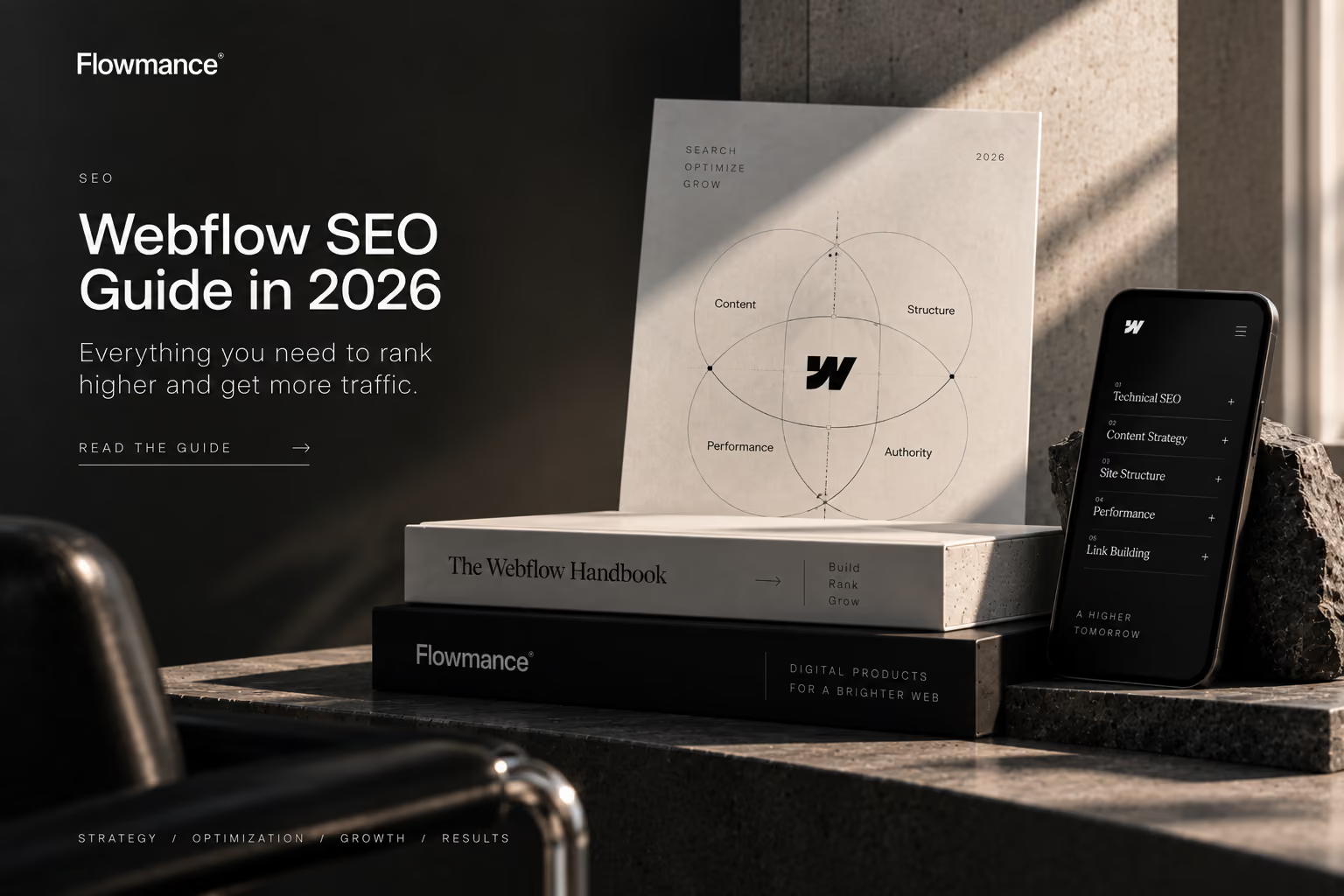
Webflow is a strong platform for SEO and AEO in 2026 because it gives site owners direct control over titles, meta descriptions, canonical URLs, XML sitemaps, redirects, indexing, image alt text and structured data. Good rankings and AI visibility still depend on useful content, clear search intent, internal linking, authority and performance; the builder provides the technical foundation, not the ranking itself.
This guide is the practical checklist Flowmance uses when evaluating Webflow sites and templates for search visibility and answer-engine readiness.
For marketing sites, portfolios, agencies, SaaS sites and content-led businesses, Webflow has the native controls needed to build a technically sound search presence. Webflow now also supports page-level schema markup, AI-assisted SEO/AEO auditing and dedicated Organization info for AEO, giving teams a clearer way to describe their brand entity to AI systems.
The most important rule is simple: give each important URL one clear search intent and make that page the best answer on the site for that intent.
Keyword research should result in a URL map, not a pile of articles. If two pages both try to rank for “Webflow SEO,” they can compete with each other rather than building one strong authority page. Choose the strongest URL, expand it, and use supporting articles only for genuinely narrower questions.
This is especially important for template libraries. A commercial category page should own shopping intent, while educational articles should answer comparisons, setup questions and decisions instead of duplicating the category page.
Webflow lets teams set page-specific SEO titles and meta descriptions and can generate suggestions with Webflow AI. Generated metadata should still be reviewed for accuracy, differentiation and intent.
Official reference: Webflow: Add SEO title and meta description.
Use one primary H1 for the page topic, then organize the explanation with descriptive H2 and H3 headings. Do not choose heading levels because of their visual size. For AEO, descriptive headings also make individual sections easier for search engines and AI systems to interpret as self-contained answers.
Schema markup helps machines understand what a page represents. Webflow supports schema in Page settings, including Collection pages, and can generate contextually relevant markup with Webflow AI. On Collection pages, supported dynamic CMS fields can be incorporated into generated schema.
Use schema that matches visible content. Common useful types include Organization, Article, Product and BreadcrumbList. Adding valid schema can improve eligibility for enhanced search presentation, but it does not guarantee rich results.
Official reference: Webflow: Add schema markup for SEO and AEO.
Webflow's AEO tooling now includes Organization info, where eligible teams can define brand context such as organization type, industry, founding information, description, contact details, locations and key people. Webflow uses this context for AEO analytics and agents, including brand-mention detection and more accurate schema generation.
This matters because answer engines need consistent entity information, not only keyword-rich pages. Keep organization names, aliases, descriptions and public identity details accurate and consistent with what users can verify elsewhere on the web.
Official reference: Webflow: Set up Organization info for AEO.
If multiple domains point to the same Webflow site, set one default production domain so alternate domains redirect consistently. Webflow notes that this helps prevent duplicate-content issues. Canonical configuration should then reinforce the preferred production URL rather than create conflicting signals.
Official reference: Webflow: Set a default domain.
Webflow can automatically generate sitemap.xml and updates it each time the site is published. Localized sites can also include hreflang information for static and dynamic pages. A sitemap should contain URLs you actually want search engines to discover, not every experiment or thin utility page.
Official reference: Webflow: Create a sitemap.
When a page permanently moves, redirect the old URL to the closest relevant new URL. This is essential during redesigns, CMS migrations and slug changes because external links and historical search signals may still point to the old address.
Webflow supports individual and wildcard 301 redirects. Its current guidance recommends wildcard rules where practical rather than maintaining an unnecessarily large redirect list.
Official reference: Webflow: Set up redirects.
Not every published page deserves to appear in search. Webflow provides sitemap-indexing controls for static pages and CMS items, plus controls for staging-domain indexing. Keep the webflow.io staging domain out of search when a custom production domain is canonical.
For previously indexed content, Webflow specifically advises using its sitemap indexing control rather than assuming a robots.txt block alone will remove the URL from an index.
Official reference: Webflow: Disable search engine indexing.
Use descriptive alt text for meaningful images, leave purely decorative imagery appropriately empty, reserve image dimensions where possible and avoid unnecessarily large assets. Modern formats such as AVIF and WebP can reduce image weight while preserving visual quality.
For template-driven websites, replace generic demo imagery with relevant original assets. Search engines, AI systems and users all benefit when the image genuinely supports the page subject.
Internal links should connect related questions, commercial pages and supporting resources. A Webflow SEO guide should naturally lead to the platform's commercial hub without turning every paragraph into a sales pitch.
For commercial exploration, browse Flowmance's Webflow templates. For a direct platform decision, read Webflow vs Framer for SEO. Teams needing broader template access can also review Flowmance+.
Webflow's Audit panel can identify missing image alt text, page titles, meta descriptions and schema markup alongside accessibility issues. Webflow AI can assist with suggested fixes. This is useful for implementation QA across a large site, but it does not replace editorial judgment or a deliberate URL strategy.
Official reference: Webflow: Audit SEO and AEO.
An SEO-friendly template should provide clean semantic structure, sensible heading hierarchy, responsive layouts, optimized media patterns, accessible navigation, useful CMS architecture and enough flexibility to create substantial original pages. No template can be “pre-ranked”: titles, copy, schema, internal links and search intent must be adapted to the final website.
When evaluating a template, inspect more than the homepage. Check service pages, project pages, CMS templates, navigation, footer links, mobile layouts and how easily the structure can support future content.
Webflow provides a mature SEO foundation in 2026, and its schema, AEO organization data, AI auditing and indexing controls make it increasingly useful for answer-engine visibility as well. The biggest gains still come from strategy: one dominant URL per intent, genuinely useful content, strong information architecture, relevant internal links, technically clean publishing and continuous measurement.
Start with the Flowmance Webflow template library when you want a production-ready design foundation, then customize the structure and content around the search intent your site actually needs to own.











Don’t miss out on our superb, customizable templates designed to enhance your web design experience. We constantly add new templates and components.

Explore stunning Webflow, Framer, HTML5, Next.js and Figma templates designed to spark your next big idea.


*Rest assured that your data is safe with us, and you'll only hear from us 1 time per month.
