 flowmance
Alex Lee Design System


Alex Lee is a one-page personal portfolio that shouts. The page is pure black, every word is uppercase Unbounded (a wide, rounded geometric display face), and colour arrives in hard primary blocks: a red-lit portrait, four flat colour circles, and saturated project images. There are no cards, shadows or rounded images; everything is square, white and loud.
Four signatures make it recognisable:
- The cut-in wordmark. The hero name ALEX LEE is set at 288px over two lines, and a tilted (about 8°) red-lit portrait sits between the letters, covering part of E, X and the second E. The H1 is split into pieces (Al, e) so the photo can sit in front of some letters and behind others.
- The marquee. A single line of LET'S CHAT — FREELANCING ACROSS THE GLOBE — runs across the bottom of the hero at 14px with 1px tracking, items separated by short white dashes.
- Primary-colour skill circles. Four circles of about 270px in red #FF0000, green #01C021, orange #FF4D00 and blue #0300C3, each with one white uppercase word.
- Corner chrome only. There is no nav bar: a 100px logo is fixed top-left, and CART [0], a thin divider and a two-line hamburger are fixed top-right.
Alex Lee is a dark-only design.
Colors
Surfaces
#000000Page, sections, menu overlay, cart
#151619Webflow variable --black; the only off-black
#FFFFFFWith field: Inputs: no fill, a 1px white bottom line
Ink
#FFFFFFText on primary
#FFFFFFHeadlines, links, labels
#FFFFFF · 80%Marquee text (.text-rotator)
#FFFFFF · 70%Award meta, dark paragraphs (.dark-paragraph)
#FFFFFF · 60%Default paragraphs (p has opacity 0.6)
#A3A3A3Underlined footer links on hover
#FFFFFFAction
#FF0000The only filled button (form submit Hire me); hover #FD2E2E
#FD2E2ELines & effects
#FFFFFF · 20%Hairlines between award rows, the cart border
#696969The 1px vertical bar at the left of each award row
#FF0000#01C021#FF4D00#0300C3#616161Typography
Unbounded · display-hero
The quick brown fox jumpsHero name ALEX LEE (.hero-title, 13rem in CSS). 288px · 600 · 0.9 · 3px
Unbounded · headline-lg
The quick brown fox jumpsSection titles: MY SKILLS, SELECTED WORK, AWARDS & RECOGNITION, LET'S TALK. 48px · 500 · 1.15
Unbounded · title-md
The quick brown fox jumpsAward titles FULL-STACK DEVELOPER. 21px · 500 · 1.43 · 1px
Unbounded · body
The quick brown fox jumpsParagraphs at 60%. 15px · 400 · 1.4
Unbounded · label-marquee
The quick brown fox jumpsMarquee items, at 80%. 14px · 400 · 1.4 · 1px
Unbounded · input
The quick brown fox jumpsInput text; placeholder 15 / 400 in white. 15px · 500 · 1.33
Spacing & shape
| Purpose | Value |
|---|---|
| Container | max 1200px, centred; the footer uses 1100px |
| Breakpoints | 991px, 767px and 479px (plus 1280, 1440 and 1920px min-width steps) |
Spacing scale
| Token | Value | Preview |
|---|---|---|
xs | 10px | |
sm | 16px | |
md | 25px | |
lg | 30px | |
xl | 60px | |
2xl | 100px |
Layout spacing
| Token | Value | Preview |
|---|---|---|
footer-y | 30px | |
section-x | 72px | |
section | 100px |
Border radius
Surfaces
How the surfaces stack, from the page background up. Hex codes and roles are in Colors above.
Motion
| Scroll reveal | opacity 0 → 1 with y 30px → 0 (some blocks y −50px), 500ms outExpo |
| Slow fade | opacity 0 → 1, 1000ms outQuart |
| Hero mouse parallax | x/y ±5px and ±10px on mouse move, 500ms |
| Marquee | Continuous horizontal move of the .text-rotator track from x 0% |
| Skill circle hover | Rotate, 300ms ease (500ms on mouse out) |
| Link underline | Width grows, 300ms ease |
| Scale-in | scale 0 → 1, 500ms |
| Menu open | Display none → flex, then links fade and rise |
| Button hover | Background #FF0000 → #FD2E2E, CSS transition: all .3s |
Do’s and don’ts
- Keep the page pure black #000000 and all text white Unbounded, uppercase.
- Use 1px tracking on small labels (13–21px) and none on headlines.
- Use the four skill colours (#FF0000, #01C021, #FF4D00, #0300C3) only as flat circle fills with white labels.
- Keep images and blocks square-cornered; the only radius is the 8px red button and the circles.
- Put the name huge (288px, line height 0.9) and let one photo cut into it.
- Keep the button label at 14px weight 500 or heavier; white on #FF0000 is about 4:1 and is only fine at that weight.
- Add a nav bar, cards, shadows or rounded images.
- Use lowercase or sentence case anywhere.
- Use the unused gold, lime or turquoise variables, or Inter Tight.
- Set paragraph text in full white; use 60–70% white.
- Use more than one filled button per section; social and footer links are text with a short underline.
- Use weights above 600 with Unbounded; it gets too wide.
Example prompt
Any page in the Alex Lee style
More design systems like this
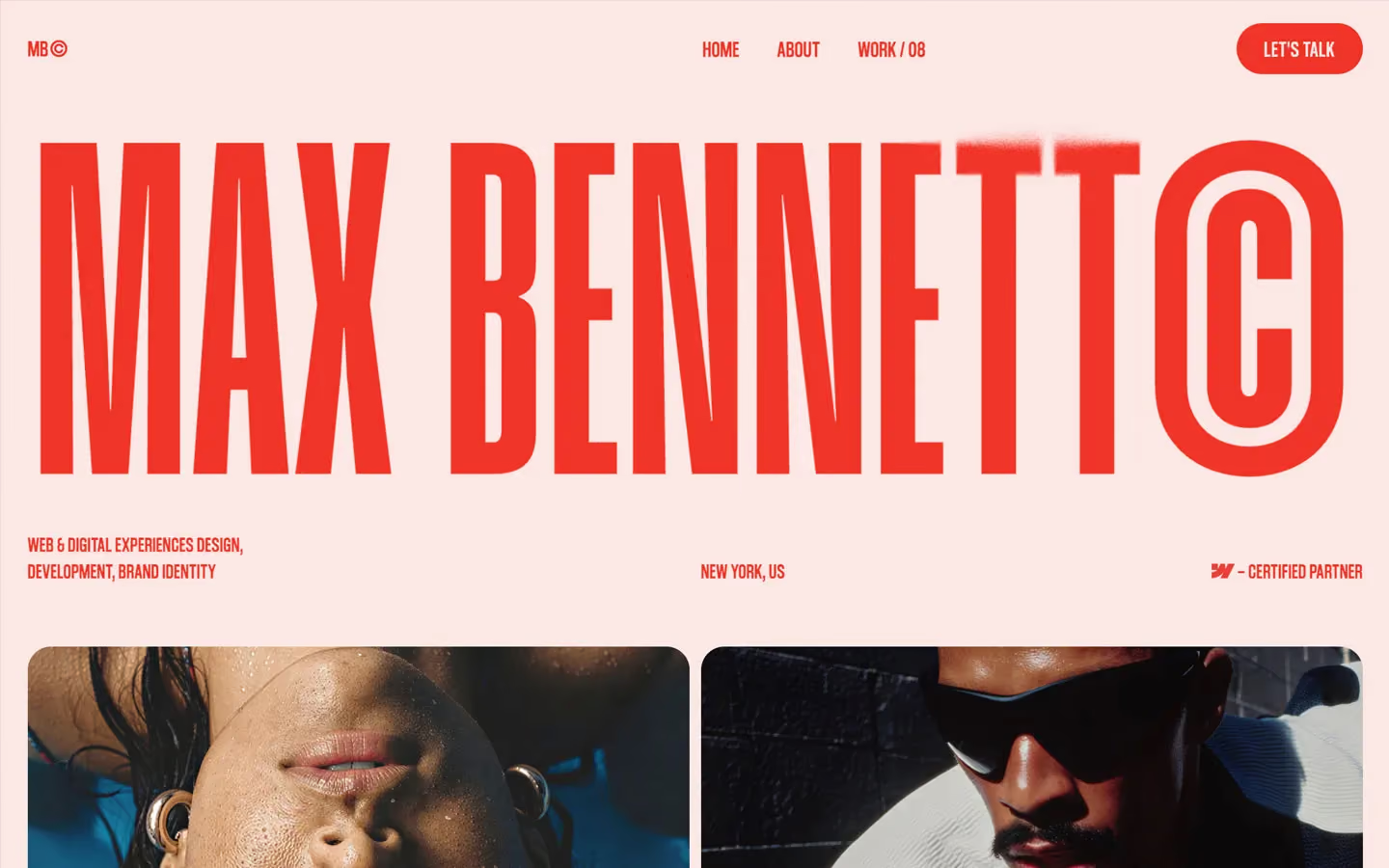
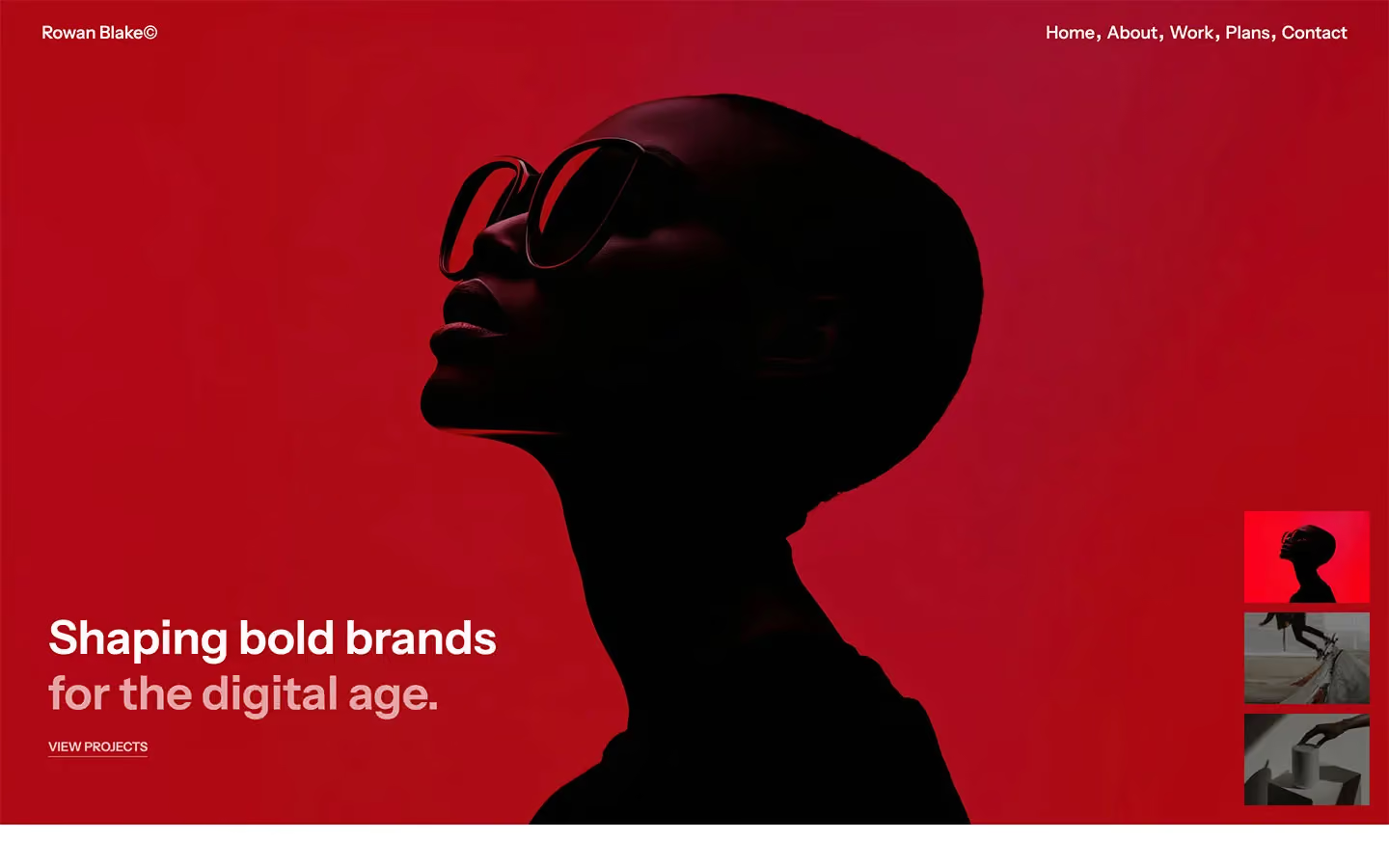
Portfolio design systems, the same colors first.


Bring any of them to your AI tool
All Access unlocks all 398 design systems, ready for Claude, ChatGPT, Gemini, Cursor, v0 and Lovable, plus 400+ templates on all 5 platforms.
Get All AccessUpgrade to All AccessHow to use the Alex Lee design system
Pick a file to see what it’s for and where it goes.
What it is
The whole design system in one markdown file, written for AI: every color, type style, spacing value, component and motion rule, plus do's, don'ts and a ready prompt.
Best for
Claude, ChatGPT, Gemini, Cursor and v0, or any other AI tool that builds pages or code.
How to use it
- Put
DESIGN.mdin your project and mention it in your request, or save it as.cursor/rules/alex.mdc - For the rule file, start it with a front-matter block that sets
alwaysApply: true, so every chat uses it - Ask: “Build a pricing page using DESIGN.md.” Cursor follows the colors, fonts, spacing and rules
- Put
DESIGN.mdin the project root - Add one line to
CLAUDE.md: “Follow DESIGN.md for all UI.” - Ask for any page or component; Claude reads the file first
- Attach
DESIGN.mdto the chat (or paste it in) - Ask: “Build a landing page in this design system.”
- Keep the file in the chat or project knowledge, so follow-up pages stay on style
What it is
Every token as data, in the W3C Design Tokens format: colors with their roles, type styles, radius, spacing, and component tokens that point at them.
Best for
Figma (Tokens Studio), Style Dictionary and other design-token tools, and build scripts.
How to use it
- In Figma, open Tokens Studio, choose Import, and pick
tokens.json - Or point Style Dictionary’s
sourceat it to generate tokens for any platform - In code, import it like any JSON file
What it is
A Tailwind CSS v4 theme: every color, font, type style, radius and spacing value becomes a Tailwind utility, like bg-canvas, text-headline-lg or rounded-md.
Best for
Tailwind v4 projects, and AI builders that write Tailwind (v0, Lovable, Bolt).
How to use it
- Save
theme.cssnext to your main CSS file - Import it after Tailwind:
@import "tailwindcss"; @import "./theme.css"; - Use the classes:
bg-canvas text-ink rounded-md p-lg
What it is
The same tokens as plain CSS variables on :root. Component values point at the color variables, so changing one color updates everything that uses it.
Best for
Any website: plain CSS, Webflow custom code, Framer, WordPress.
How to use it
- Add it to your stylesheet, or in Webflow paste it into Site settings → Custom code inside a
<style>tag - Use the variables anywhere:
color: var(--color-ink) - Change a token once and every place that uses it follows