 Webflow Templates
Premium Webflow Templates for Modern Websites
Launch faster with professionally designed Webflow templates for agencies, portfolios, SaaS products, startups, consulting firms and more. Every design is built to be customized visually and adapted to your brand.

Explore 390+ Webflow templates
Browse Flowmance designs available in Webflow. The library covers creative, business and product-focused websites, with new releases and multi-platform versions added over time.


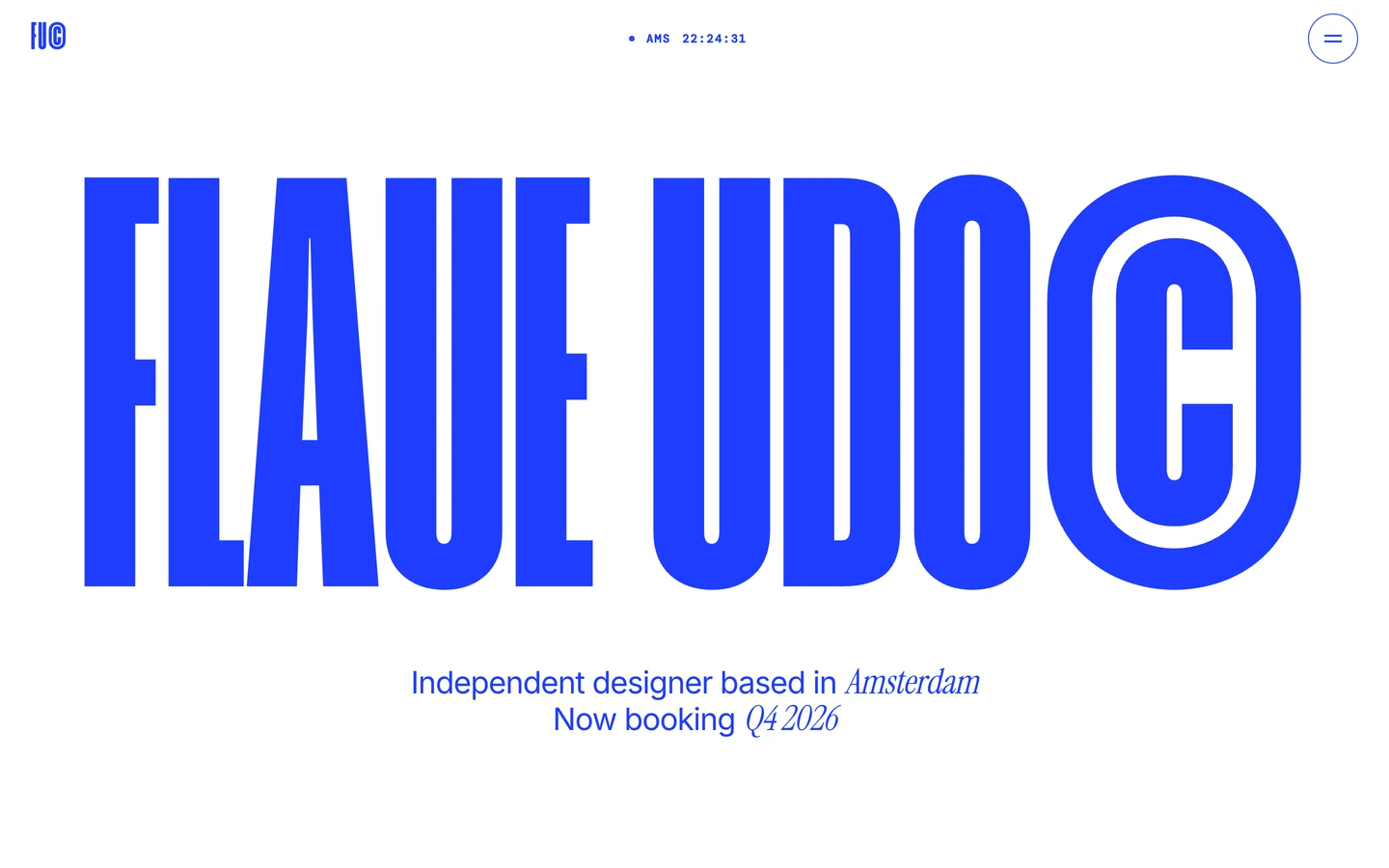


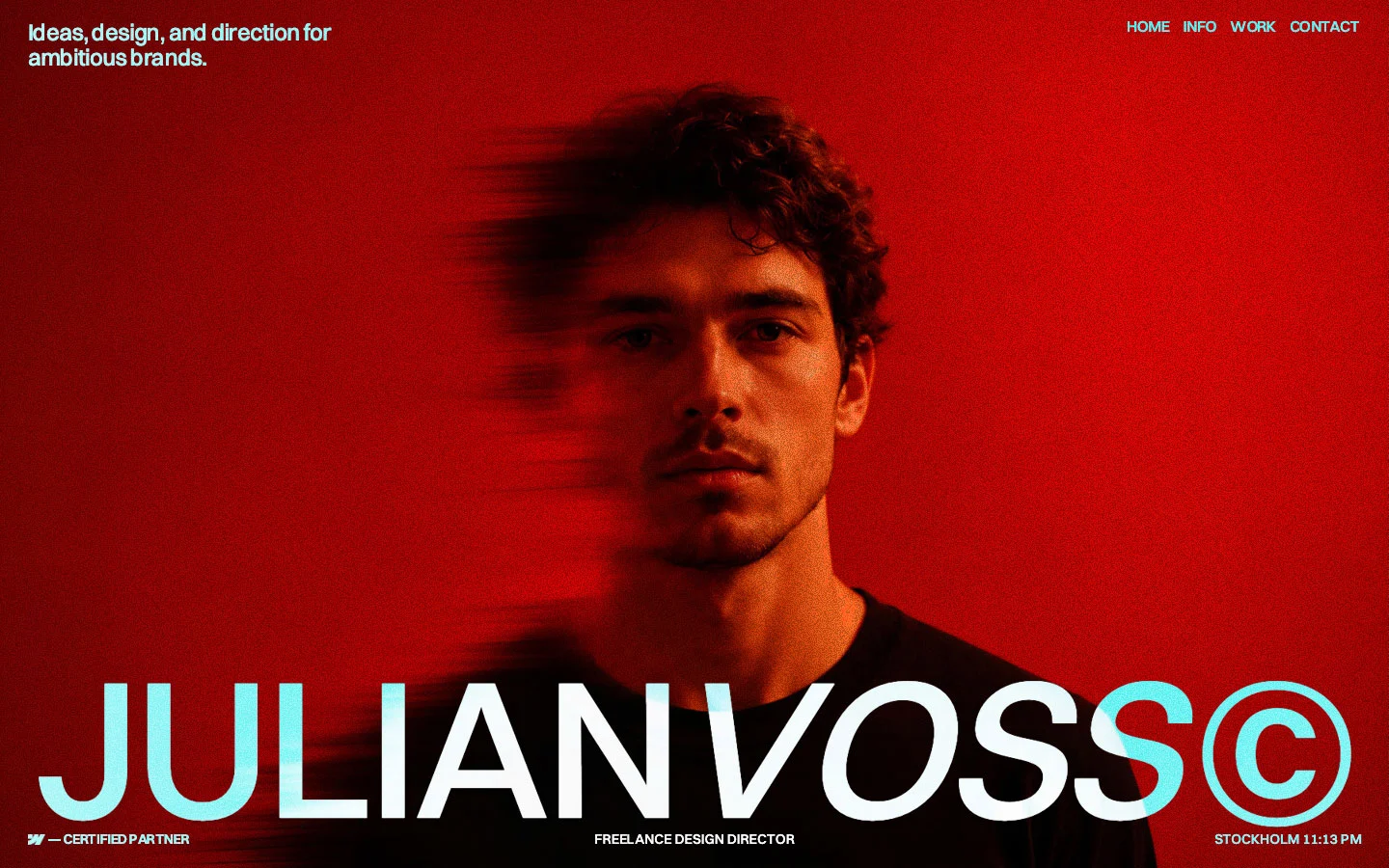
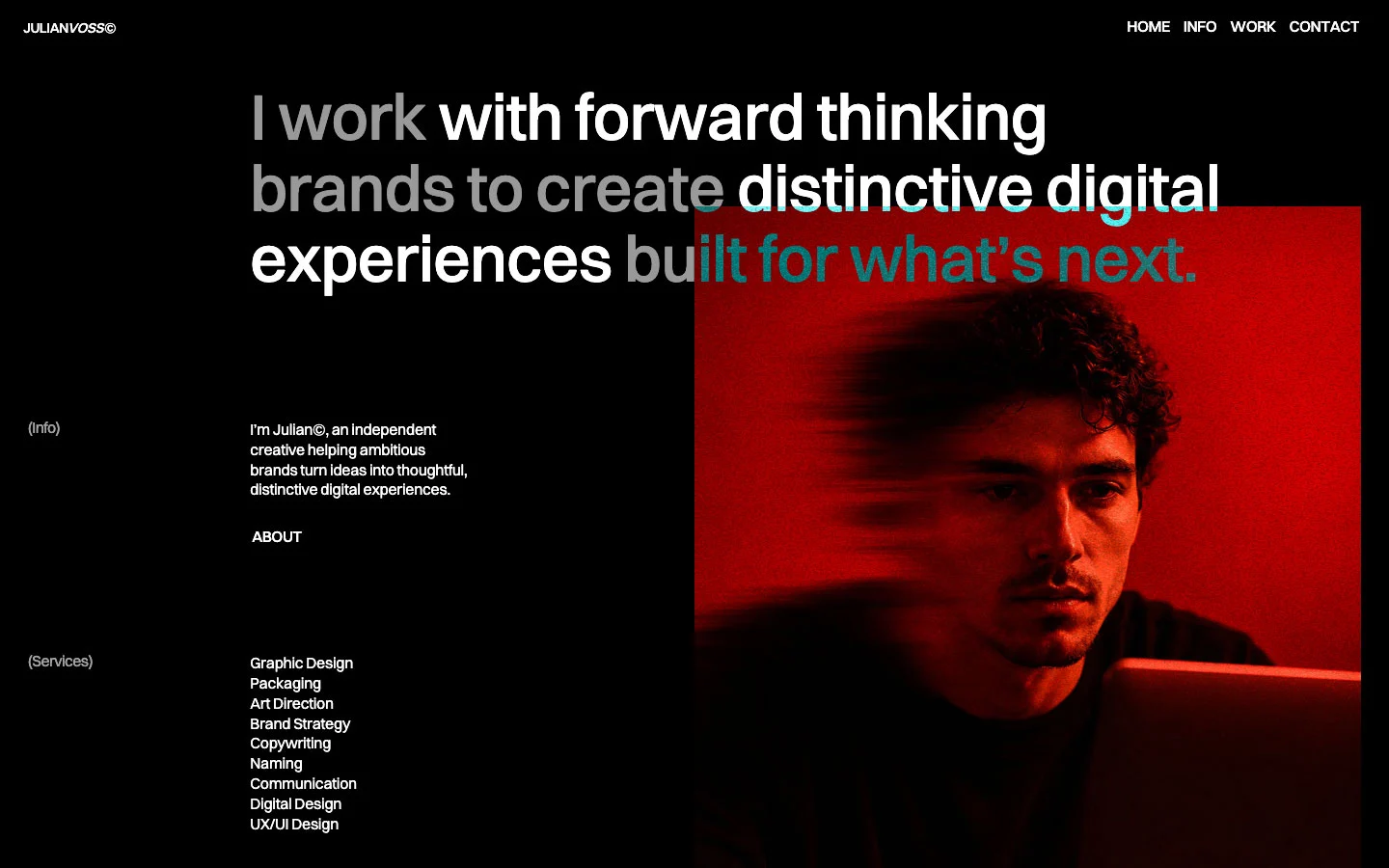
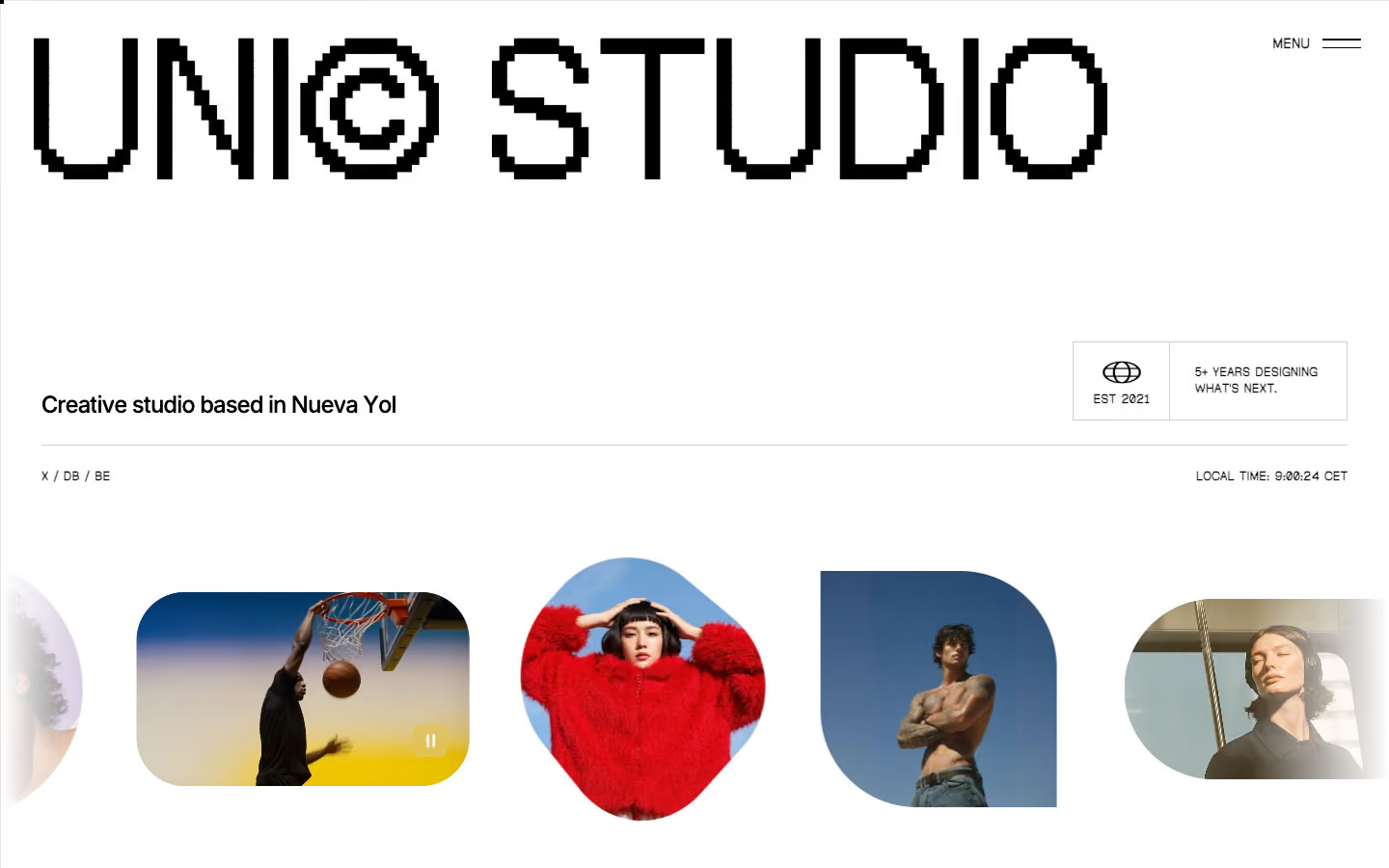
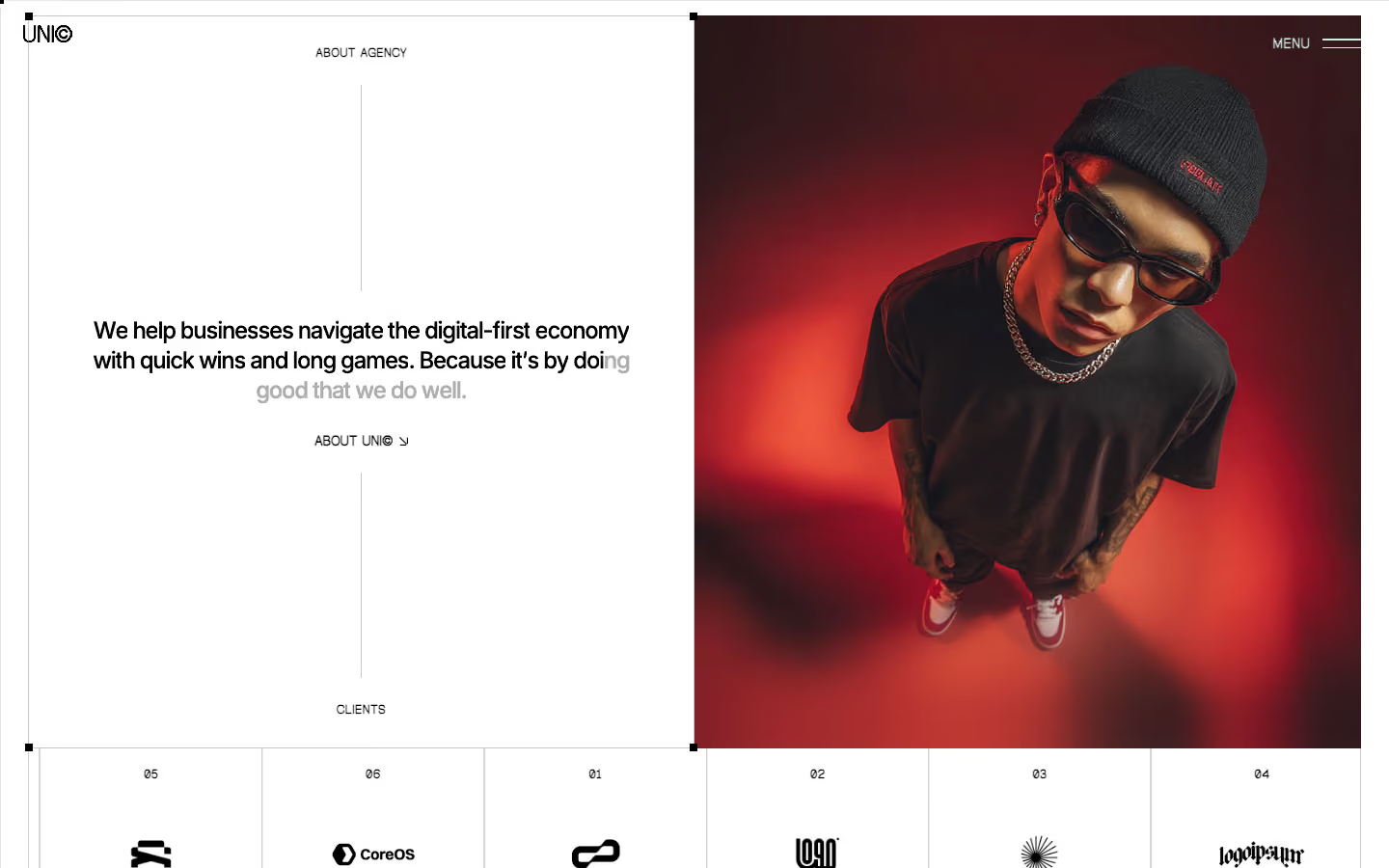
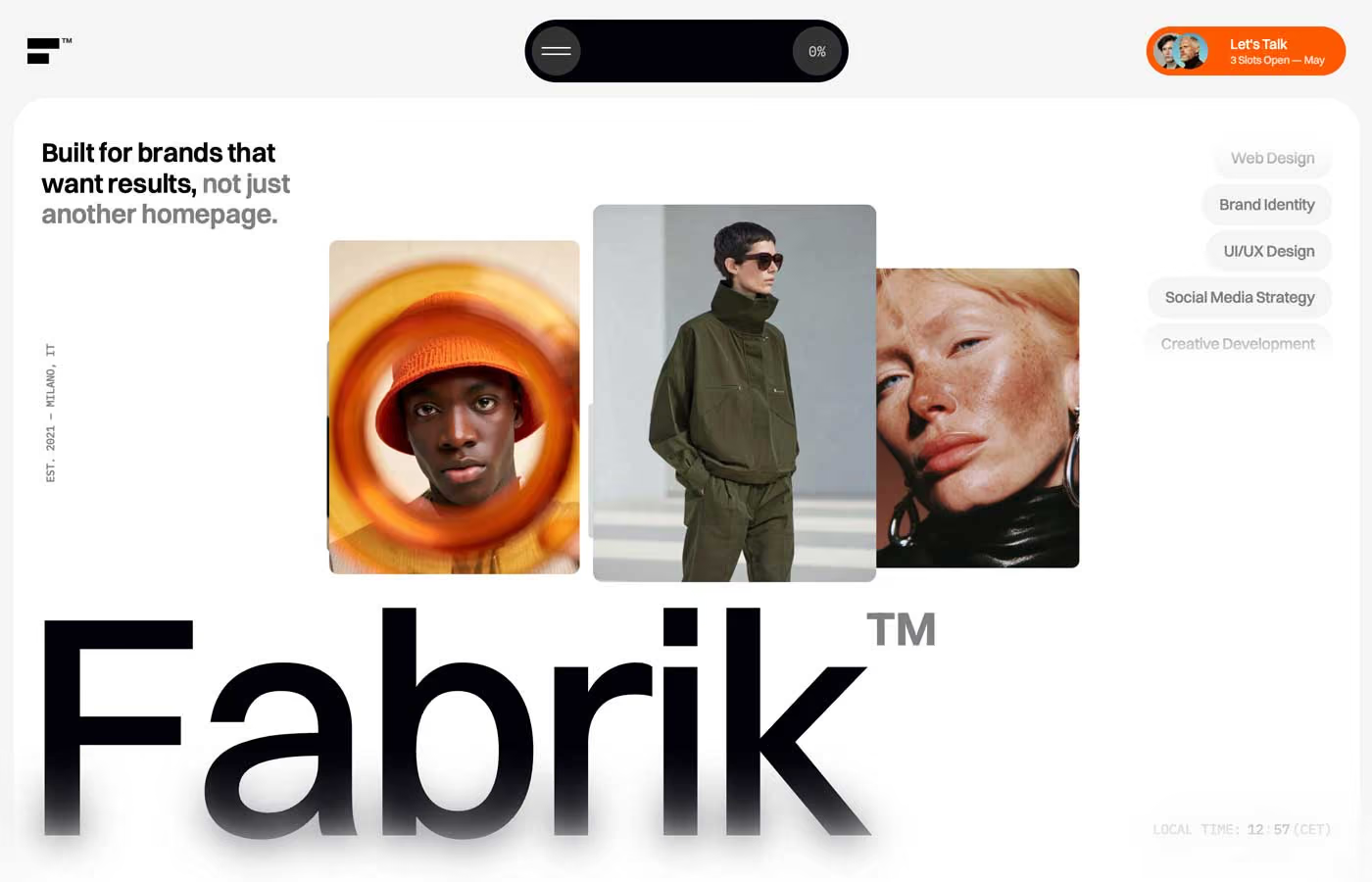
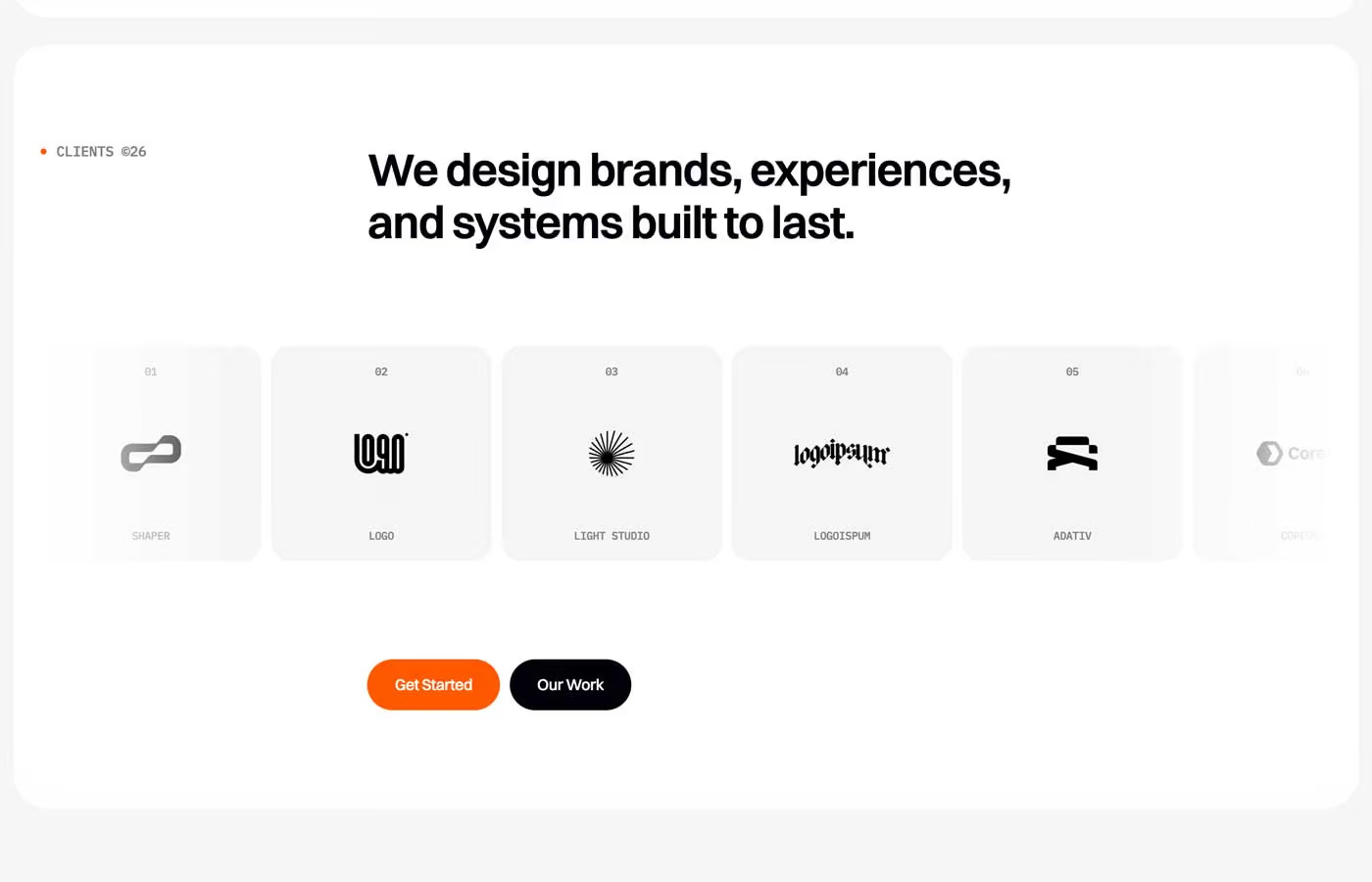
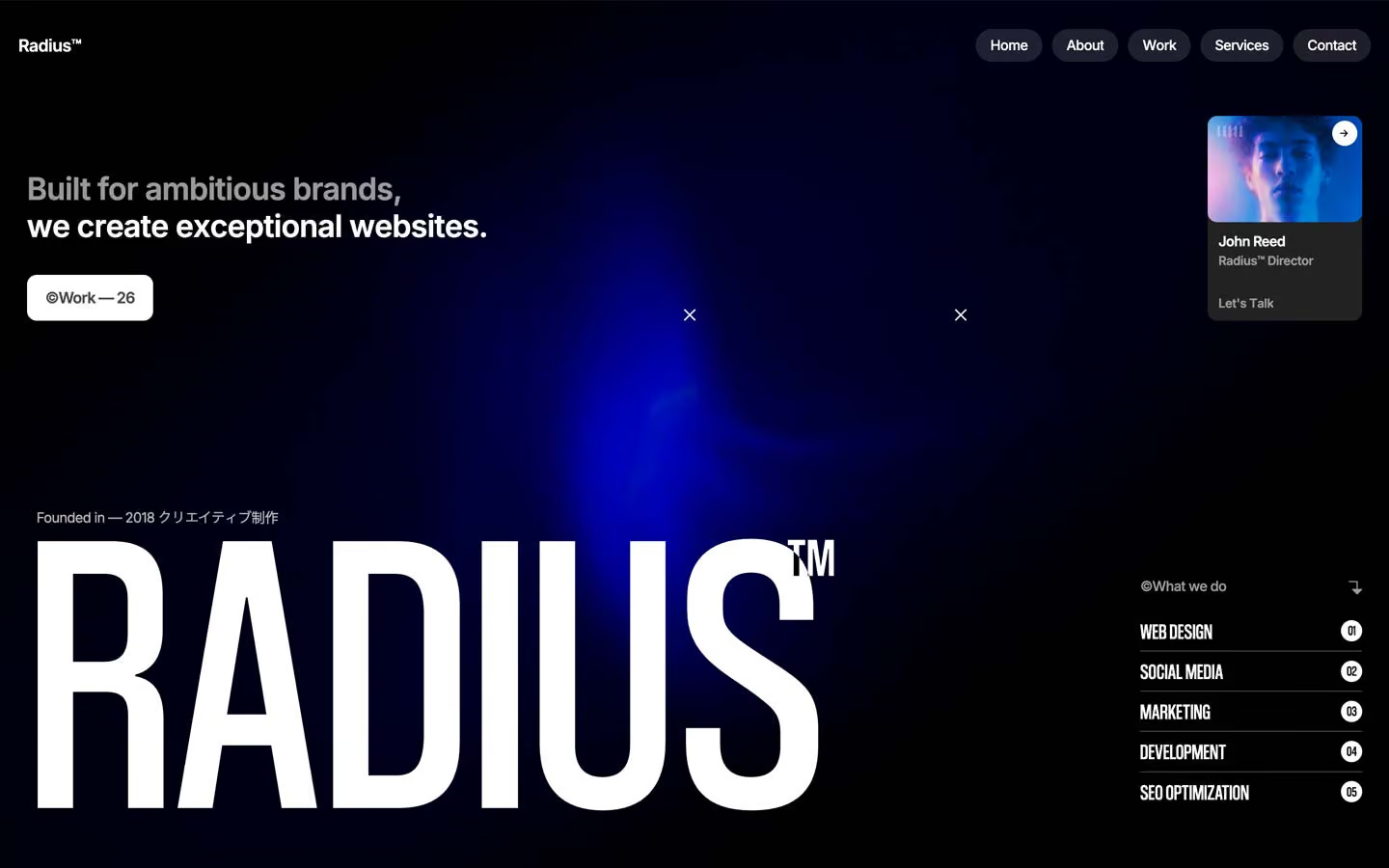
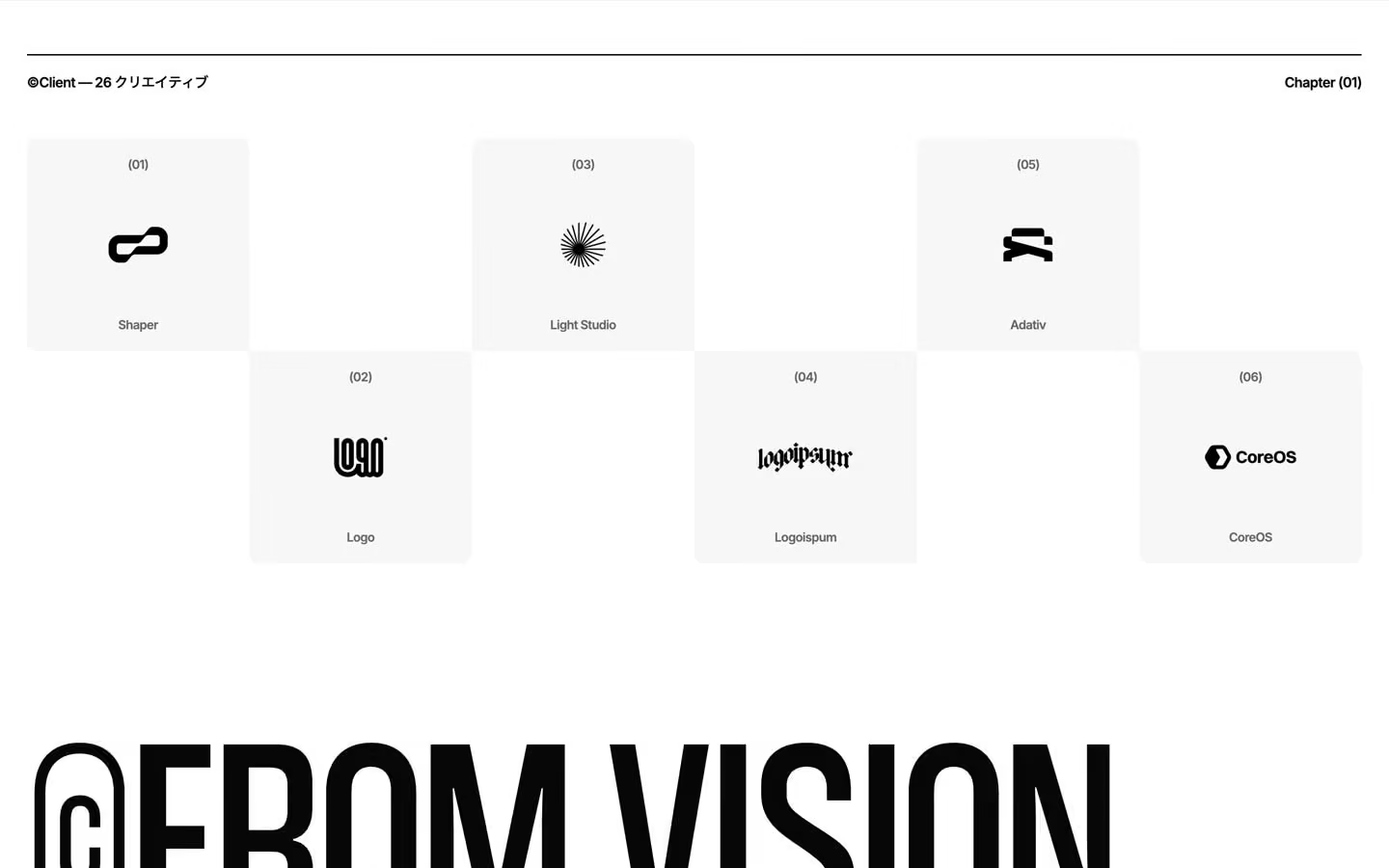
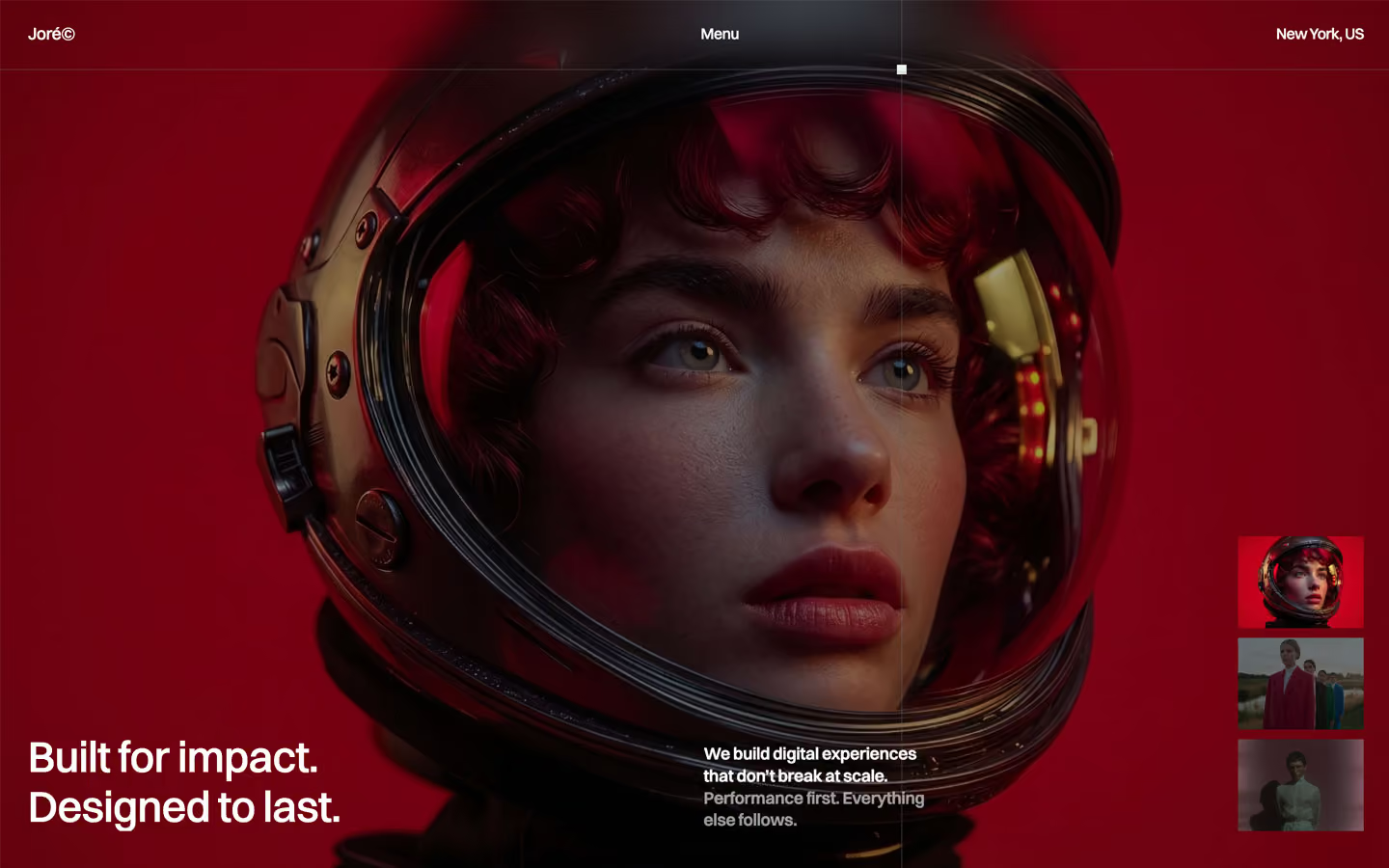
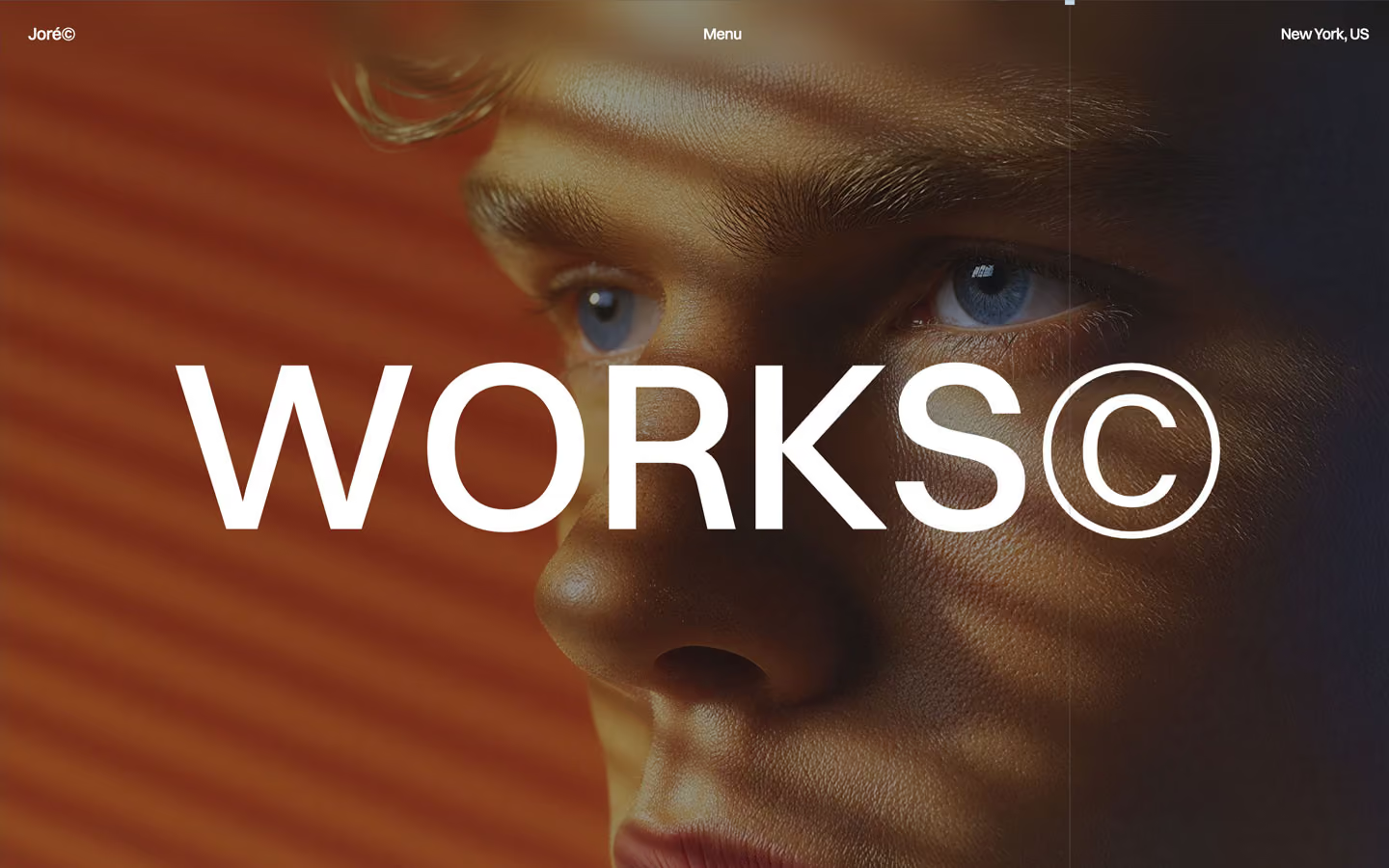
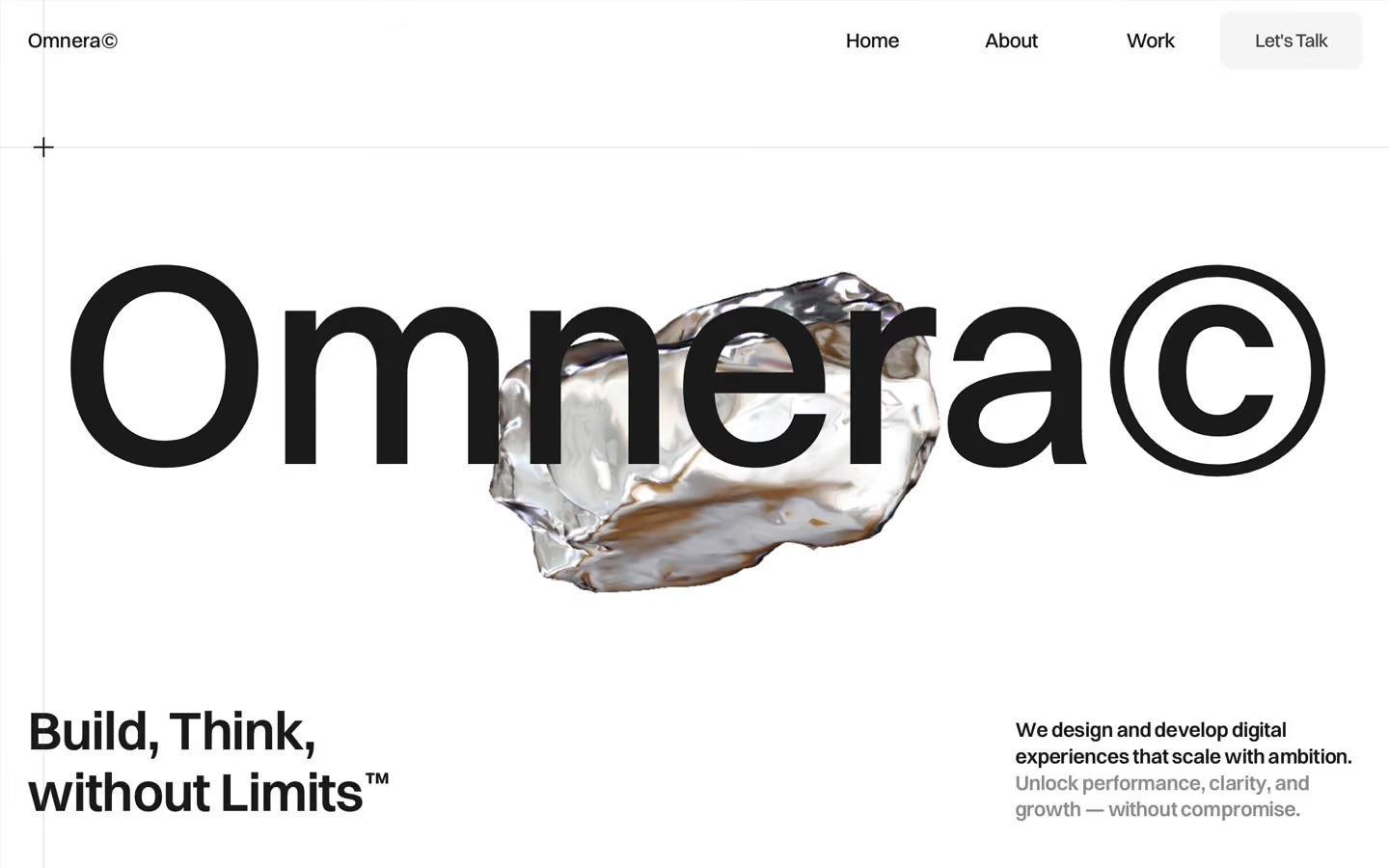
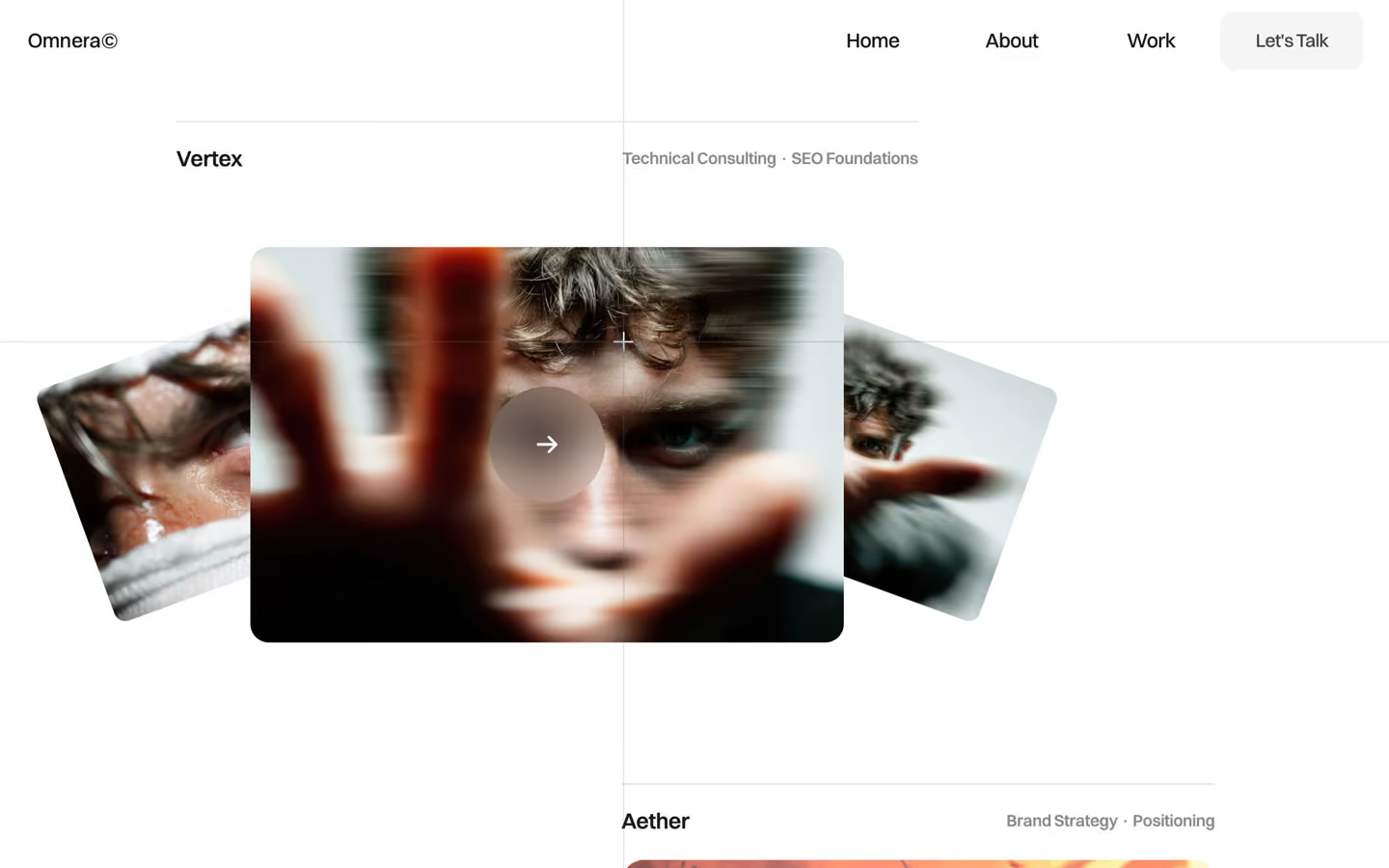
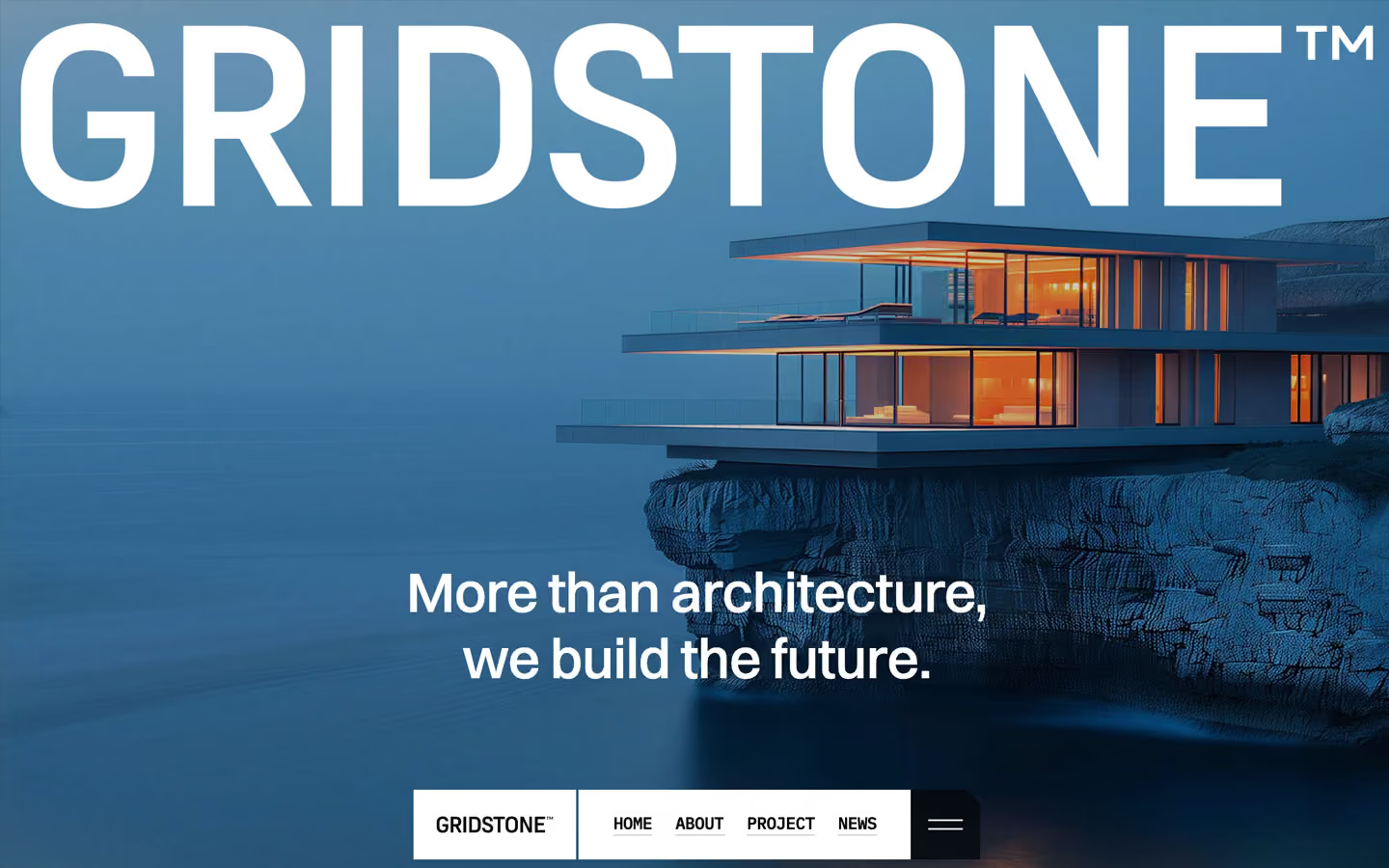
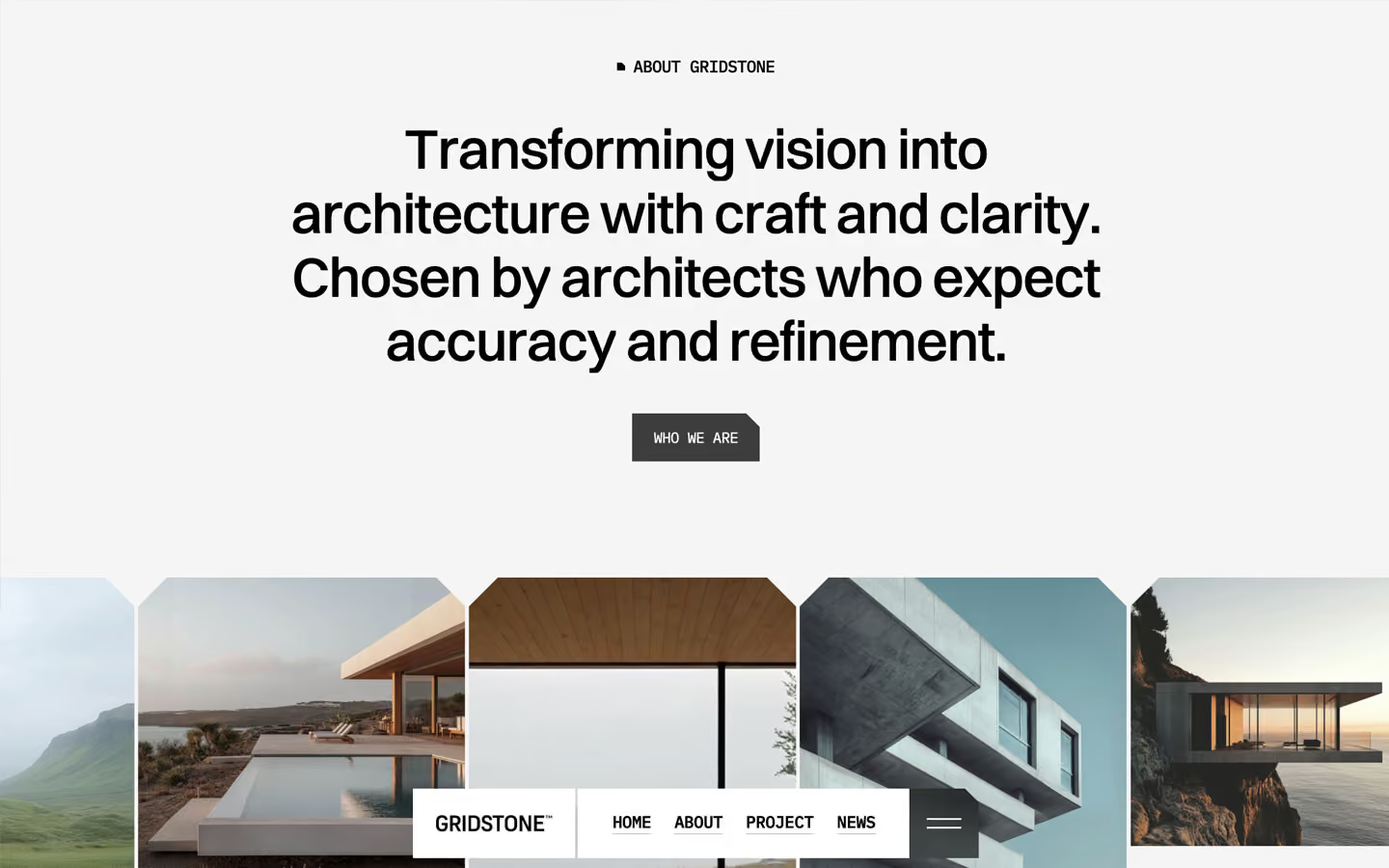
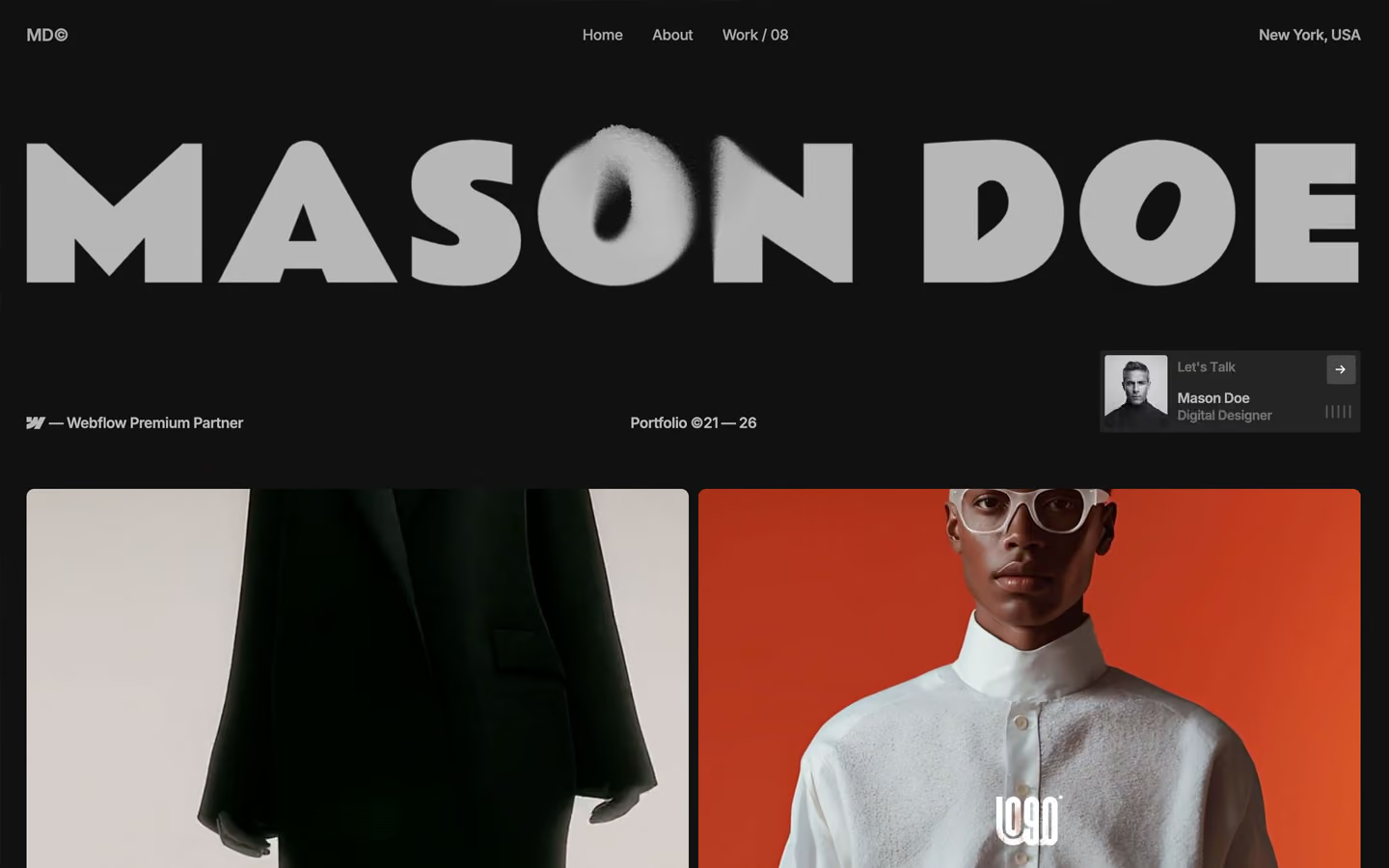
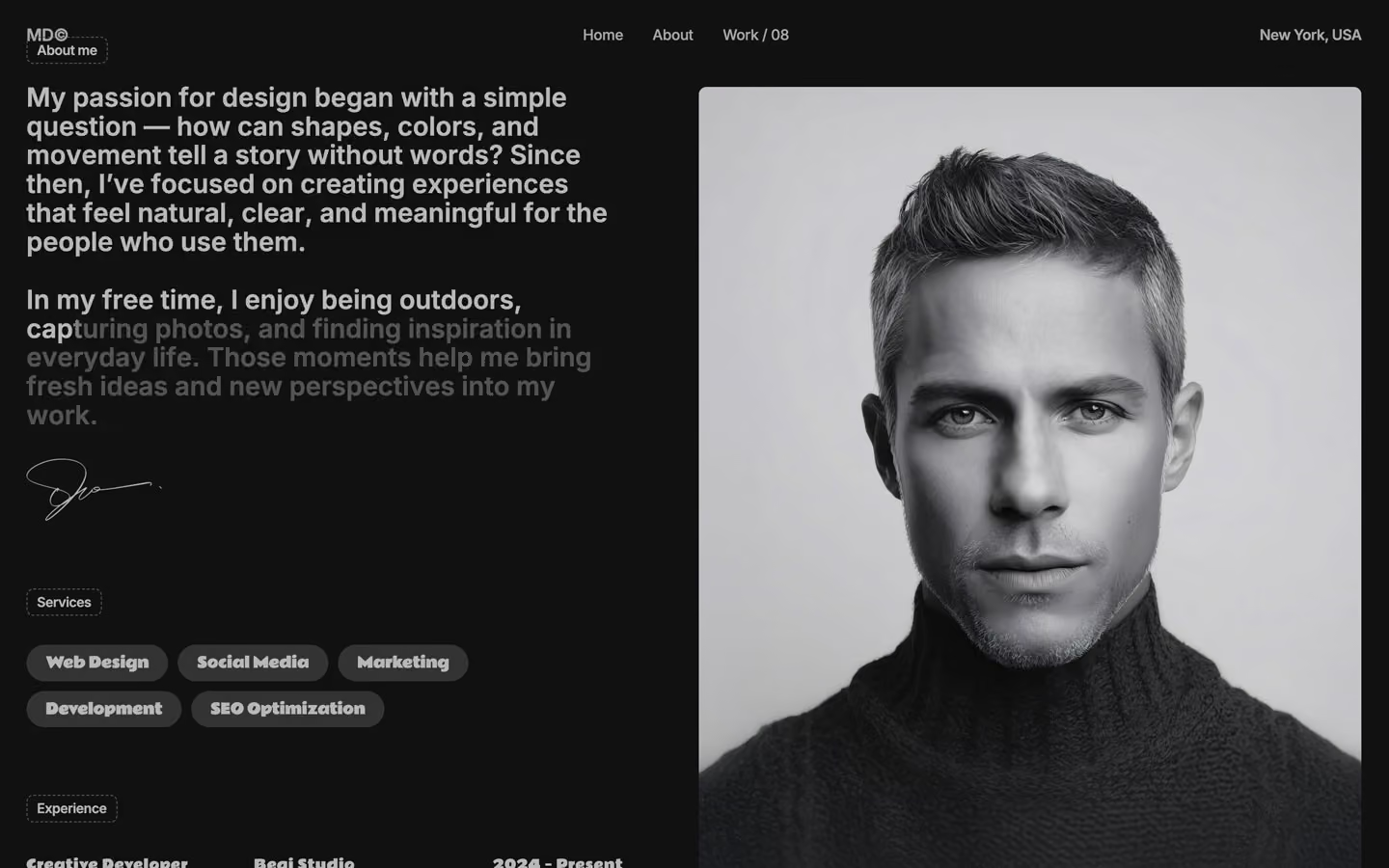
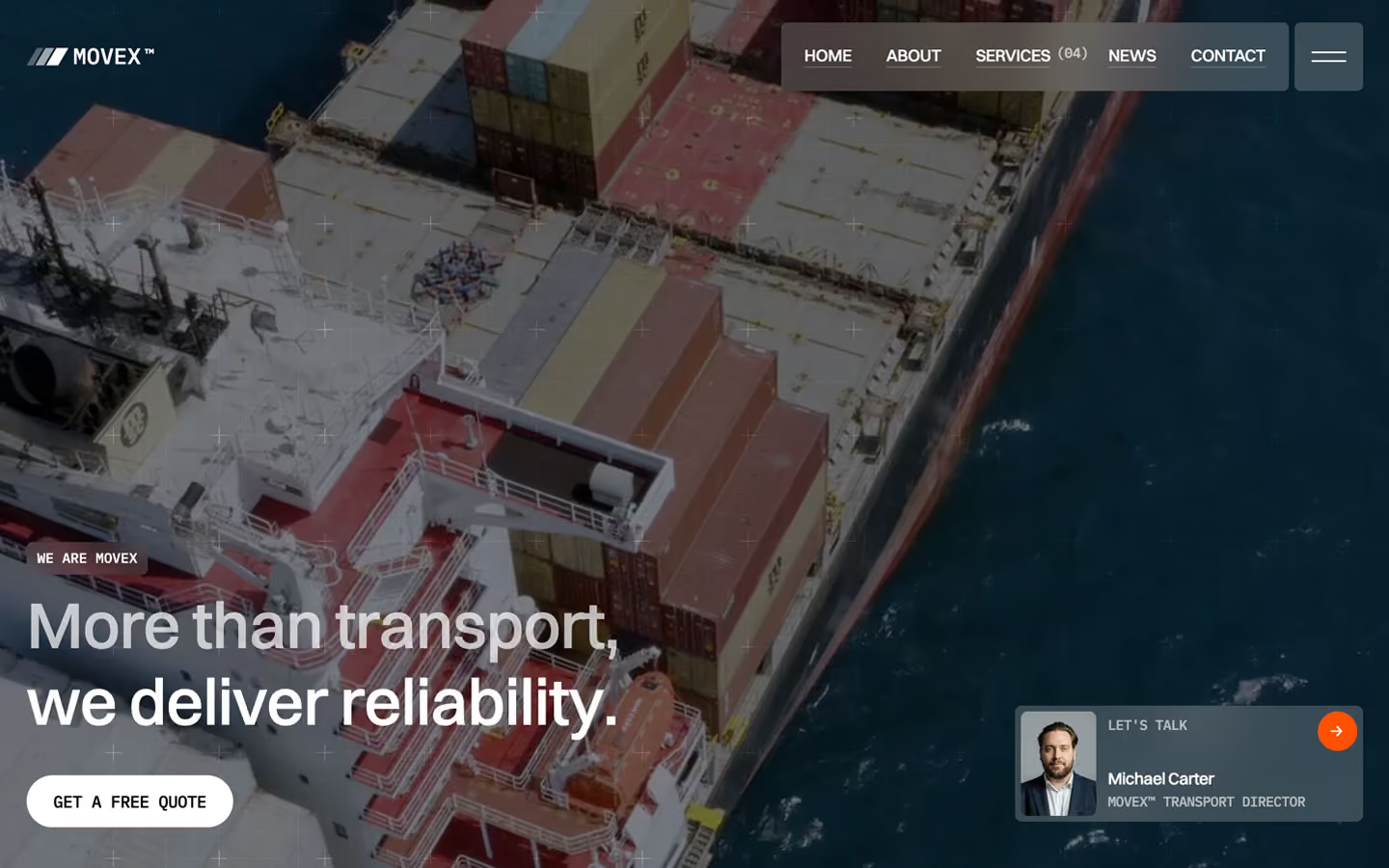
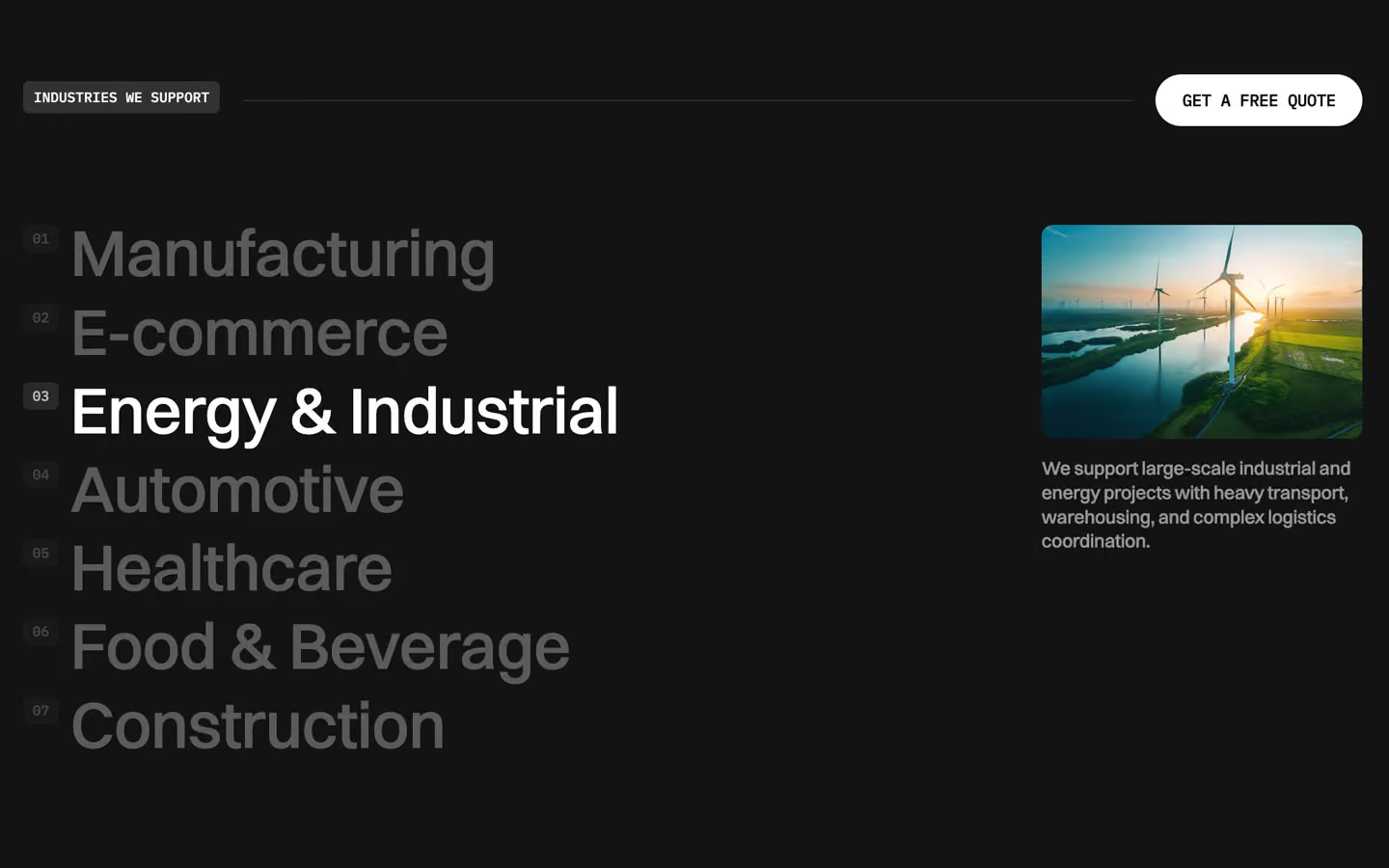
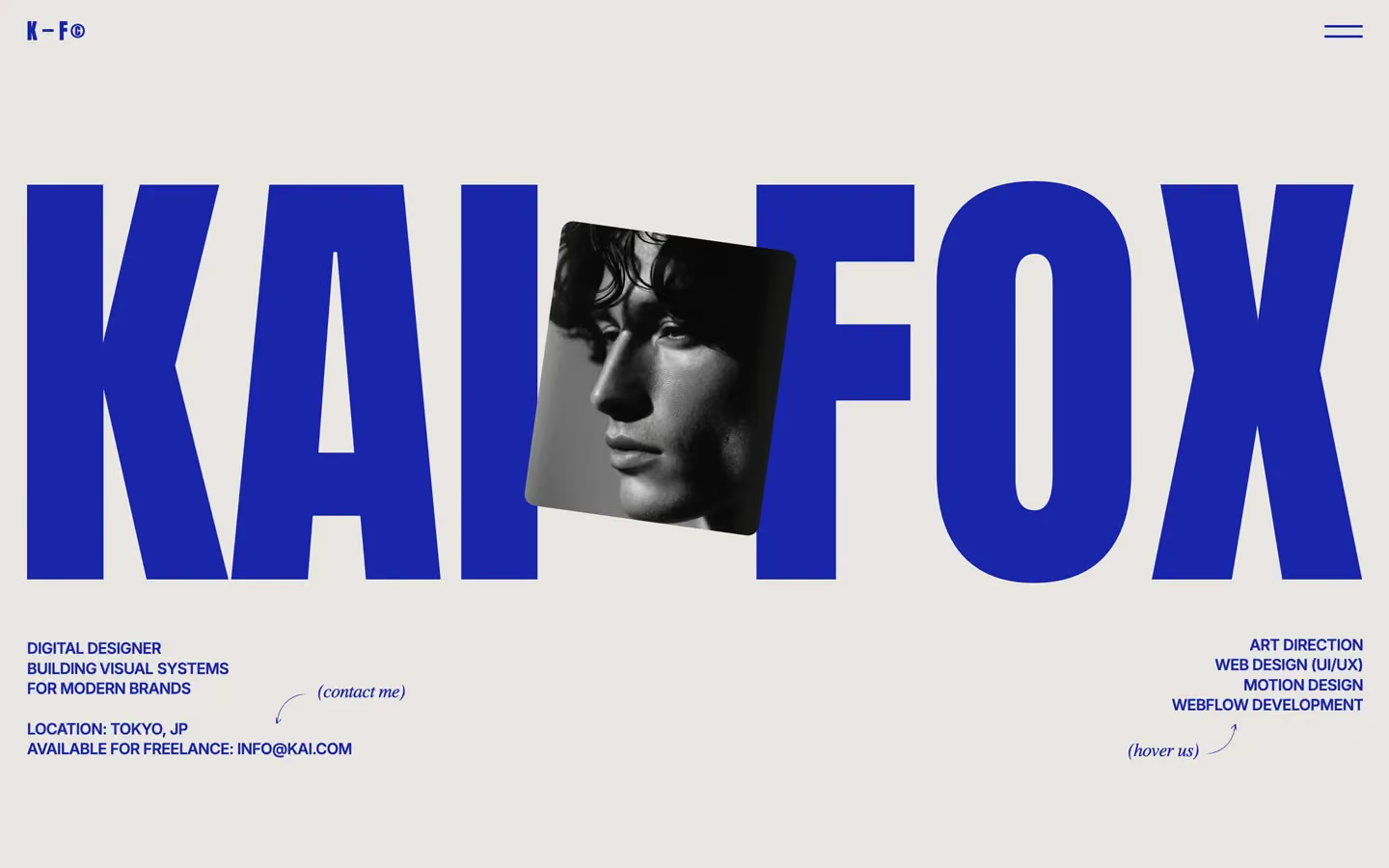
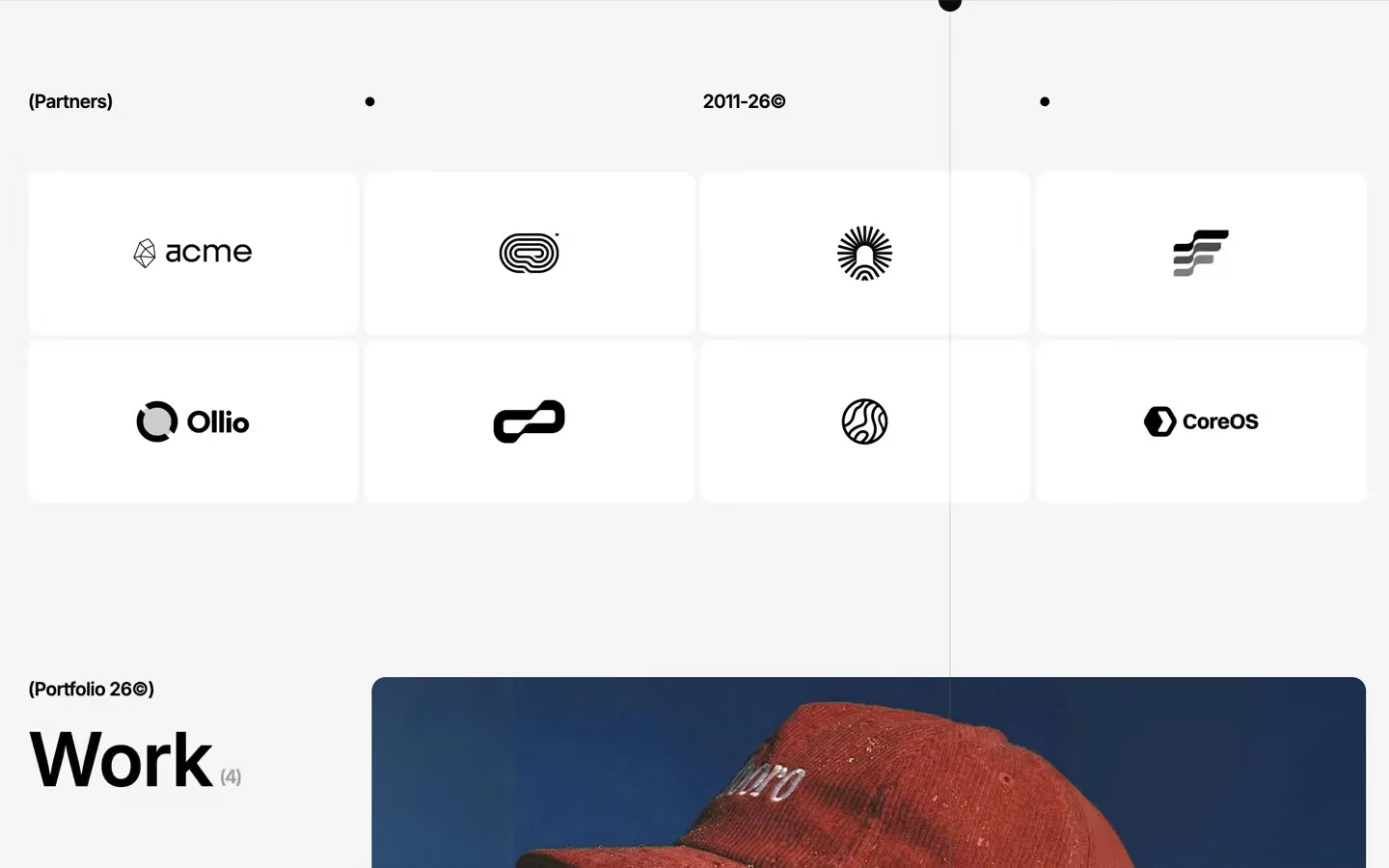
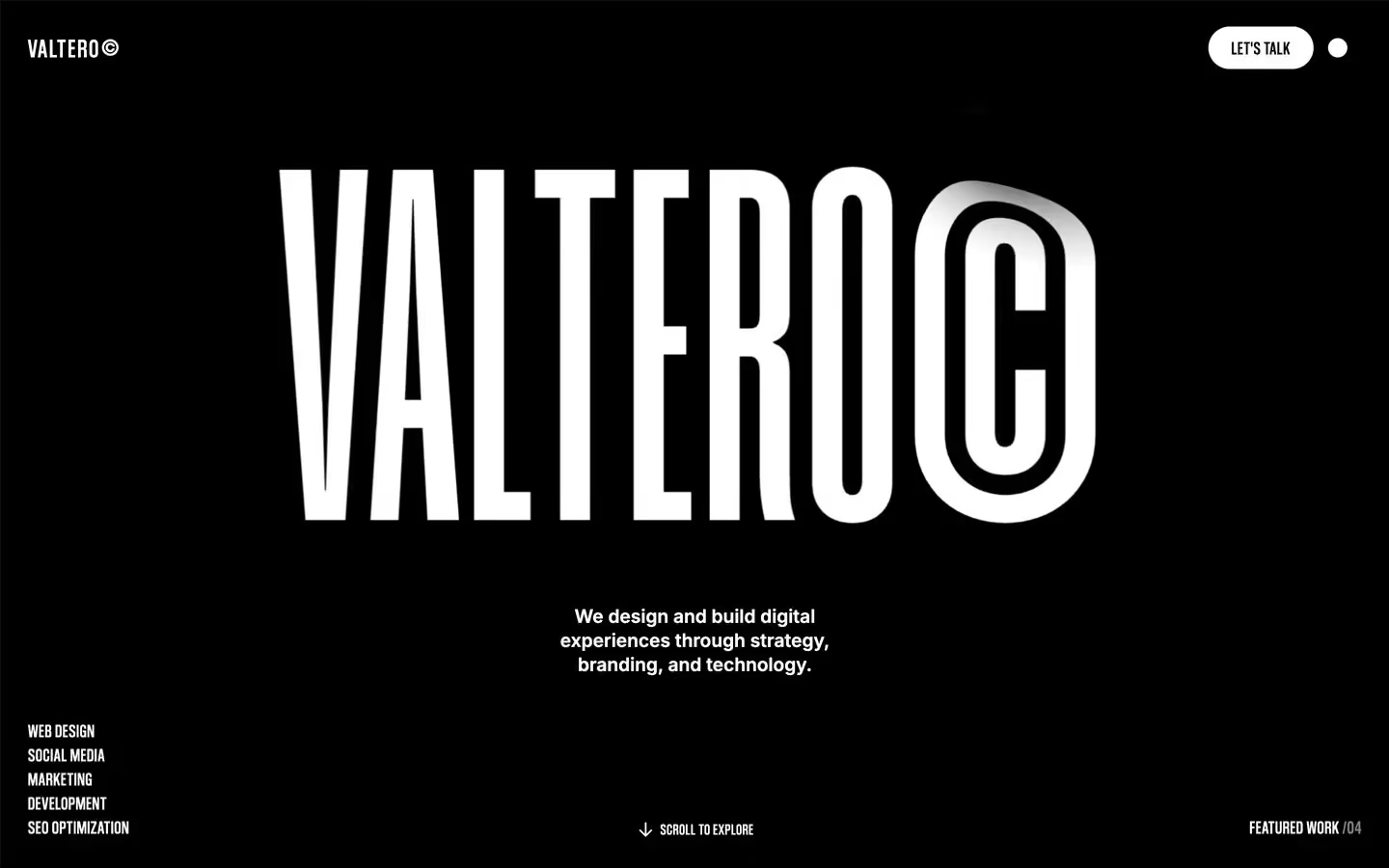
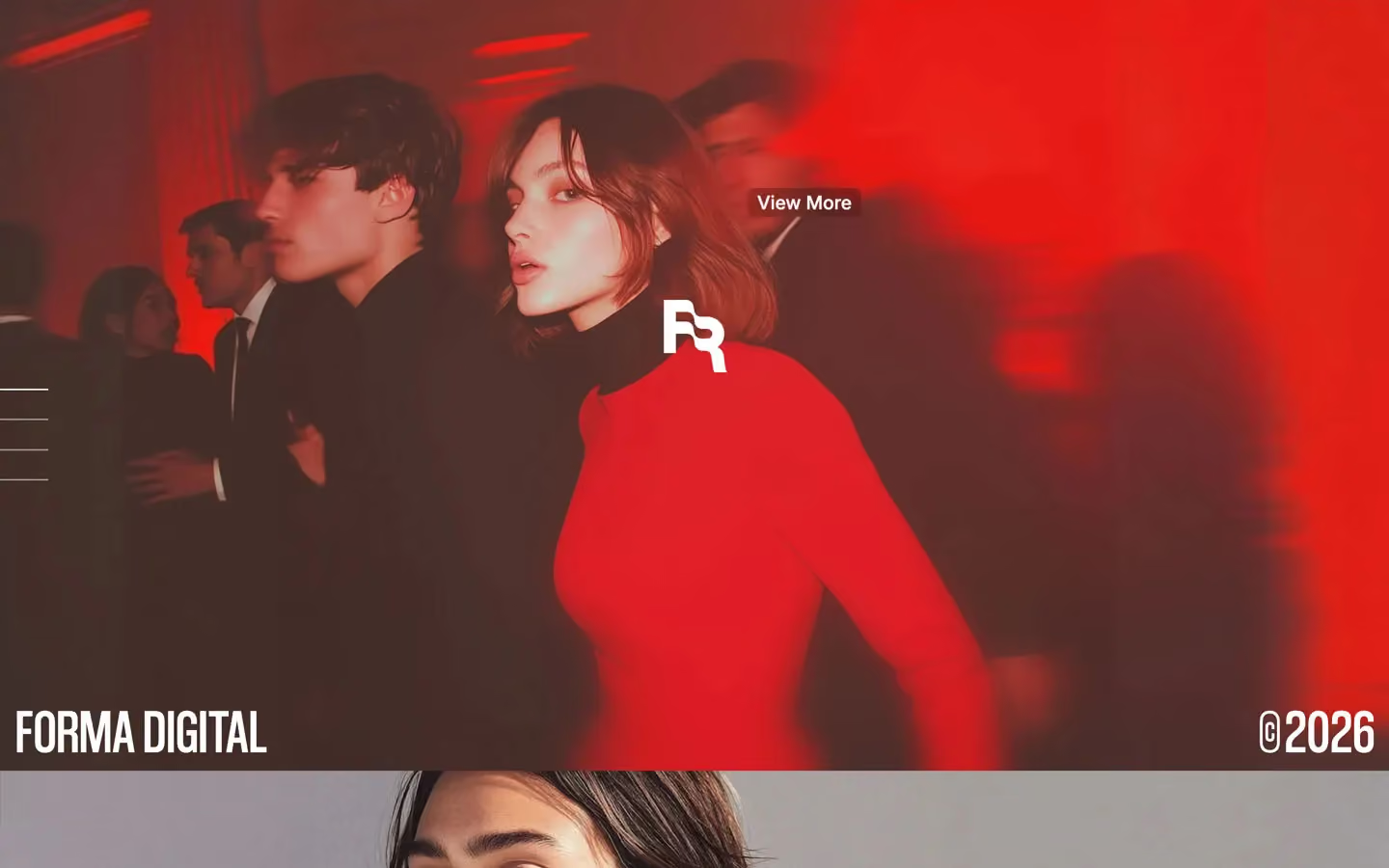
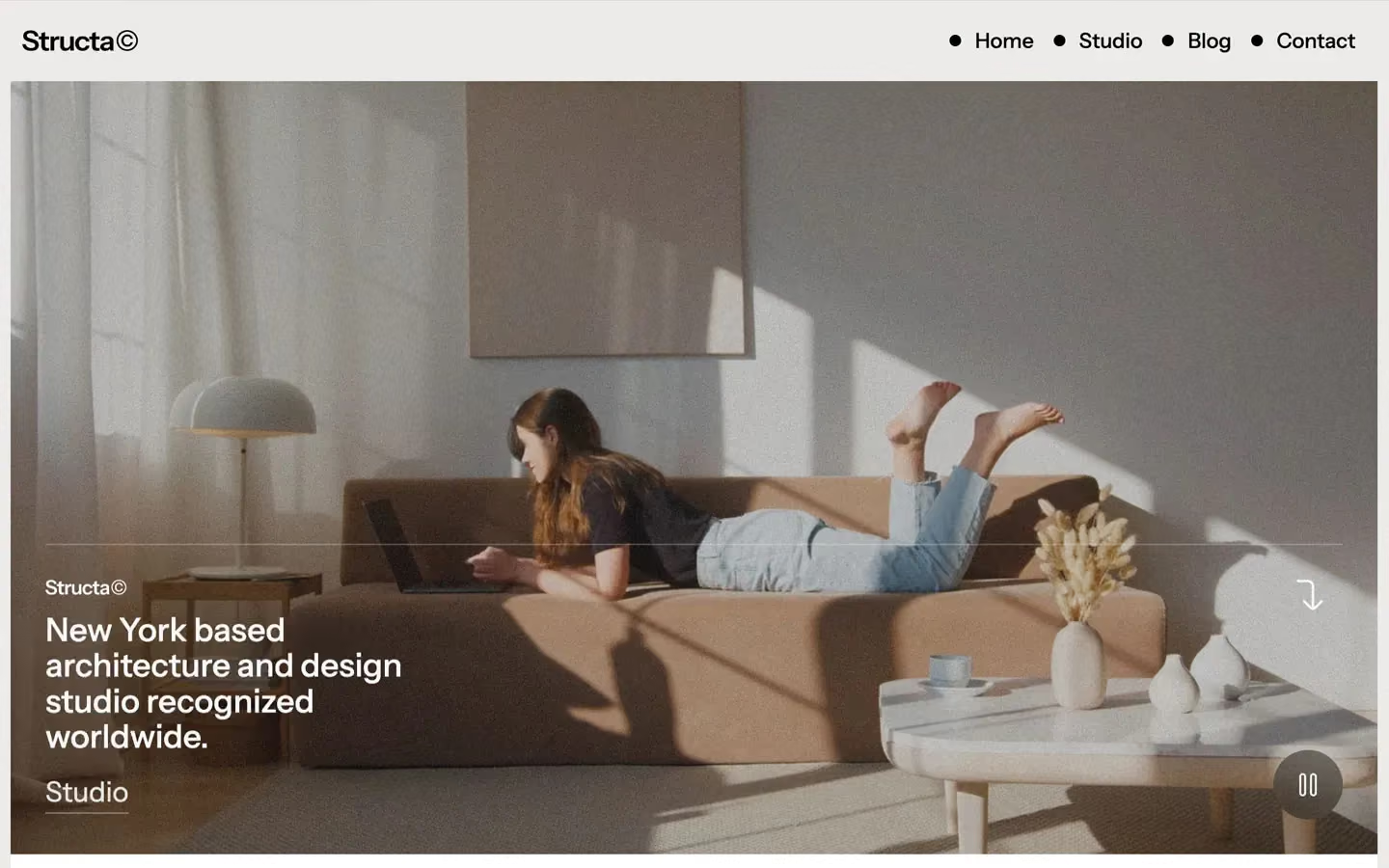

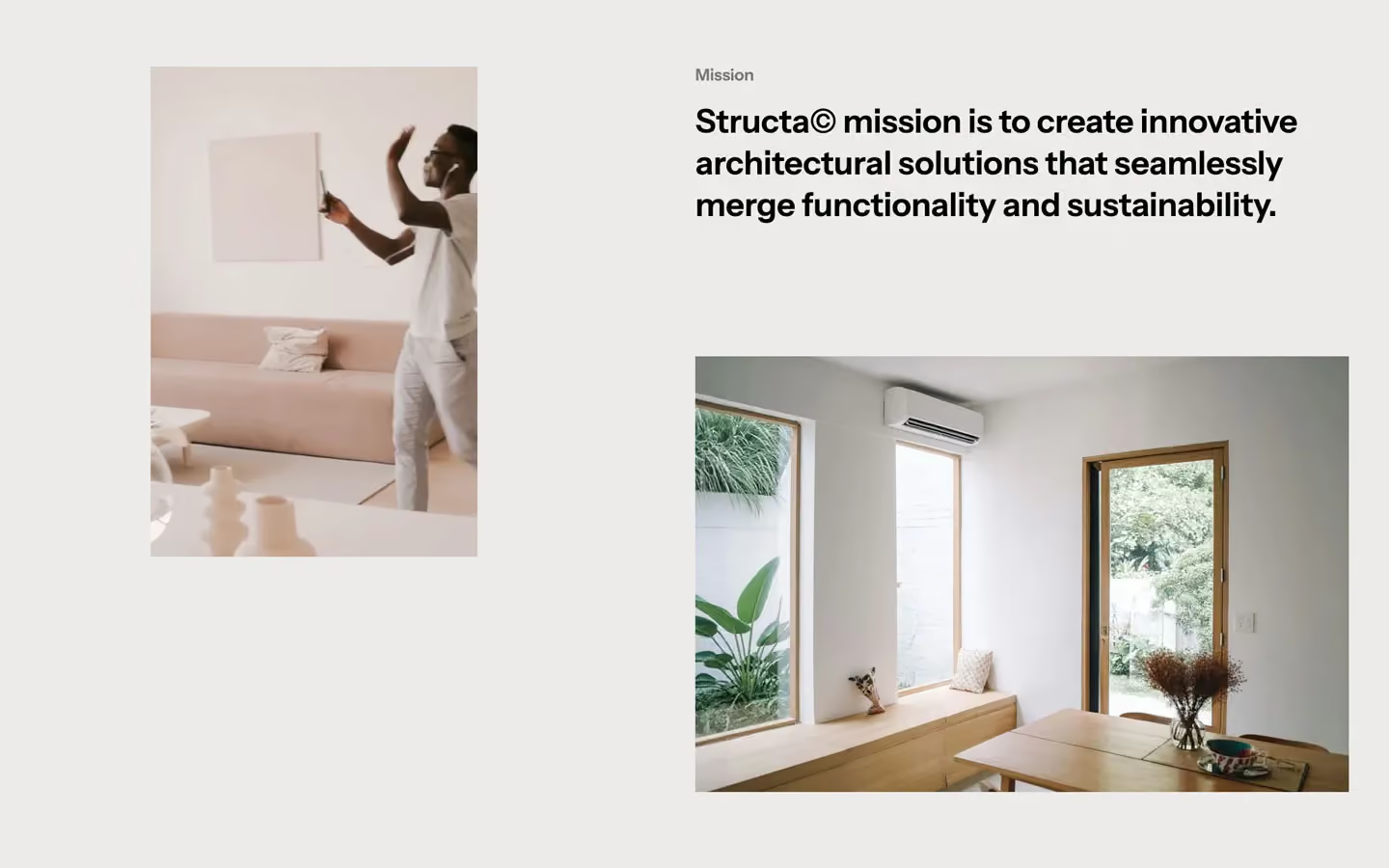
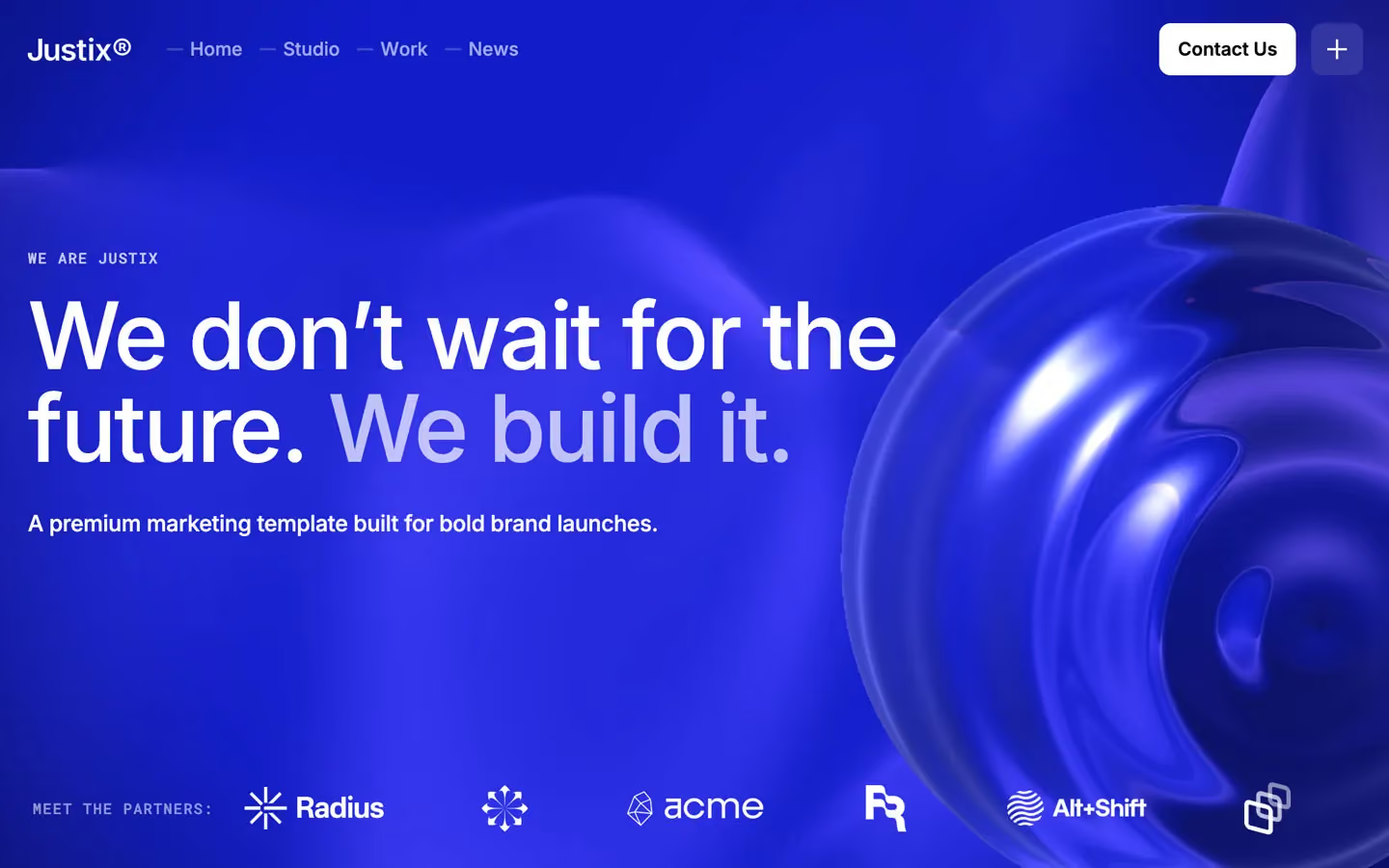
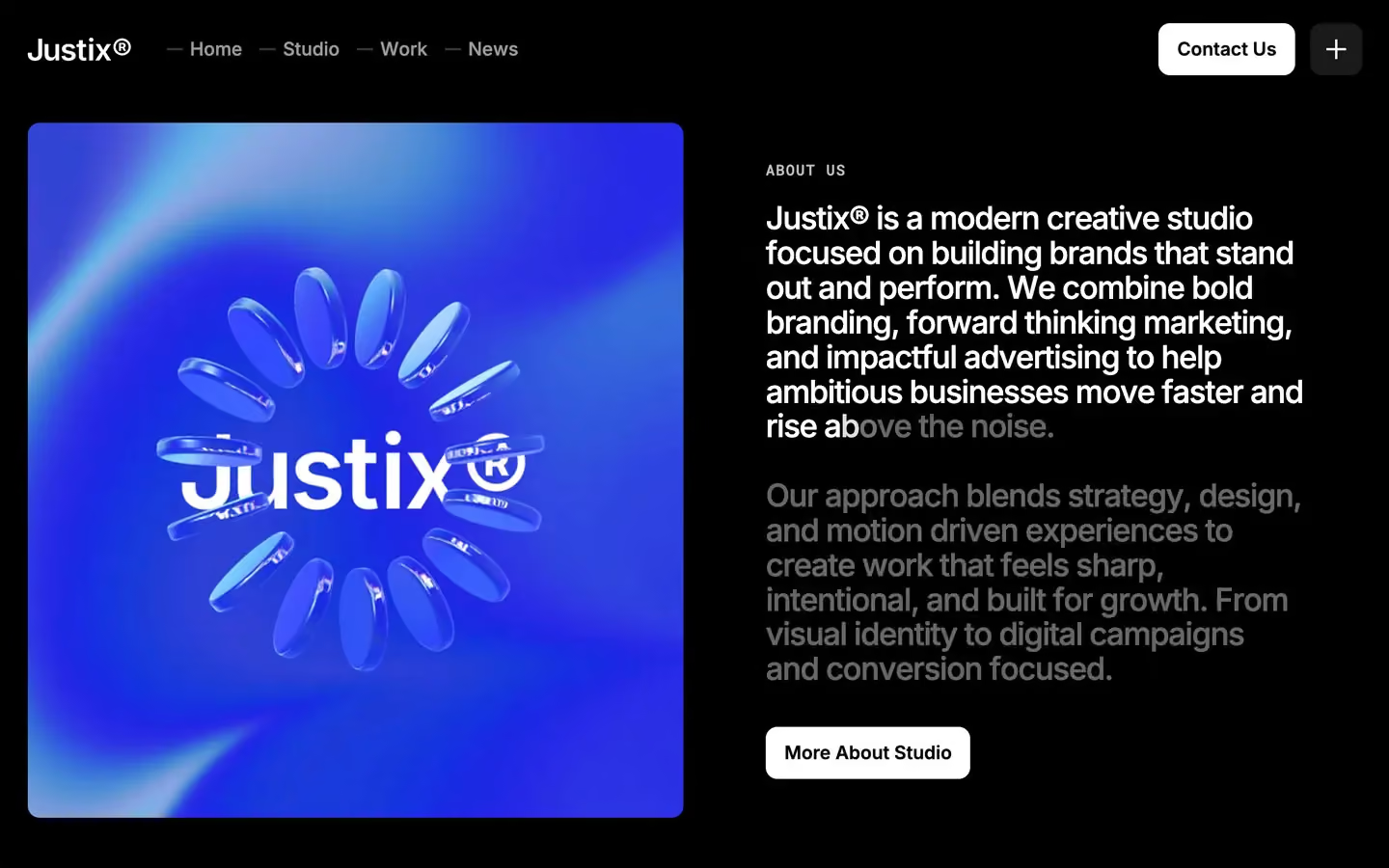
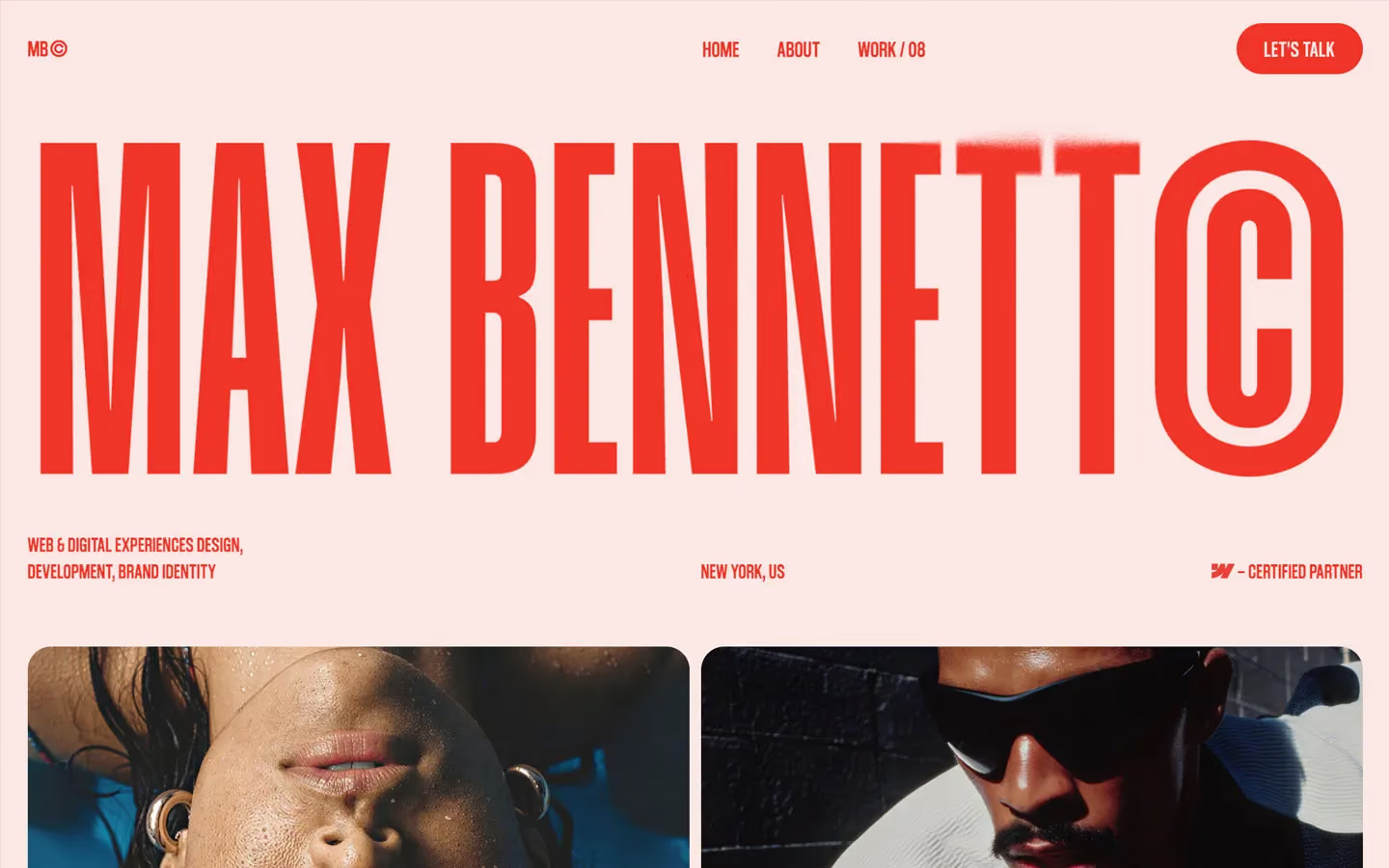
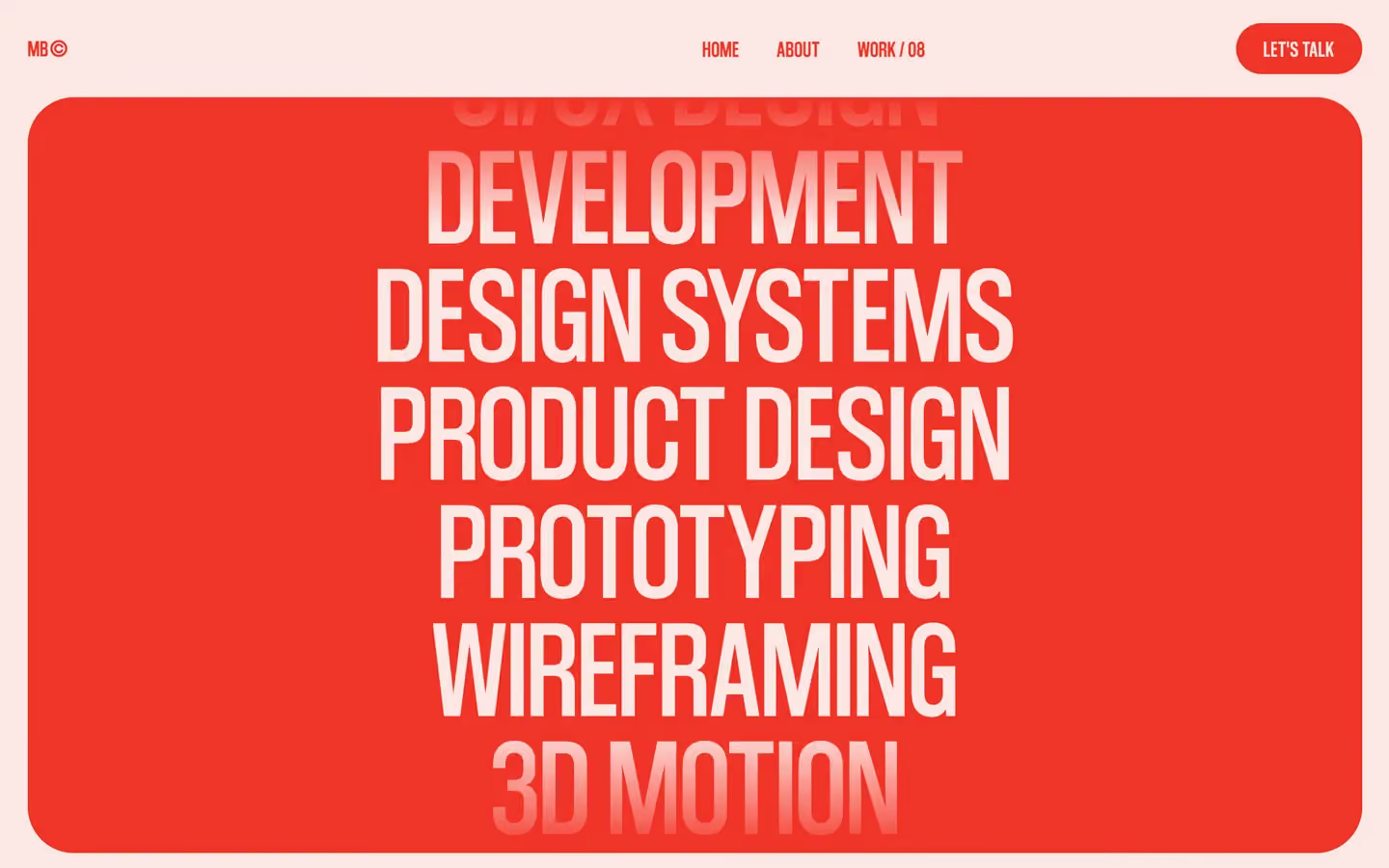
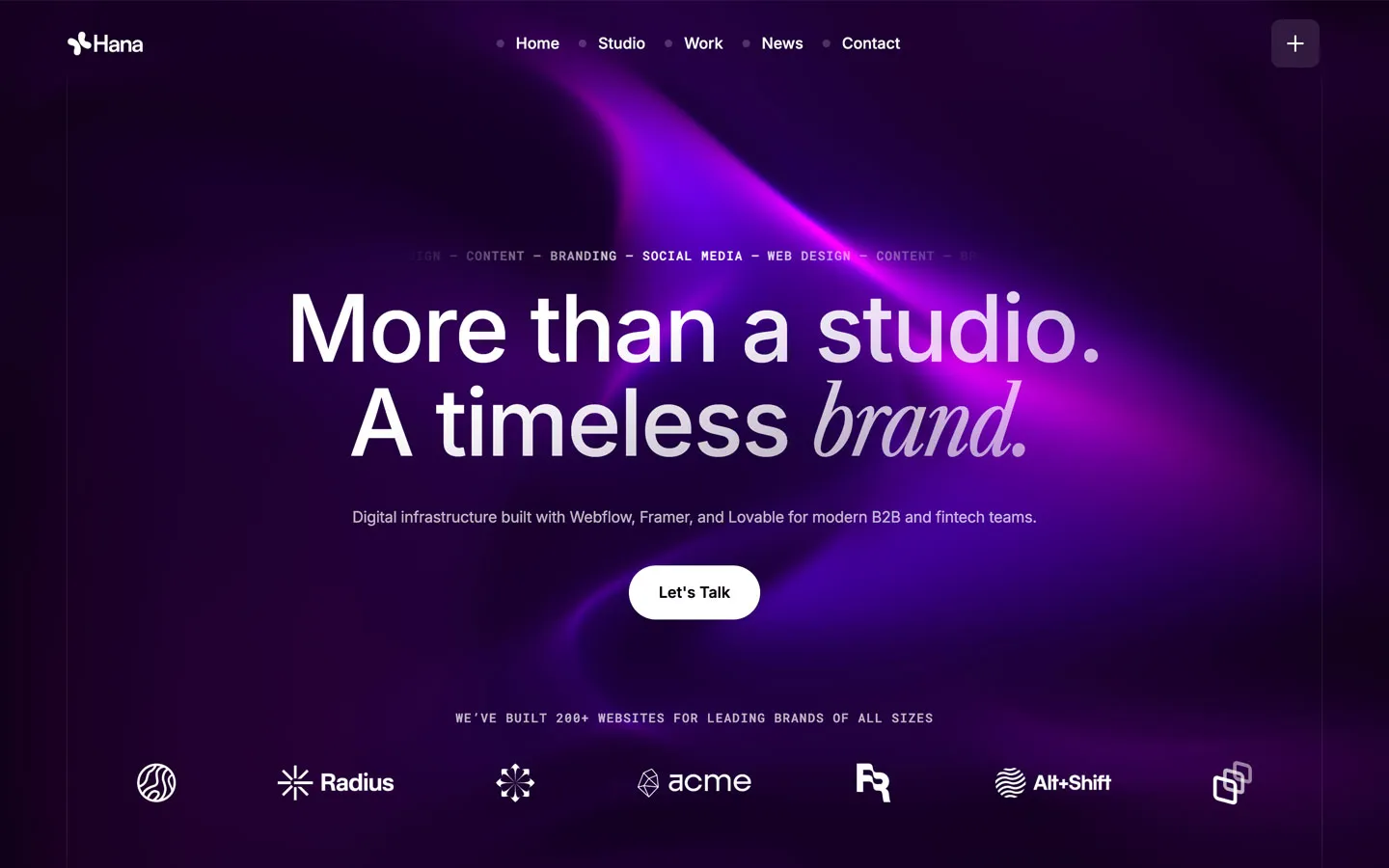
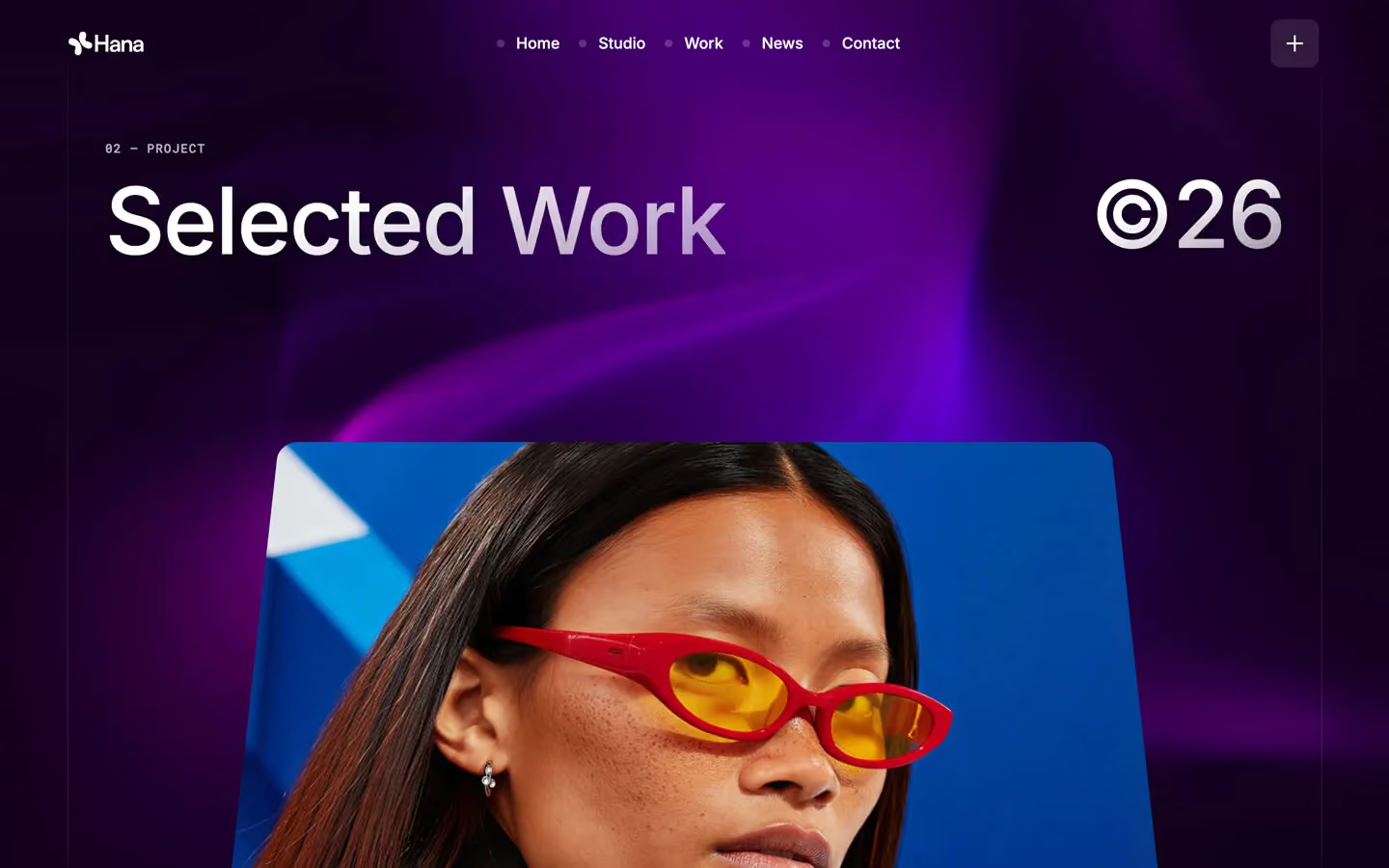

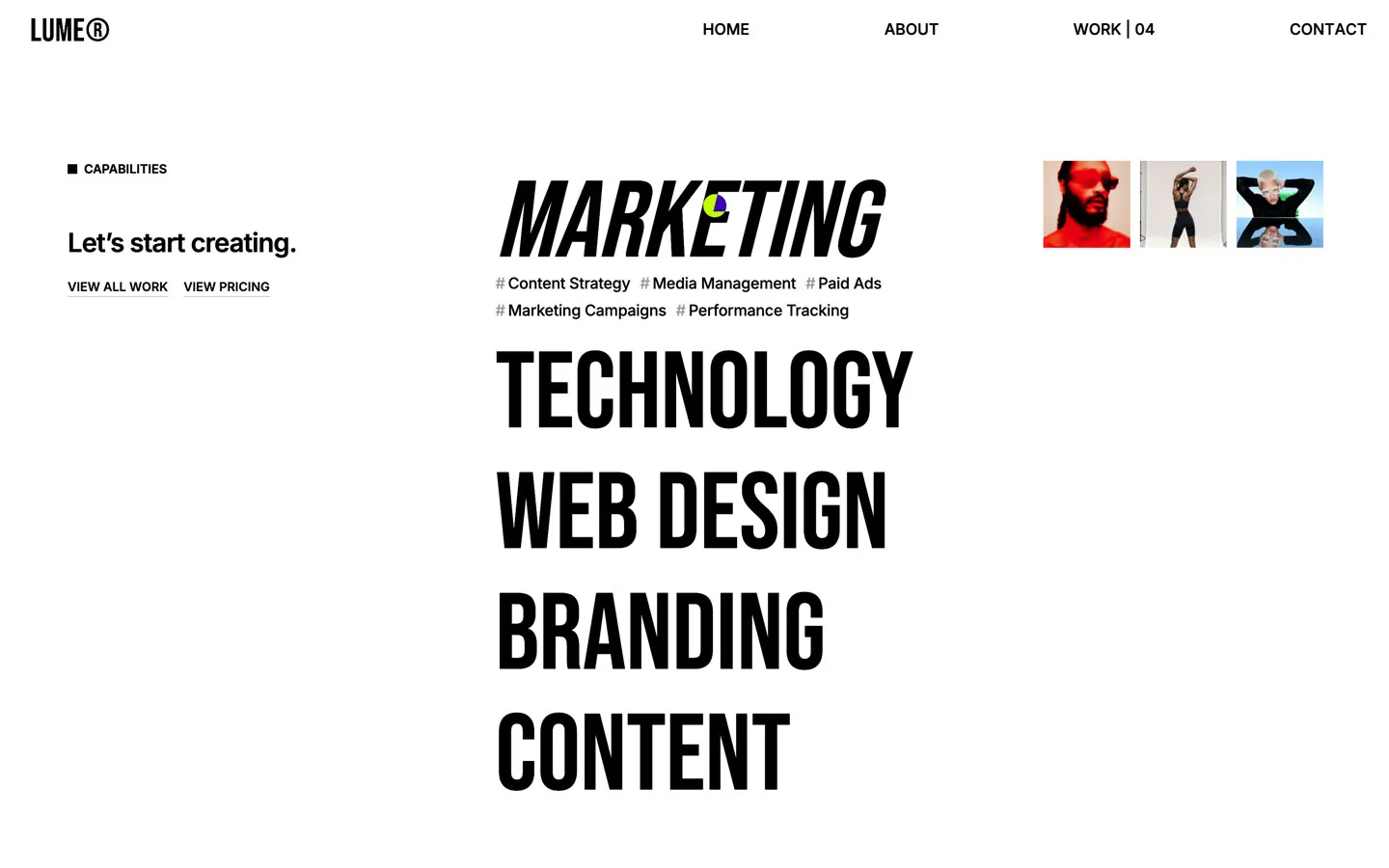



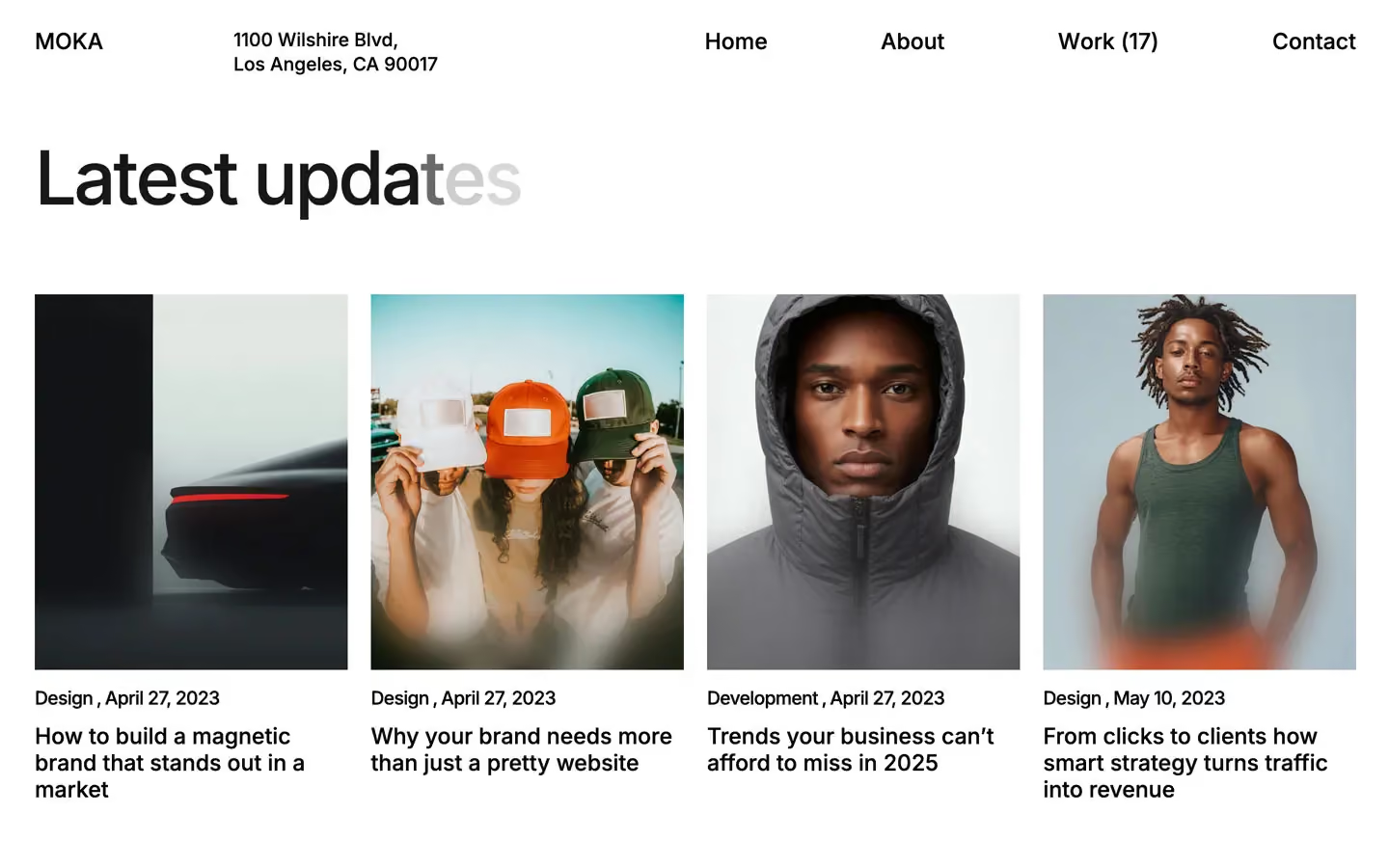
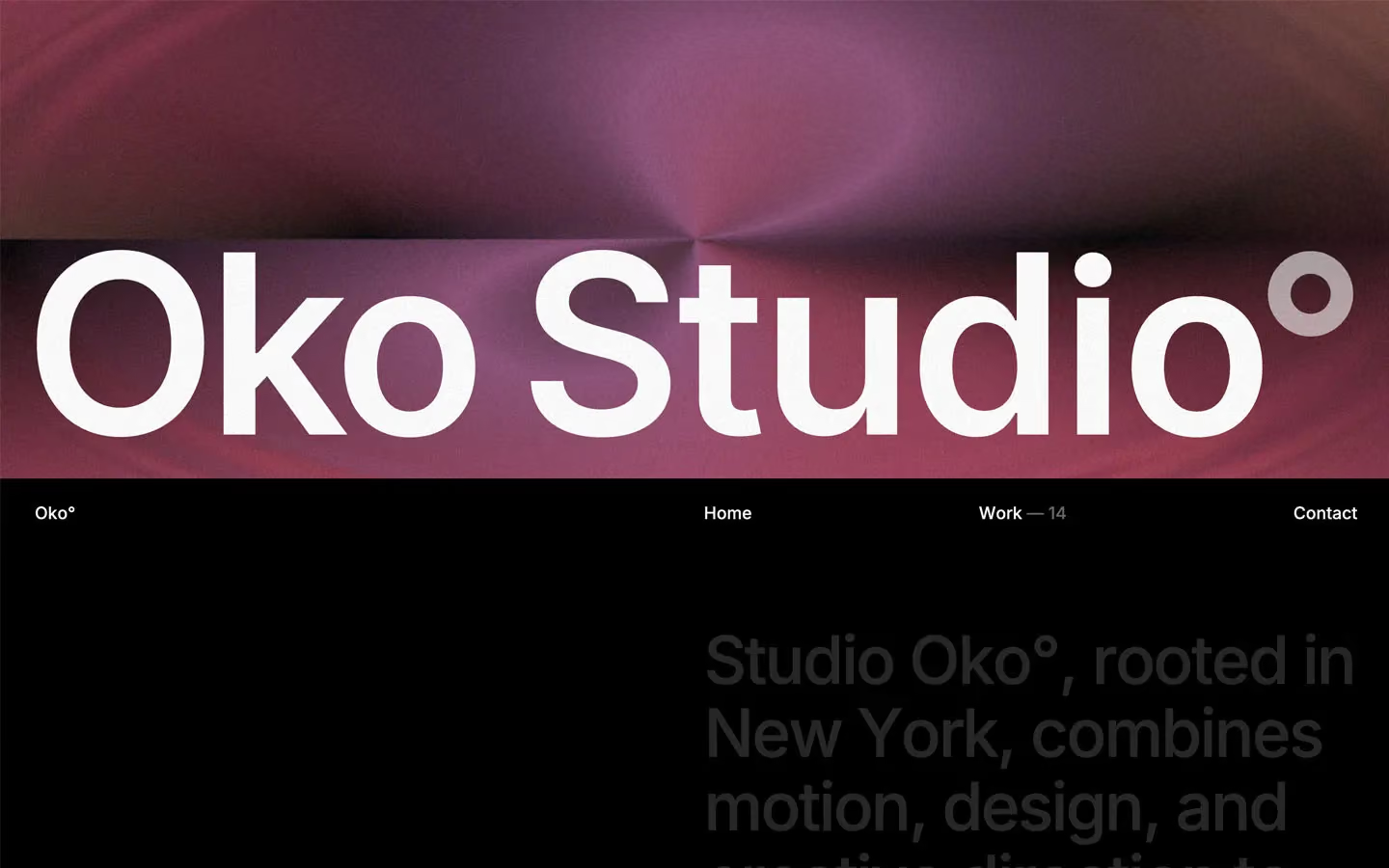
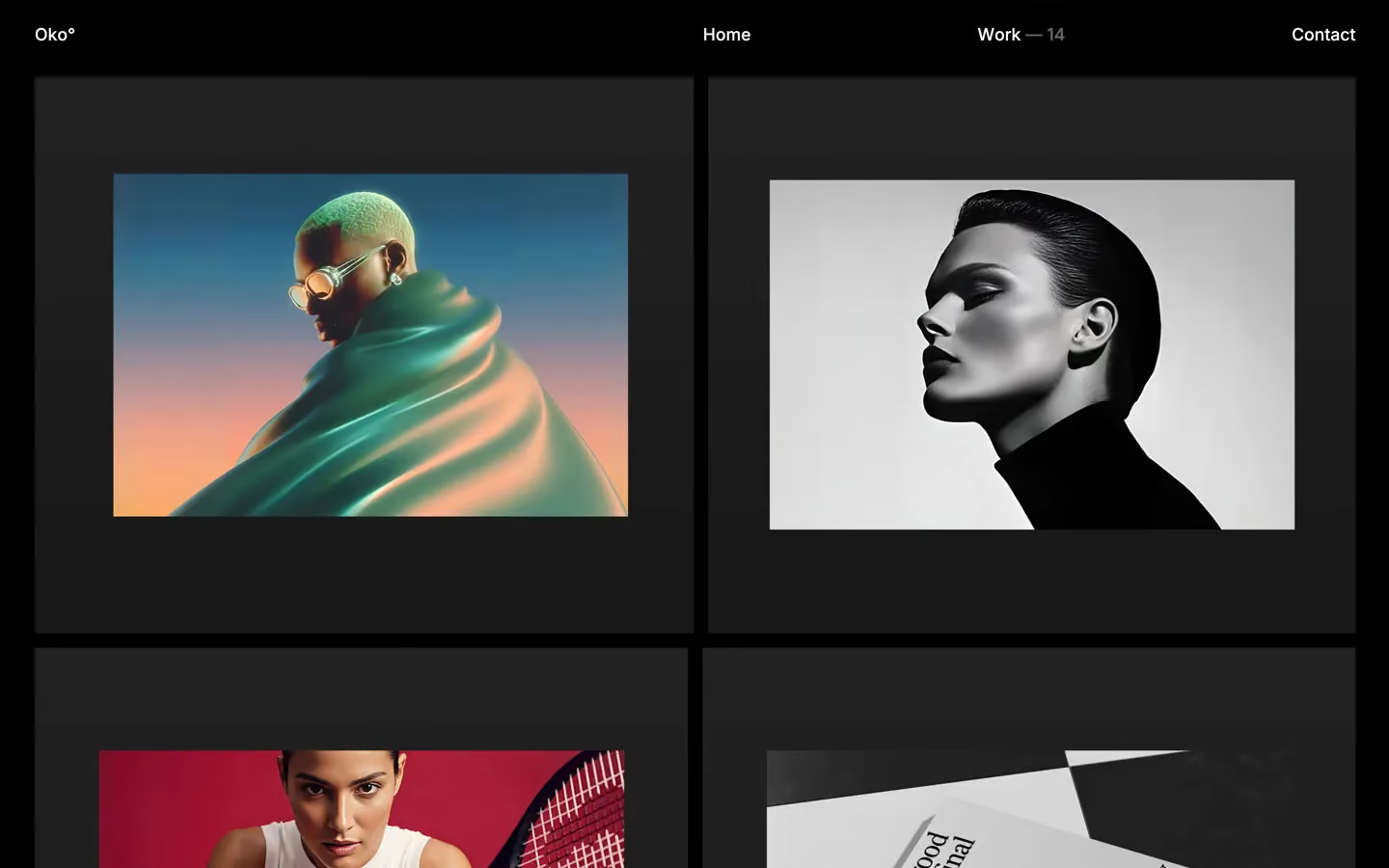
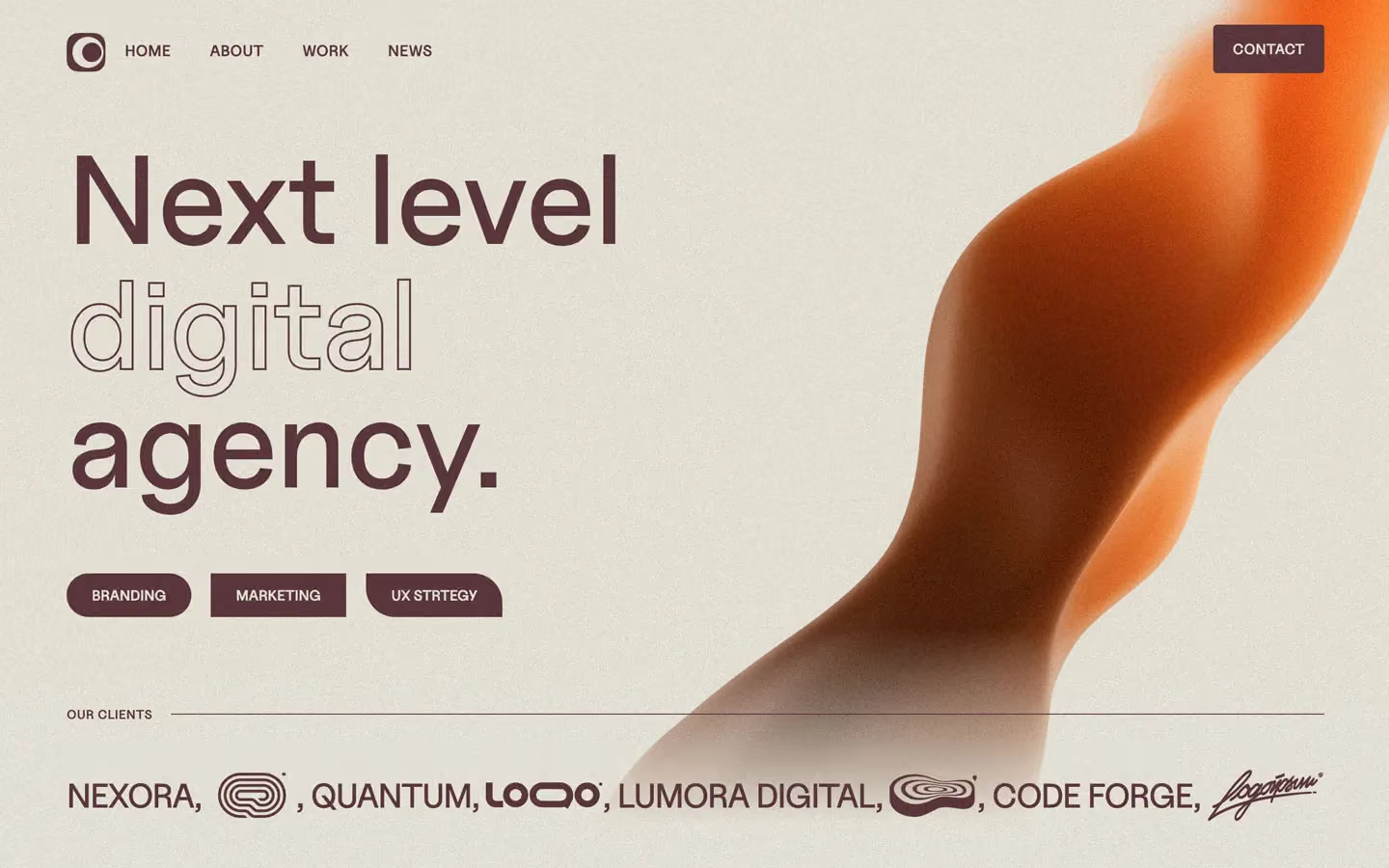
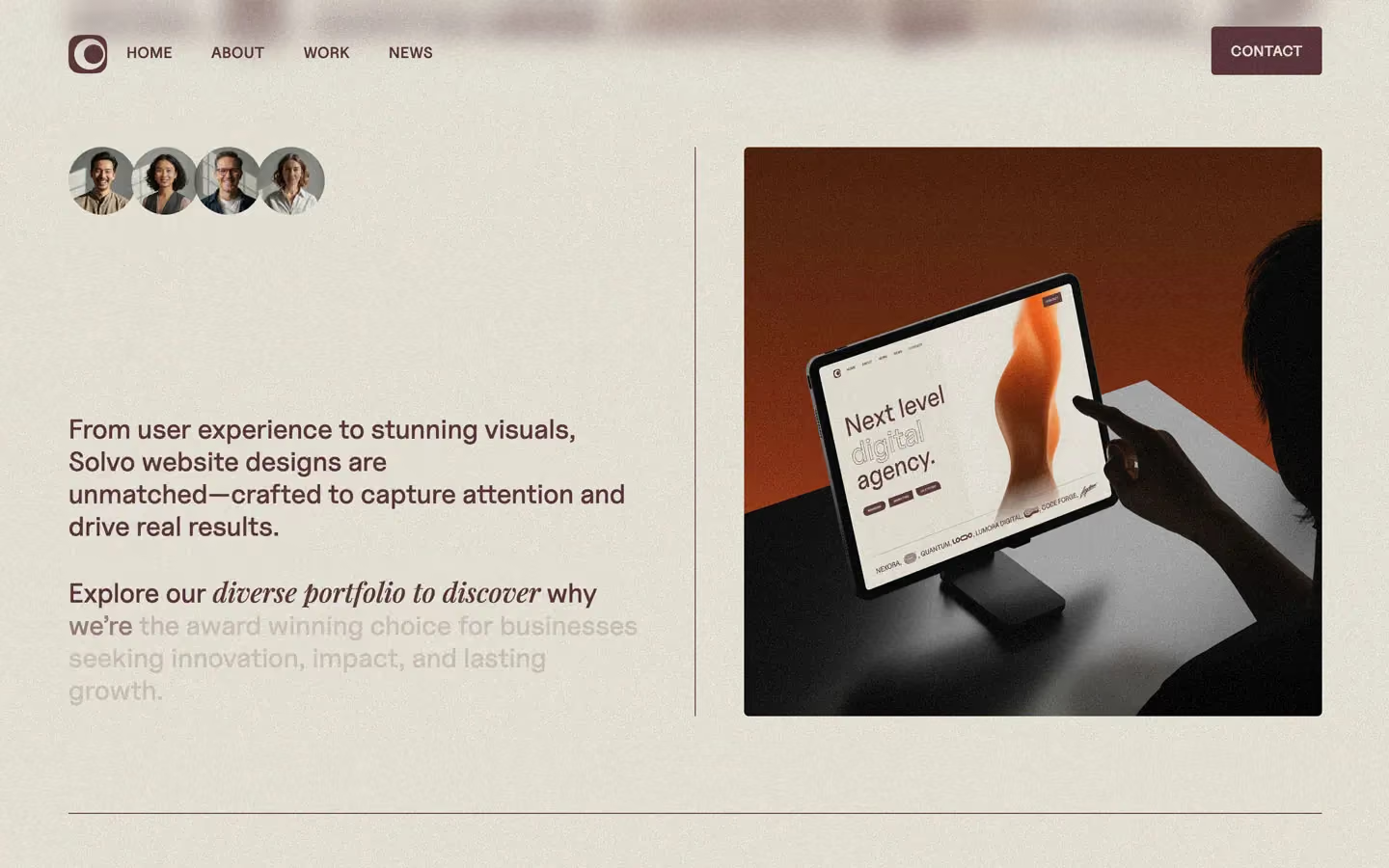
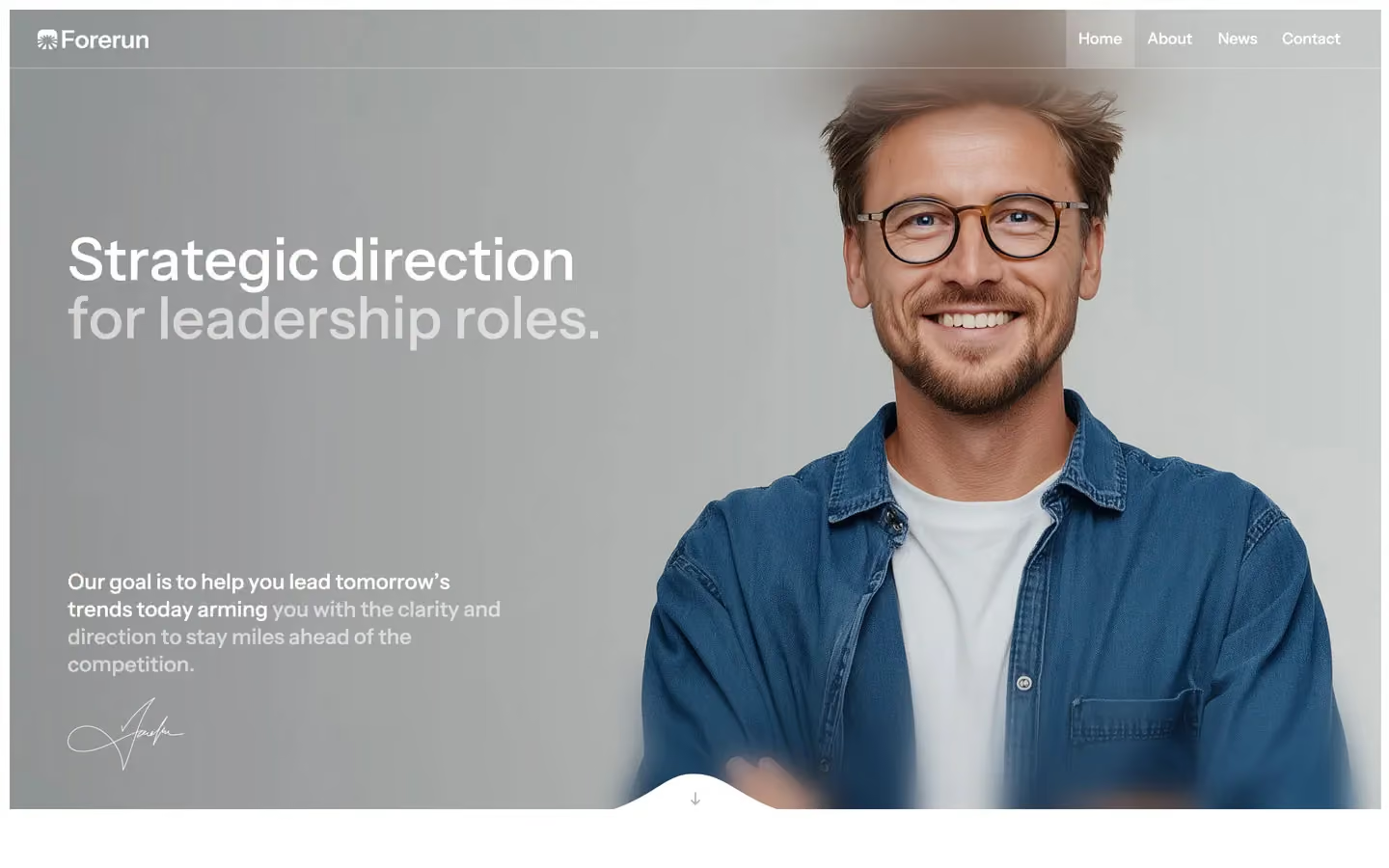
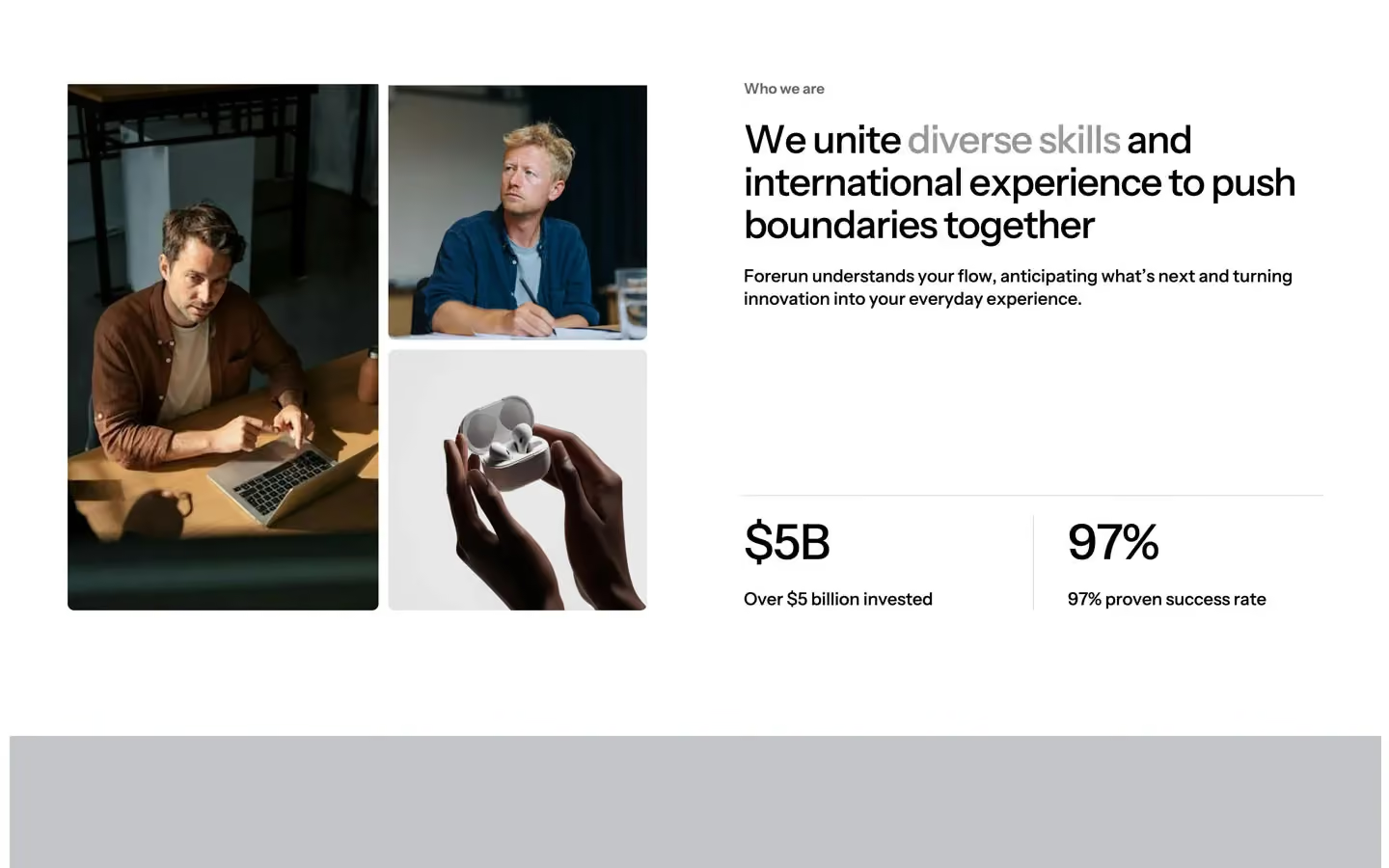
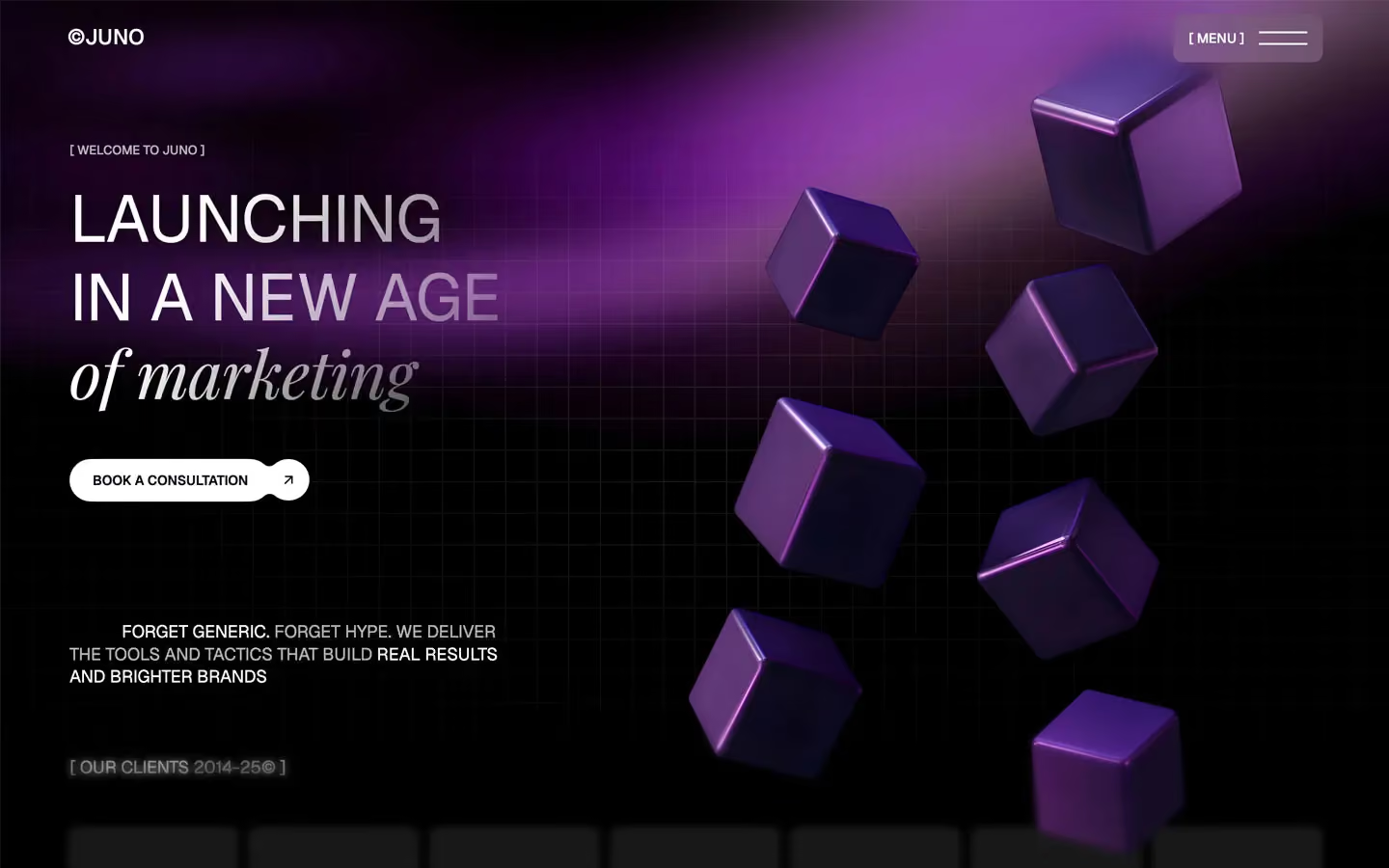
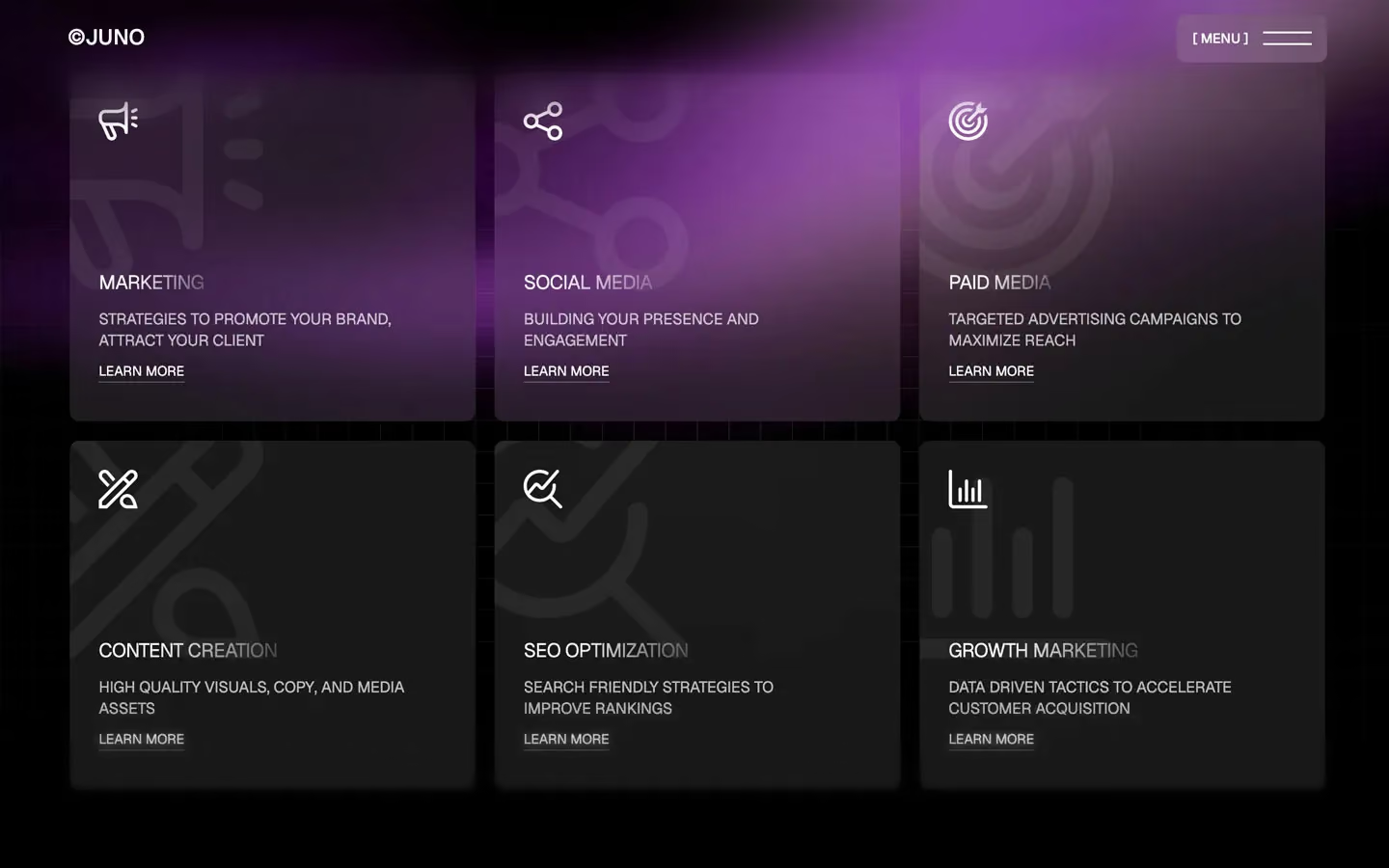

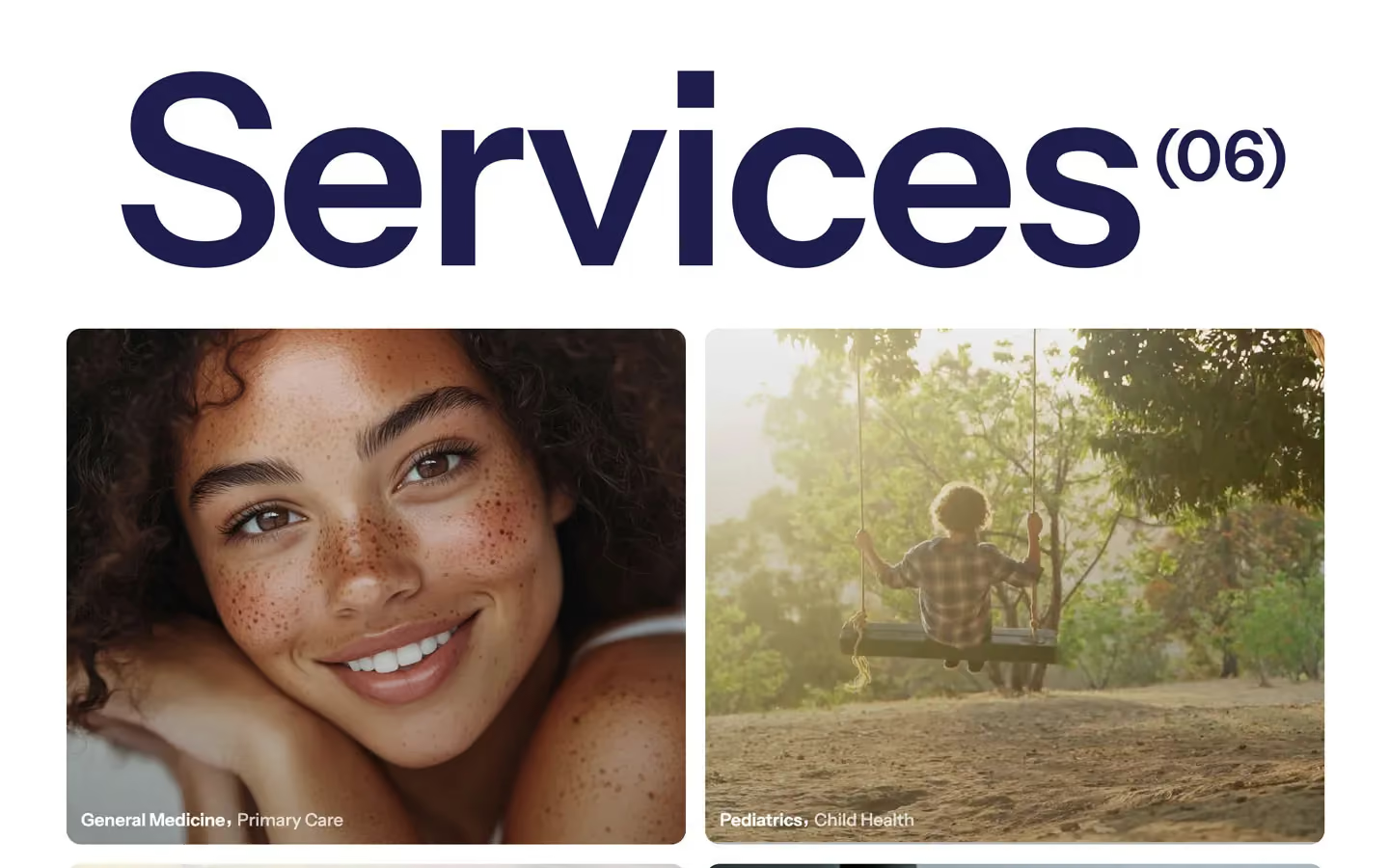
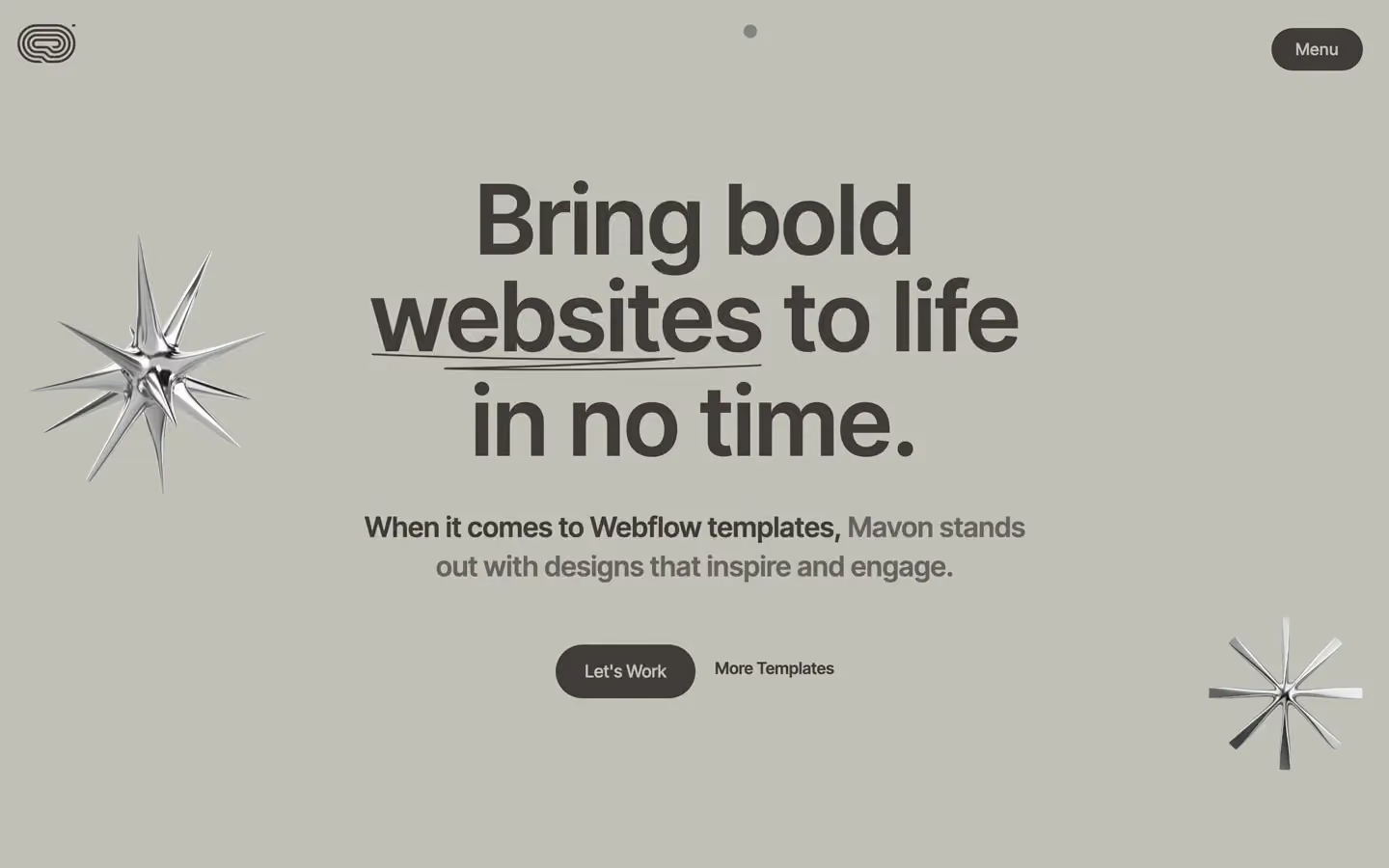
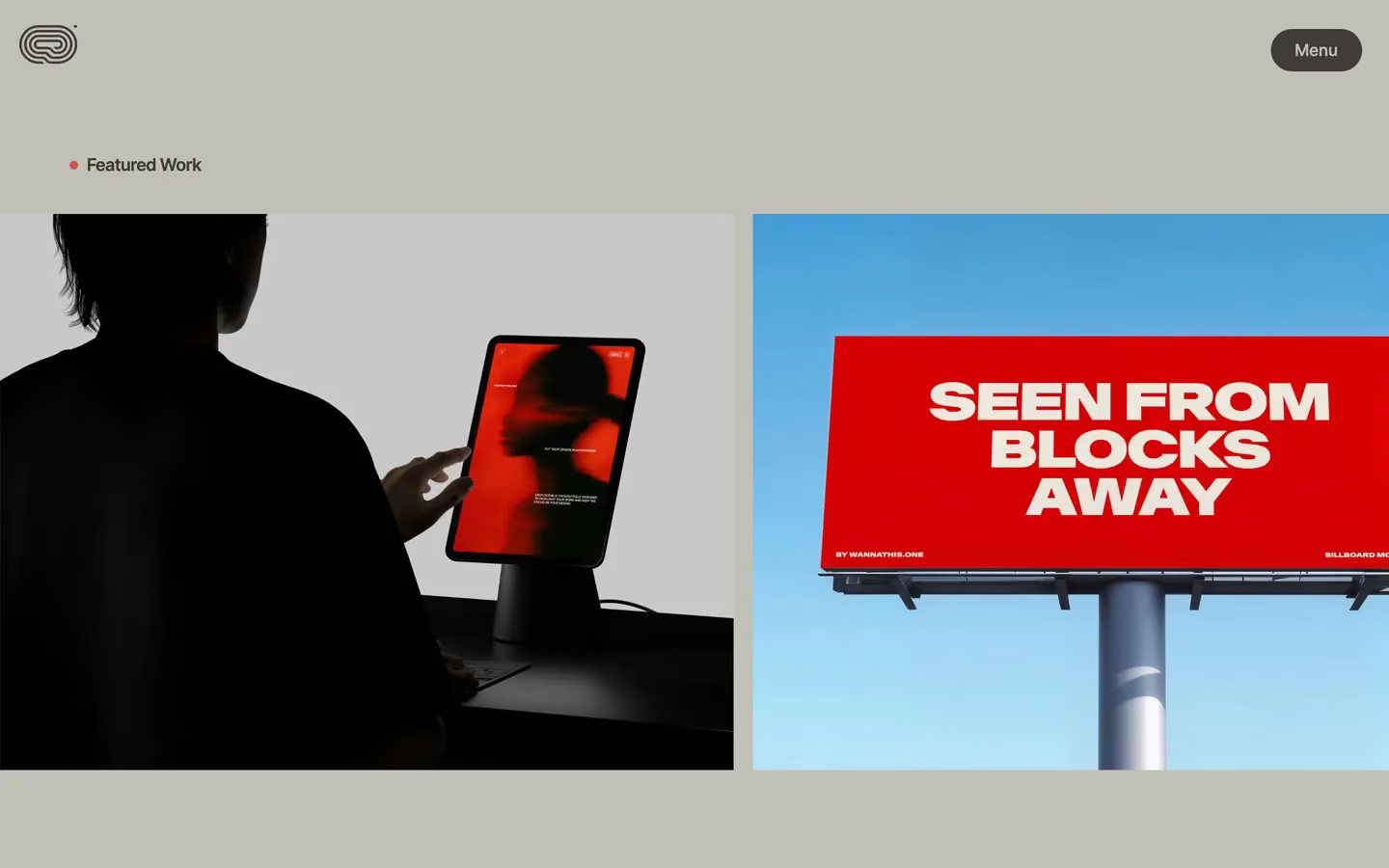

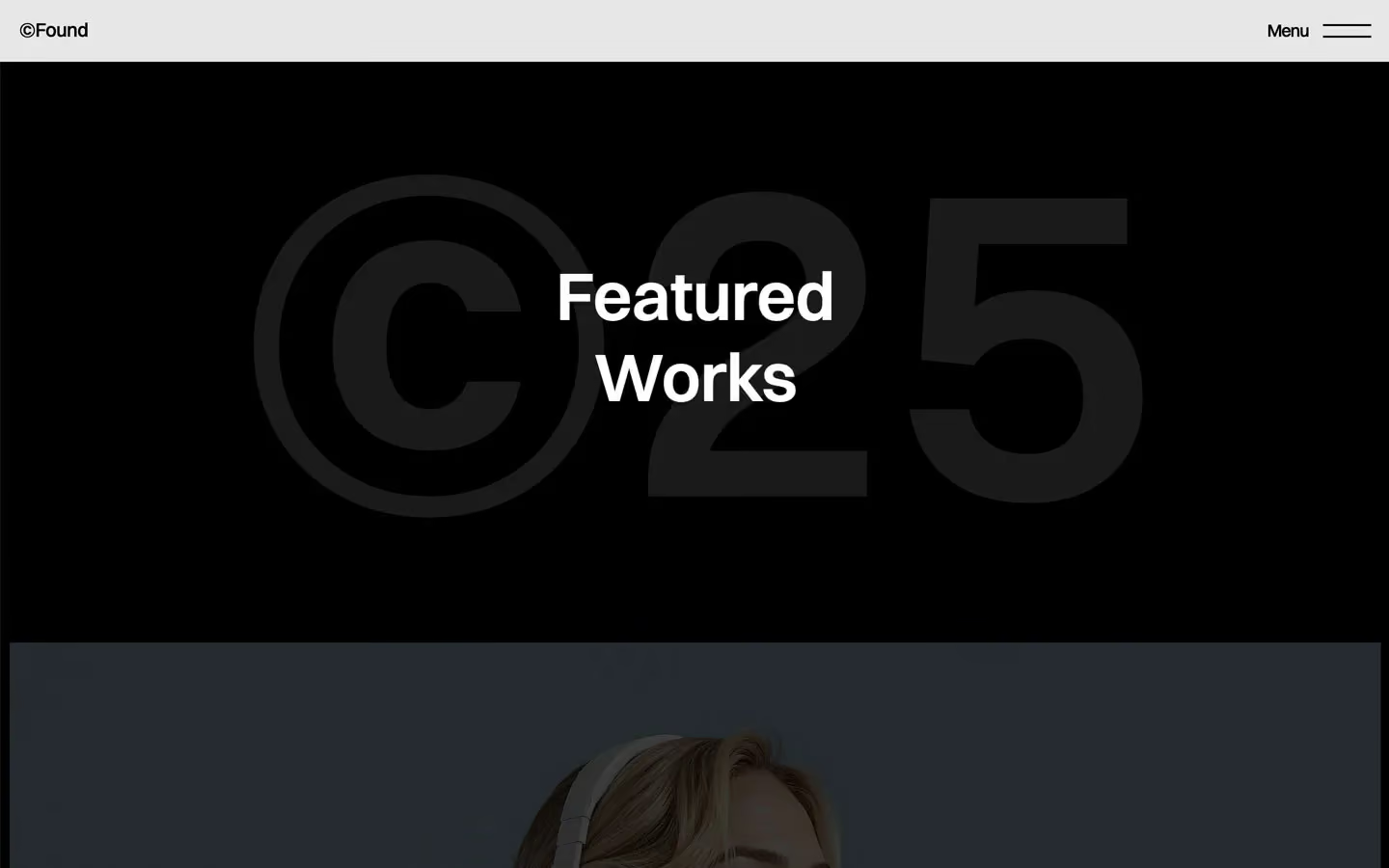
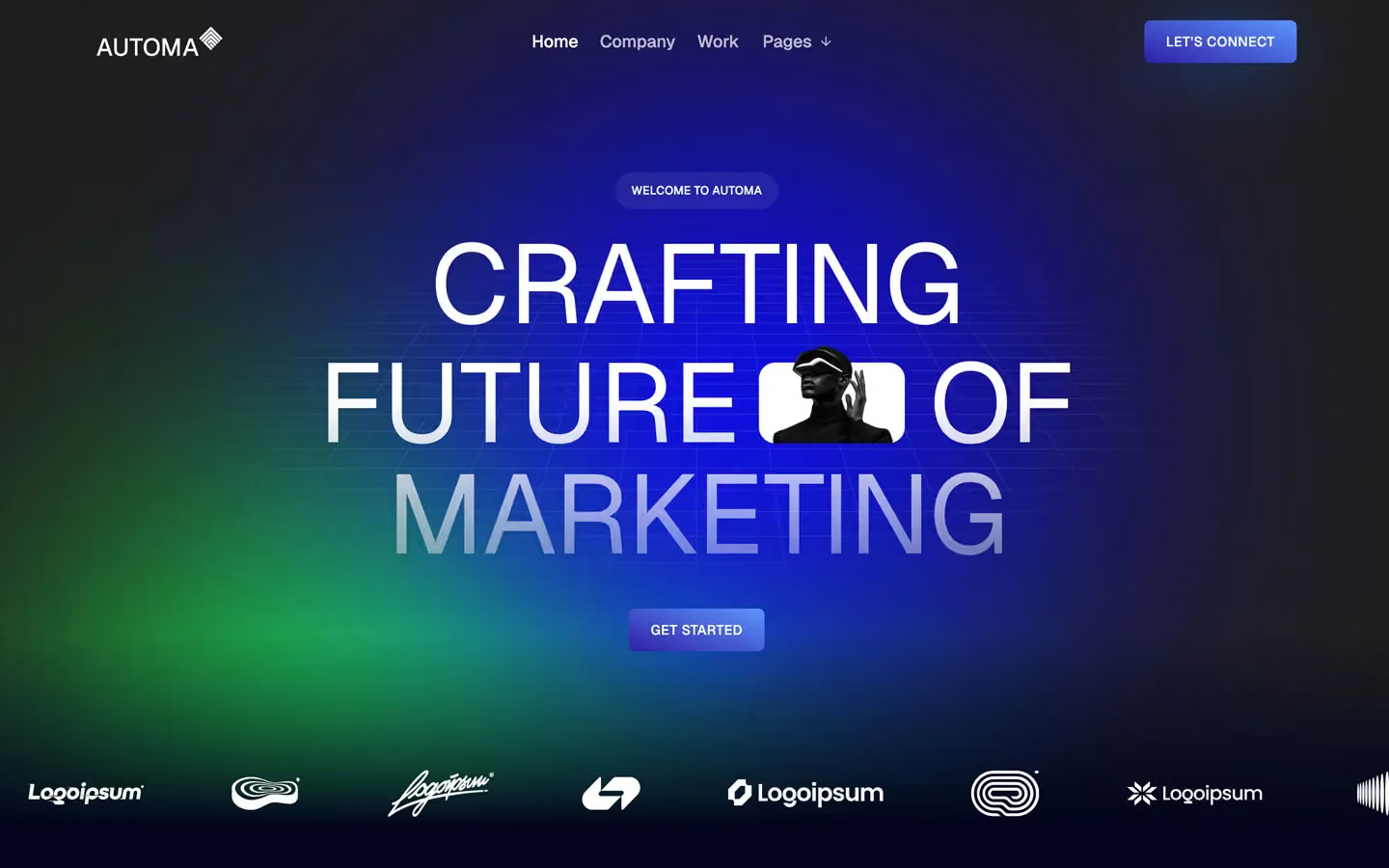
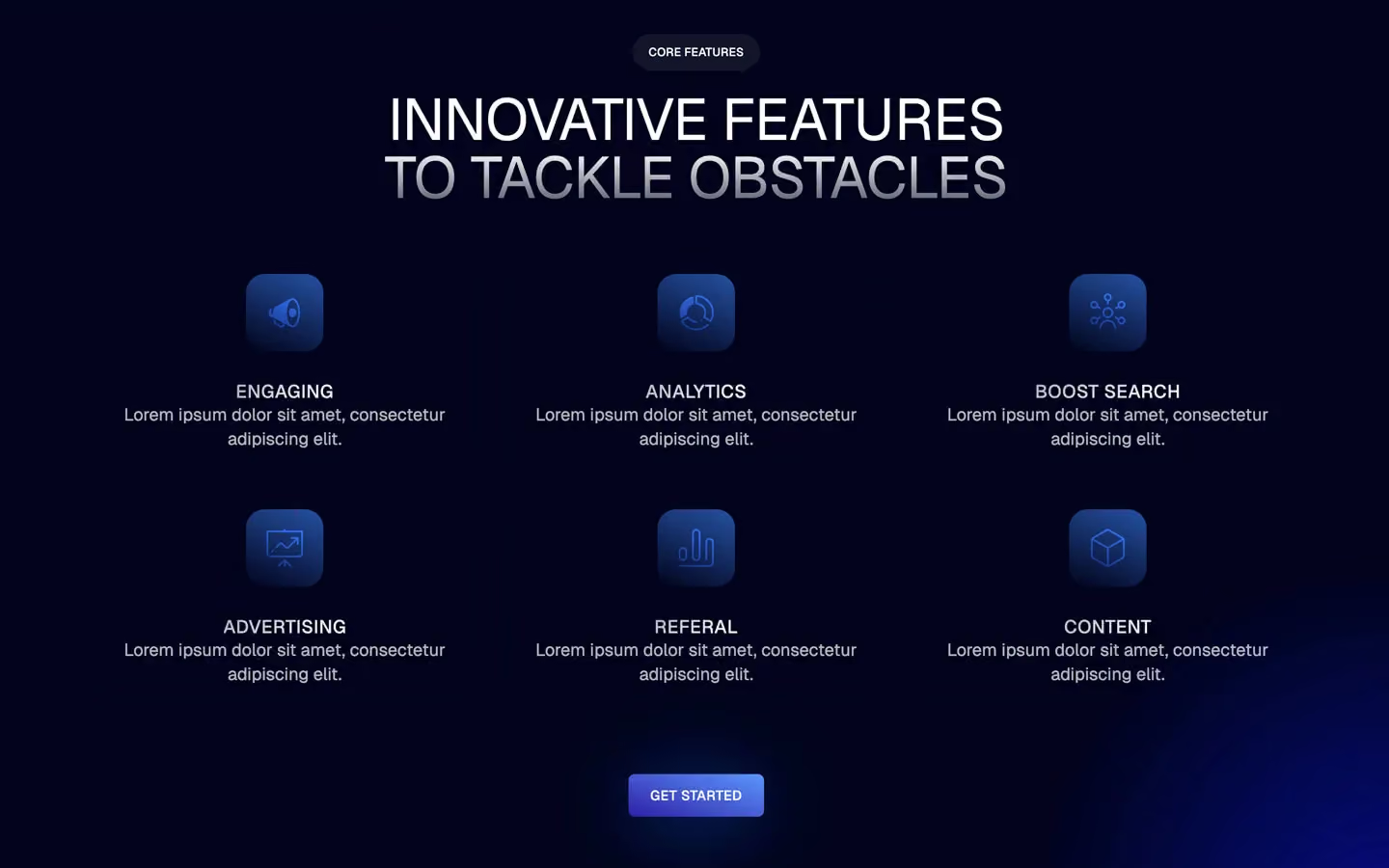
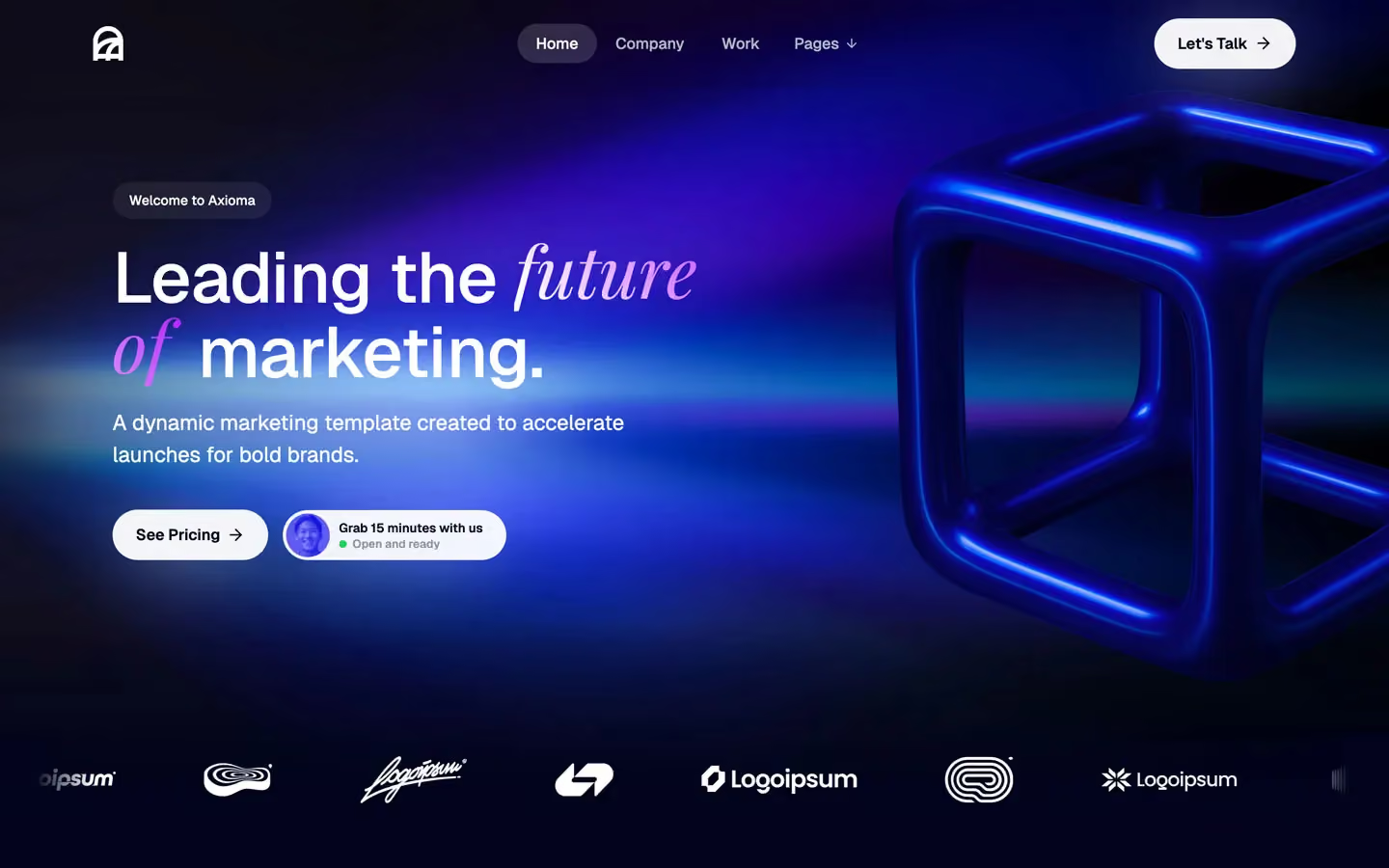
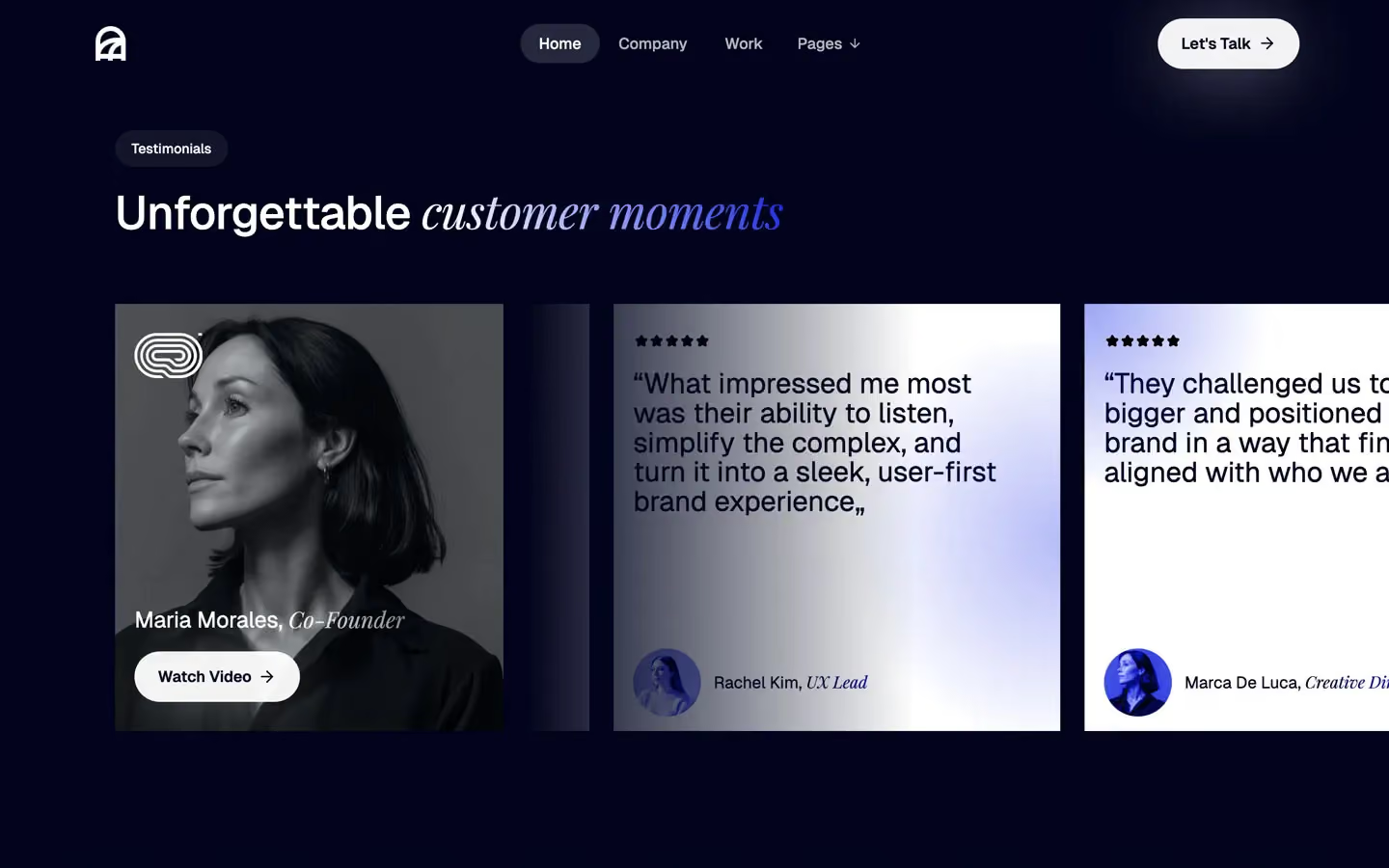
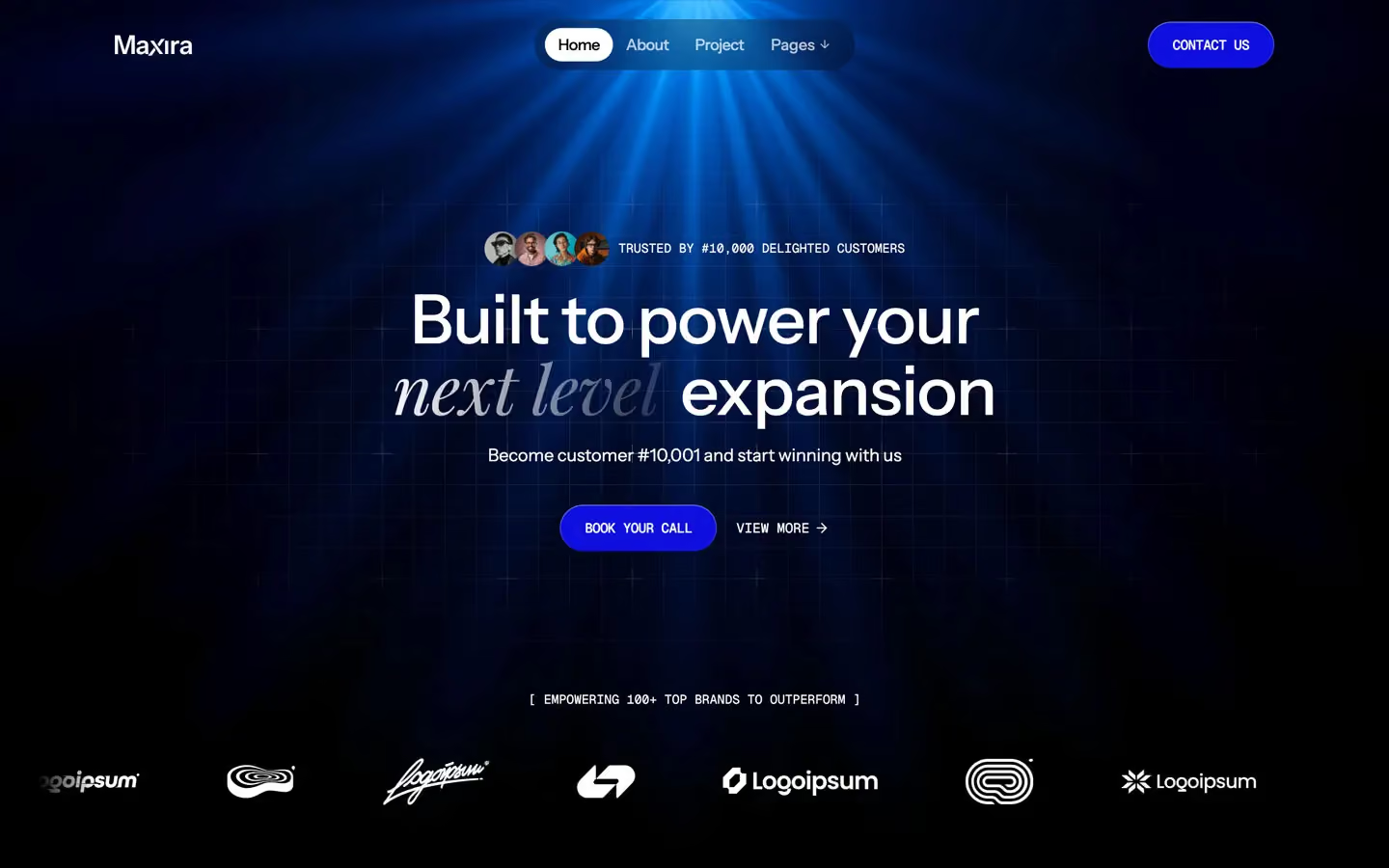
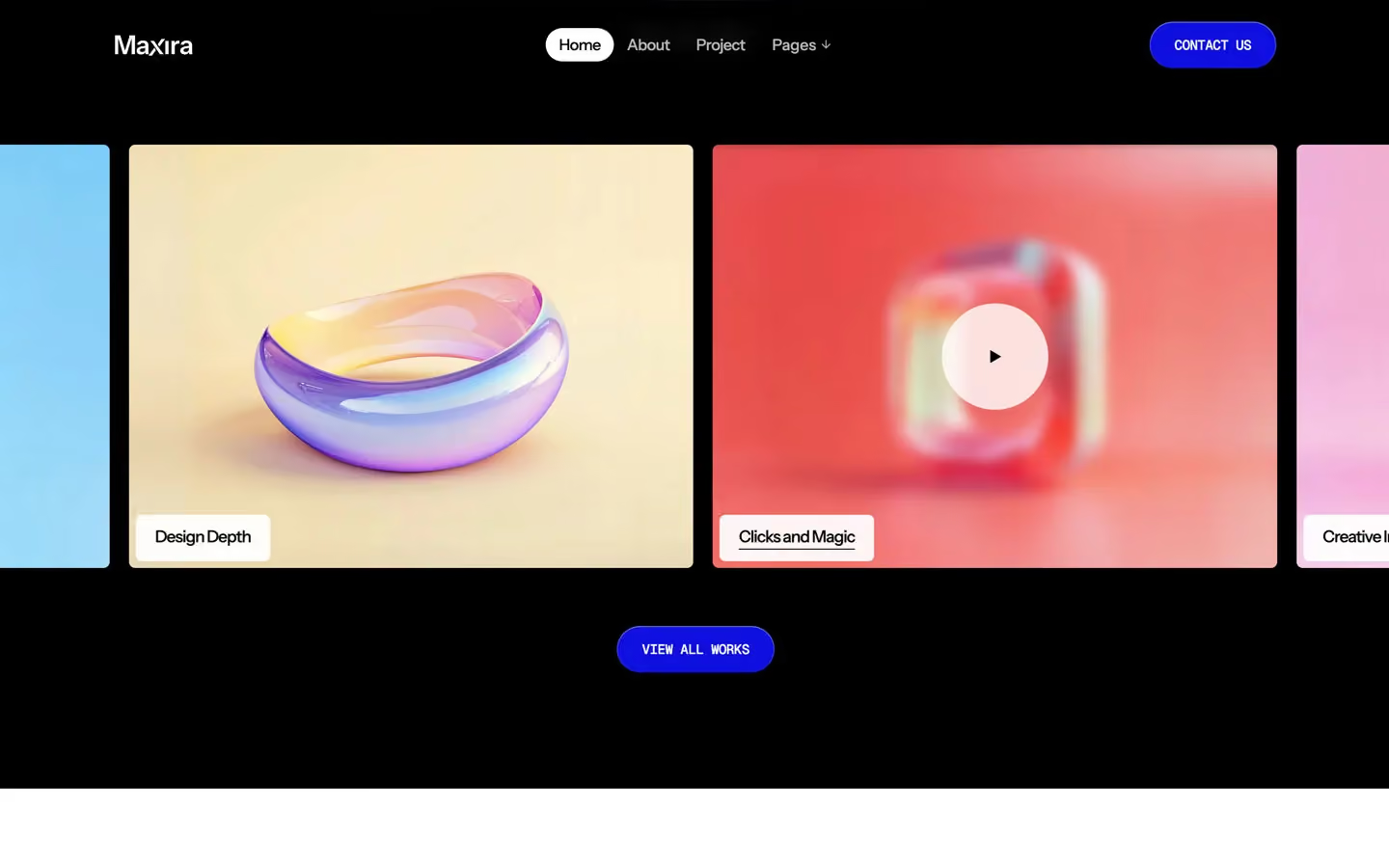
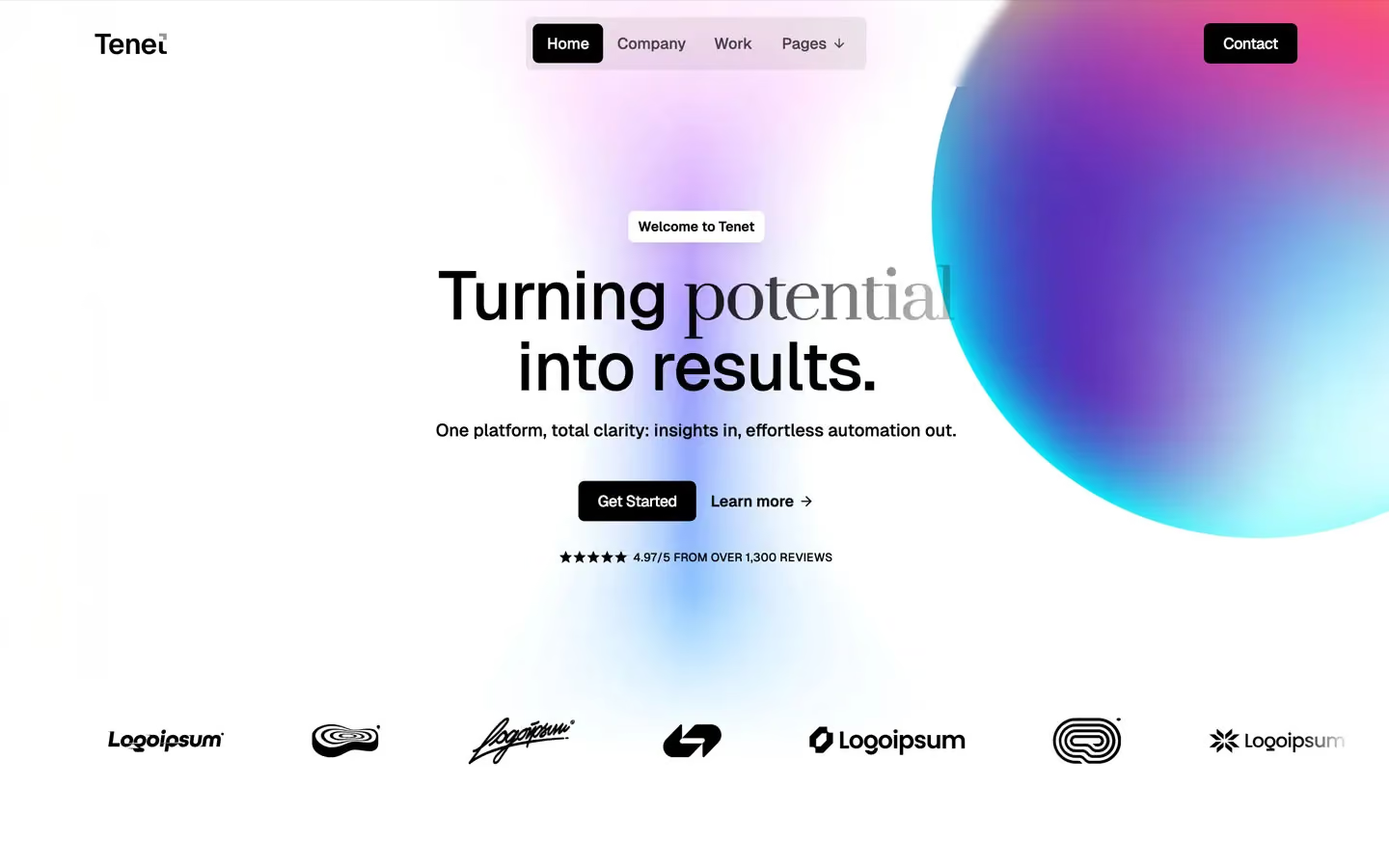



No Template Found
We don't have any available template with this criteria at the moment.
Design visually without giving up structure
Webflow combines a visual development workflow with responsive layout controls, reusable components, interactions and CMS content. A well-built template removes repetitive setup while leaving the design system open for customization.
For agencies and in-house teams, that means a faster path from concept to a production website without locking every content or layout change behind a traditional development workflow.
Edit typography, spacing, grids, colors and responsive layouts directly in Webflow.
Use structured collections for projects, articles, team members, services and other dynamic content where supported.
Refine layouts across desktop, tablet and mobile rather than relying on a fixed mockup.
Start from a professional system, then change the visual identity, sections and content around your project.
A faster way to build a professional Webflow website
Starting from a Webflow template can save the time normally spent recreating common page structures, responsive behavior and visual systems from scratch. Instead of treating the template as a finished brand, use it as a flexible foundation: replace the content, adjust typography and colors, reorder sections, refine interactions and connect the CMS to the content your website actually needs.
Flowmance templates span portfolios, creative studios, agencies, SaaS products, startups, professional services and other common website types. Many designs also have versions for Framer, Figma, HTML or other formats, so teams can choose a design first and then work in the platform that fits the project.
When evaluating a template, look beyond the homepage. Check the project or service pages, mobile navigation, CMS structure, interaction behavior and the amount of content you realistically have. The best template is the one whose underlying structure matches the website you need to maintain after launch.
Webflow template questions
Yes. Webflow templates can be adapted through the Designer, including typography, colors, spacing, layouts, imagery and supported interactions. The amount of work depends on how far your final direction moves from the original design.
Most template customization can be handled visually in Webflow. Custom code may still be useful for advanced integrations or behavior that goes beyond the template's existing functionality.
No. CMS needs vary by template. Check the individual template page and preview to confirm whether the design includes CMS collections and which content types are structured dynamically.
Flowmance templates can be used for client work under the applicable template license. Check the license terms for the exact usage rights attached to your purchase or subscription.
Some Flowmance designs have Webflow, Framer, Figma, HTML or other versions. The product page shows the formats currently available so you can choose the workflow that suits the project.
Choose the platform that fits your workflow














Sign up for Flowmance+ to access over 390+ Webflow, Framer, HTML, Next.js and Figma templates
Don’t miss out on our superb, customizable templates designed to enhance your web design experience. We constantly add new templates and components.

Explore stunning Webflow, Framer, HTML5, Next.js and Figma templates designed to spark your next big idea.


Menu
Subscribe to newsletter
*Rest assured that your data is safe with us, and you'll only hear from us 1 time per month.