A real-estate website should turn listings and local expertise into qualified inquiries. Use clear property pages, search, trust signals, and conversion paths.
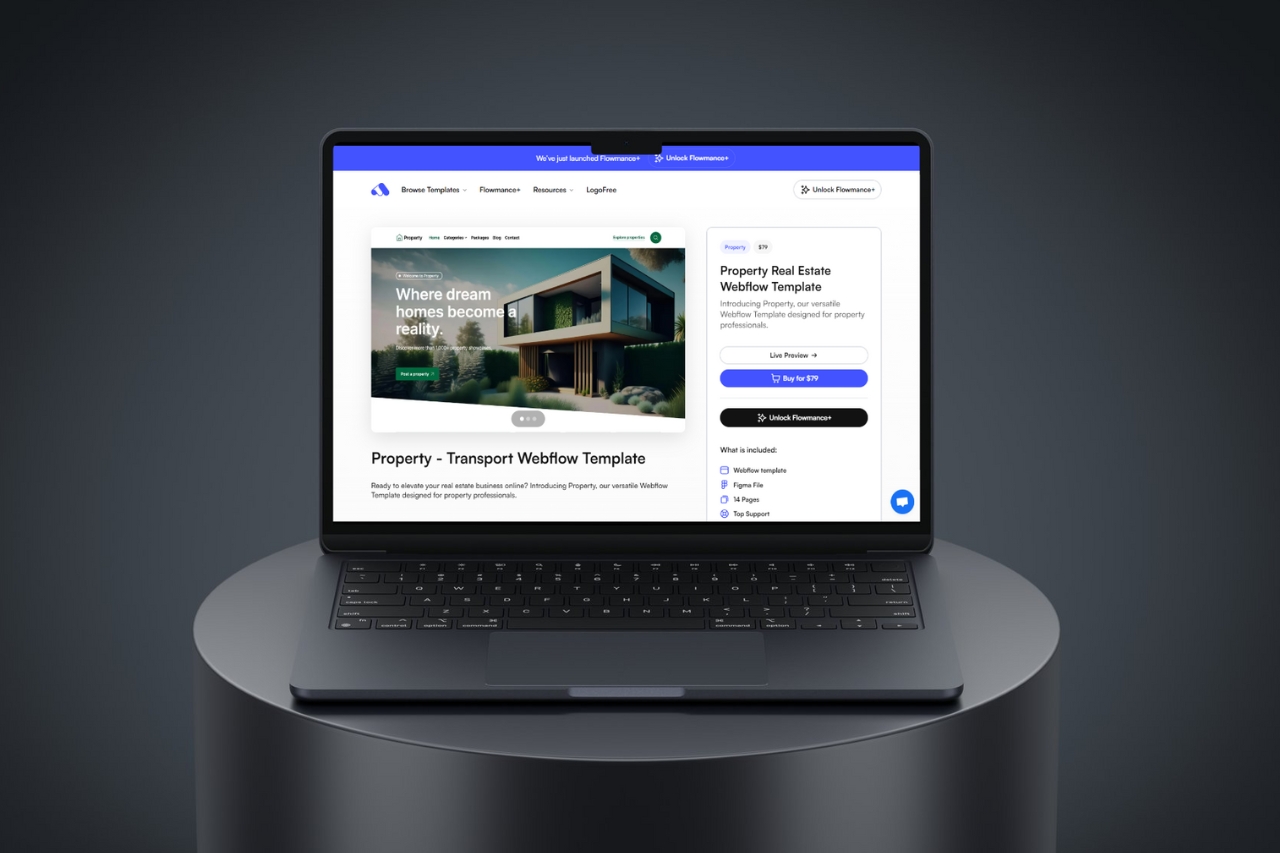
A real-estate website should help visitors answer three questions quickly: what is available, why they should trust the agent or company, and how to take the next step. Visual polish matters, but inquiry flow and listing structure matter more.
Listings should be easy to browse by the criteria buyers actually use: location, property type, price range, bedrooms, status, or other relevant filters. Avoid hiding the inventory behind a vague portfolio-style homepage.
A strong property page should support a clear title, location, price or status where appropriate, key facts, image gallery, description, floor plans or documents, map context, and a direct inquiry action.
The page should still make sense when a listing has twenty images, a long description, or missing optional fields.
For Webflow or another CMS-driven platform, model listings as structured content rather than manually duplicating static pages. Consistent fields make filtering, updates, and future design changes easier.
Visitors often evaluate the person or firm as much as the property. Include relevant experience, neighborhoods served, testimonials, recent transactions, team information, and clear contact details where those claims can be substantiated.
Do not rely on one Contact link in the footer. Property pages, neighborhood pages, and service pages should provide a relevant next step such as scheduling a viewing, requesting details, or speaking with an agent.
Many buyers discover listings on a phone. Test image galleries, filters, sticky actions, maps, and forms on real mobile widths. Large desktop interactions should simplify gracefully rather than disappear.
Instead of deleting every closed listing immediately, decide whether past properties should become portfolio or proof pages, redirect to a relevant category, or remain archived. The right choice depends on the site's search and sales strategy.
A template can accelerate the visual and responsive foundation, but the final structure should match the way the business actually acquires and manages leads.











Don’t miss out on our superb, customizable templates designed to enhance your web design experience. We constantly add new templates and components.

Explore stunning Webflow, Framer, HTML5, Next.js and Figma templates designed to spark your next big idea.


*Rest assured that your data is safe with us, and you'll only hear from us 1 time per month.
