Compare six blog structures—company blog, editorial magazine, personal publication, knowledge base, resource hub, and research library—to choose the right CMS and navigation model.
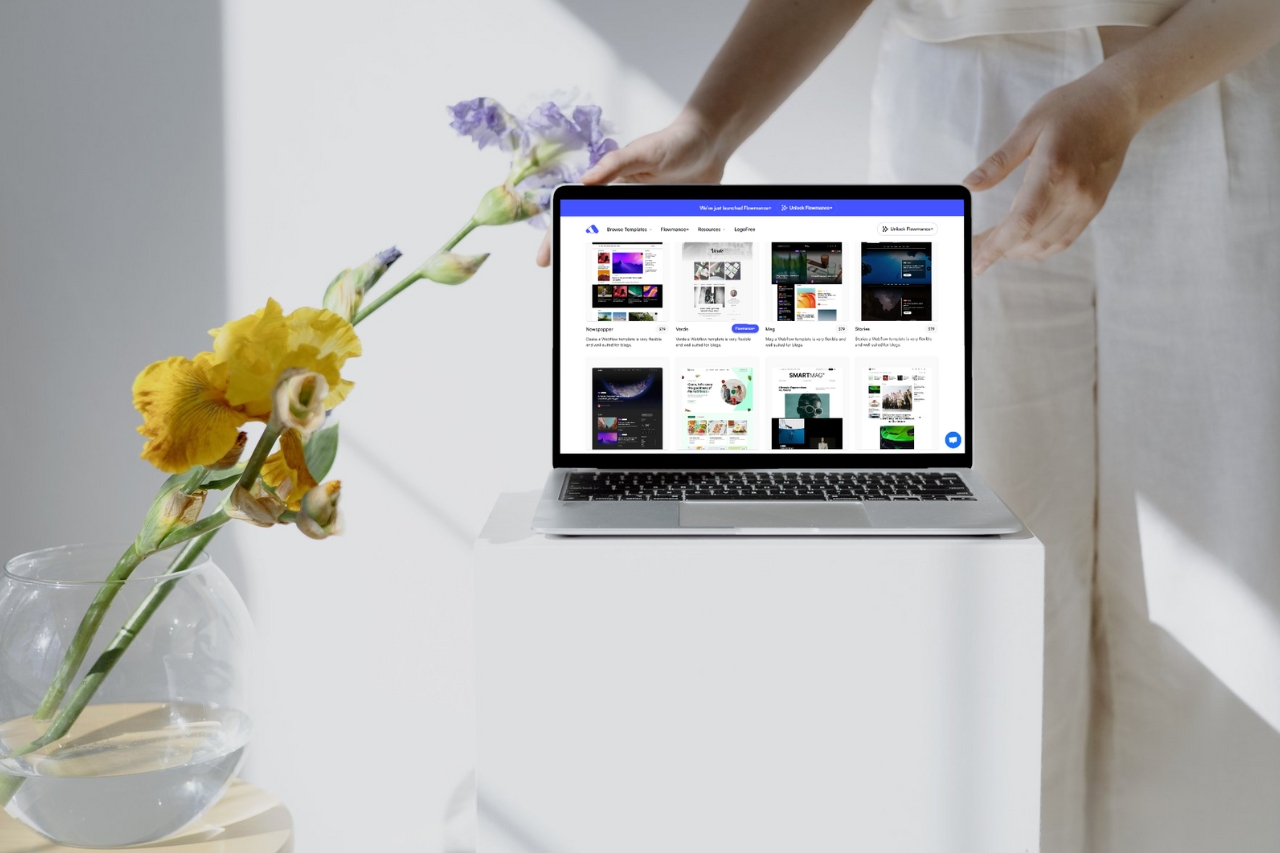
The right blog template depends on what you publish and how readers discover it. A company blog, editorial magazine, personal publication, knowledge base, resource hub, and research library need different structures even if all contain articles.
Best for product updates, thought leadership, customer stories, and SEO content. Prioritize categories, author information, internal links, and paths back to relevant product or service pages.
Best for frequent multi-topic publishing. Strong homepage curation, sections, featured stories, issue-like layouts, and robust discovery matter more than a simple chronological feed.
Best for a single expert or creator. Author identity, readable typography, newsletter capture, and a simple archive often matter more than complex taxonomy.
Best for support and product education. Search, hierarchical categories, clear navigation, and concise task-based articles are central.
Best for mixed content such as guides, webinars, templates, reports, and videos. The CMS should support content type, topic, audience, and useful filtering.
Best for evidence-led organizations. Dates, authors, methodology, citations, downloadable files, and update history may be important fields.
Do not force every content site into the same article schema. Define the fields, taxonomy, discovery paths, and editorial workflow that match the actual publication.
Choose the blog structure based on how content is produced and found, not on the visual style of the homepage. For a general selection checklist, see How to Choose a Blog Website Template.











Don’t miss out on our superb, customizable templates designed to enhance your web design experience. We constantly add new templates and components.

Explore stunning Webflow, Framer, HTML5, Next.js and Figma templates designed to spark your next big idea.


*Rest assured that your data is safe with us, and you'll only hear from us 1 time per month.
