 flowmance
Premium Figma Website Templates for Modern Projects
Start with polished Figma website templates for agencies, portfolios, SaaS products, startups and creative teams. Customize layouts, components and visual systems before handing the design into development.
Explore 270+ Figma website templates
Browse Flowmance designs available as editable Figma files. Use them for exploration, client approval, design customization and smoother handoff into Webflow, Framer, HTML or custom development. From $14 to $129, a few free, all included in All Access.
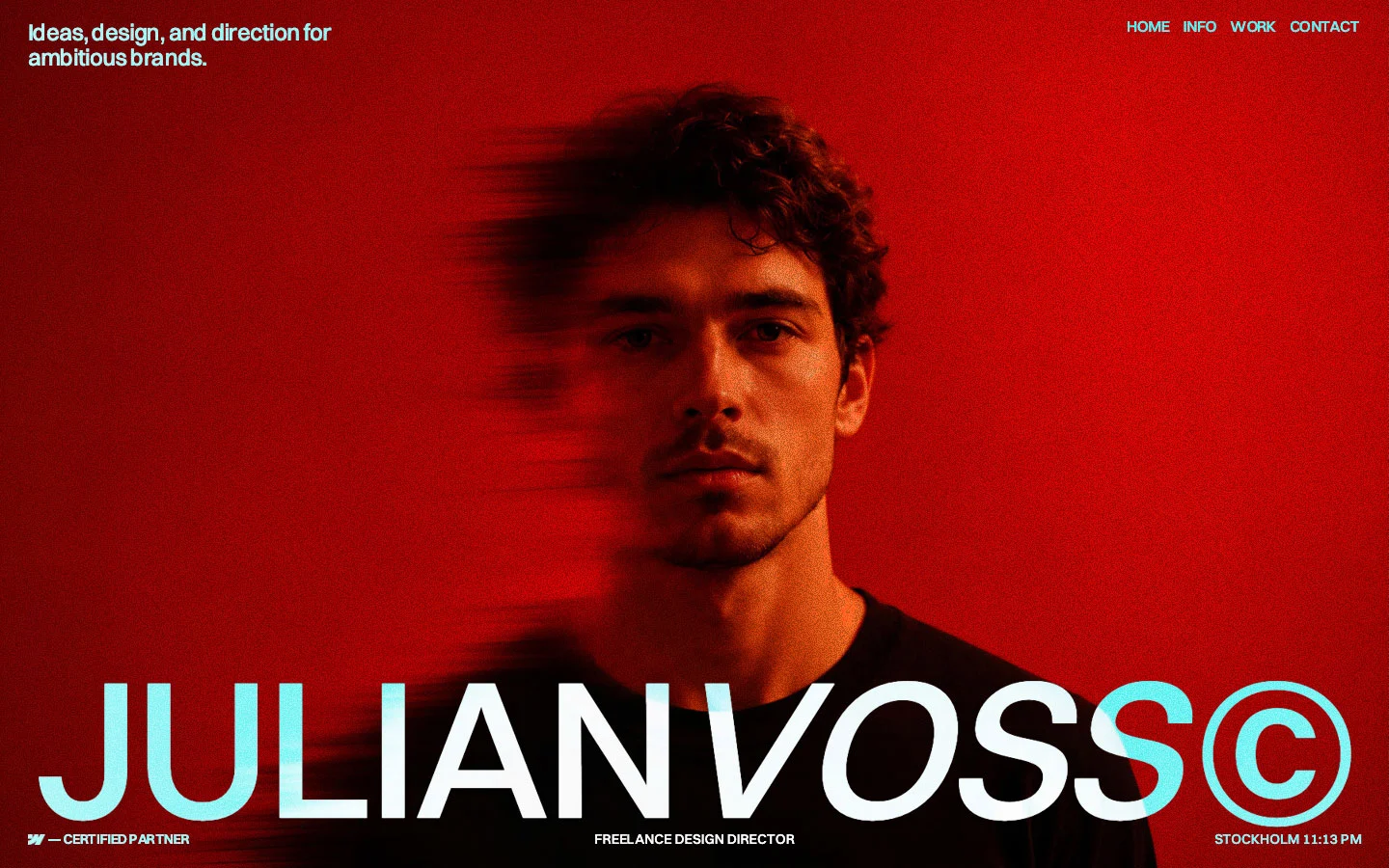

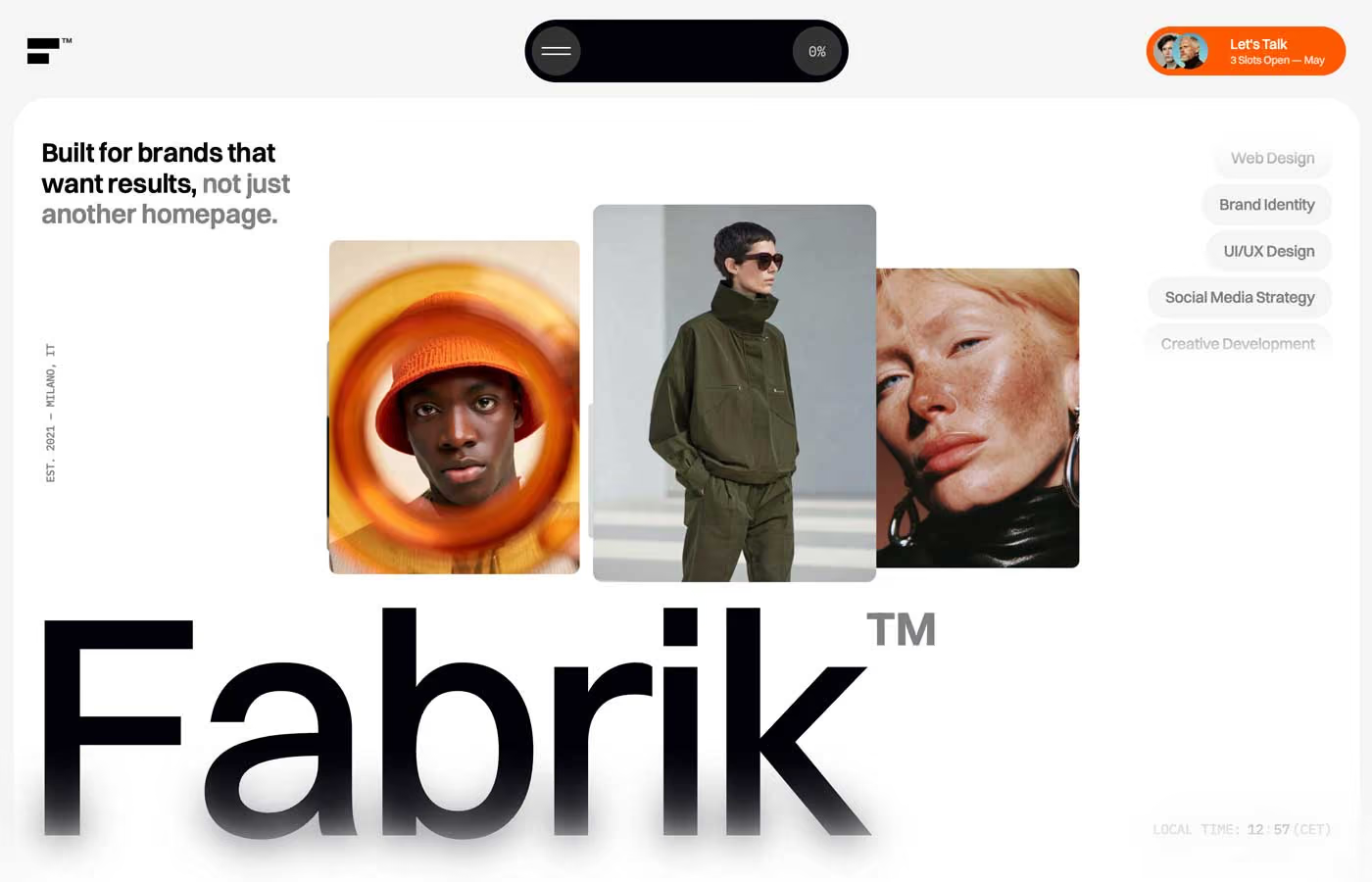
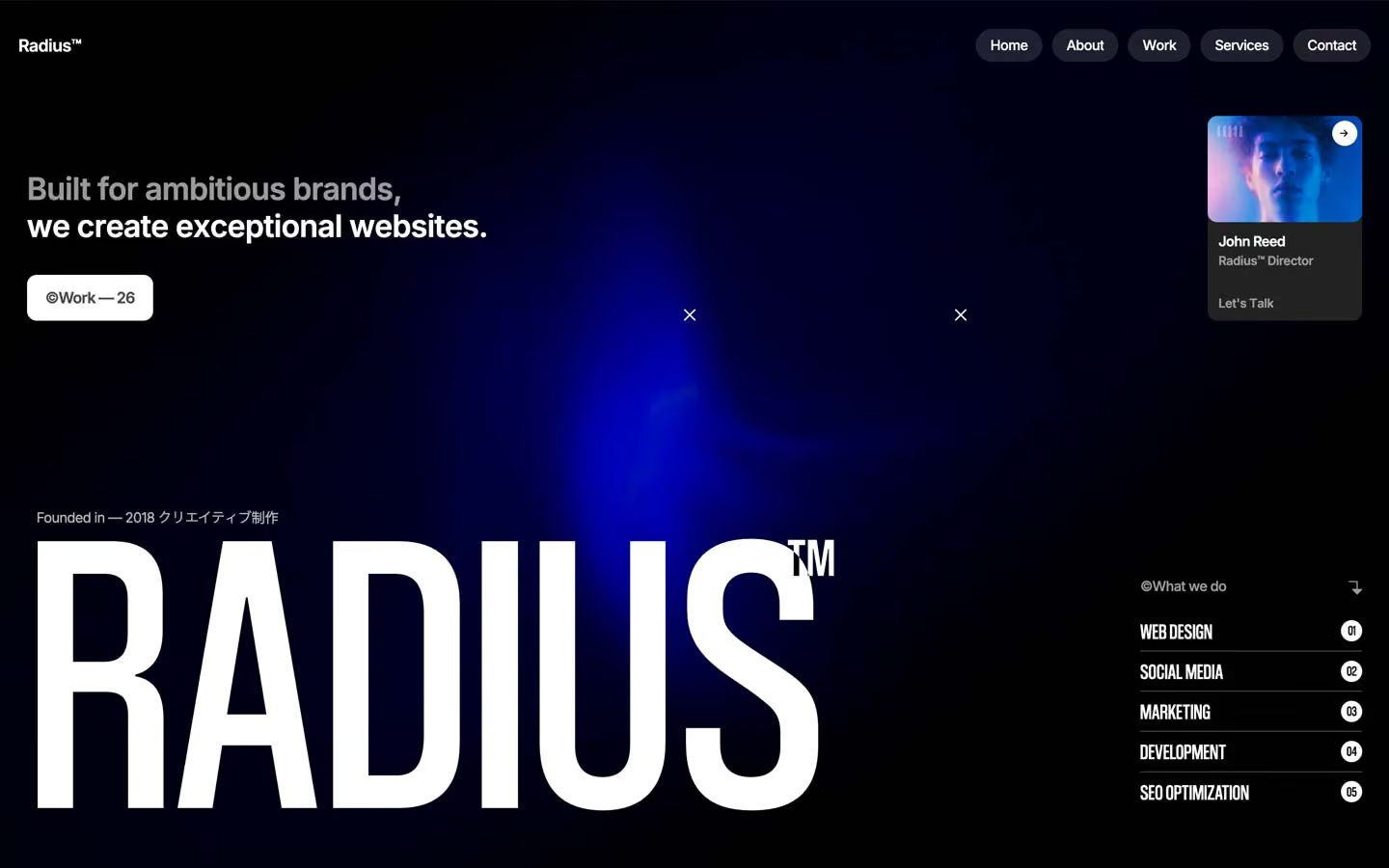

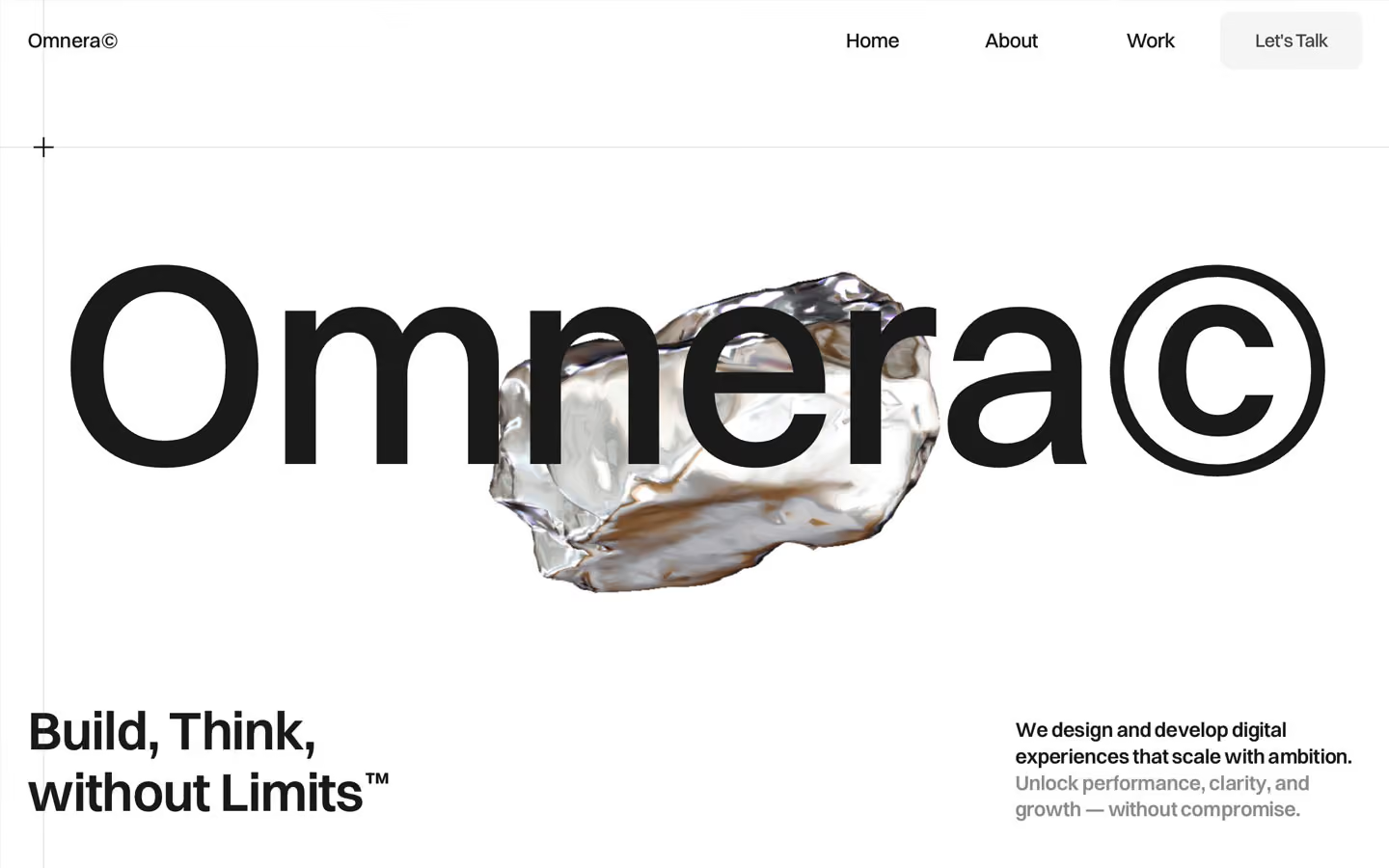
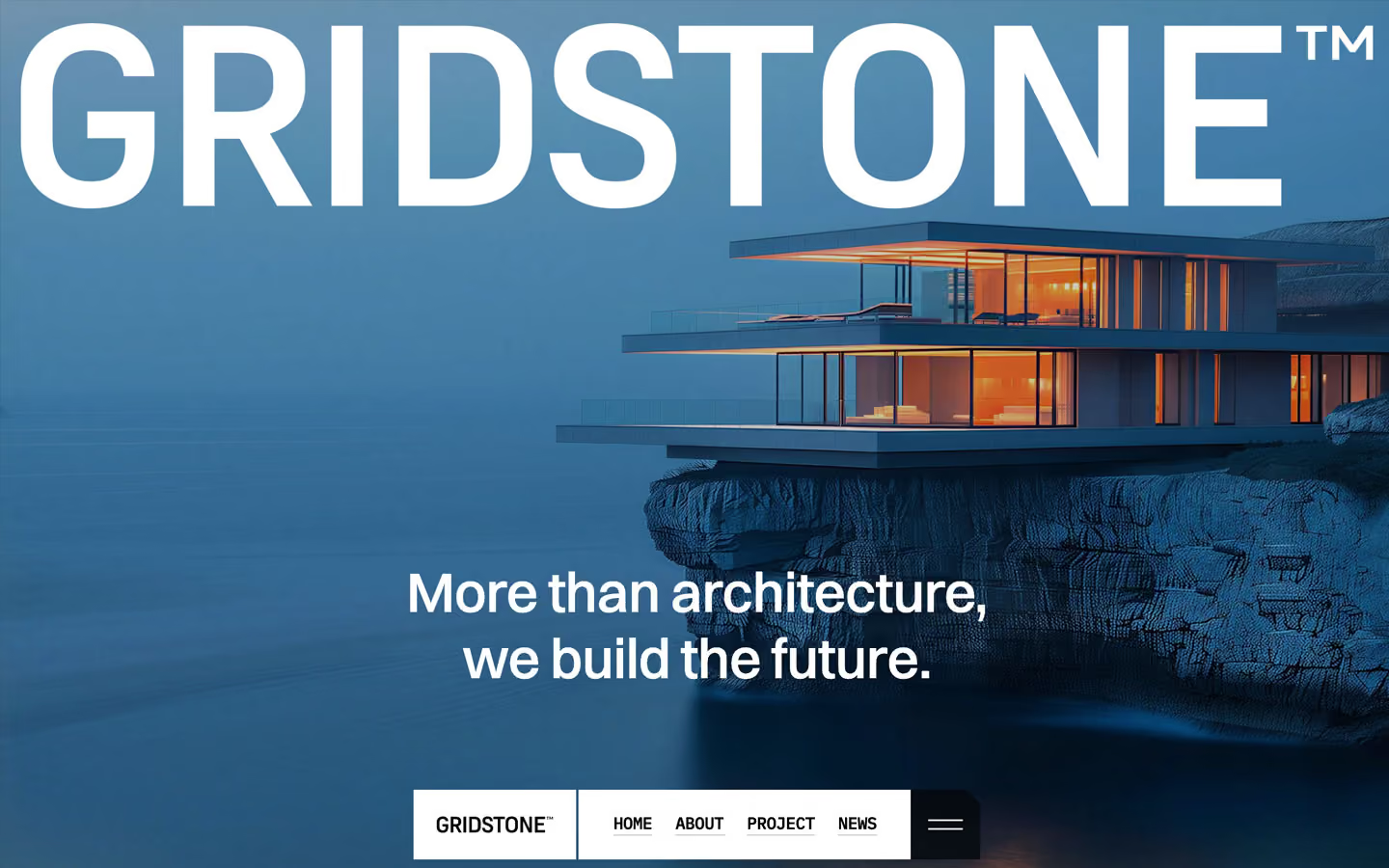
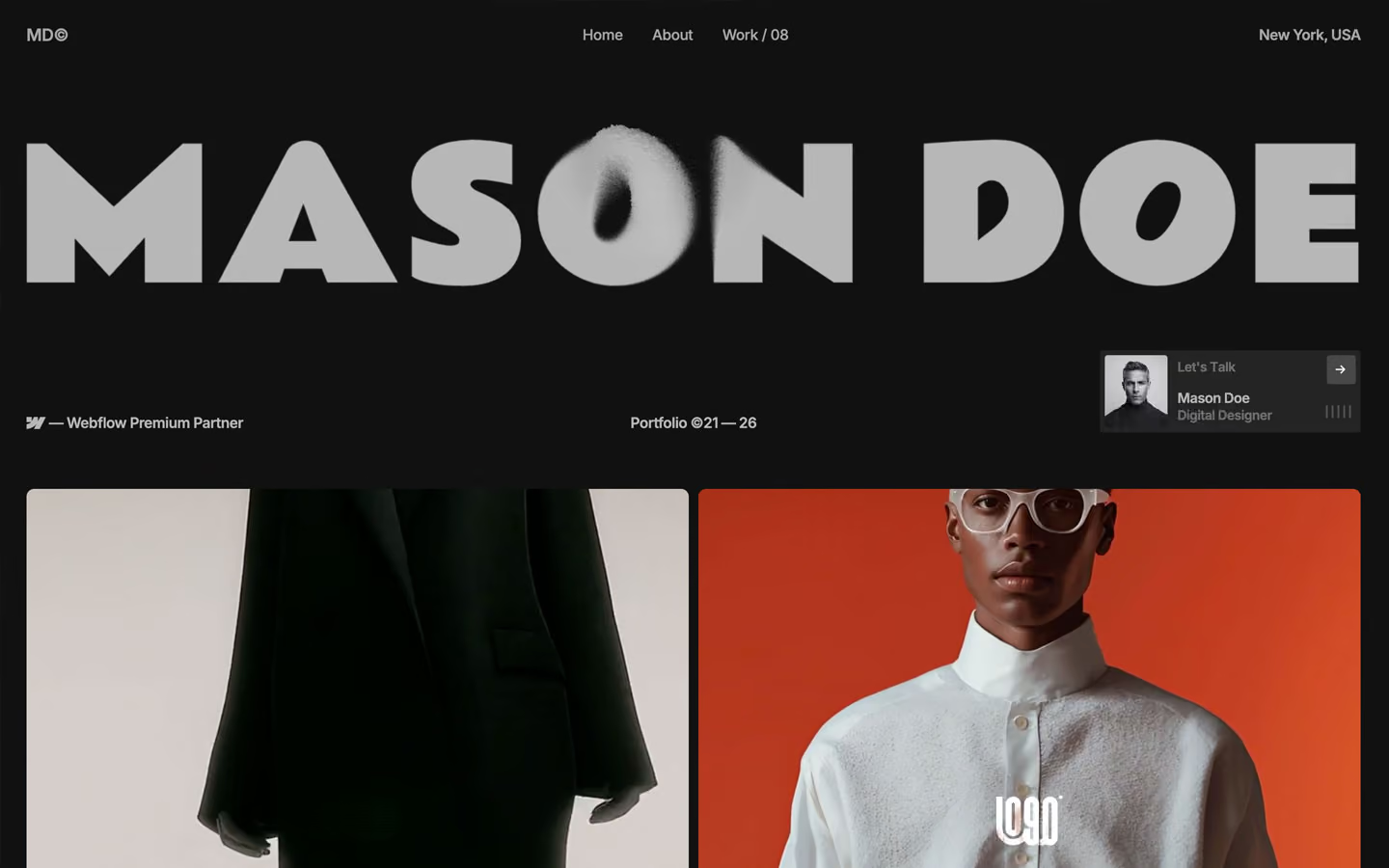


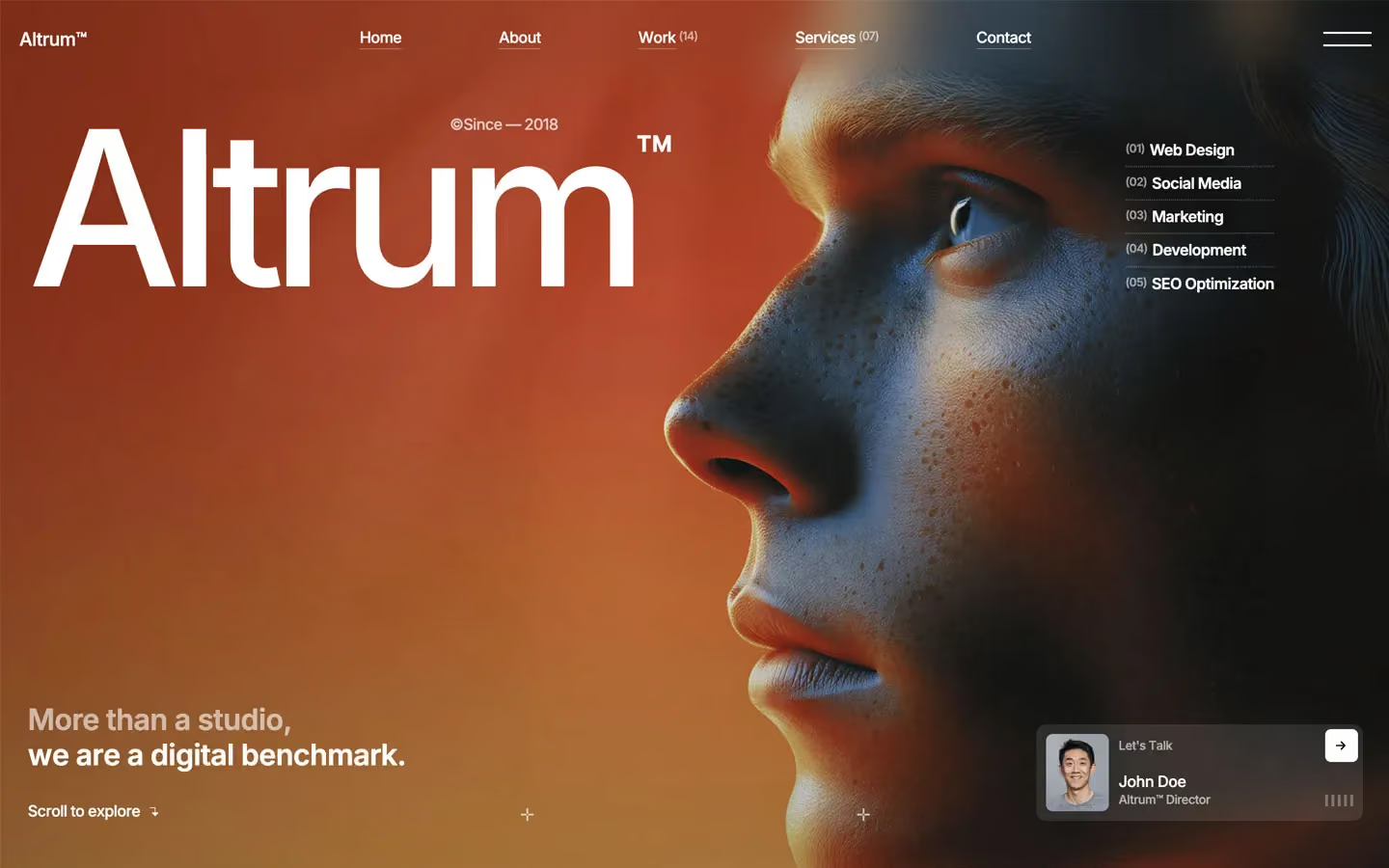
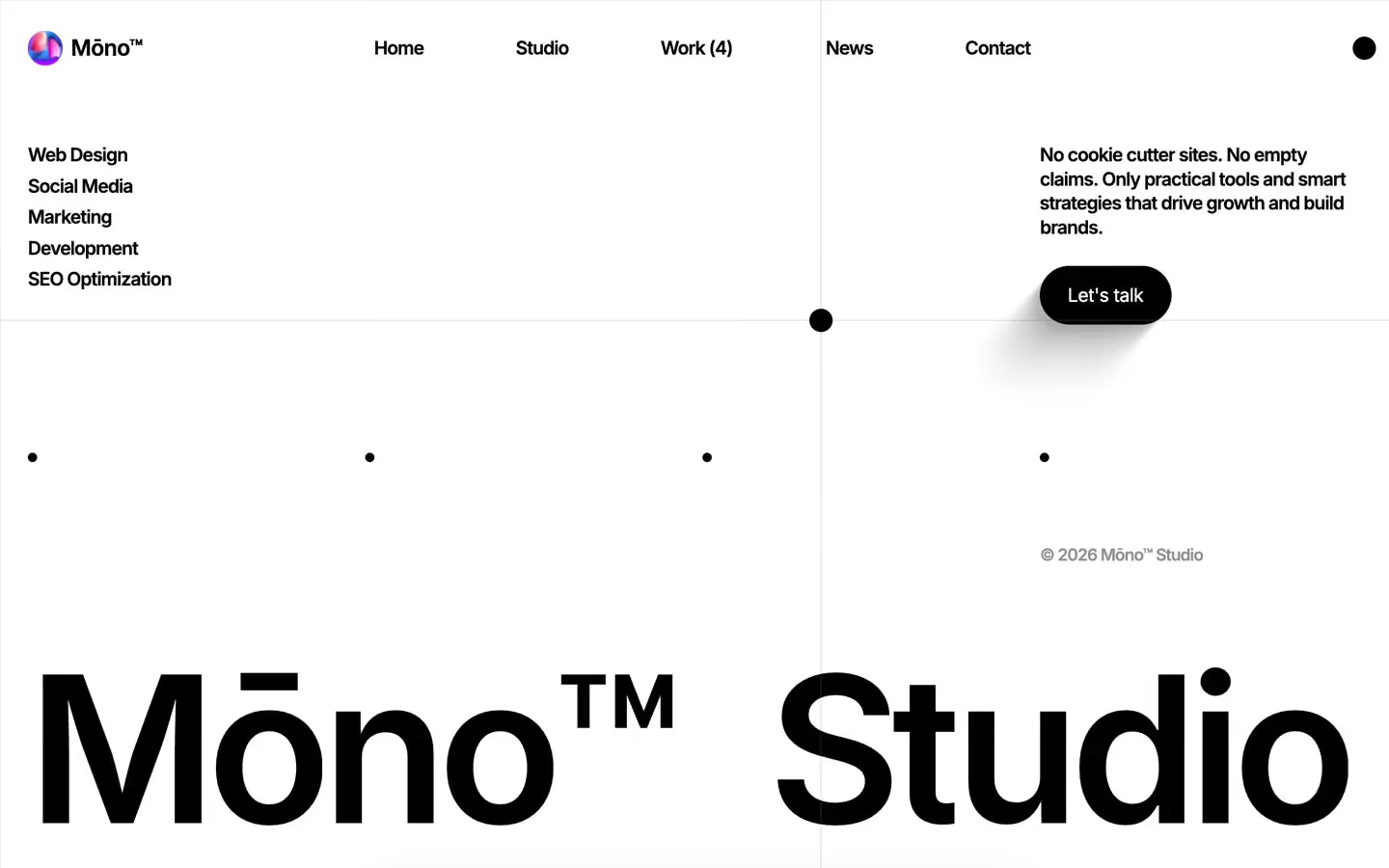
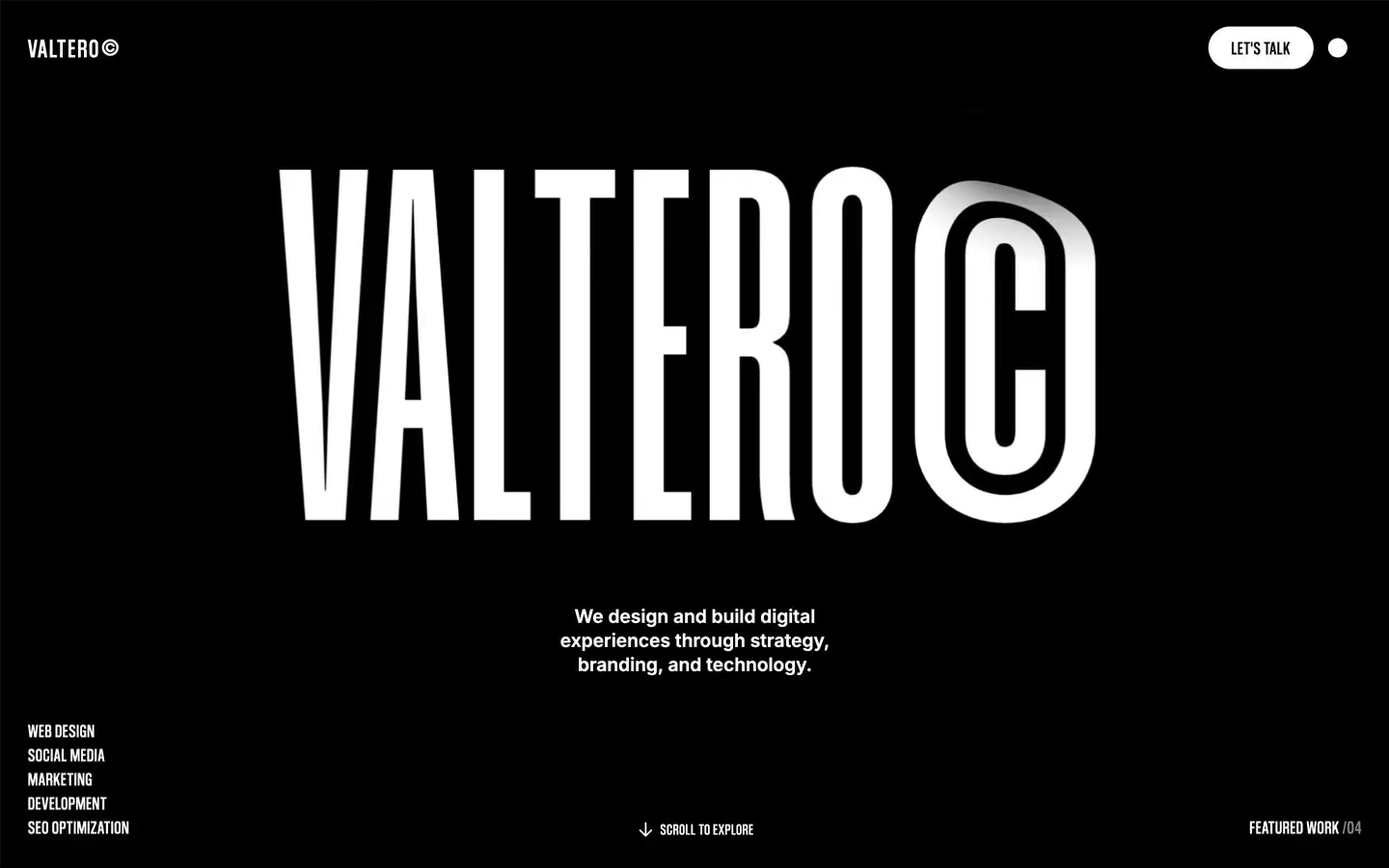
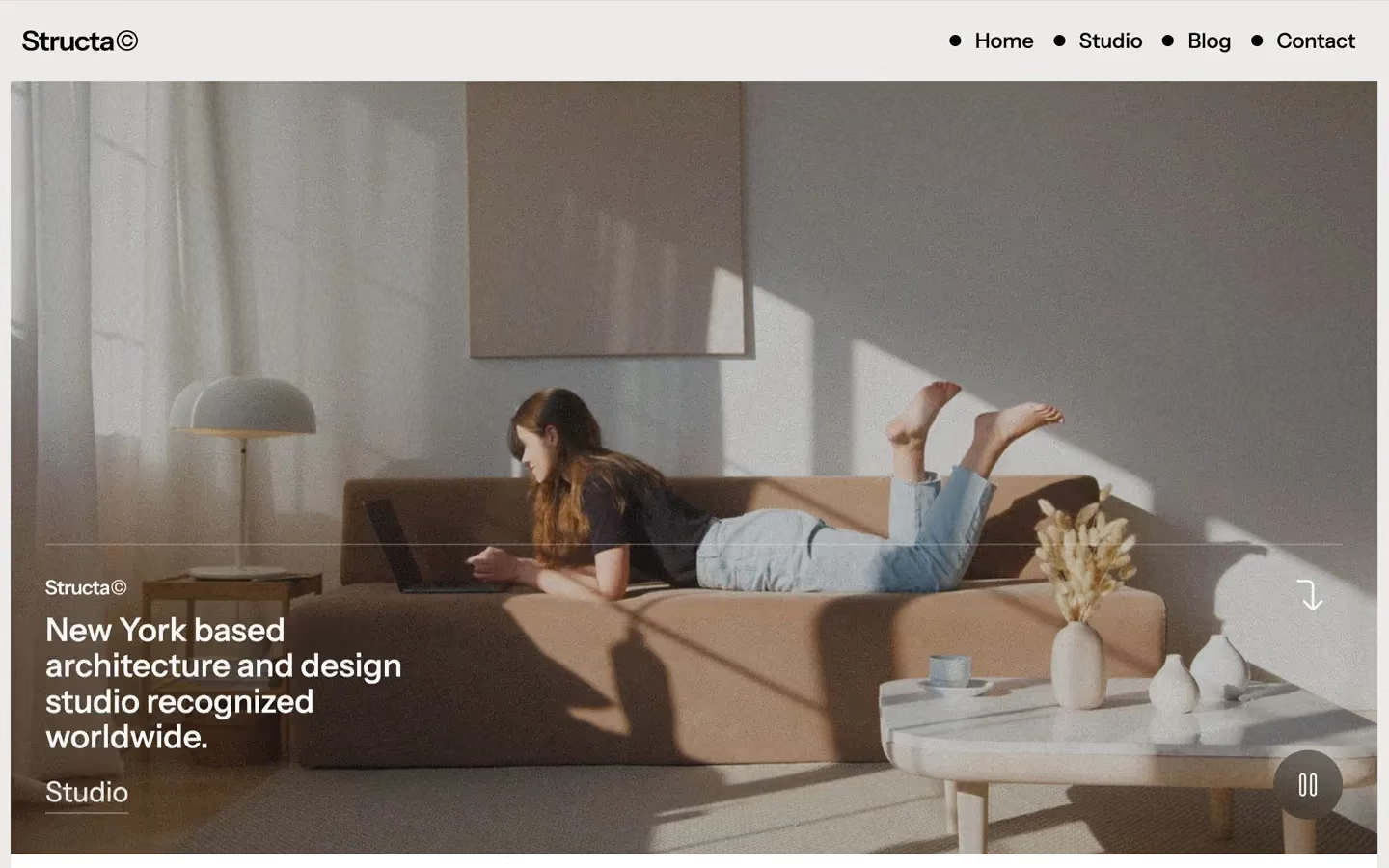

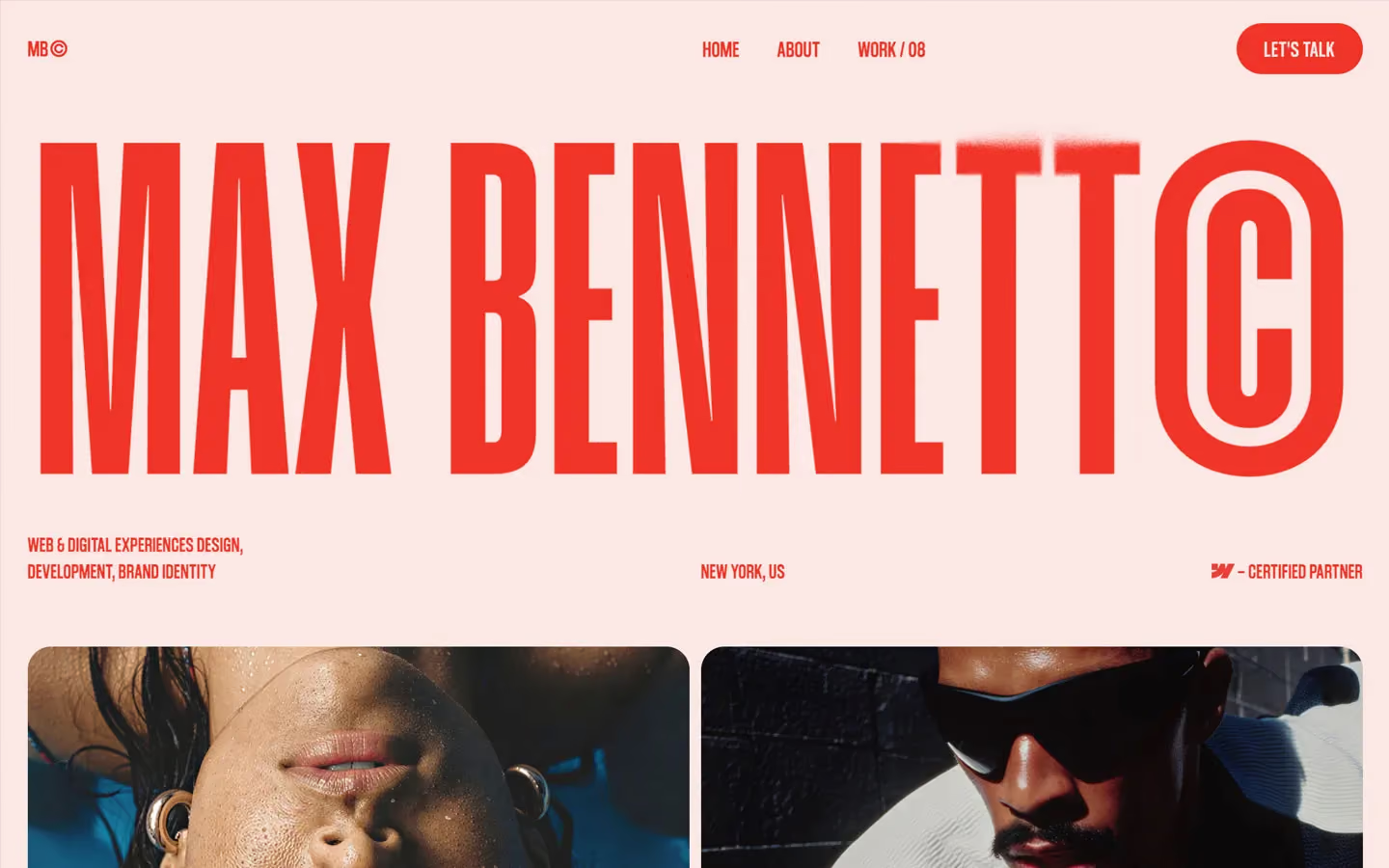
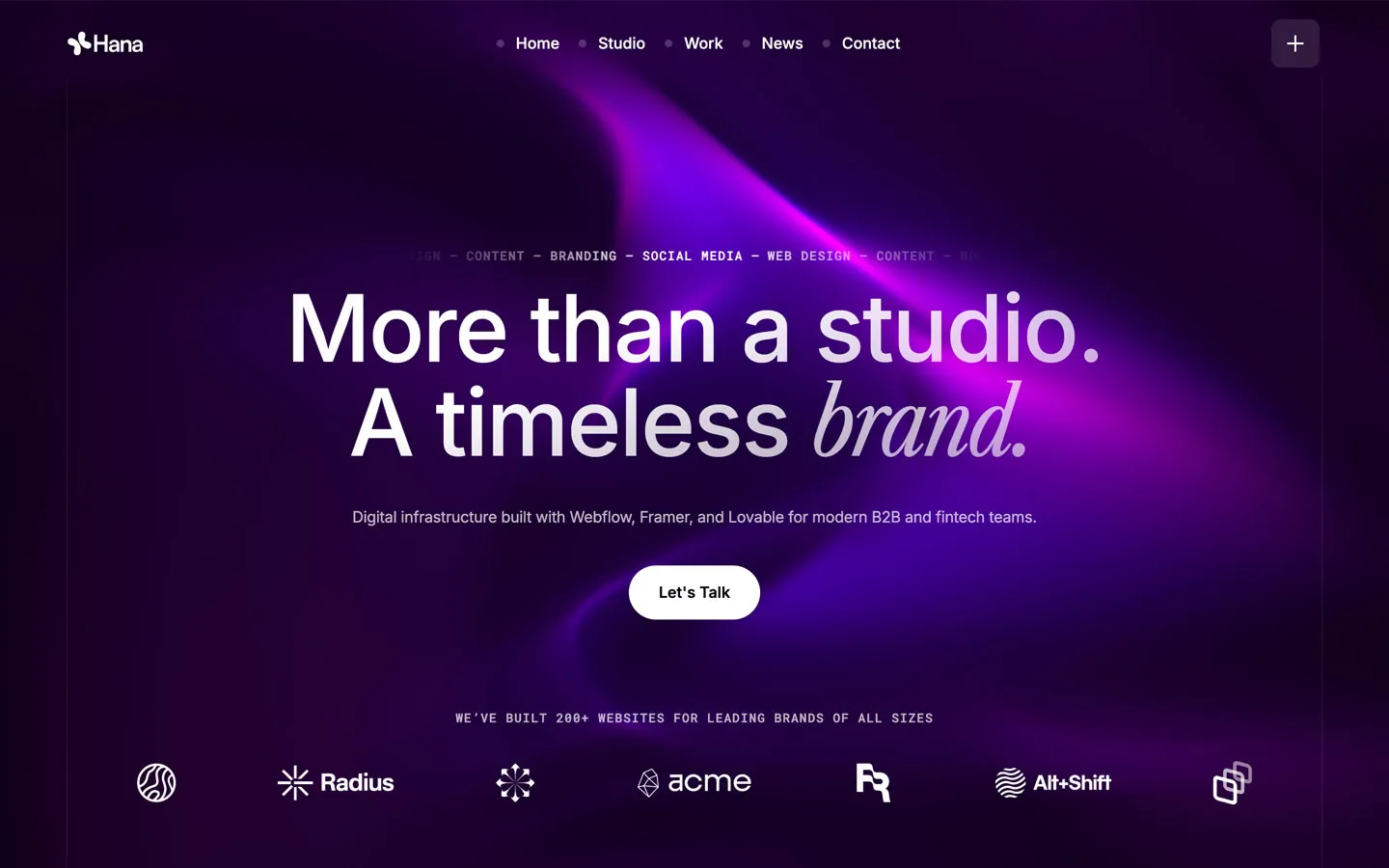


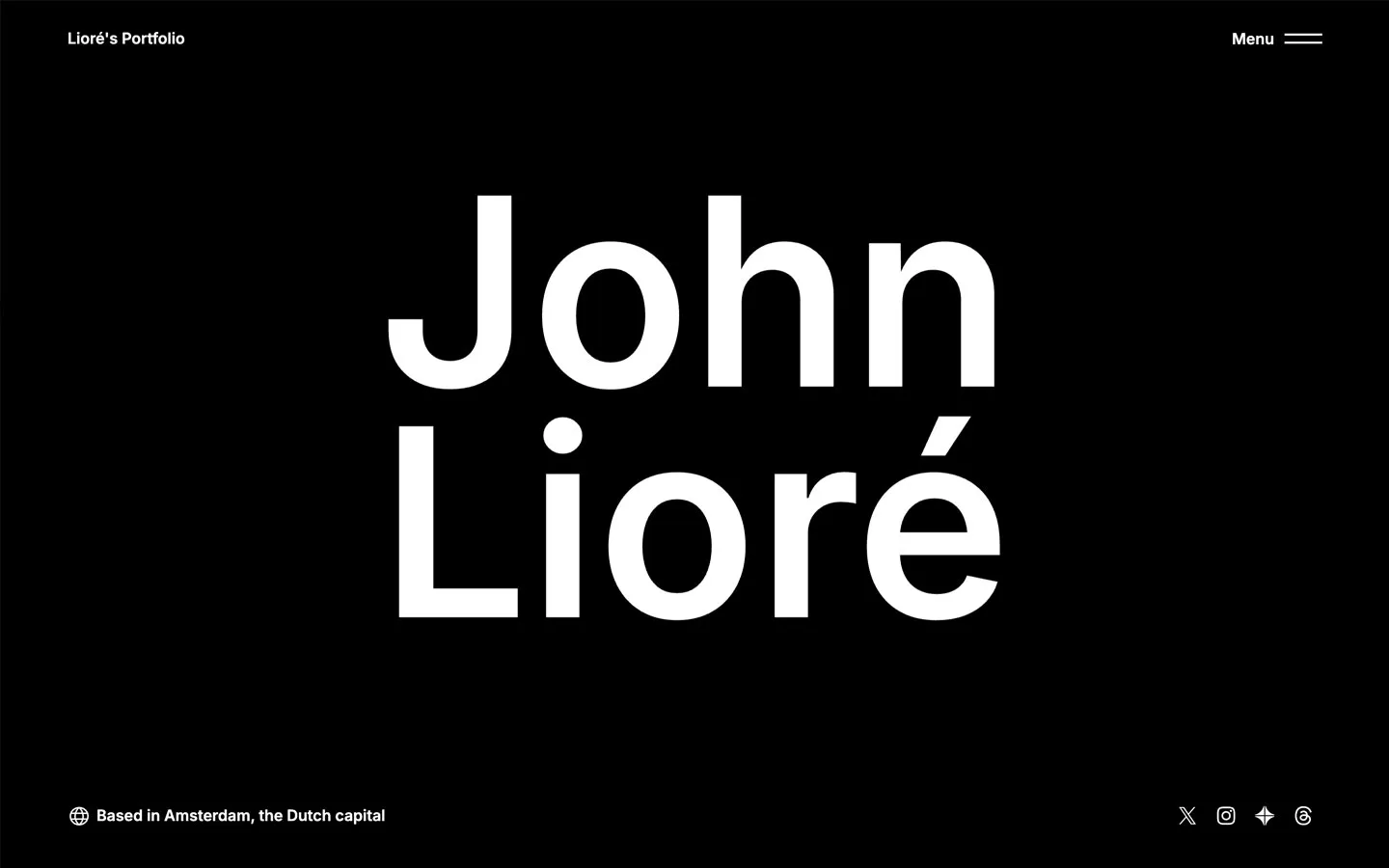 Free
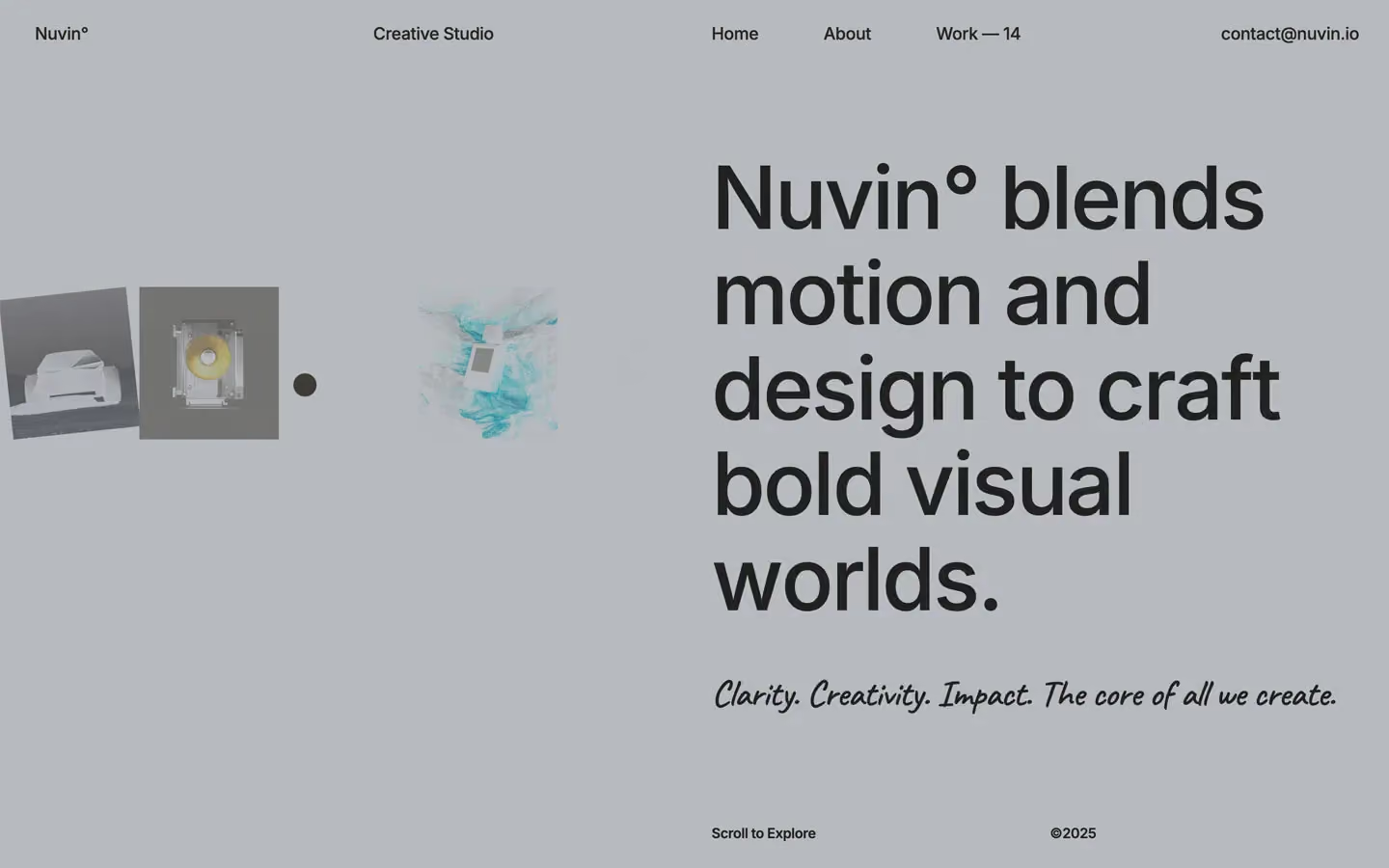
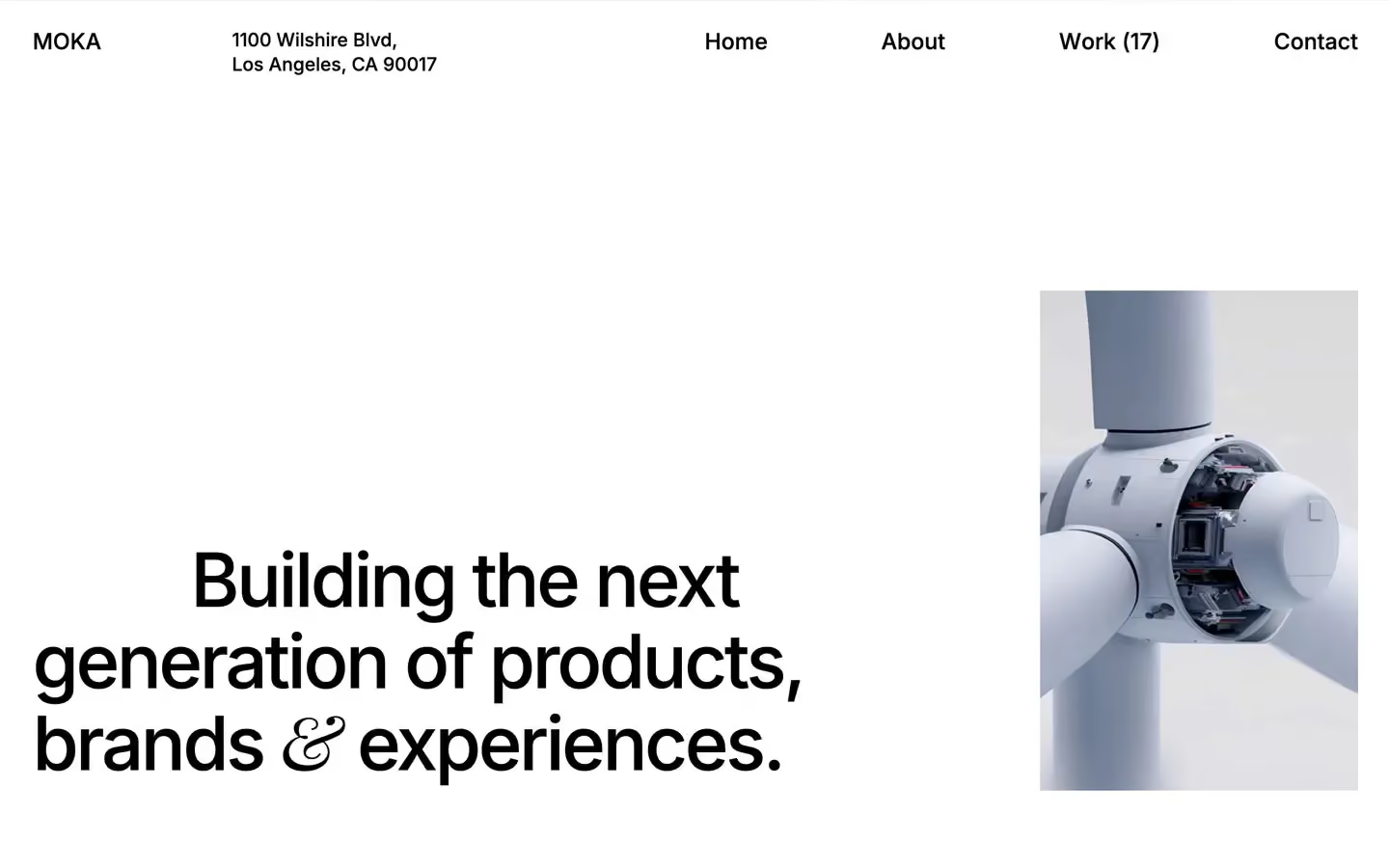 Free
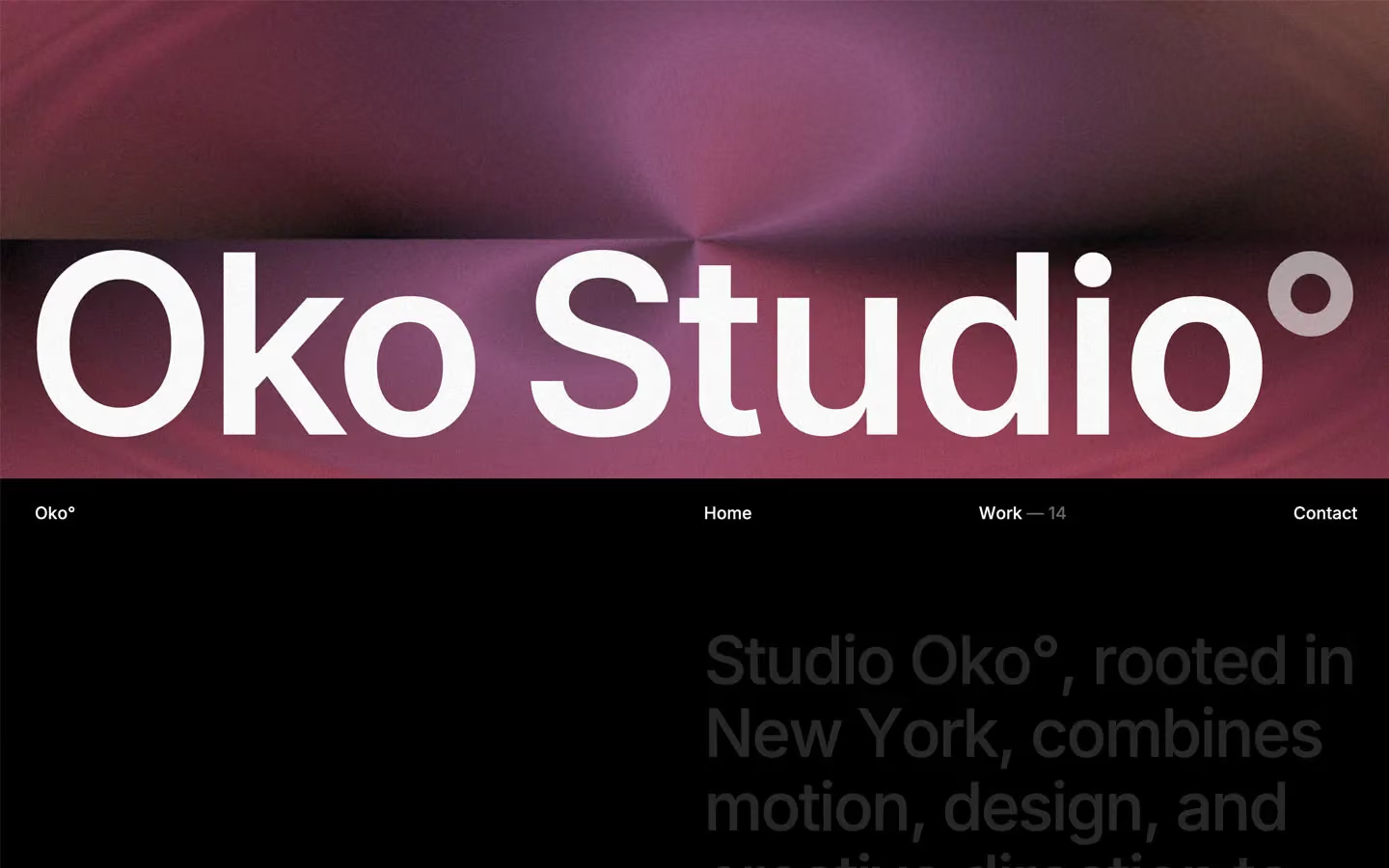 Free
Try another category, or clear the filters.
Showing 24 of 279
About Figma templates
Start with polished Figma website templates for agencies, portfolios, SaaS products, startups and creative teams. Customize layouts, components and visual systems before handing the design into development.
Why Figma
Shape the full design before development starts
Figma gives teams a shared space for layout, components, visual systems and feedback before a website moves into production. A complete template reduces repetitive design work while keeping the source file open for deeper customization.
For agencies, designers and product teams, that means a faster route from direction to approved screens, with clearer handoff and fewer layout decisions left until development.
Choosing a template
How to choose a Figma template
- 01
Skip the blank canvas
Skip hours of early layout and system work. Use the file as a foundation: replace content, adjust typography and color, reorganize sections and refine components.
- 02
Approve the design, then build
Many designs also exist in Webflow or Framer, so it is easier to move from design approval into a matching implementation.
- 03
Review the whole file
Review page coverage, component consistency, mobile screens, naming structure and whether the design fits the amount of content your site will need.
FIGMA WEBSITE TEMPLATE LIBRARY
A faster starting point for website design in Figma
Starting from a Figma website template can remove hours of early layout and system work. Instead of designing every page from a blank canvas, use the file as a flexible foundation: replace content, adjust typography and color, reorganize sections, refine components and build the visual direction around the project.
Flowmance Figma files cover portfolios, creative studios, agencies, startups, SaaS products, professional services and other common website types. Many designs also exist in Webflow or Framer, making it easier to move from design approval into a matching implementation.
When evaluating a Figma template, review the page coverage, component consistency, mobile screens, naming structure and whether the design matches the amount of content the final website will need. The strongest template is the one that reduces decisions without limiting the final direction.
FAQ
Figma template questions
How much does a Figma template cost?
Flowmance Figma templates range from $14 to $129, most cost $59. All Access gives you every template on every platform in one plan.
Can I fully customize a Flowmance Figma template?
Yes. Figma files are editable, so you can change typography, colors, spacing, layouts, imagery, components and other visual details before development.
Do I need Figma experience to use the templates?
Basic Figma knowledge is enough for straightforward content and style changes. More advanced component or system edits are easier if you are comfortable with Figma's layout and component tools.
Are these Figma files ready to publish as websites?
Figma is the design source, not the live website. The design still needs to be implemented in Webflow, Framer, HTML or another development workflow unless a matching built version is available.
Can I use a template for a client website?
Flowmance templates can be used for client work under the applicable template license. Check the license terms for the exact usage rights attached to your purchase or subscription.
What if the same design is available in Webflow or Framer?
Some Flowmance designs are available in multiple formats, including Figma, Webflow and Framer. The product page shows the versions currently available so you can choose the workflow that fits the project.
Platforms
Choose the platform that fits your workflow
Most designs come in several formats. All Access and Lifetime include every template on all of them.
Get All Access