A practical agency workflow for using Webflow templates as a starting system while keeping each client site original, maintainable, responsive, and brand-specific.
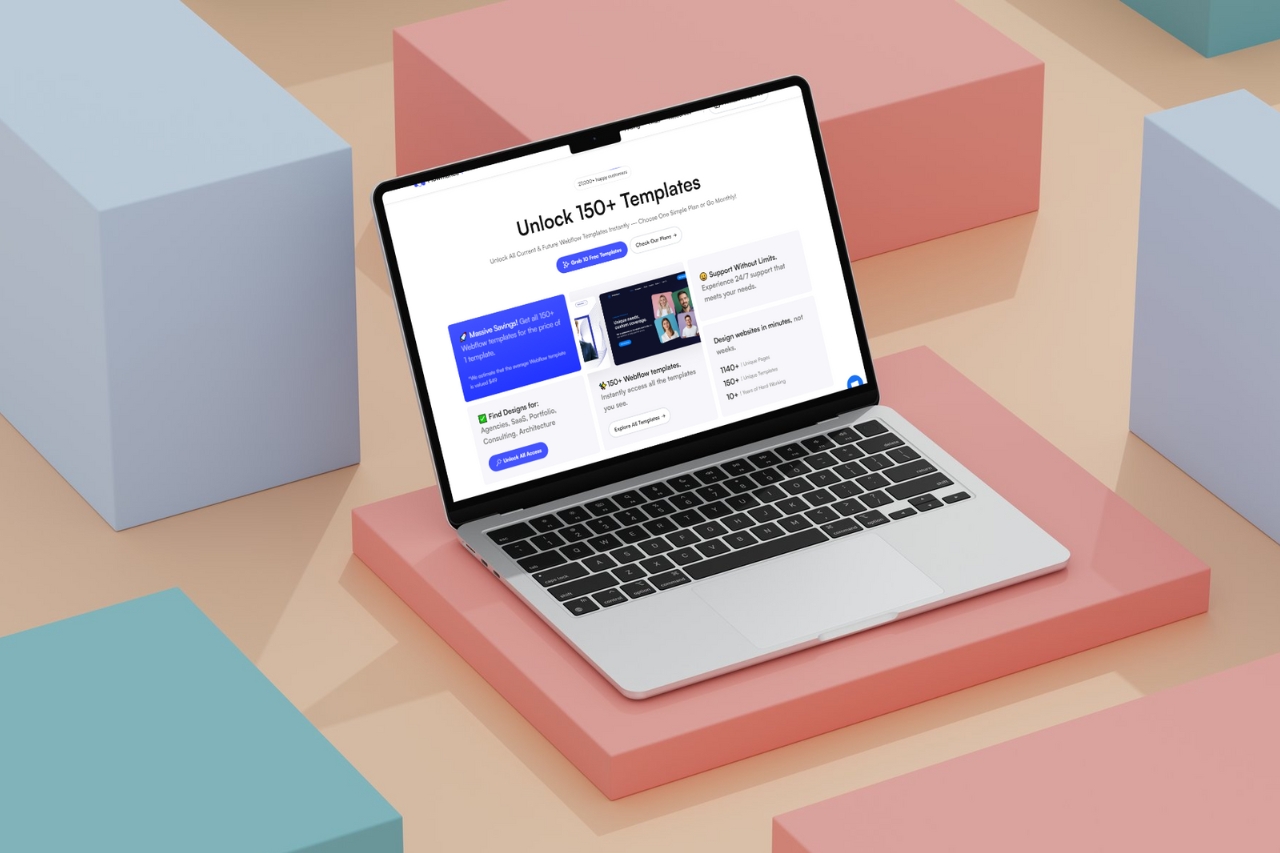
The fastest way to use a Webflow template is not to customize every section in the demo. It is to decide early what is worth keeping, what needs adapting, and what should be replaced.
That sounds obvious, but it is where a lot of template projects lose time. Teams choose a design because the homepage looks good, then spend days fighting its structure. A better workflow treats the template as a reusable foundation, not a finished website.
Before opening Webflow, write down the pages, content types, conversion goals, and integrations the project actually needs.
For a studio, that might mean a homepage, services, CMS-driven work, about, insights, and contact. For a SaaS company, it may be product, use cases, pricing, integrations, resources, and demo.
Once that list exists, compare it with the template. The project should decide what survives, not the other way around.
Go through the major systems and mark each one:
This simple pass prevents a common mistake: polishing sections that will be deleted later.
Typography, colors, spacing, buttons, form styles, image treatment, and recurring cards should be handled as shared decisions.
Webflow variables and components are useful here because the project can move away from the demo in a controlled way. If the brand typeface or spacing scale changes, you should not have to repair twenty pages manually.
Webflow's current component system also supports properties, slots, and variants, which makes reusable patterns much more flexible than cloning slightly different sections across the site.
Real content is a design constraint. A three-word demo headline may become ten words. A neat testimonial may turn into a long client quote. A project card may need a location, year, service, and photographer credit.
Put representative content in early. It exposes the real spacing and responsive problems while the design is still easy to change.
A template with twenty pages does not mean the client needs twenty pages. Remove what has no job.
At the same time, do not force a missing page into an unrelated layout just because it is already there. If the client needs a strong case-study system and the template only has a generic project gallery, build the right case-study structure.
Templates often include CMS Collections for projects, articles, jobs, or team members. Keep them only if the field structure makes sense for the new site.
Rename fields clearly, remove demo fields the client will never use, and add the information the project actually requires. The goal is not to preserve the original CMS; it is to leave the client with a CMS they can understand six months later.
Navigation, footers, CTAs, buttons, cards, recurring feature patterns, and other repeated elements are good component candidates.
But turning every unique section into a component can make a project harder to edit. Reuse where it genuinely reduces duplication. Leave one-off editorial layouts simple.
One of the quickest ways to make a customized template still look like the template is to keep the same type of imagery.
Define an image system for the project: crop ratios, photography style, product mockups, illustration treatment, color grading, or art direction. That change often creates more identity than adding another animation.
Keep interactions that help hierarchy, feedback, or storytelling. Remove motion that only exists because it looked impressive in the demo.
A law firm, architecture studio, SaaS product, and fashion portfolio should not all inherit the same scroll behavior just because they began from the same template library.
The original template may be responsive, but your customized site is a different site. New type, longer copy, different images, extra CMS fields, and reordered sections can all change breakpoint behavior.
Check a normal laptop width, tablet, and mobile, plus awkward widths between them. Do not rely only on a wide desktop canvas.
Before handoff or launch:
A strong template gives you structure, responsive groundwork, reusable patterns, and a head start. The finished site should still feel specific to the client.
That is the useful middle ground between building every marketing site from a blank canvas and shipping the same design over and over.
For starting points, browse current Webflow templates or the broader Flowmance All Access library. For the time-saving side of the decision, see How Website Templates Save Development Time — and Where They Don’t.
Webflow reference: Components overview.











Don’t miss out on our superb, customizable templates designed to enhance your web design experience. We constantly add new templates and components.

Explore stunning Webflow, Framer, HTML5, Next.js and Figma templates designed to spark your next big idea.


*Rest assured that your data is safe with us, and you'll only hear from us 1 time per month.
