Webflow offers deeper layout and CMS control than many simple website builders, but that flexibility also creates a steeper learning curve. Here is how to decide.
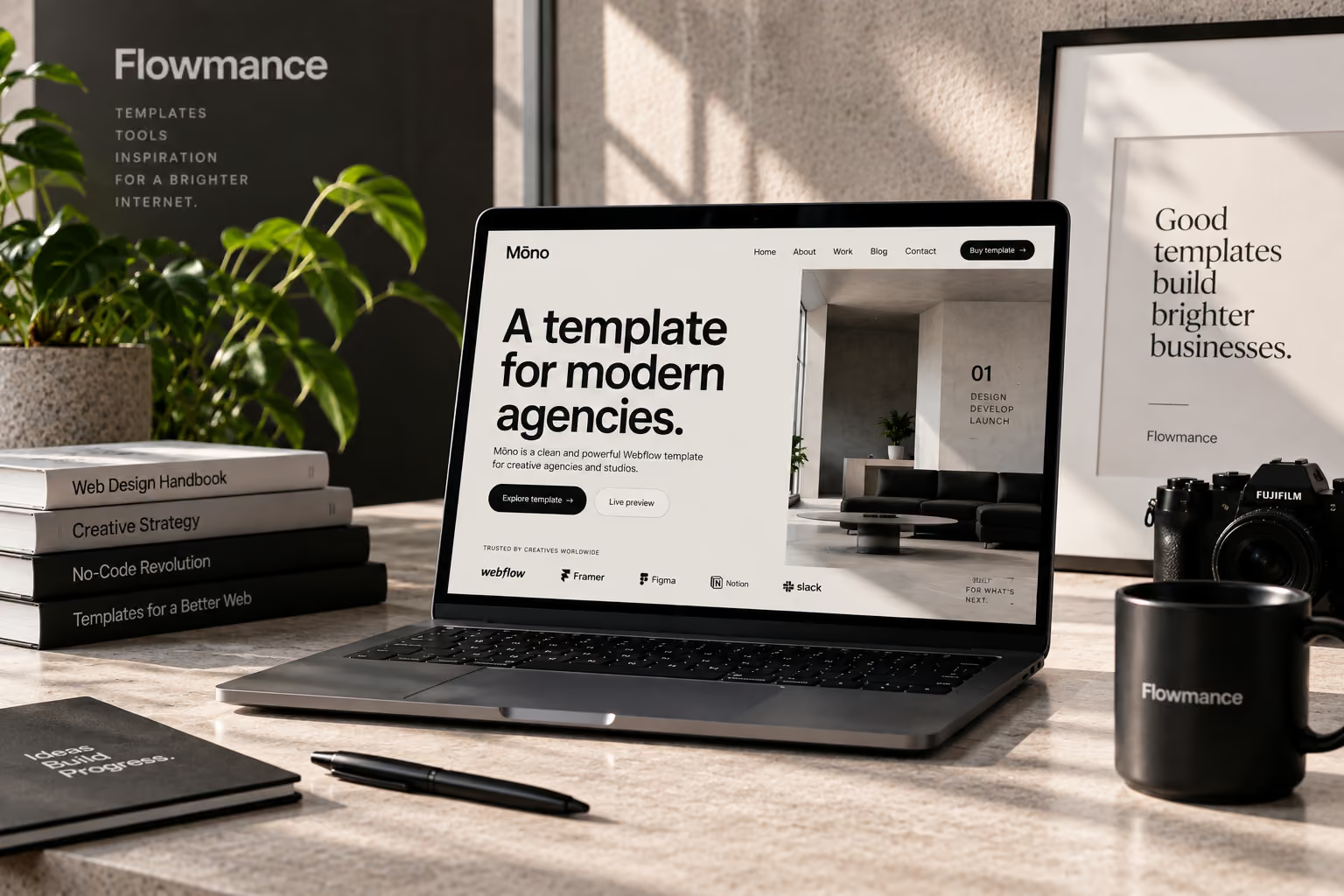
Choose Webflow when design control, structured content, and a custom visual system matter more than absolute simplicity. Choose a simpler website builder when the main goal is getting a straightforward site online with the least possible setup.
The difference is not that one approach is universally better. It is how much control the project needs—and how much complexity the team is willing to manage.
Webflow exposes many of the same layout concepts used in front-end development through a visual interface. Designers work with classes, Flexbox, Grid, responsive breakpoints, positioning, spacing, and CMS structures rather than only rearranging preset blocks.
A small brochure site, temporary campaign, local business page, or simple personal site may not need deep layout control. If the available theme already matches the project, a simpler builder can be efficient.
Agencies, portfolios, SaaS marketing sites, editorial websites, and brand-led companies often need more than a theme-level change of fonts and colors. Webflow is useful when recurring spacing, typography, components, interactions, and responsive behavior need to be designed deliberately.
A template can shorten the initial setup while still leaving room to build a distinct system. Browse current Webflow templates for examples of production-ready starting structures.
Do not compare builders only by the homepage editor. List the content that will change after launch: projects, articles, jobs, team members, locations, resources, products, or events.
A template can provide responsive layouts, reusable sections, and a design direction, but it cannot decide the information architecture, brand voice, content model, or conversion path for the final website.
The person building the site is not always the person maintaining it. Before choosing a platform, decide who will update content, who can change design, what happens when new page types are needed, and whether custom integrations are part of the roadmap.
Webflow is most valuable when the project would otherwise outgrow the limits of a simple site builder. If the website is intentionally basic, simplicity may win. If design, CMS structure, responsive control, and long-term customization are important, the extra capability is often worth the learning curve.











Don’t miss out on our superb, customizable templates designed to enhance your web design experience. We constantly add new templates and components.

Explore stunning Webflow, Framer, HTML5, Next.js and Figma templates designed to spark your next big idea.


*Rest assured that your data is safe with us, and you'll only hear from us 1 time per month.
