Templates can protect creative time when designers keep control of concept, content hierarchy, typography, imagery, motion, and interaction instead of treating the demo as the brief.
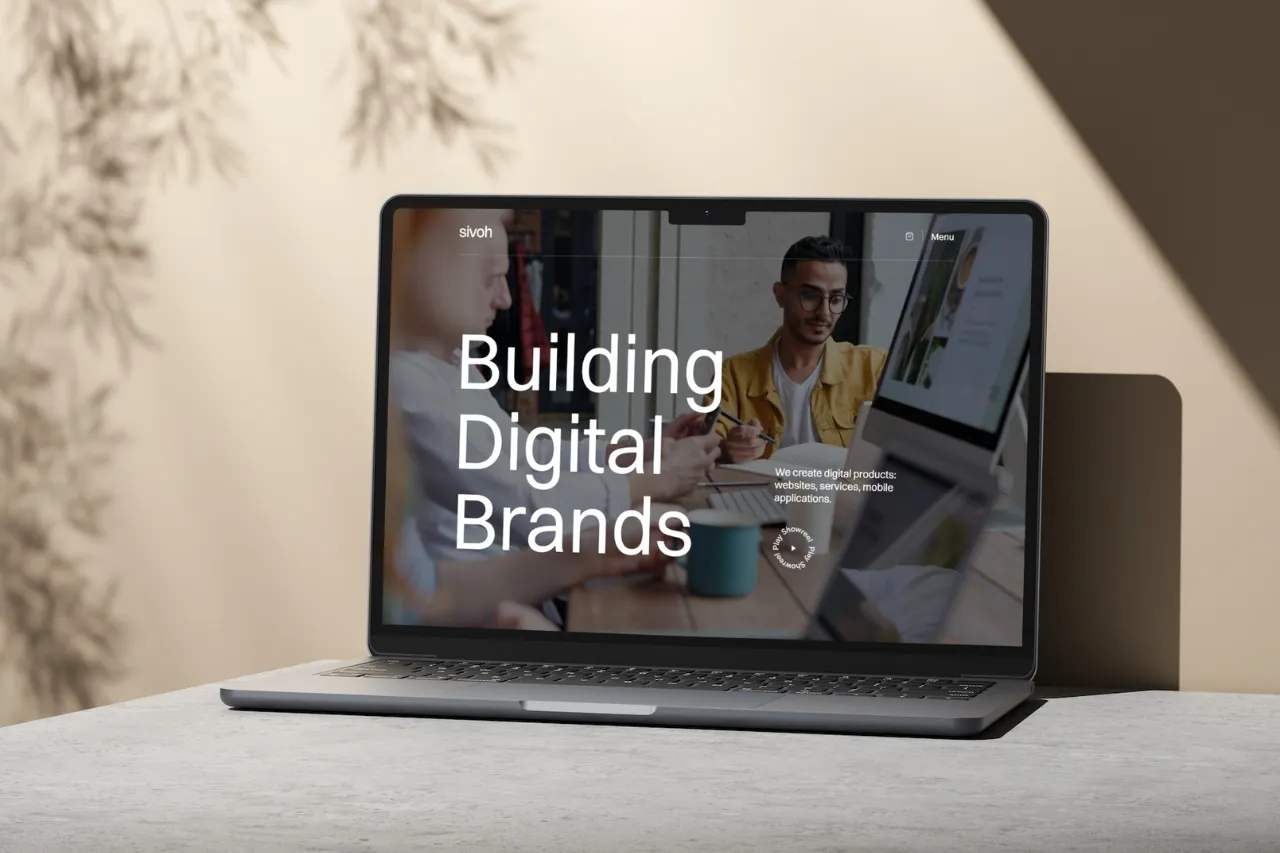
A template does not reduce creative freedom unless the demo starts making the design decisions for you. The useful way to work is to keep the template's production foundation while re-owning concept, hierarchy, typography, imagery, and motion.
Define the brand tension, tone, audience, and story first. A template should help express that direction, not become the source of it.
Navigation structure, responsive containers, CMS Collections, cards, and common page patterns can save production time. Typography, imagery, composition, and pacing are where much of the project's personality is created.
Reorder sections around the actual story. Remove blocks that do not belong and add information the demo does not contain. A template feels generic most quickly when the content sequence remains untouched.
Photography style, crop ratios, product mockups, illustration, diagrams, and color treatment can transform the same structural layout into a completely different experience.
Change typeface, scale, line height, max-width, and spacing deliberately. Do not simply swap one font name while preserving the demo's entire typographic rhythm.
Keep interactions that support the new concept. Remove effects that only made sense in the original demo and create new motion only where it improves hierarchy, feedback, or storytelling.
If most major sections need to be rebuilt and the template's structure is fighting the concept, the creative cost may exceed the production savings. Starting from a blank system can then be faster.
Use templates to reduce repetitive implementation, not to outsource creative direction. The designer should still own the choices that make the final website memorable.











Don’t miss out on our superb, customizable templates designed to enhance your web design experience. We constantly add new templates and components.

Explore stunning Webflow, Framer, HTML5, Next.js and Figma templates designed to spark your next big idea.


*Rest assured that your data is safe with us, and you'll only hear from us 1 time per month.
